
Vtry AI Studios
AI fashion photo studio &
virtual try-on platform.
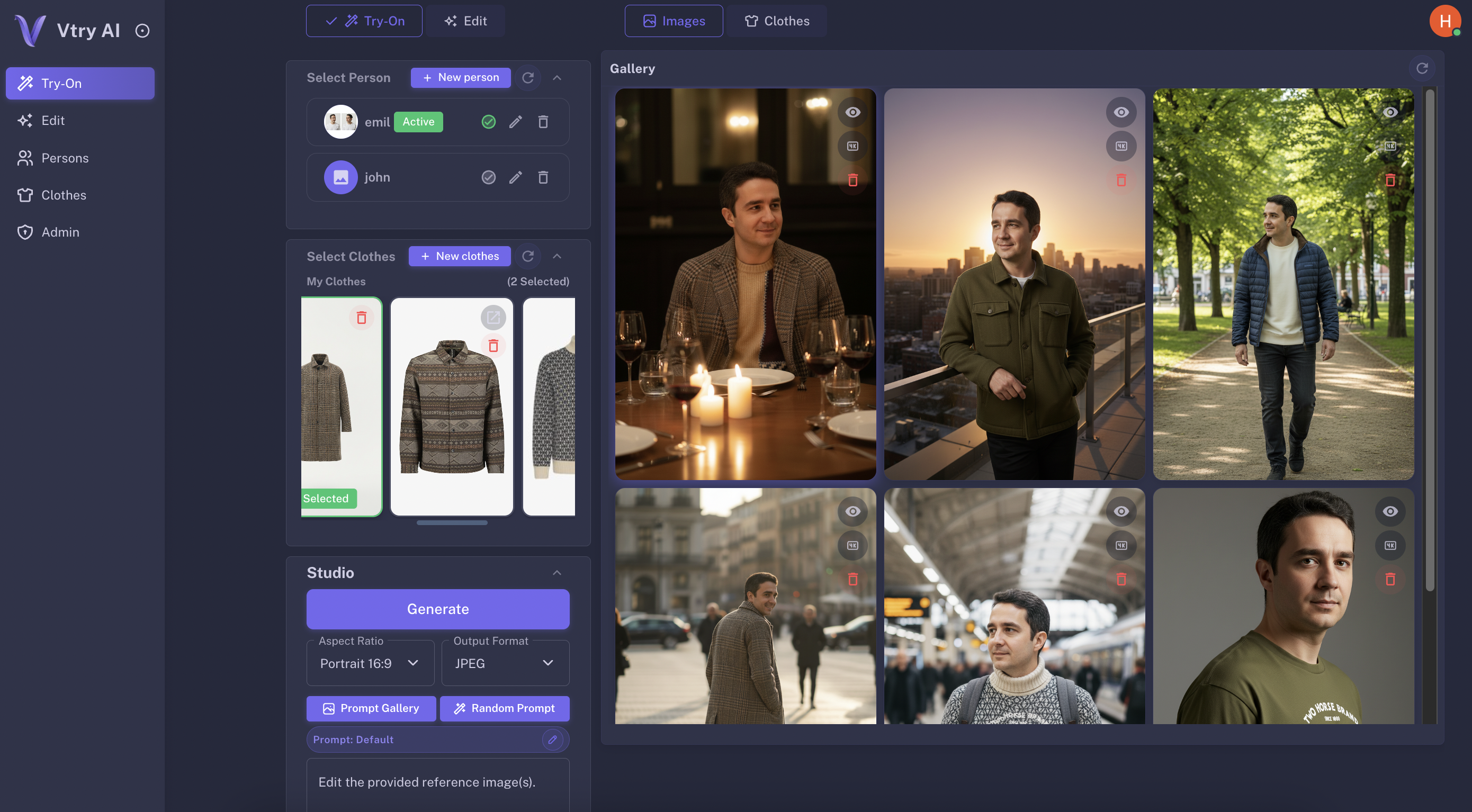
Upload your wardrobe to our AI wardrobe tool, combine clothes with people using AI virtual try-on and generate realistic AI outfit images in a single studio.
12s ⚡
High Fidelity
4k UpscalingEverything you need for AI fashion photos and styling.
Import garments, manage people, and generate on-brand outfit images in a single workspace—no more juggling tools, tabs, or folders.
- Launch new collections faster with AI fashion photos instead of traditional studio shoots.
- Test more outfits with AI virtual try-on before booking models, locations or photographers.
- Centralize people, garments and prompts in one AI wardrobe tool that your team can share.
Smart Wardrobe & Search
Import clothes from any URL or search the web directly within Vtry to build your digital closet instantly.
AI Prompt Assistant
Generate creative styling prompts with AI, or pick from our curated gallery to get professional results fast.
Advanced Editing
Refine images with text-based editing or generate professional headshots. Perfect for catalogs and social profiles.
Professional Headshots
Create clean, studio-style portraits from everyday photos so your team and models always look campaign-ready.
Social Media Ready
Generate feed-ready outfits and export in the right aspect ratios for Instagram, TikTok, and more.
4K Upscaling
Upscale your best looks up to 4K resolution while preserving sharp details and fabric texture.
Three simple steps to create AI fashion photos
See how easy it is to create professional AI fashion photos and virtual try-on looks with Vtry AI.

1. Add Person
Upload your own reference model or choose from our diverse roster of existing persons to anchor your AI fashion photos. Every person profile is optimized for consistent virtual try-on results.
2. Add Clothes
Paste any product URL or use our in-app search to instantly find and parse garments from the web into your AI wardrobe tool. Build a reusable digital closet that powers every virtual try-on session.
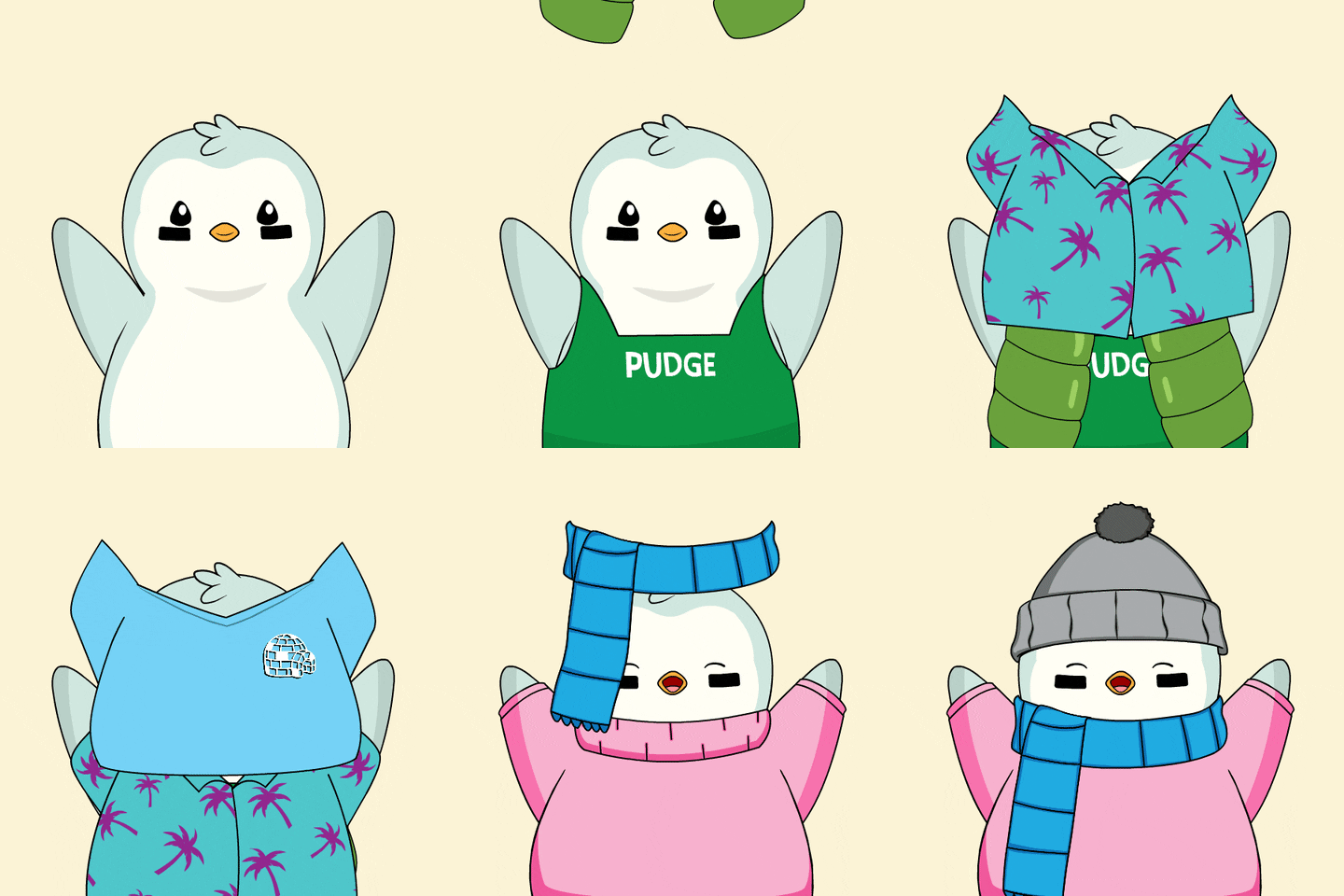
3. Generate & Edit
Combine a person with up to 2 garments and generate AI outfit images in a few seconds. Use AI prompts, the prompt gallery or text-based editing inside the fashion photo studio to get the perfect shot.
Flexible pricing for your AI fashion photo studio
All plans include credits for virtual try-on, AI outfit images, headshots and 4K upscaling inside Vtry AI.
Choose the best plan to fit your brand, marketplace or campaign needs.

Plus
€9.9
/mo
500 credits / month
Up to 100 image generations
Garment from URL
Search Garment Online
Prompt Enhancement

Pro
€29.9
/mo
2000 credits / month
Up to 400 image generations
Garment from URL
Search Garment Online
Prompt Enhancement
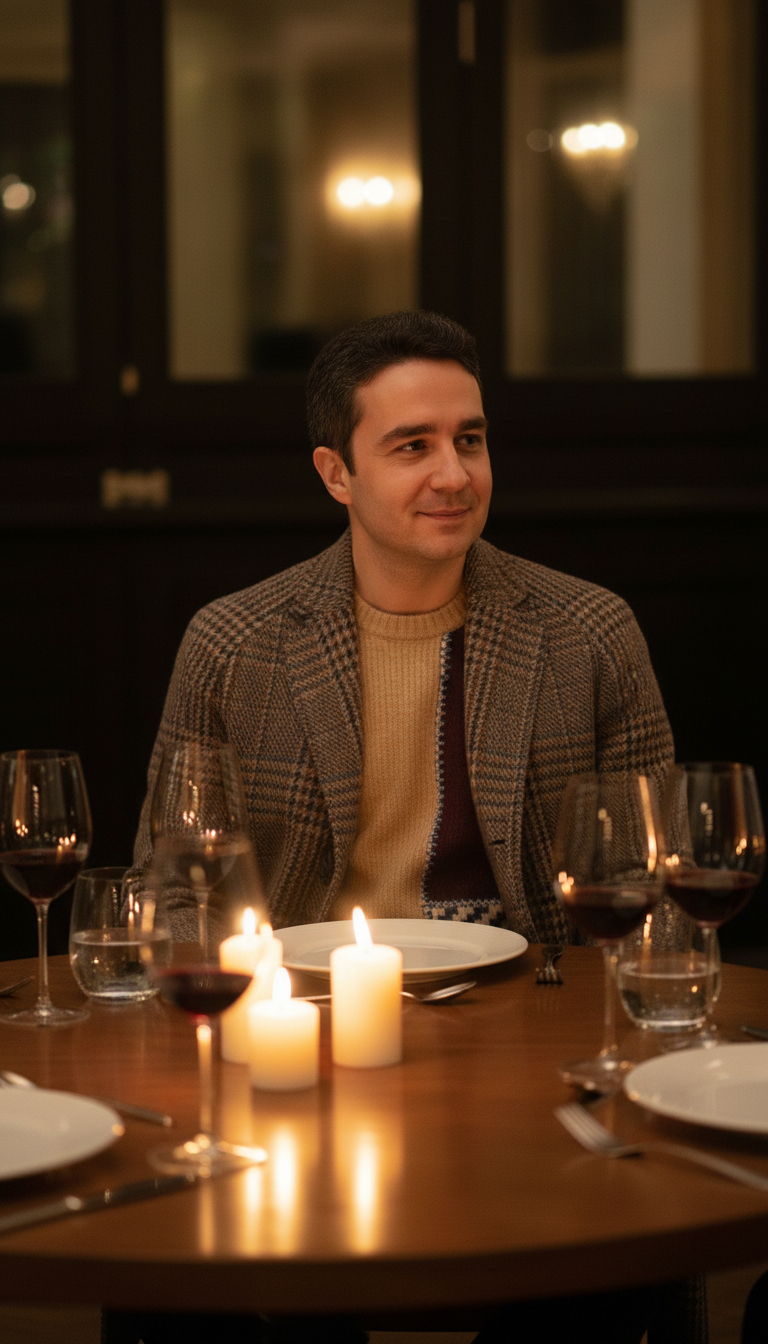
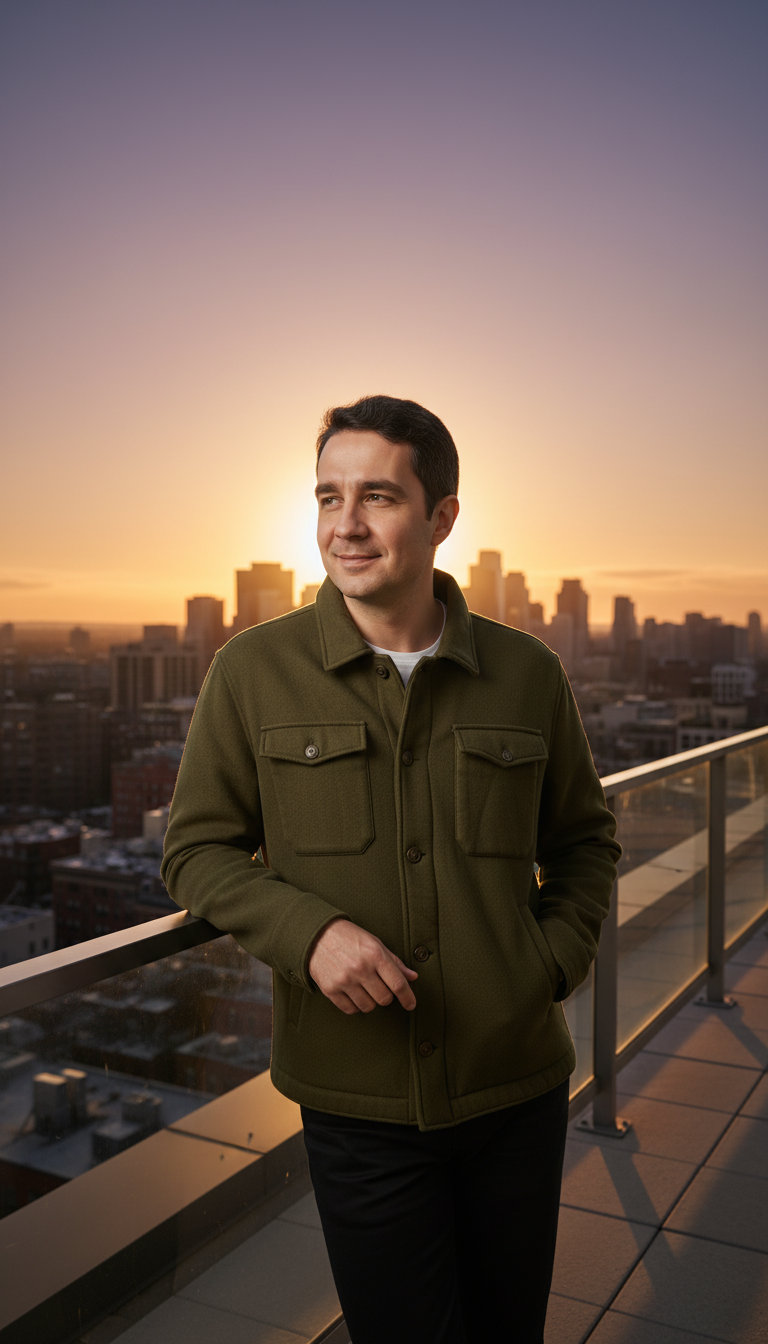
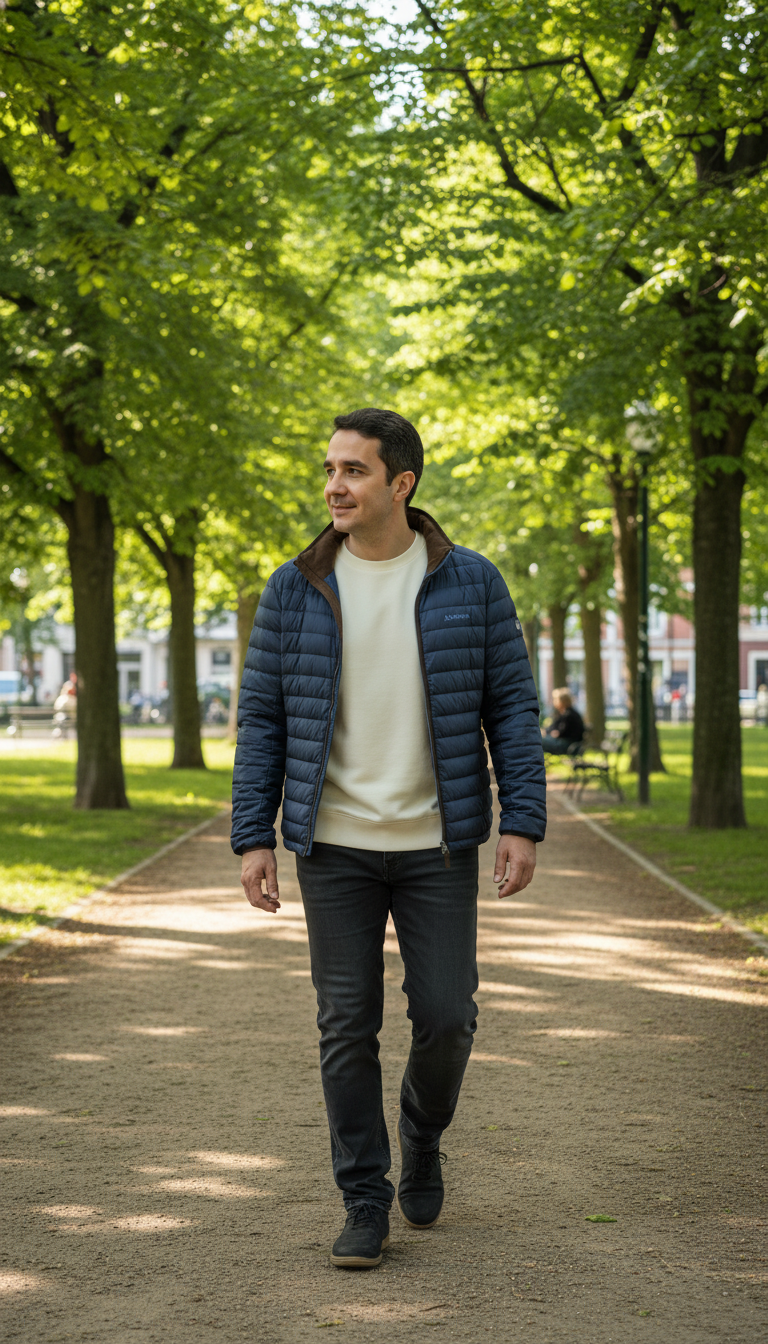
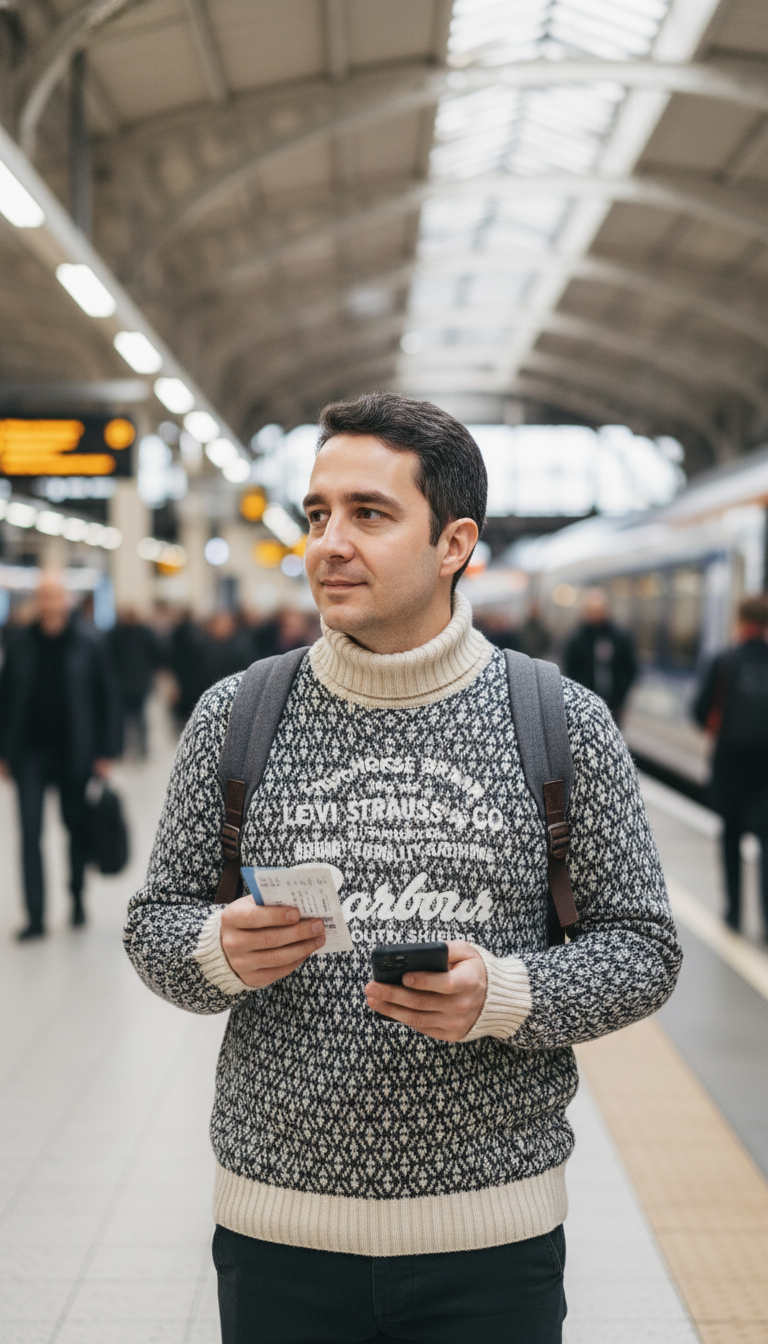
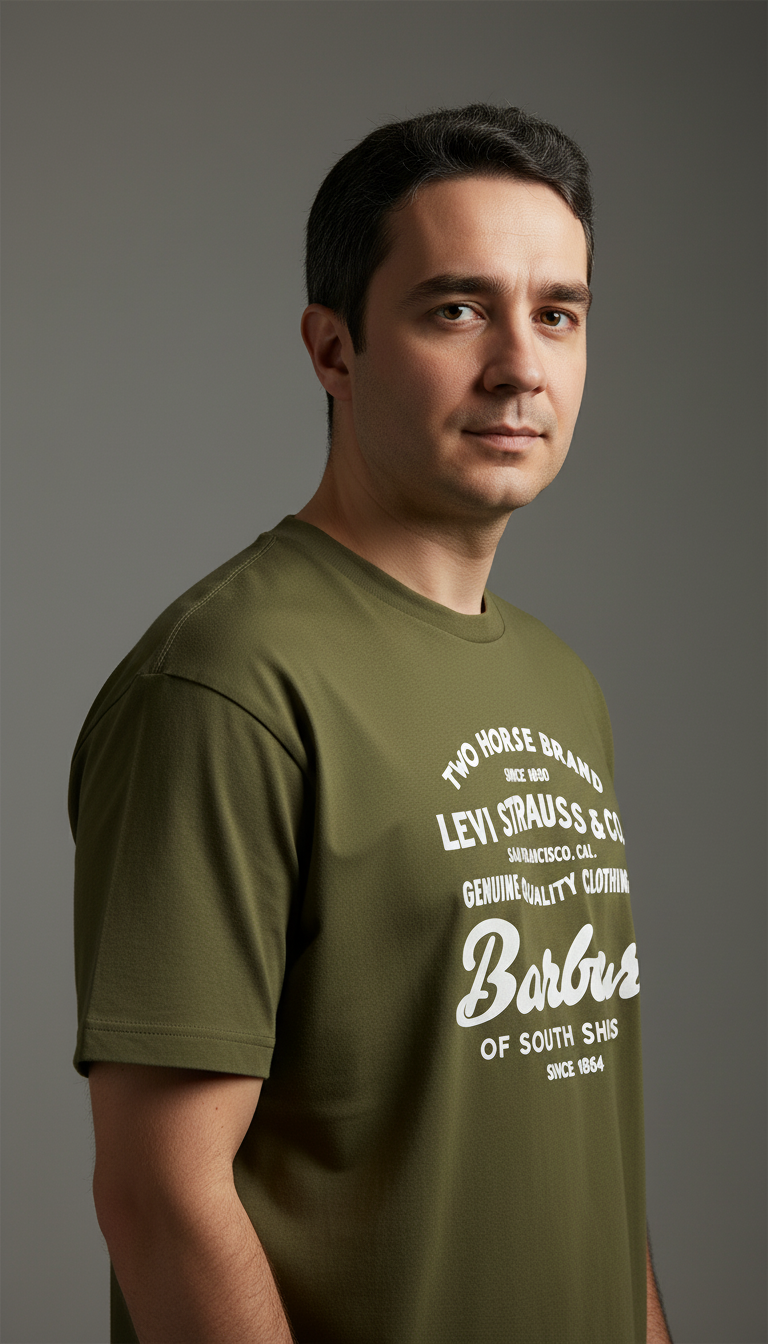
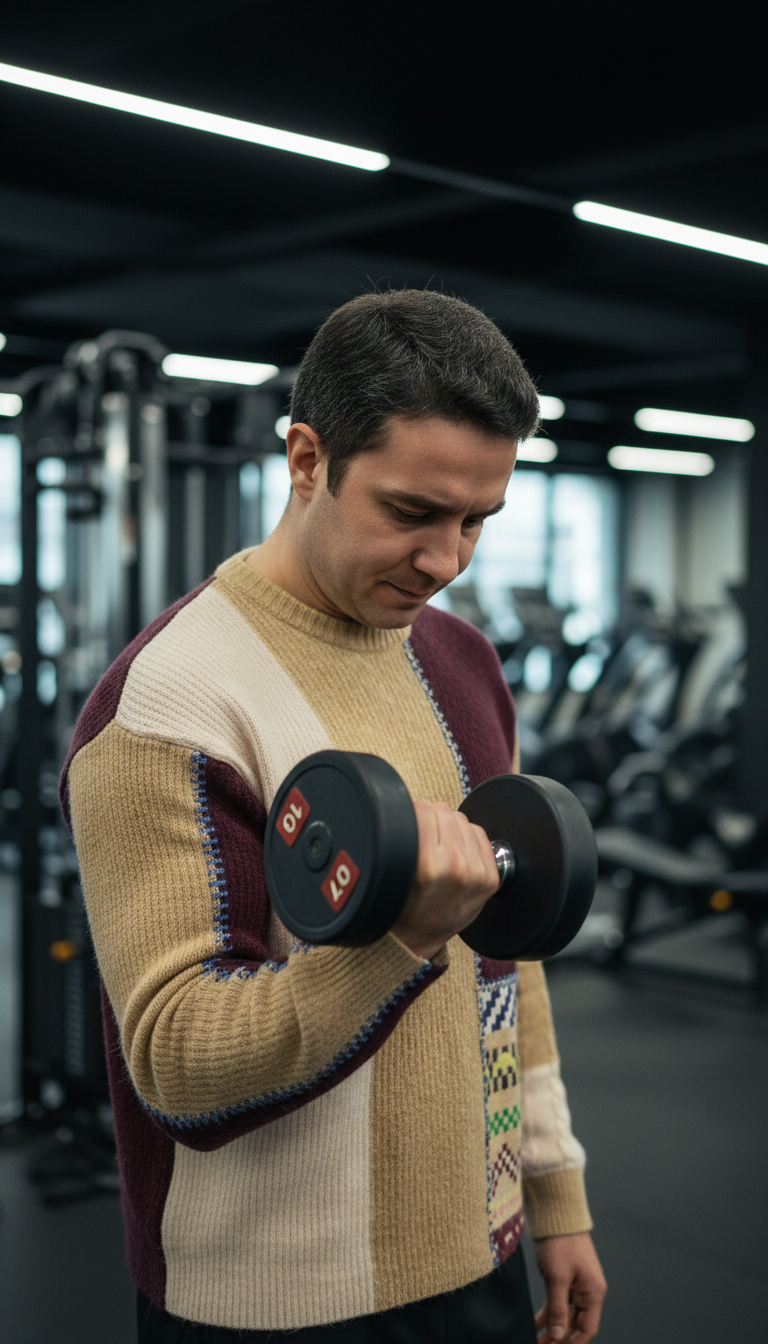
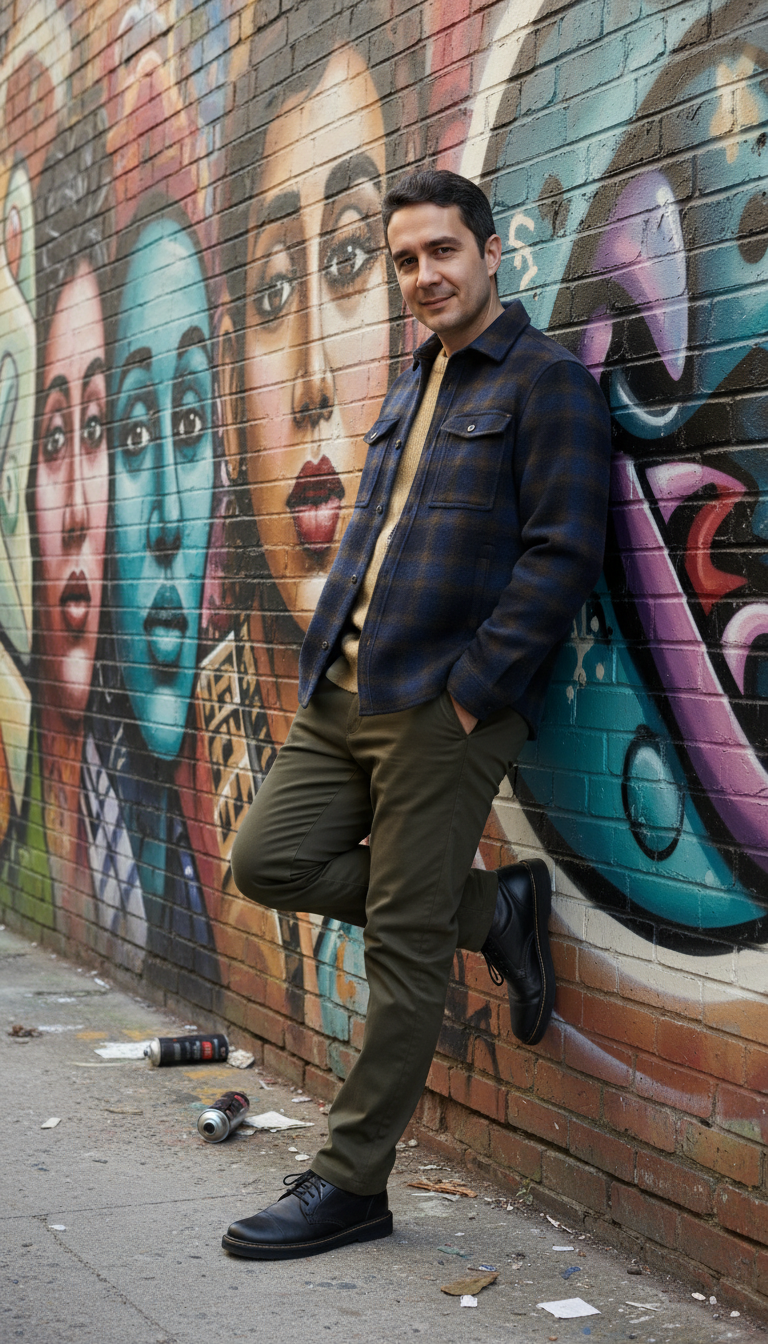
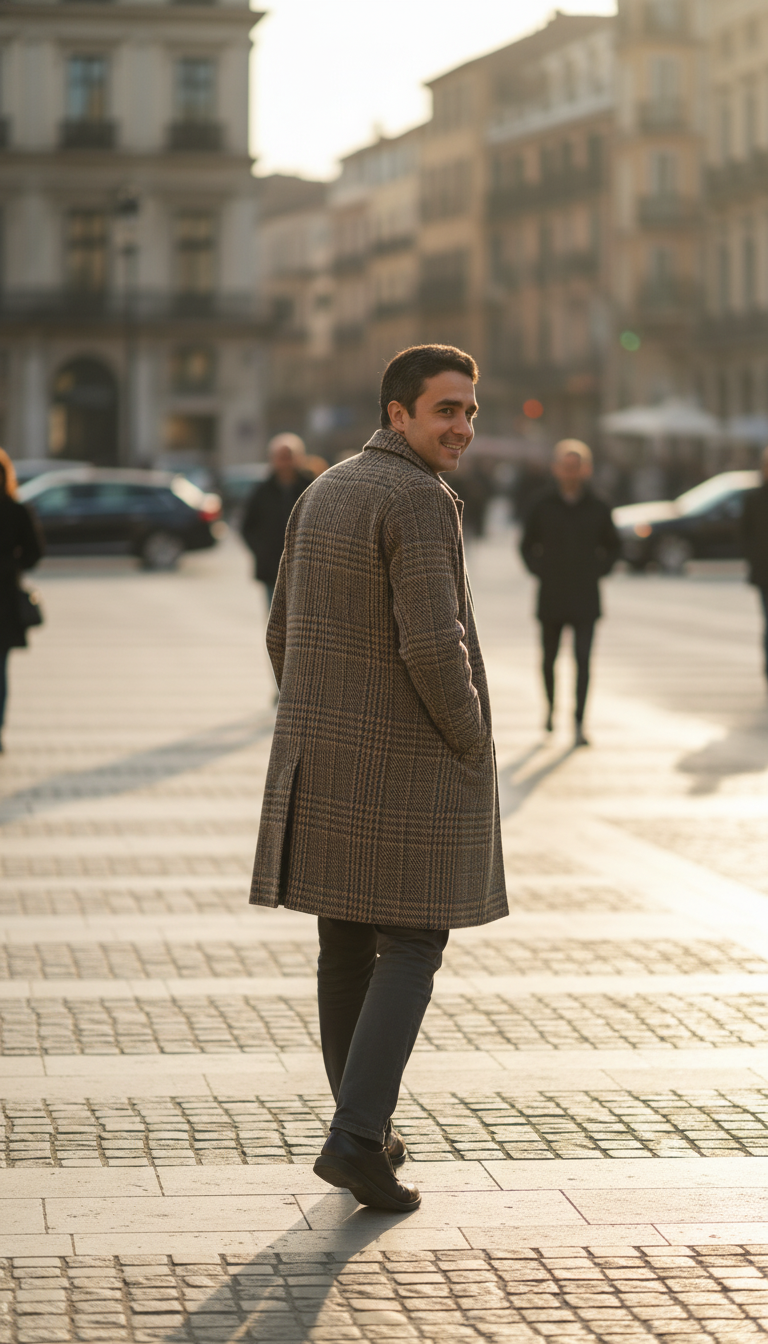
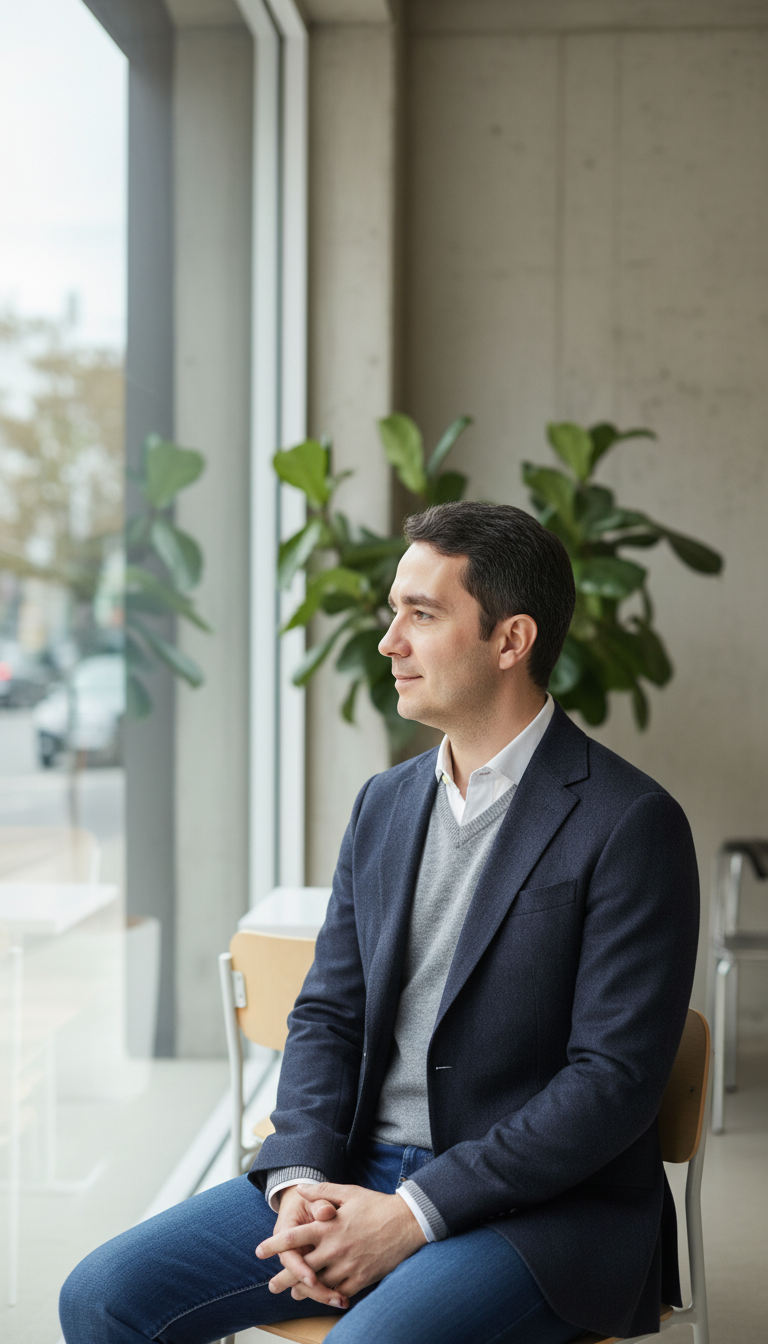
AI-generated outfit looks created with Vtry AI
Explore stunning garment combinations created with our AI virtual try-on and fashion photo studio.
Frequently asked questions
Browse through these FAQs to find answers to commonly asked questions.
Can I import garments from any website?
Yes! With our Smart Wardrobe feature, you can import clothing items directly from any URL. Simply paste the product link, and Vtry will add it to your digital closet. You can also search the web directly within the platform to build your garment library instantly.
What AI fashion and virtual try-on features are included in my subscription?
All paid plans include: AI Prompt Assistant for creative styling suggestions, Virtual Try-On to see garments on models, Professional Headshots generation, Advanced Editing with text-based controls, Social Media Ready exports in Instagram/TikTok aspect ratios, and 4K Upscaling to enhance image quality while preserving fabric details.
How can I get early access or provide feedback?
We love hearing from our users! For early access to new features, partnership opportunities, or to share your suggestions and feedback, please email us at [email protected]. Our team reviews all messages and we're constantly improving based on user input.
How does 4K upscaling work in Vtry AI?
When you enable 4K upscaling, Vtry AI takes an existing AI-generated fashion image and enhances it to a much higher resolution while preserving fabric details and textures. It is ideal when you want to reuse the same outfit image in larger placements like hero banners or print-style layouts.
Can I keep outfits and garments in my AI wardrobe forever?
Yes. Your digital wardrobe in Vtry AI is designed to be persistent, so you can keep adding garments and outfits without worrying about them disappearing. For example, if you buy a jacket from any shopping site, you can paste the product link to add it to your wardrobe, later combine it with other pieces, and those items will stay available for future shoots.