
Nano Banana 2.1 + GPT Image 2.5 · The World's Best AI Models
AI fashion photo studio &
virtual try-on platform.
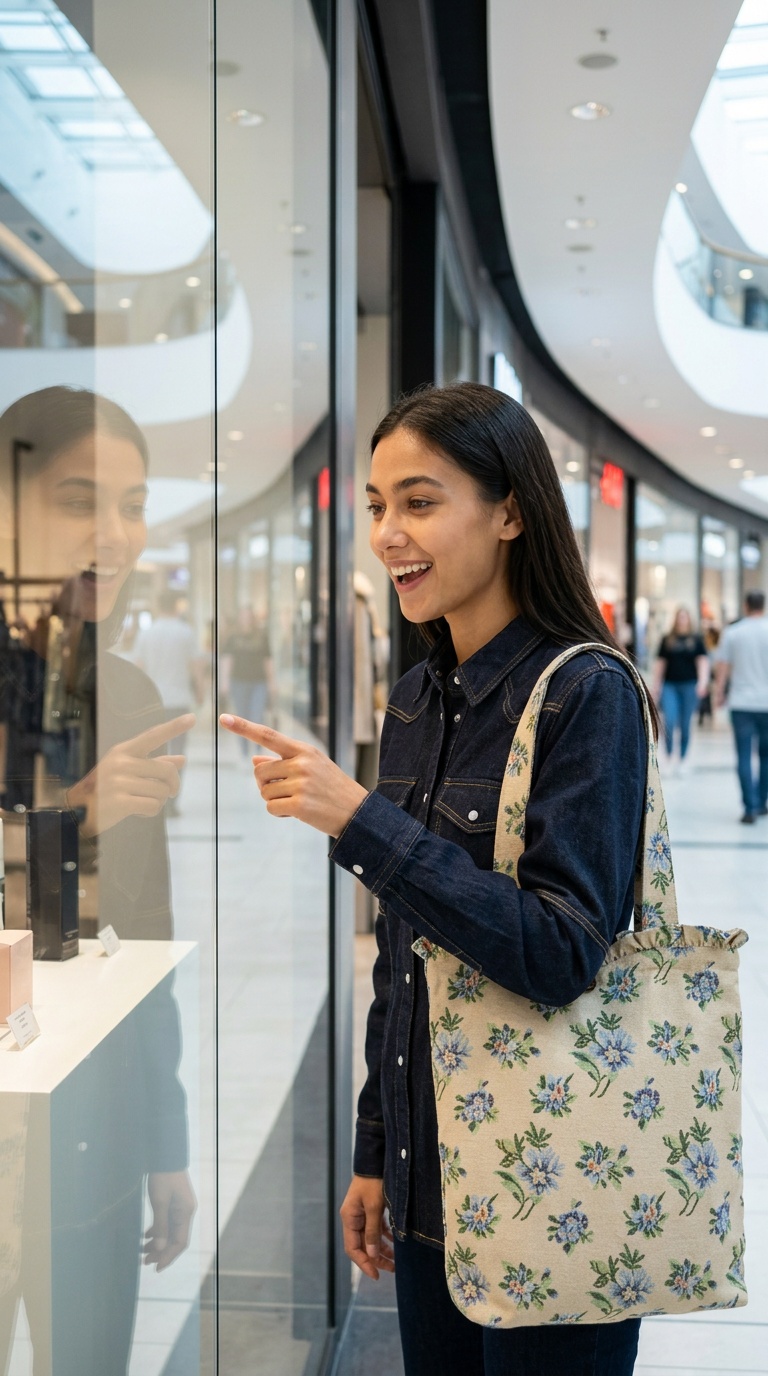
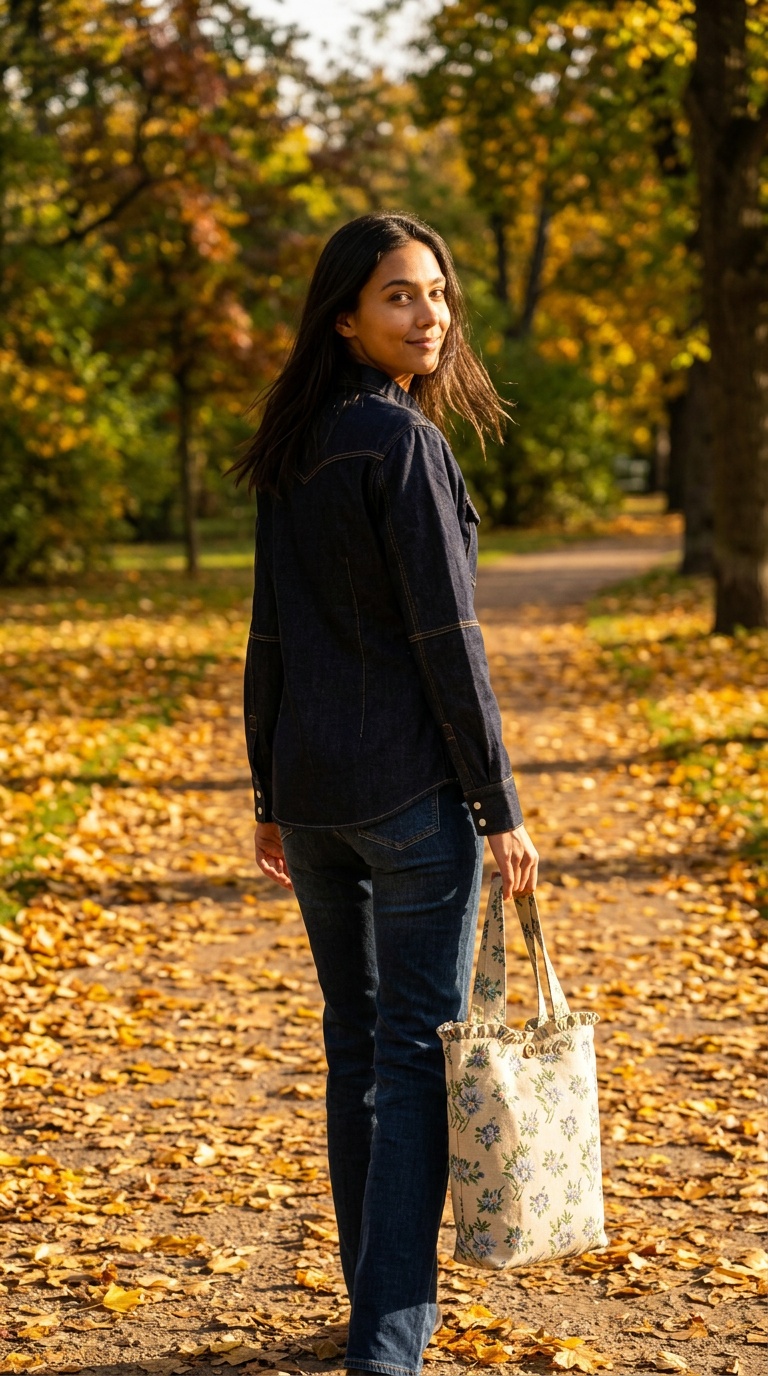
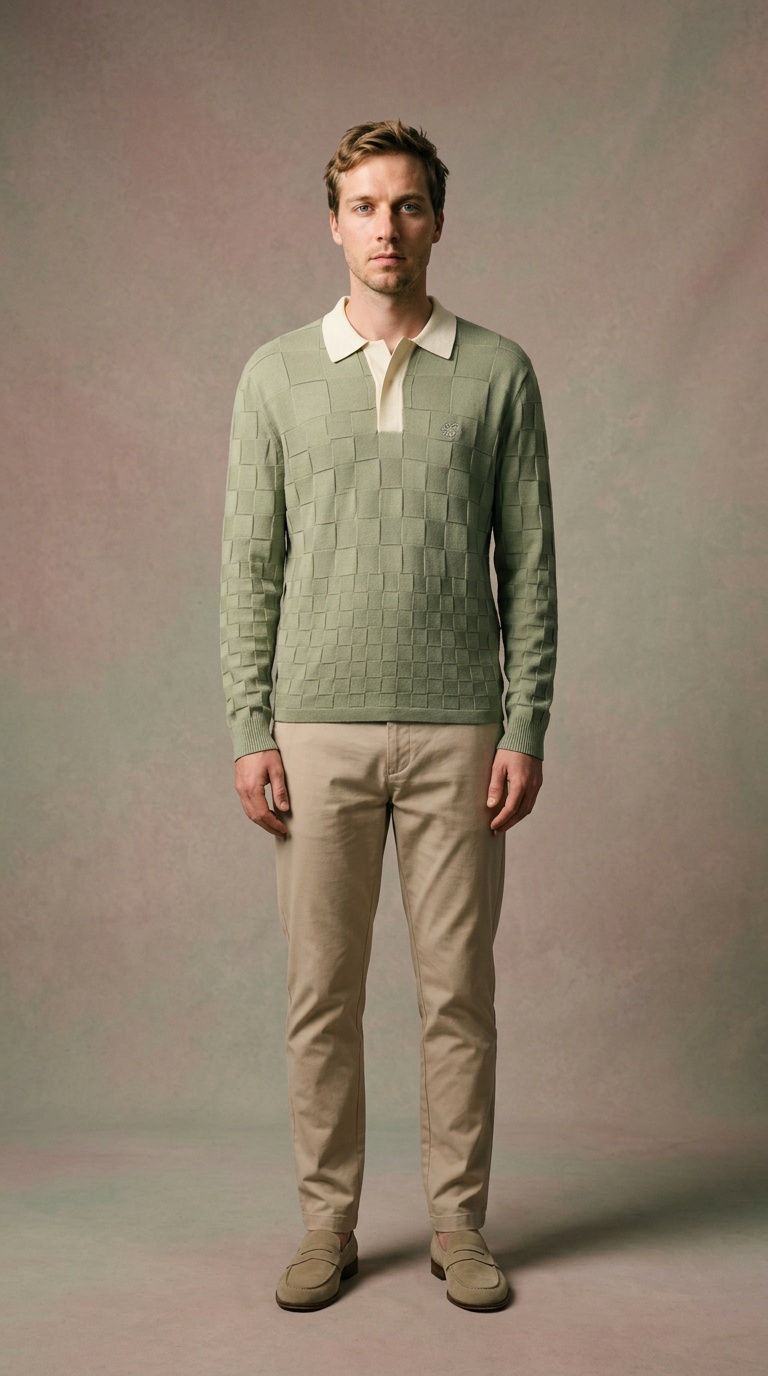
Create with two of the world's best AI models: Nano Banana 2.1 and GPT Image 2.5. Upload your wardrobe, combine people with clothes, and generate realistic outfit images wearing up to 7 different garments at once.
0
Active Users
15–30 s ⚡
Two Leading AI Models
Nano Banana 2.1 + GPT Image 2.5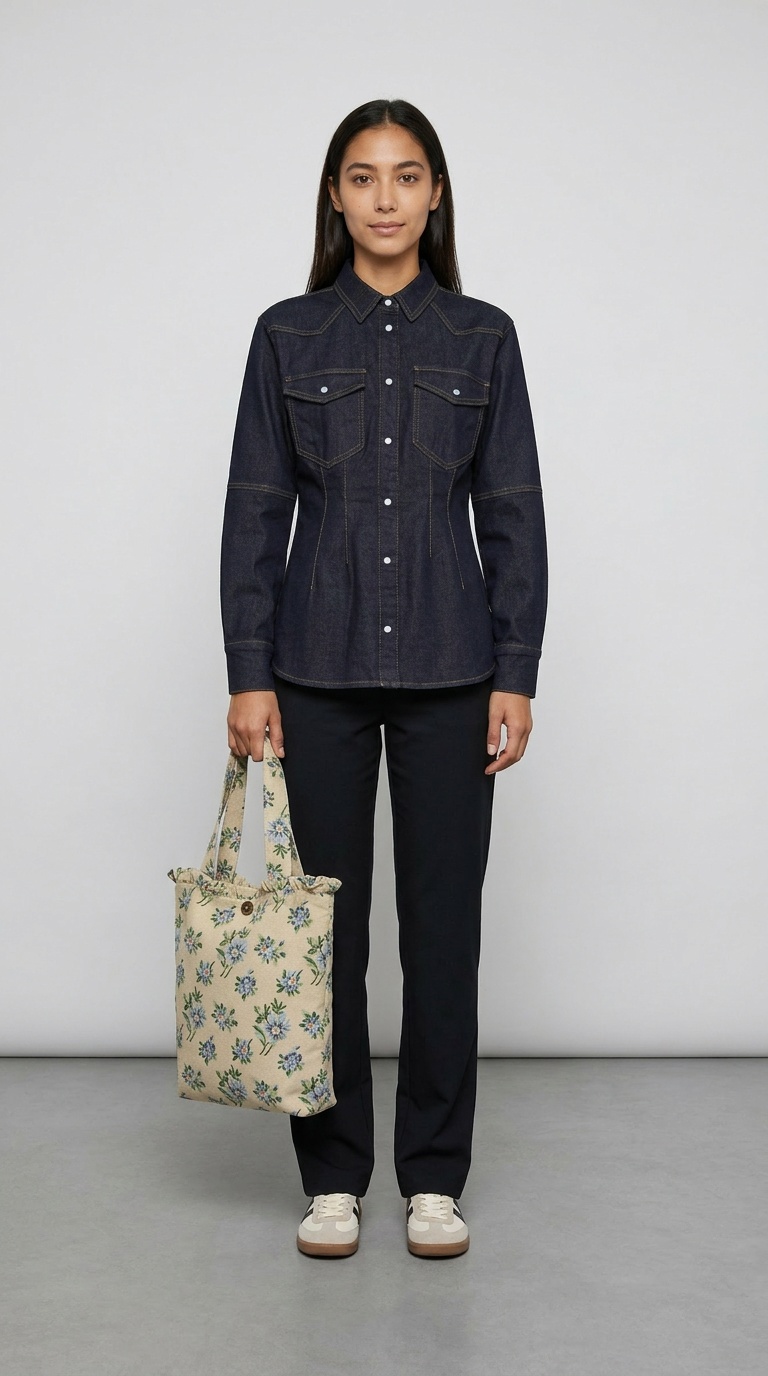
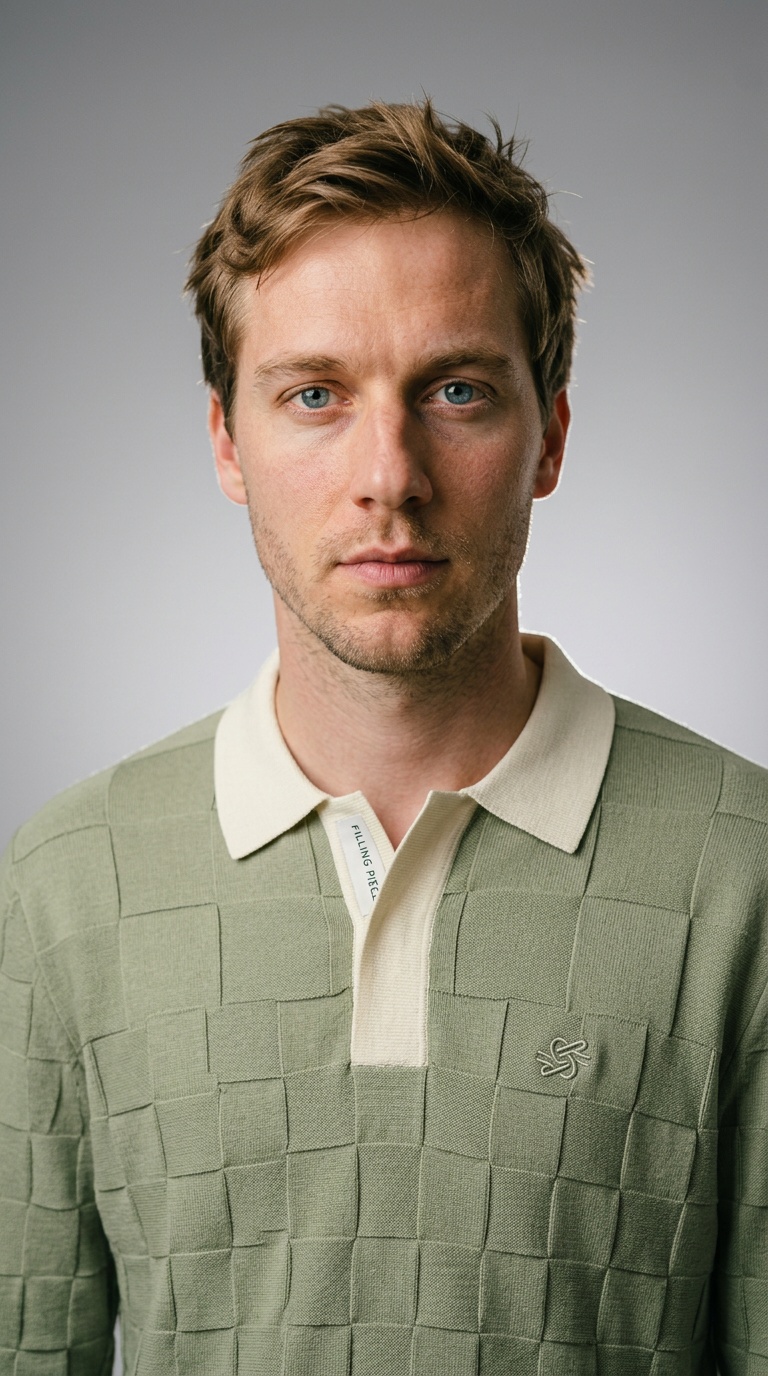
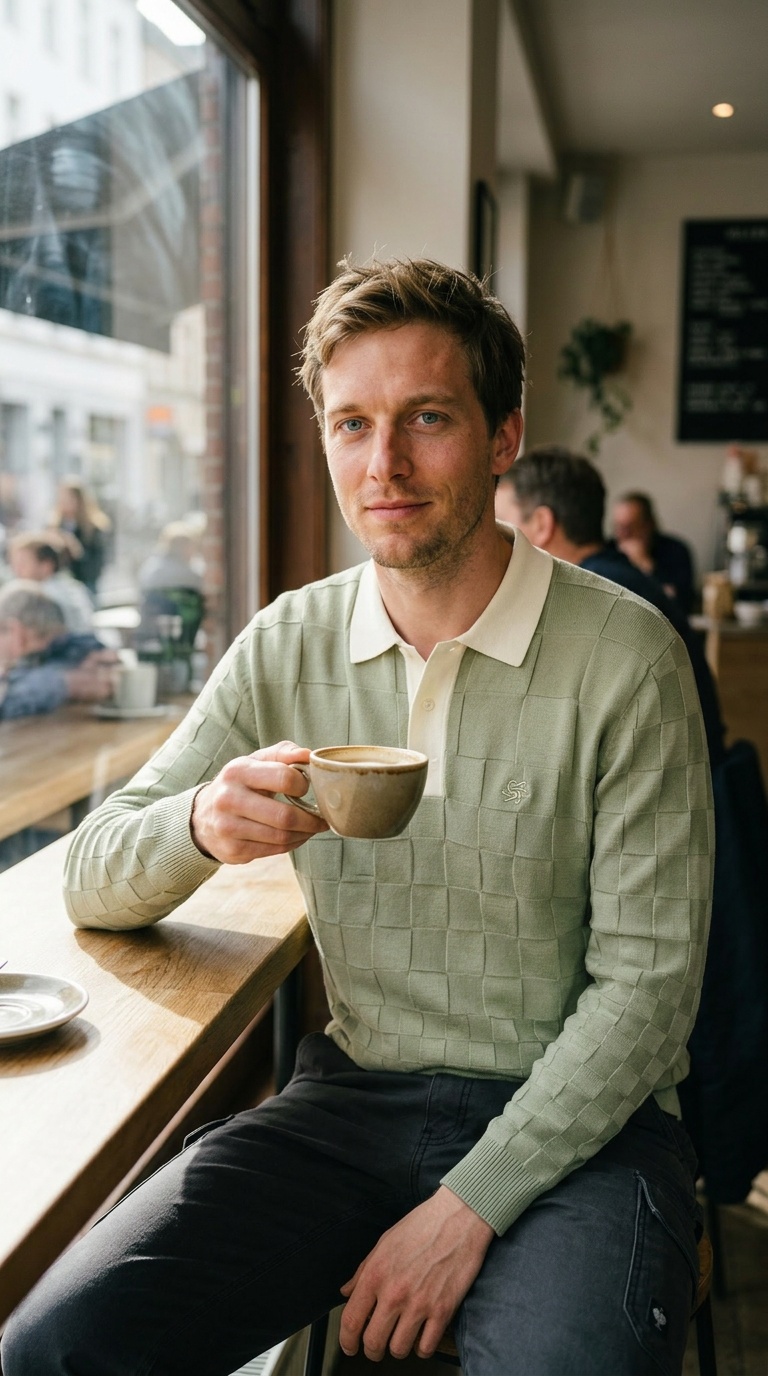
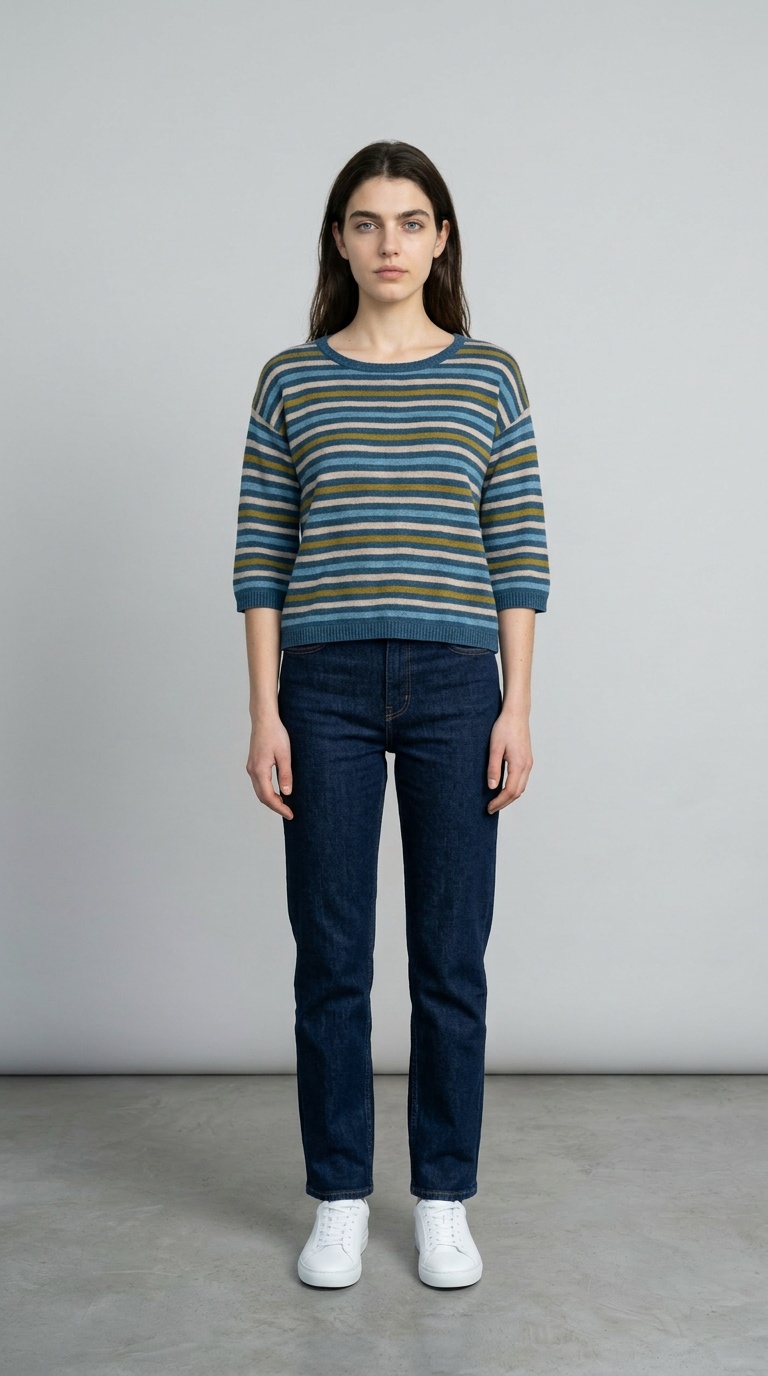
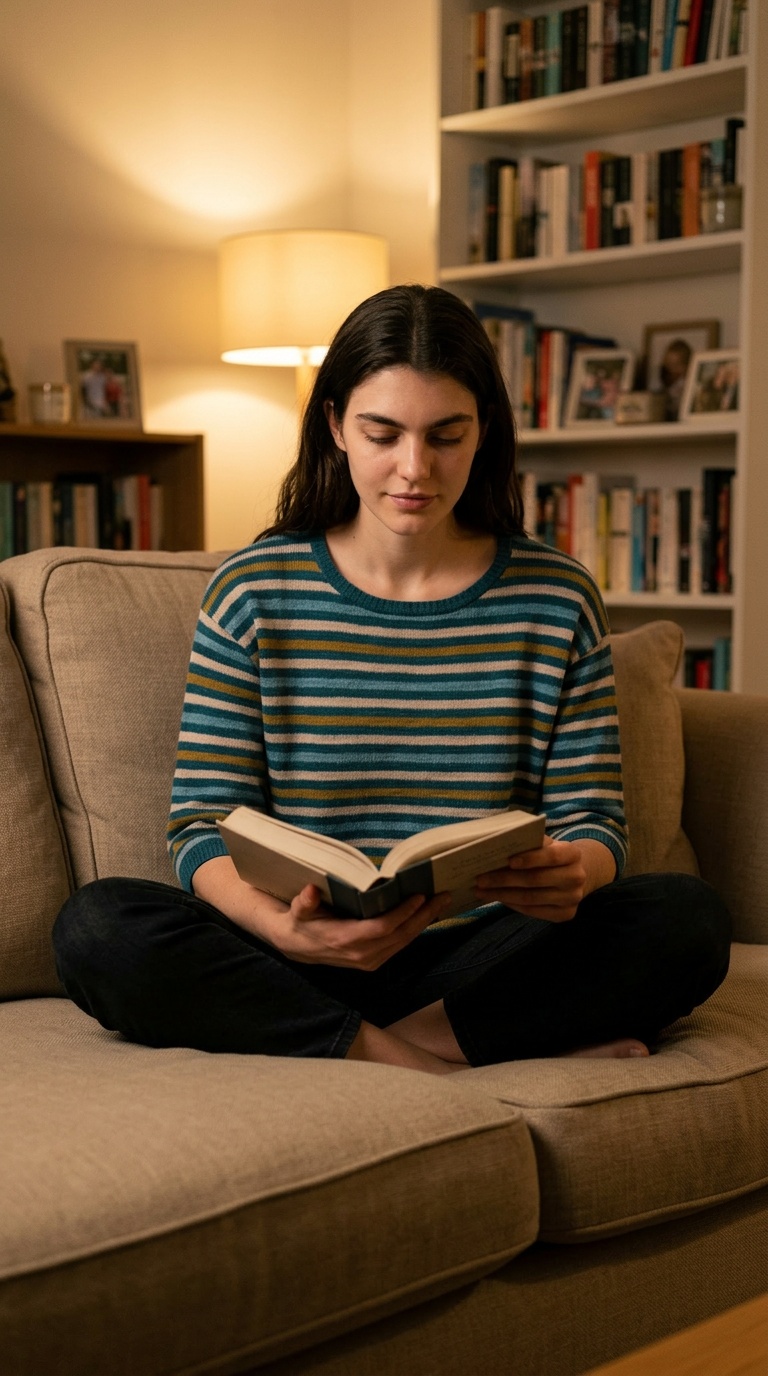
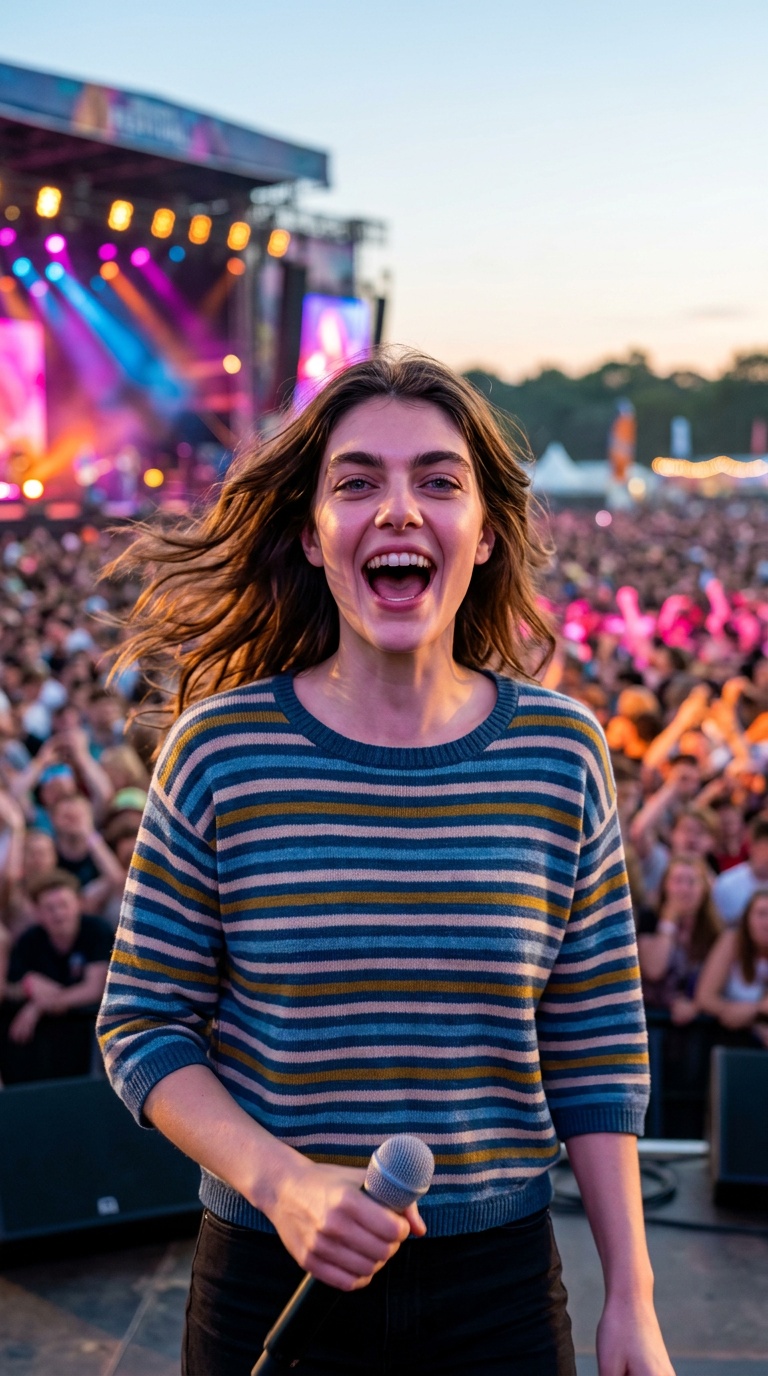
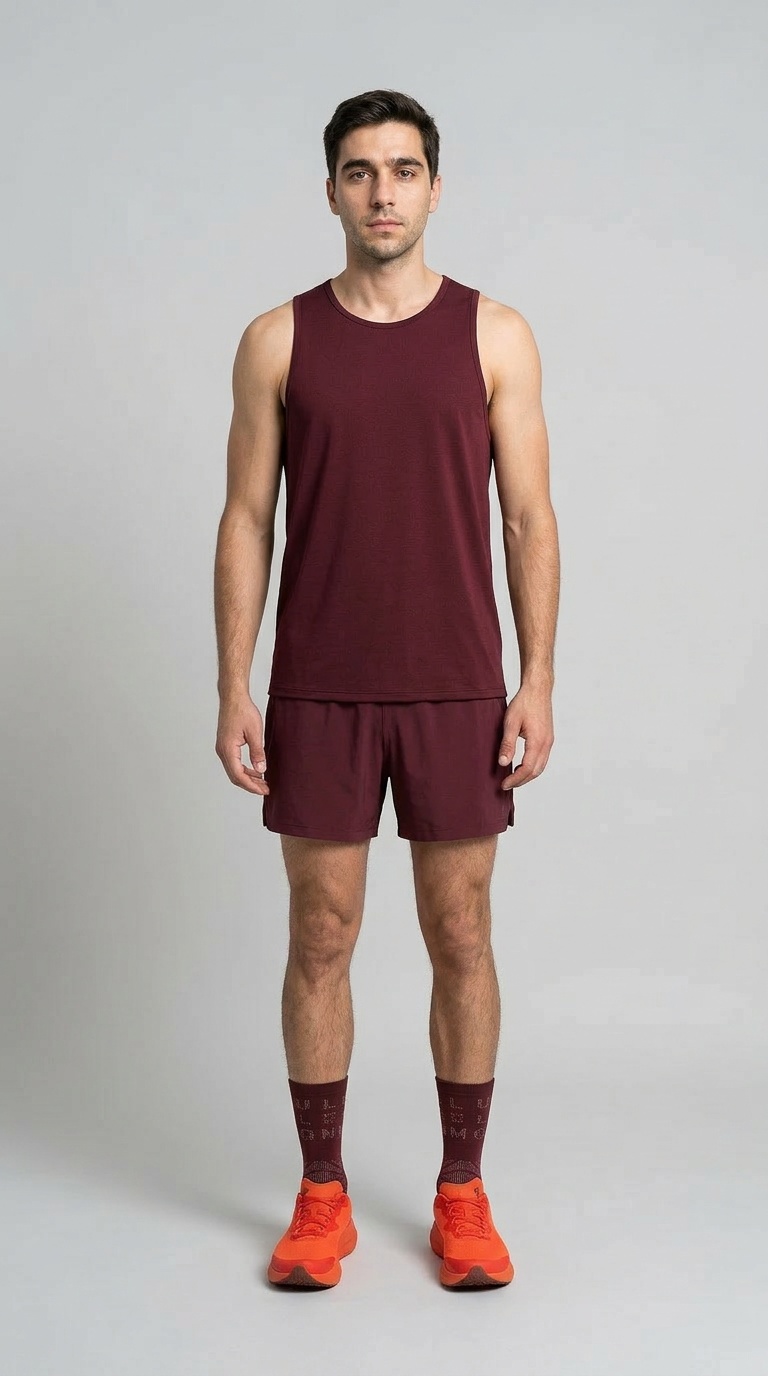
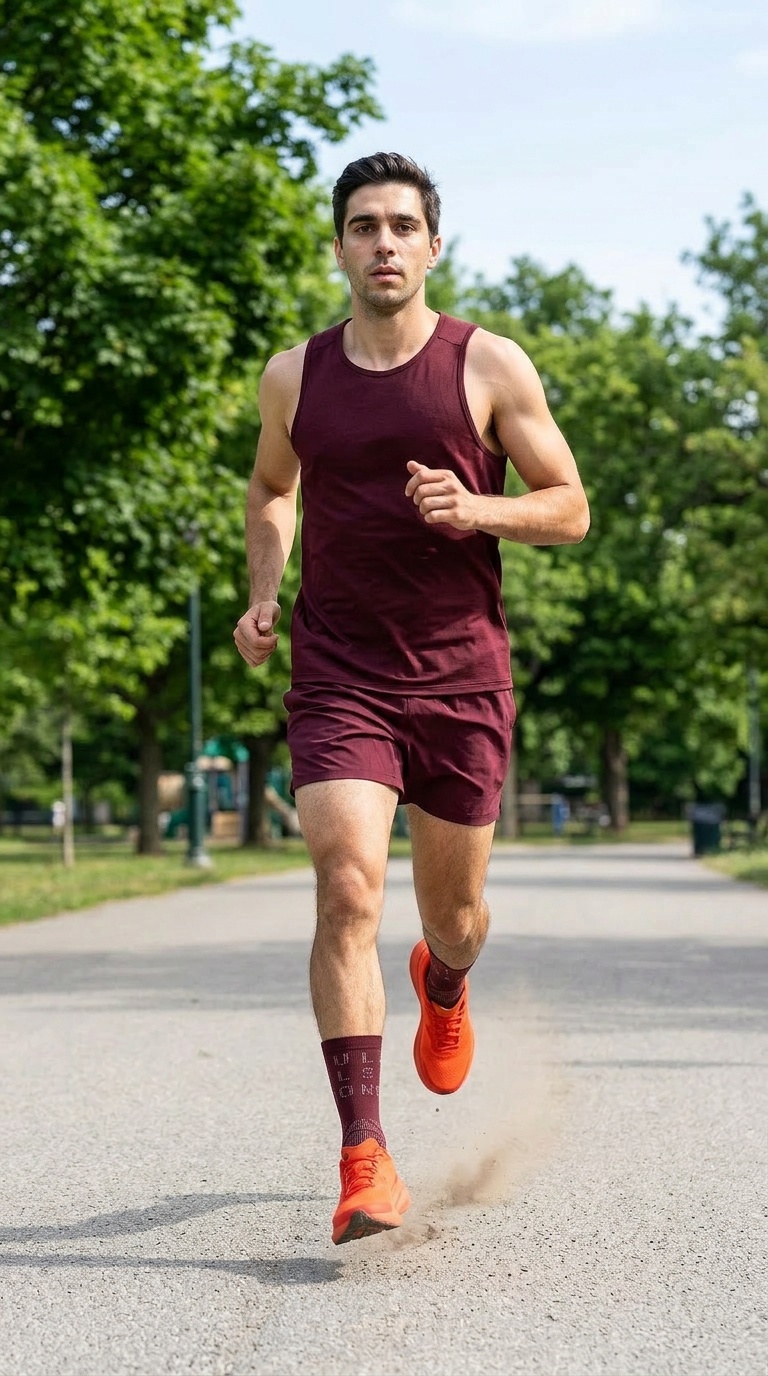
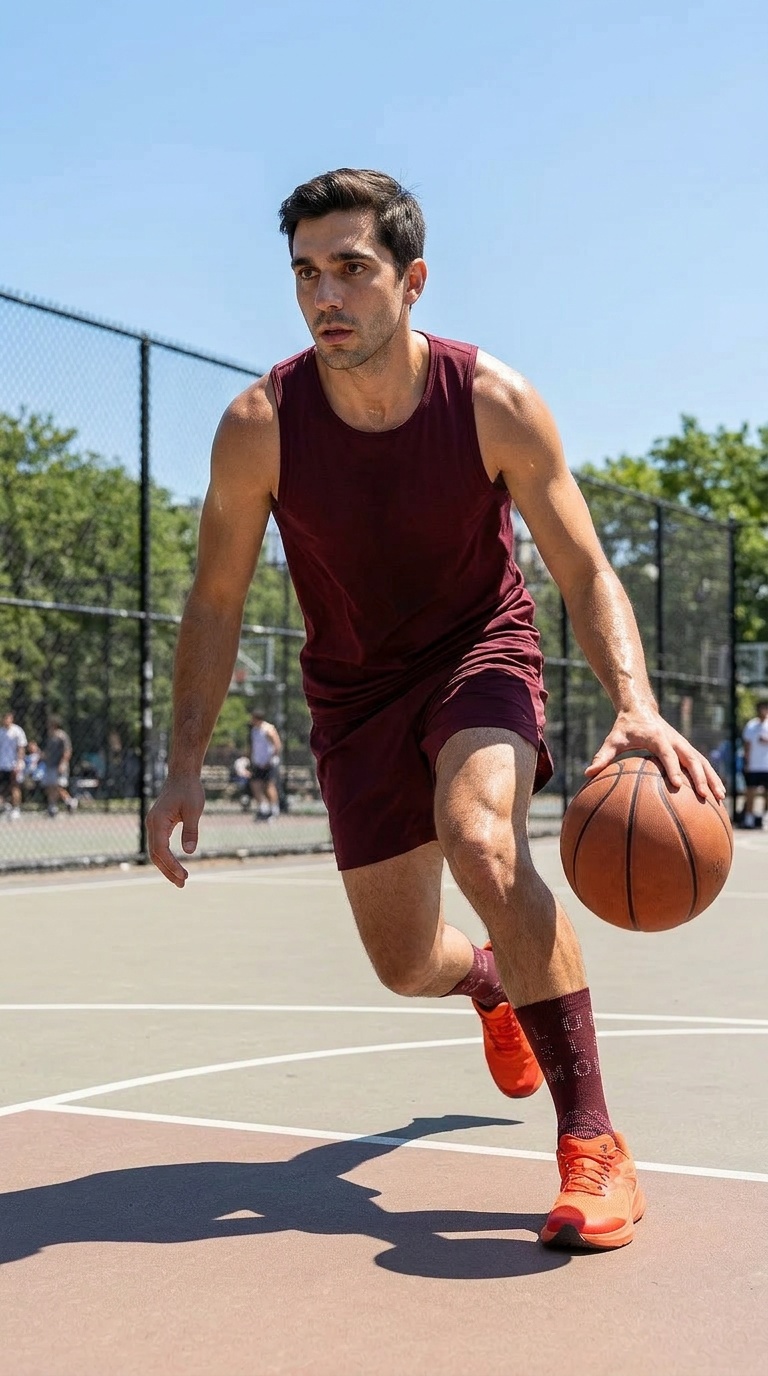
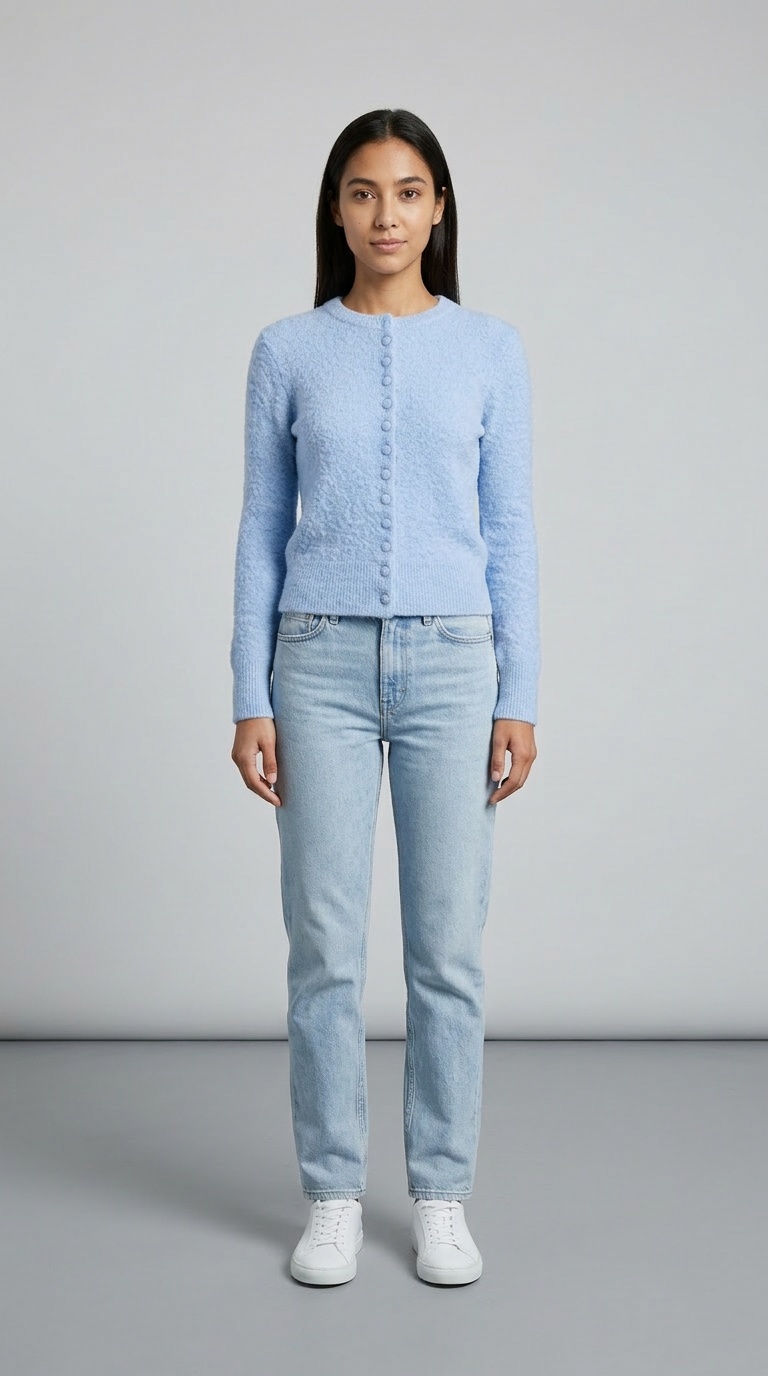
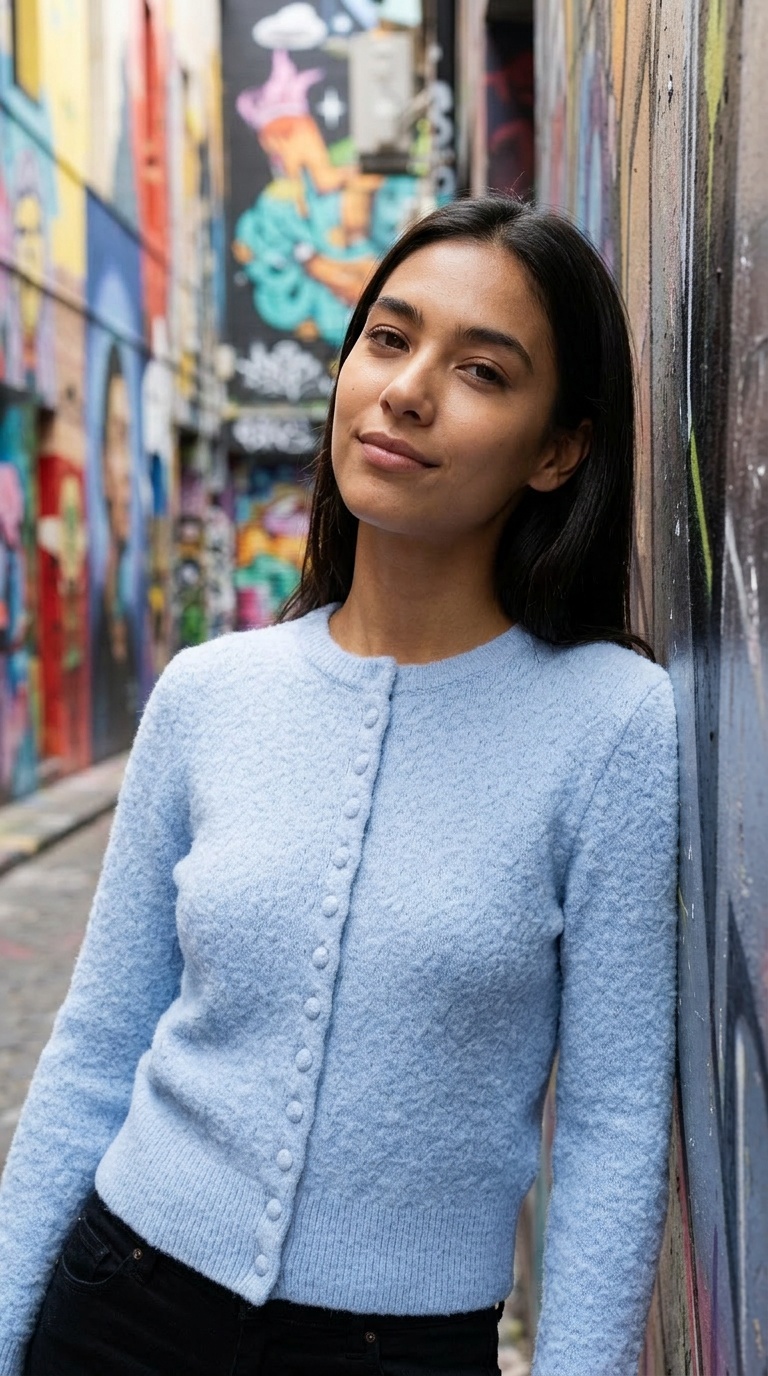
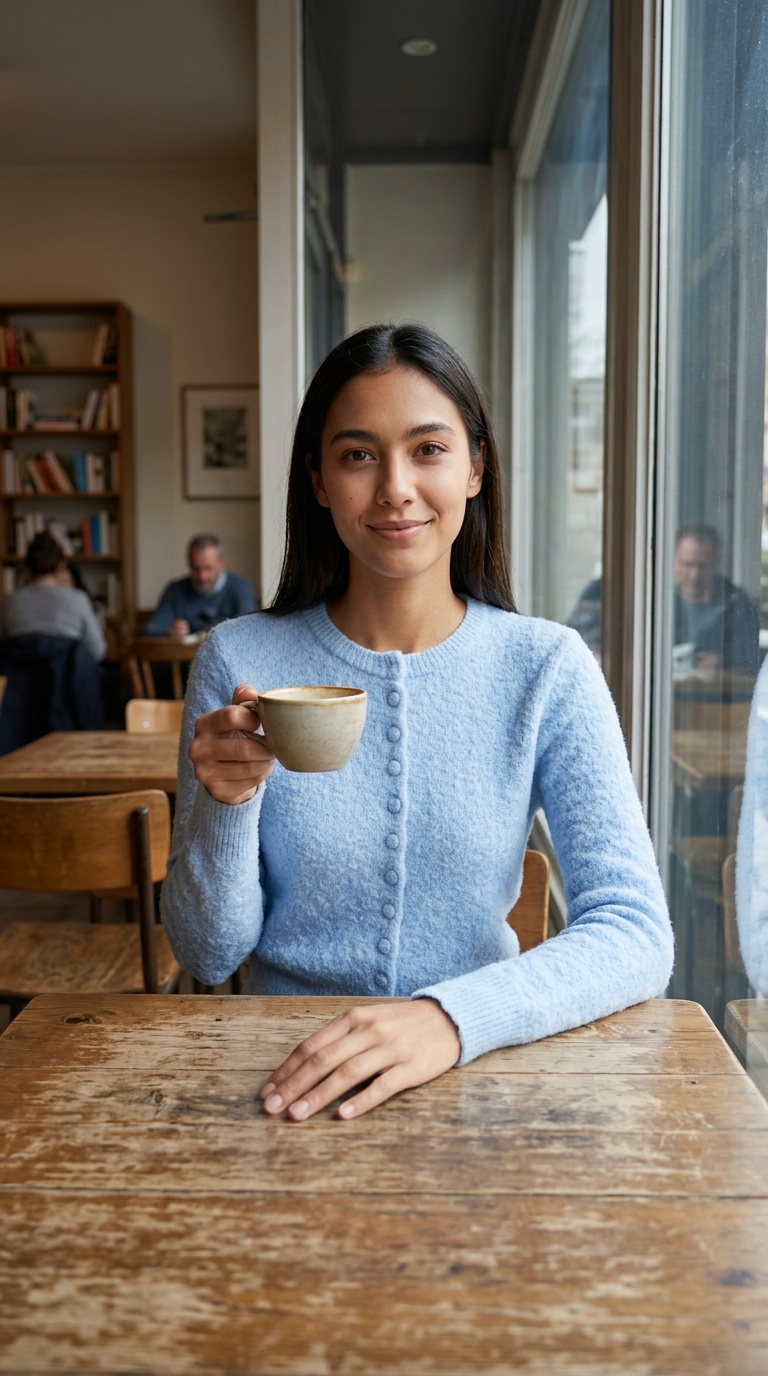
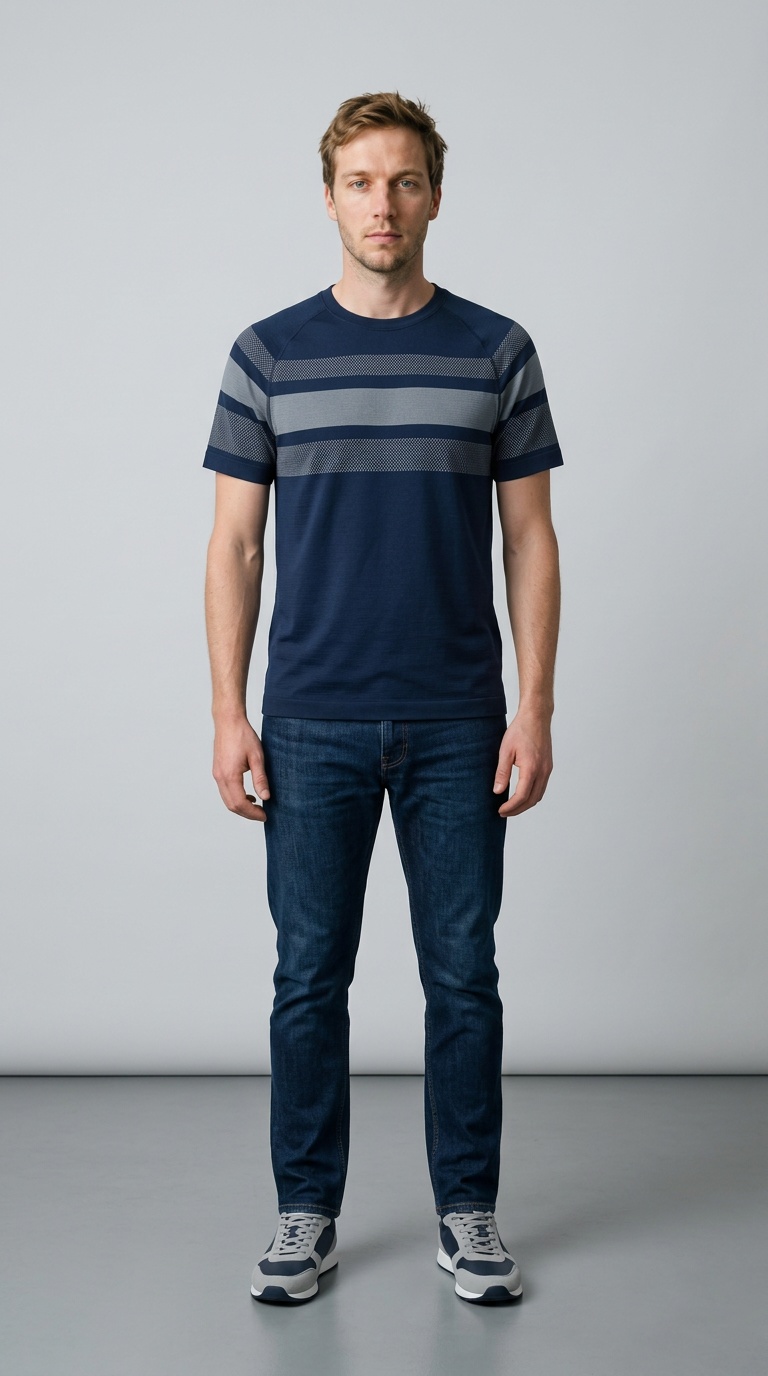
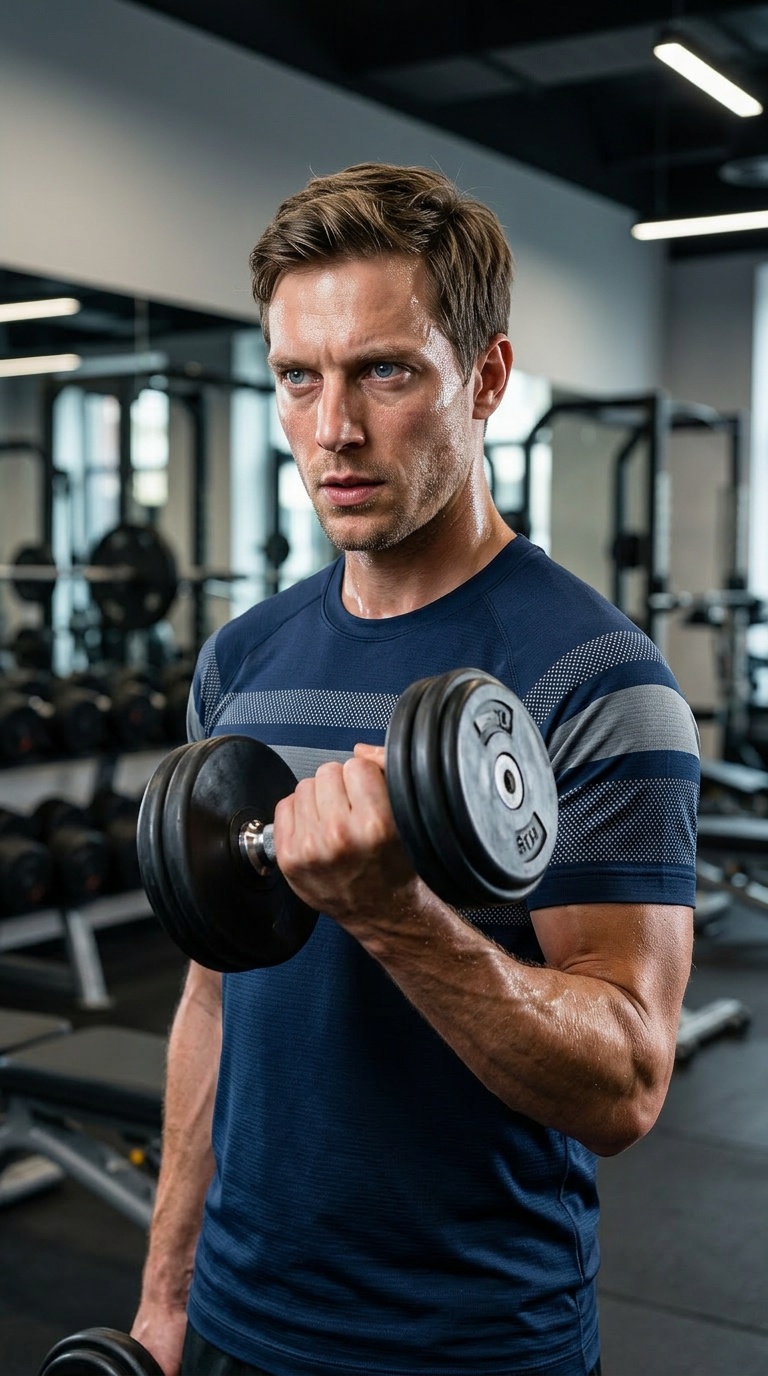
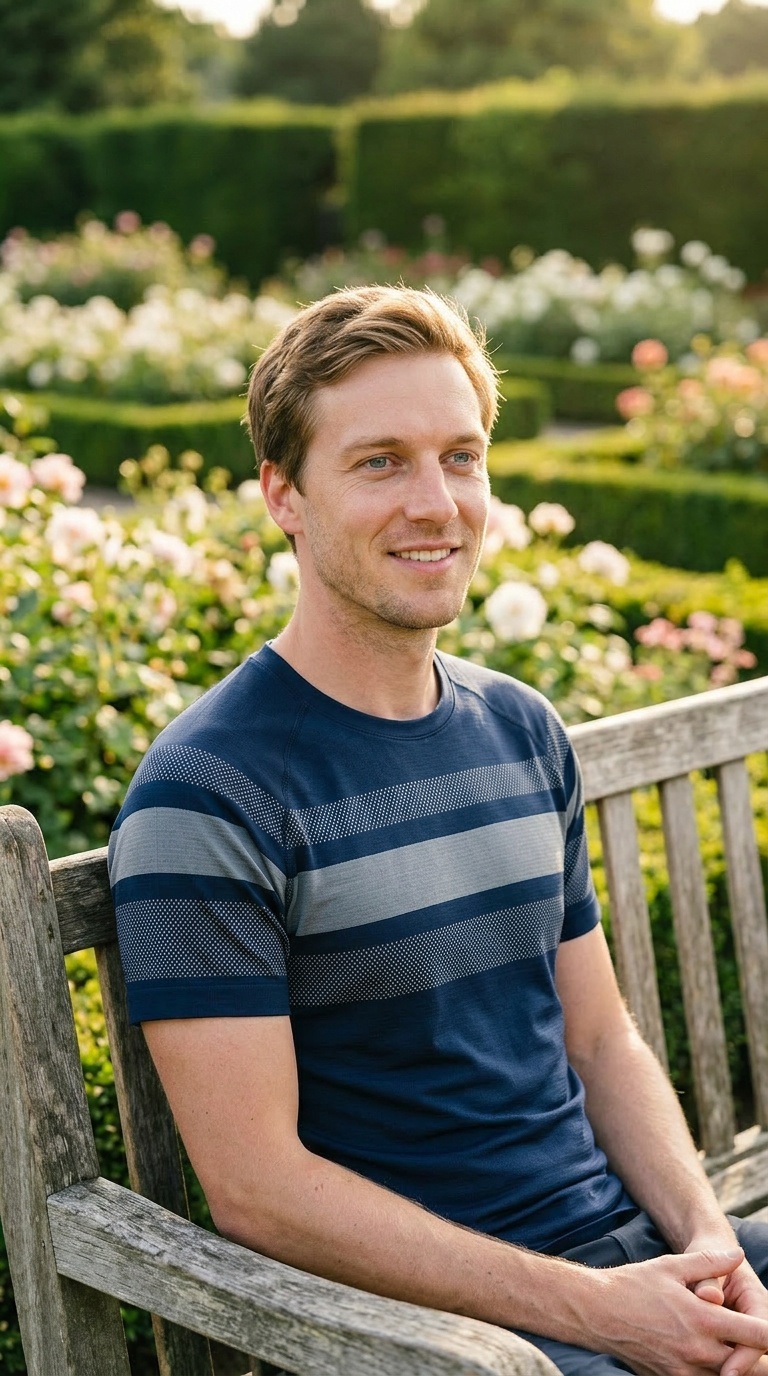
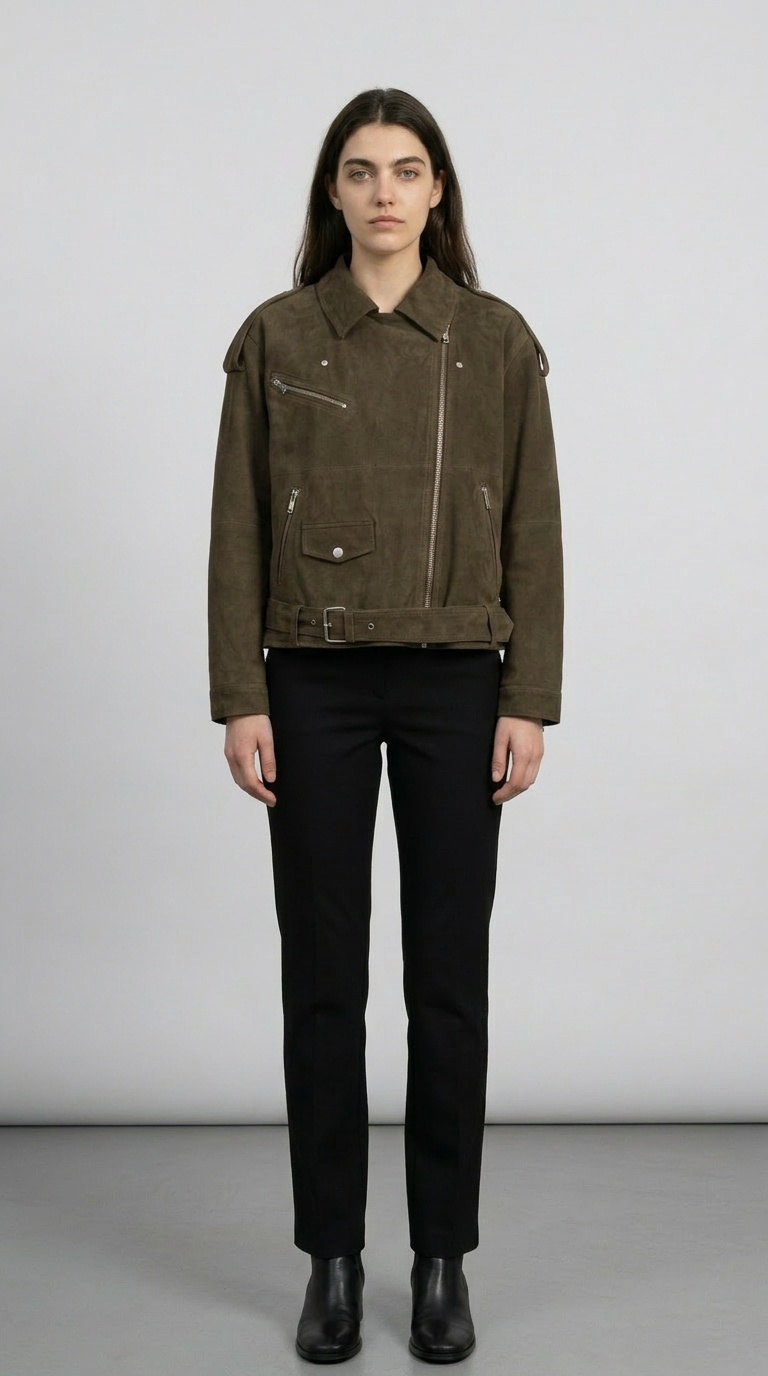
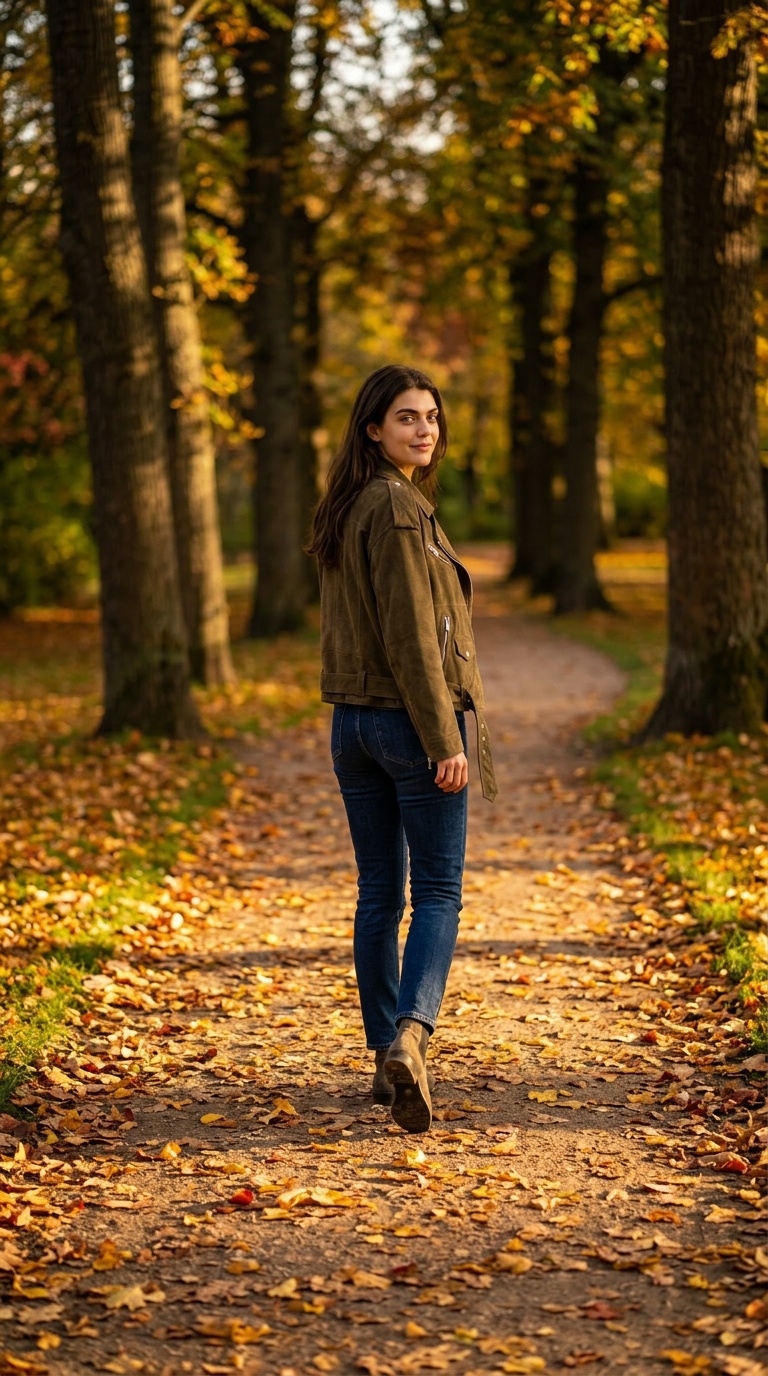
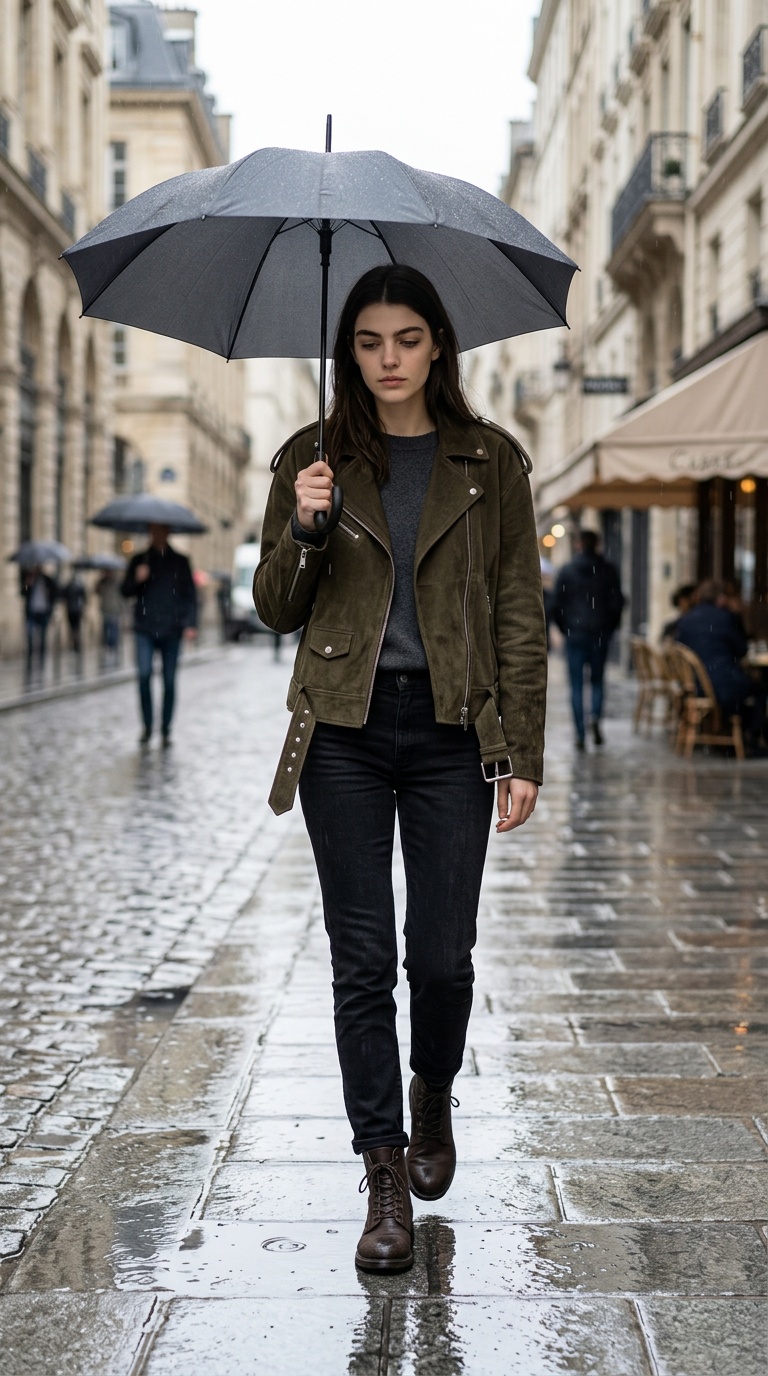
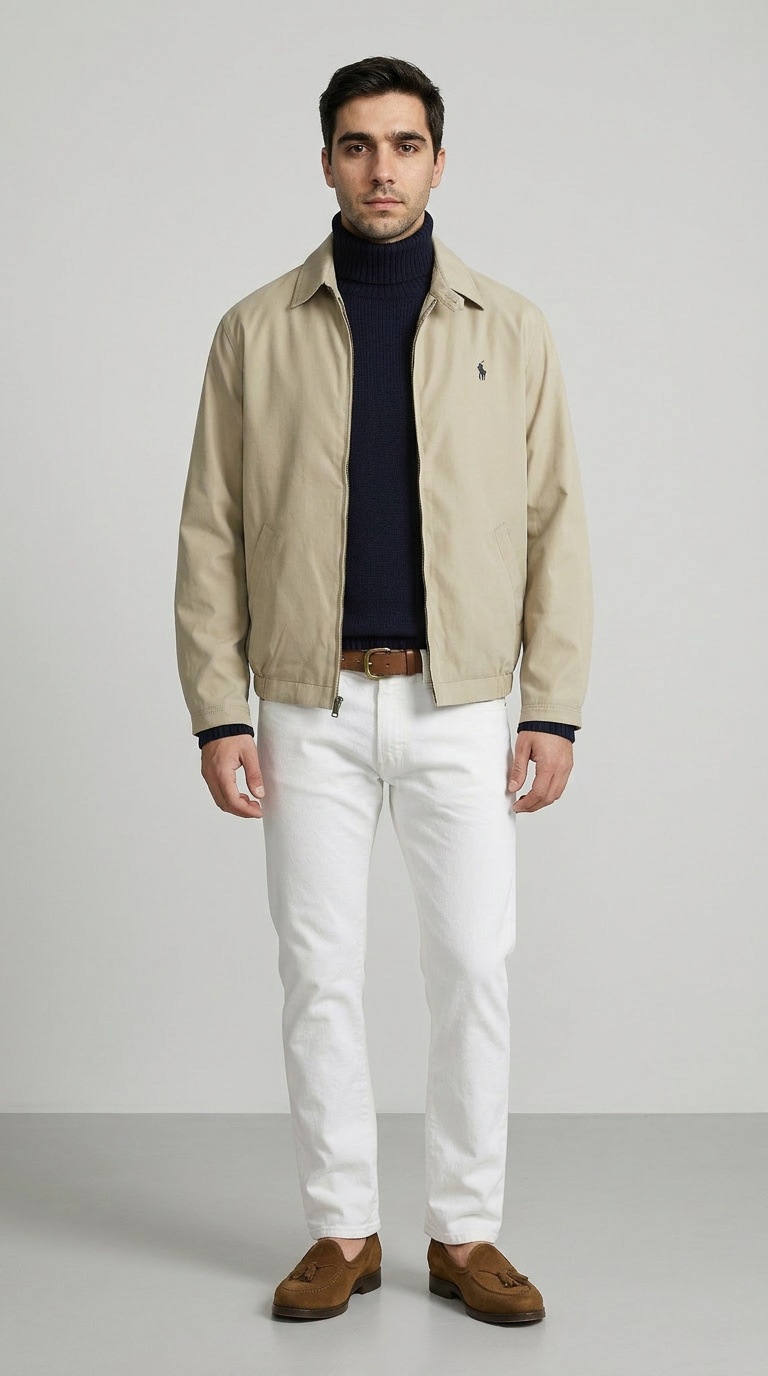
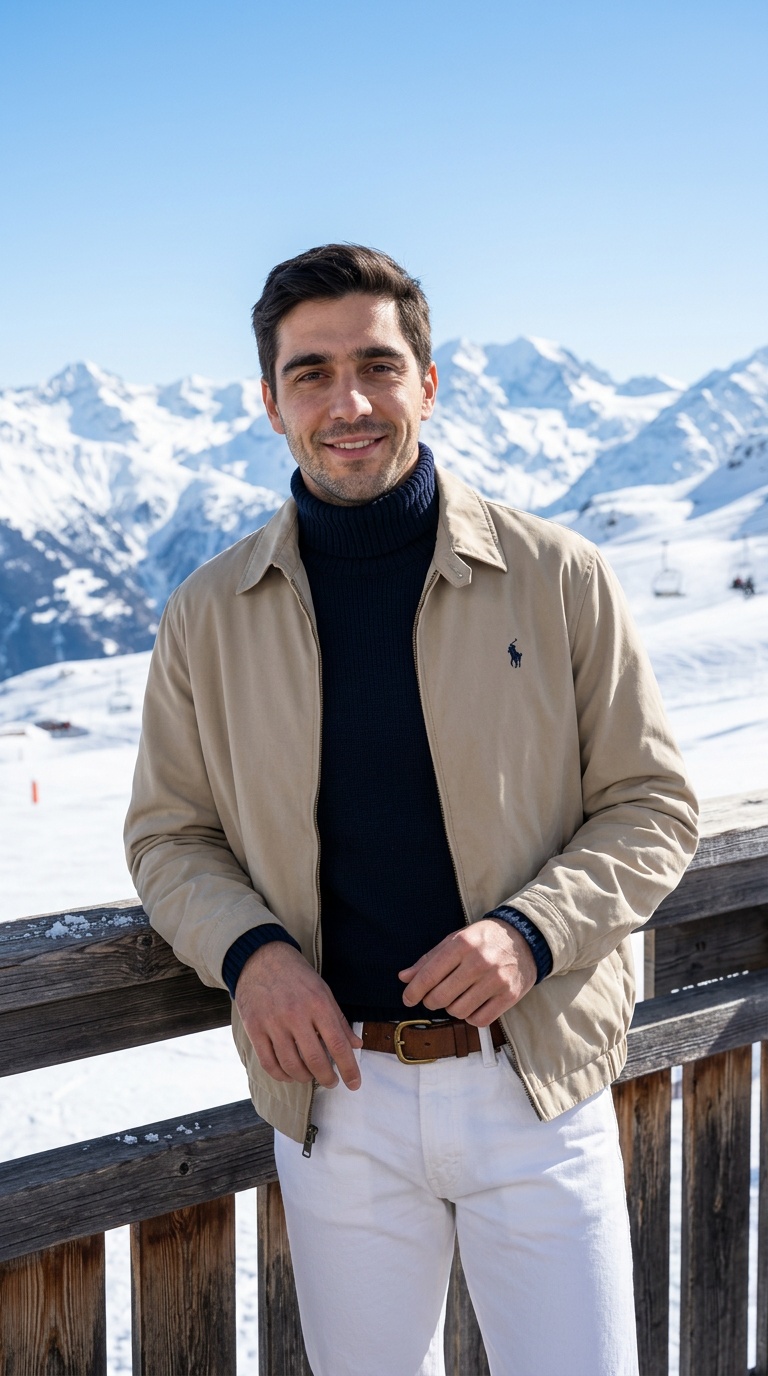
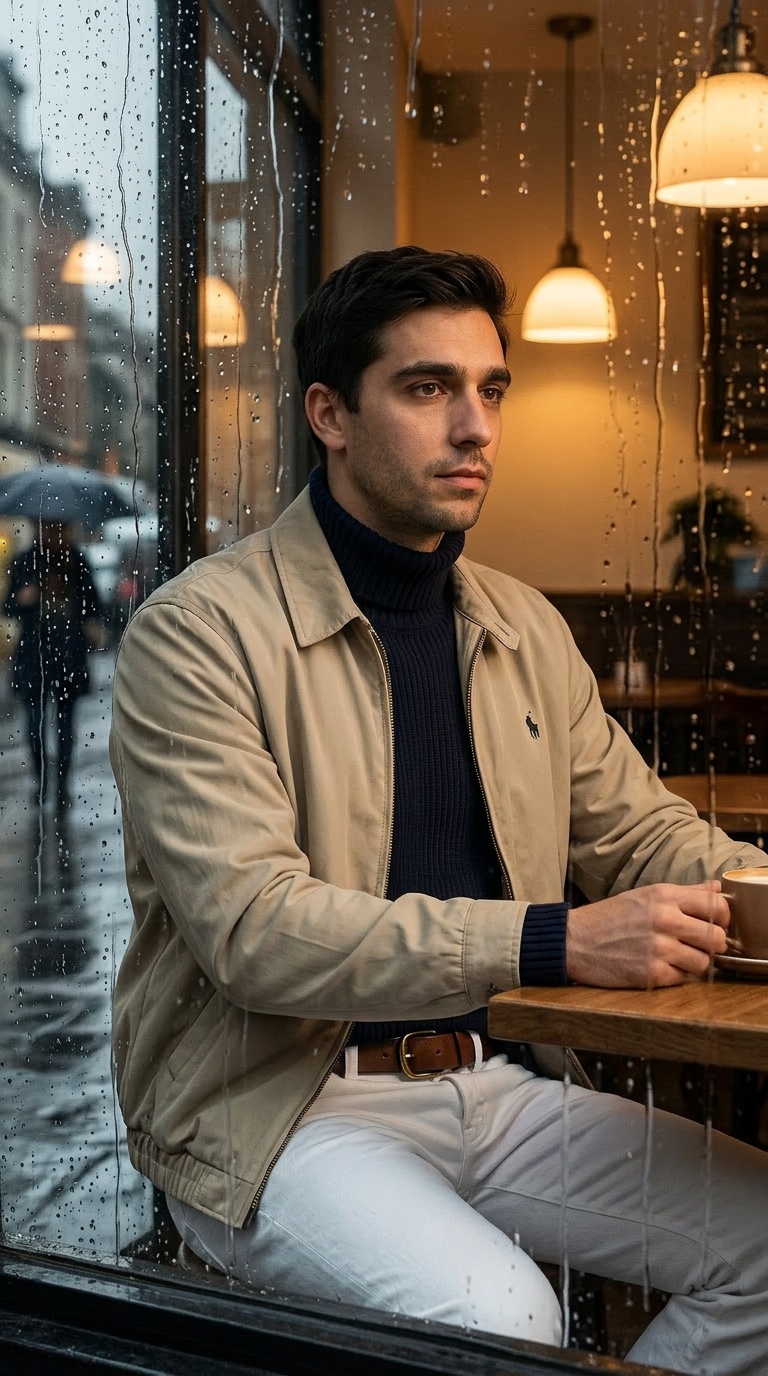
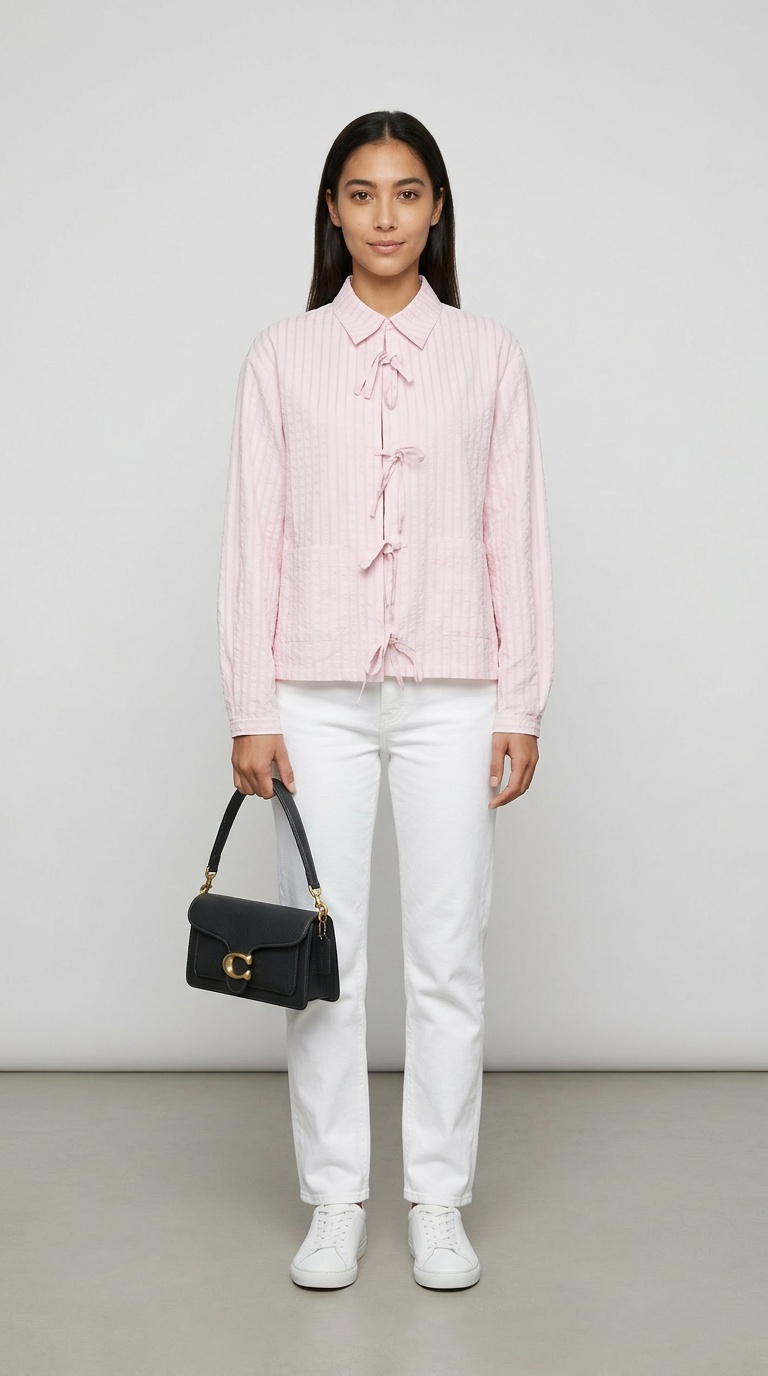
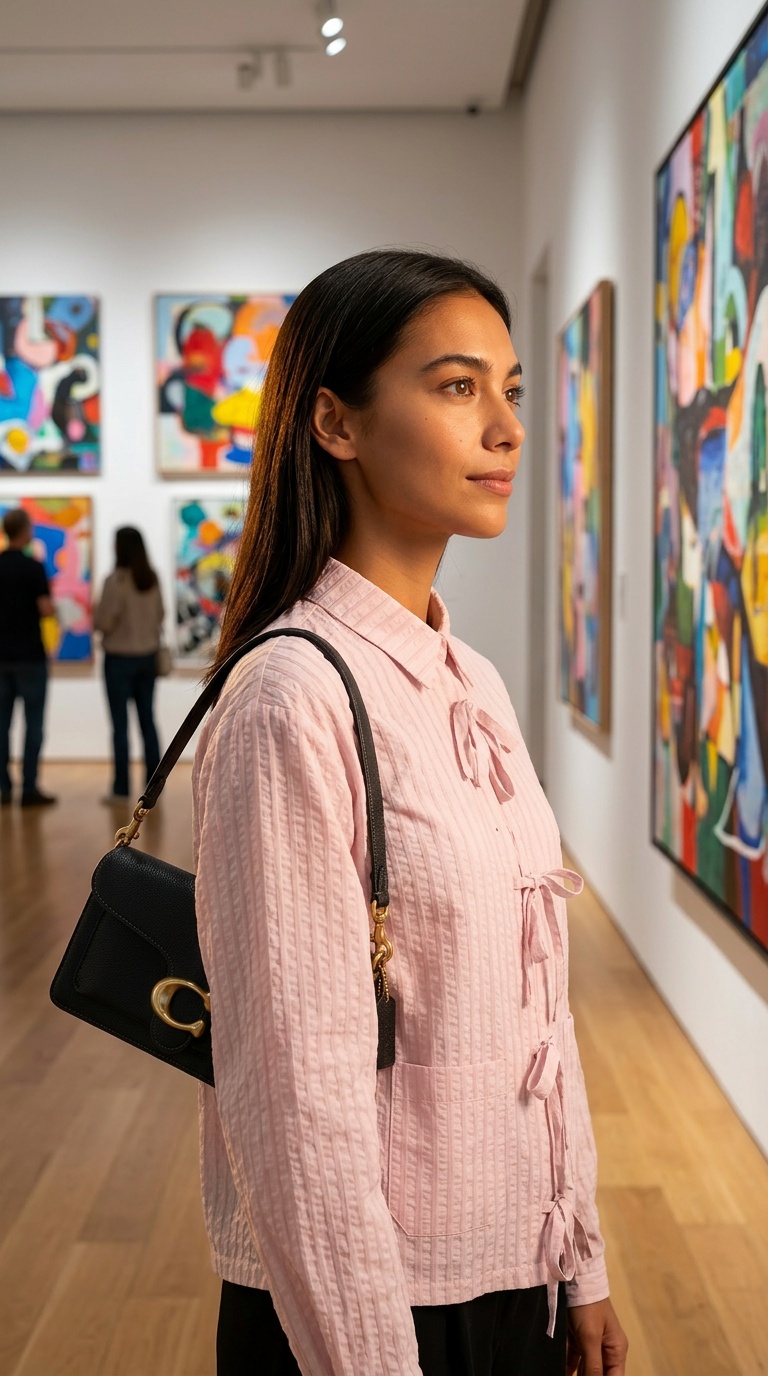

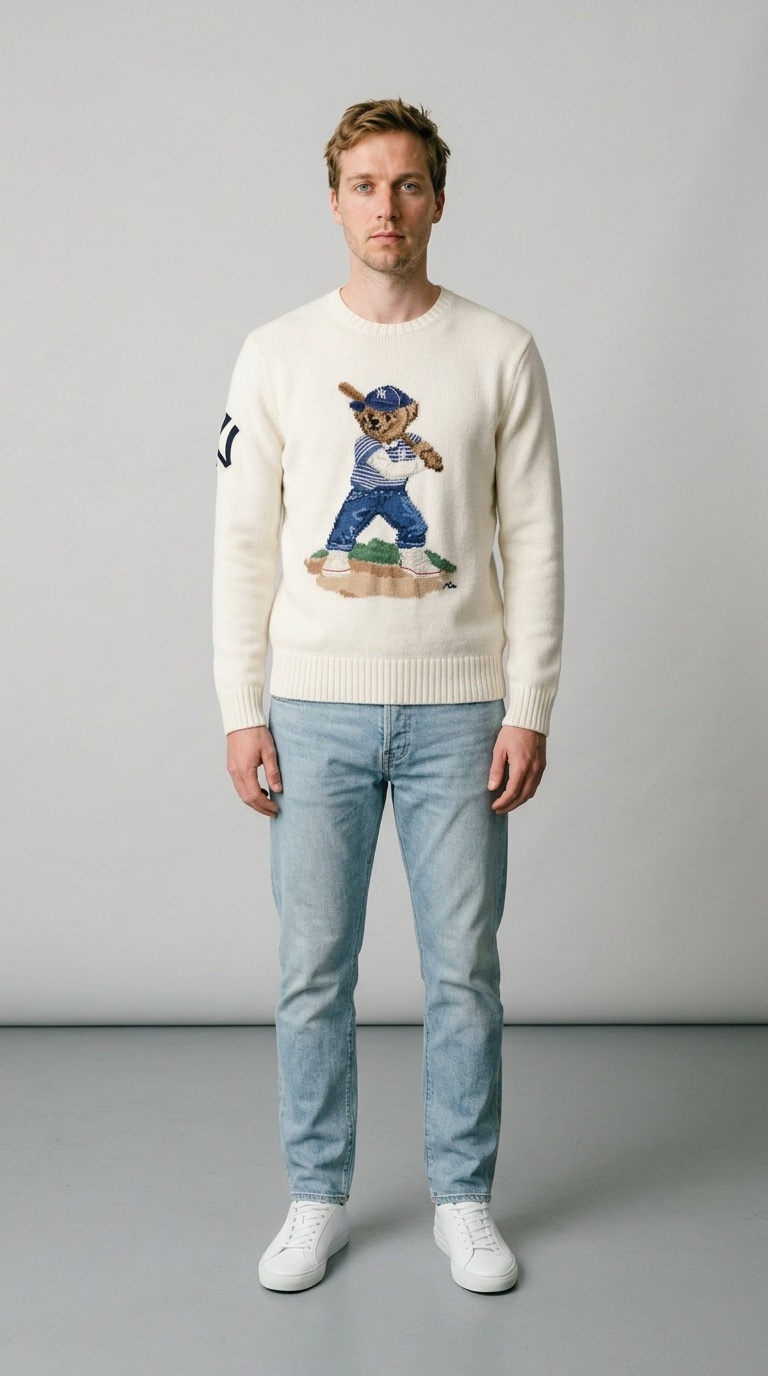
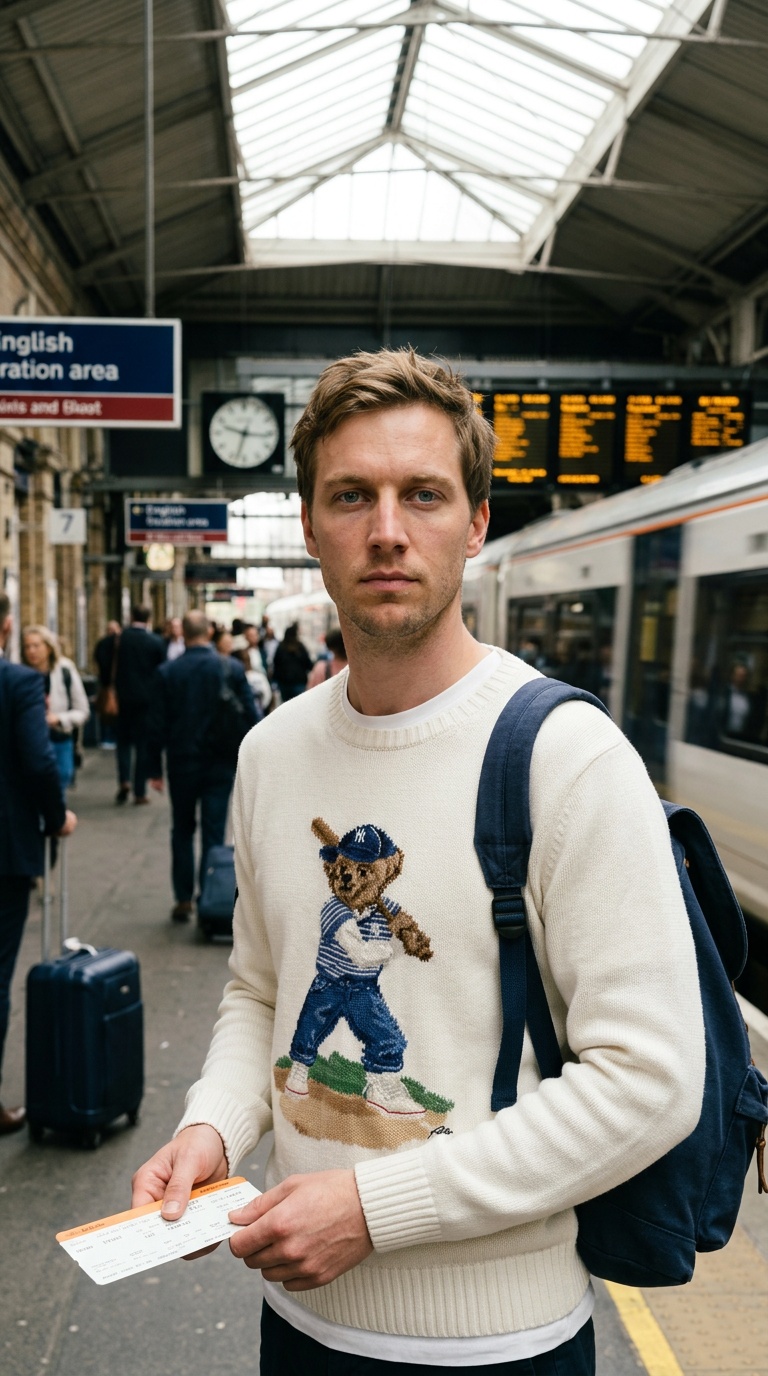
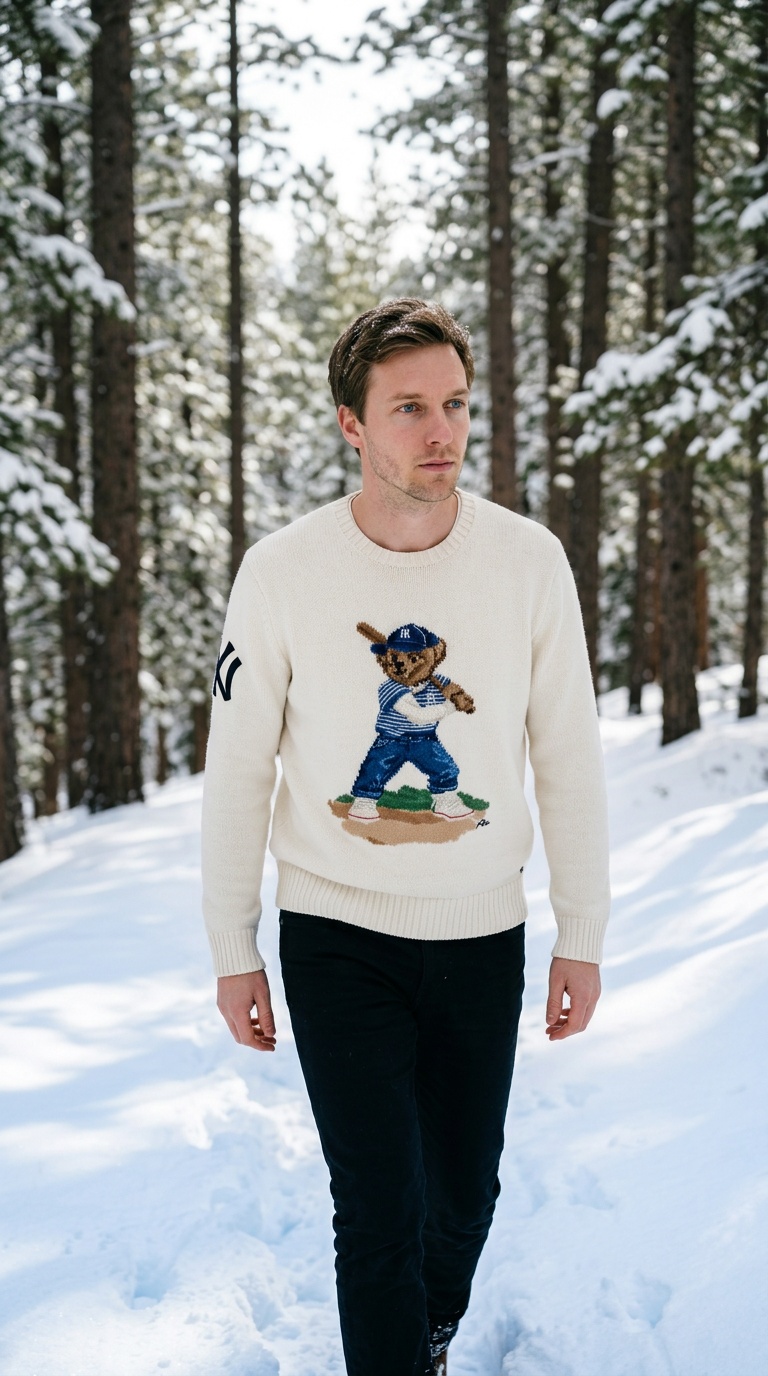
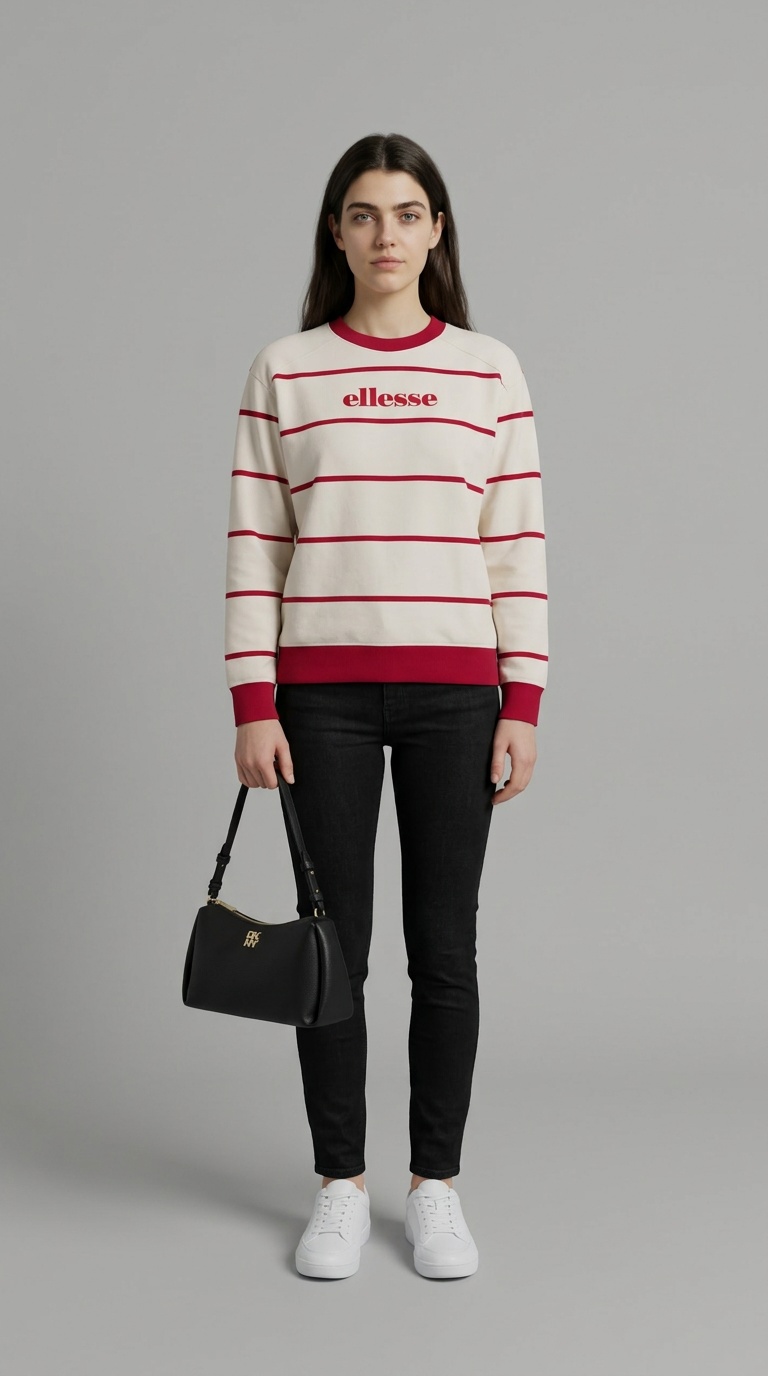
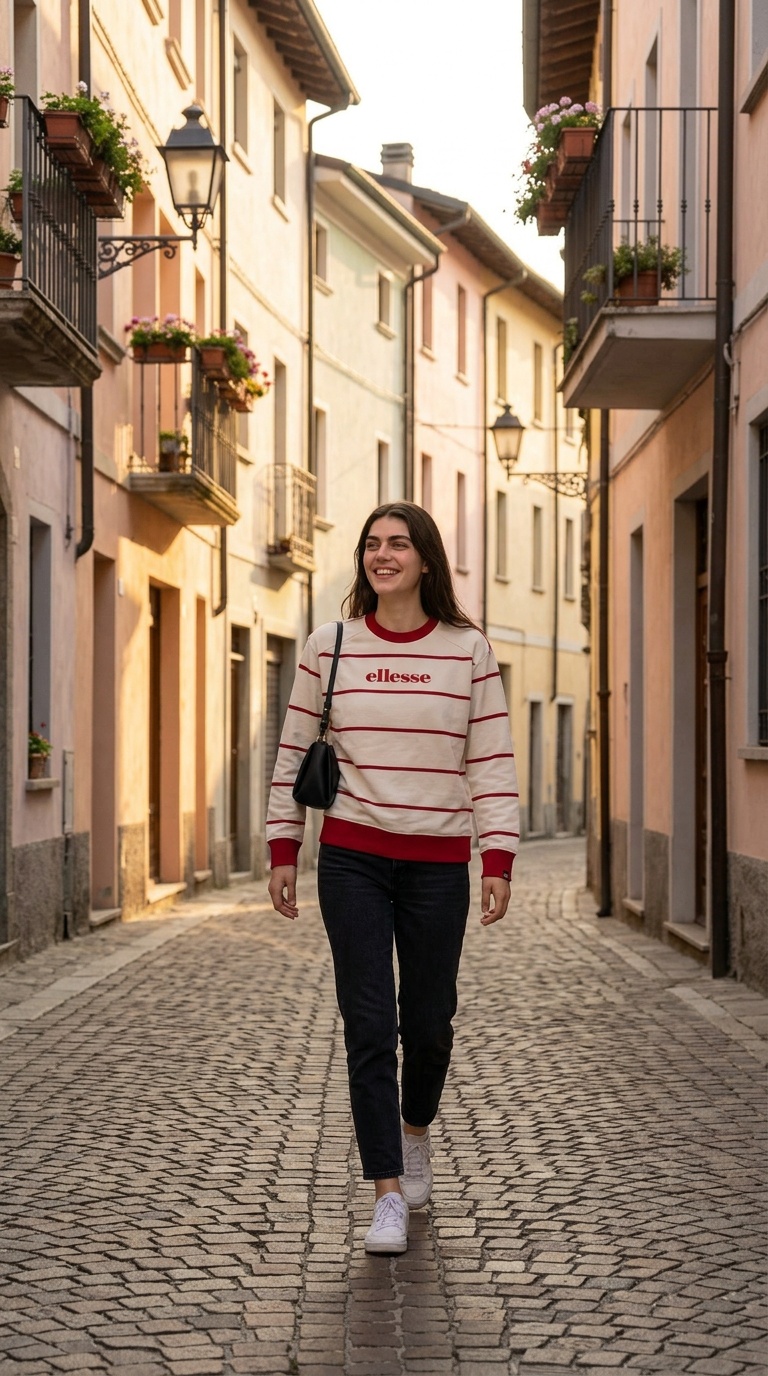
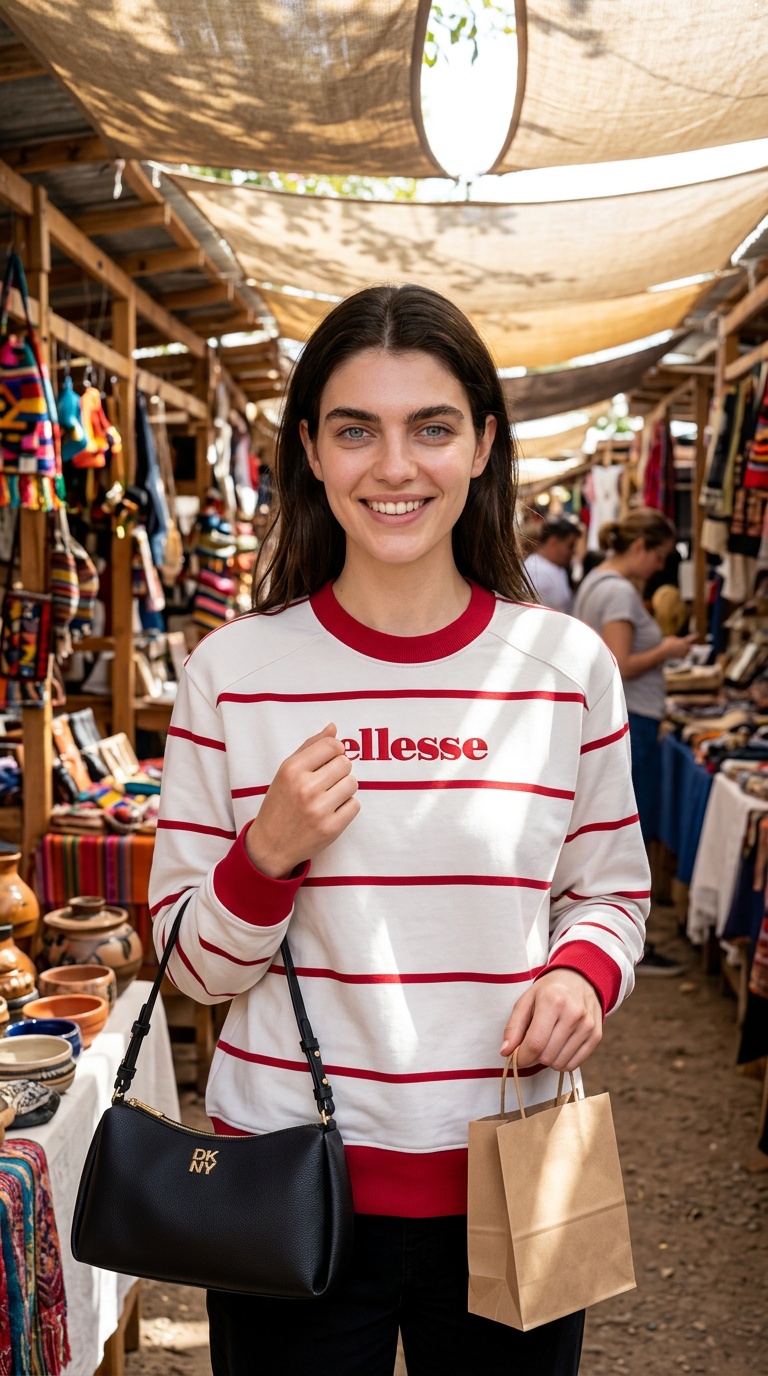
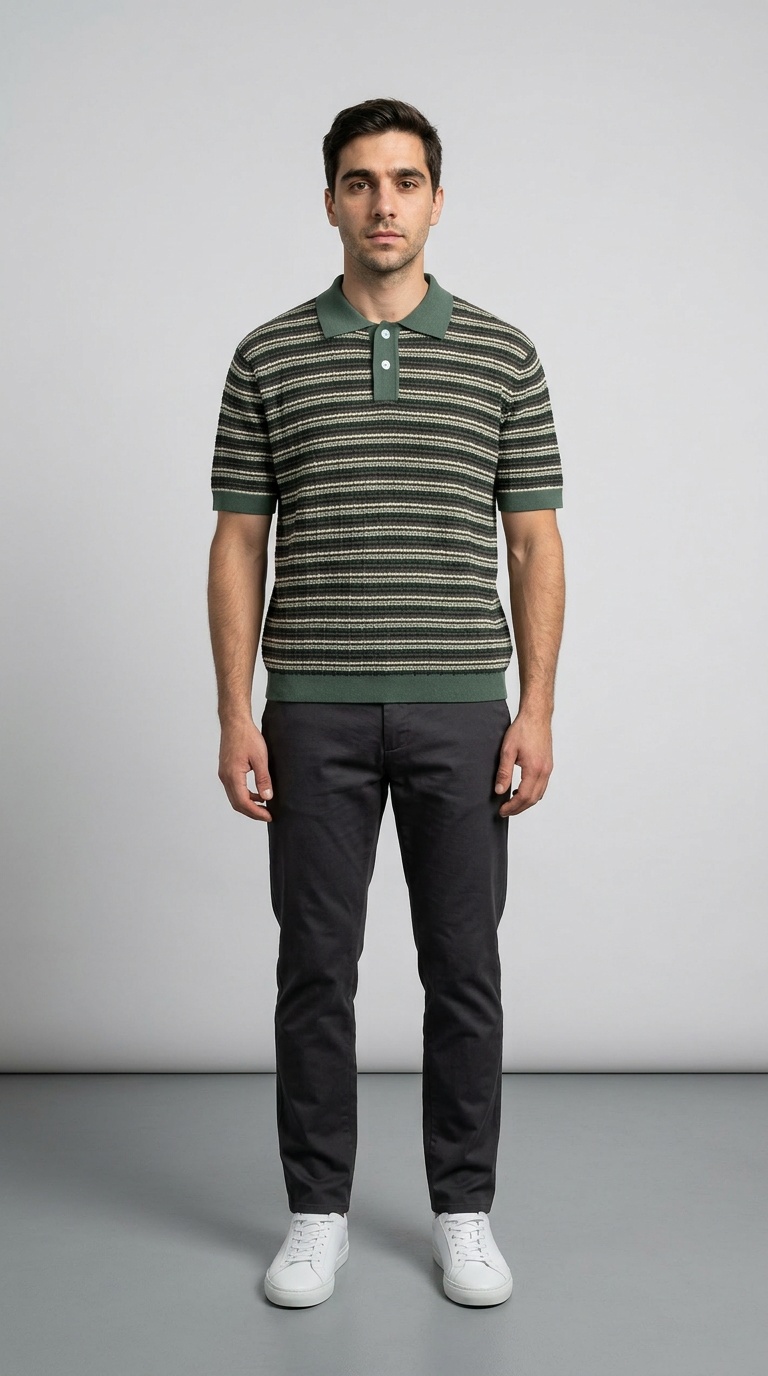
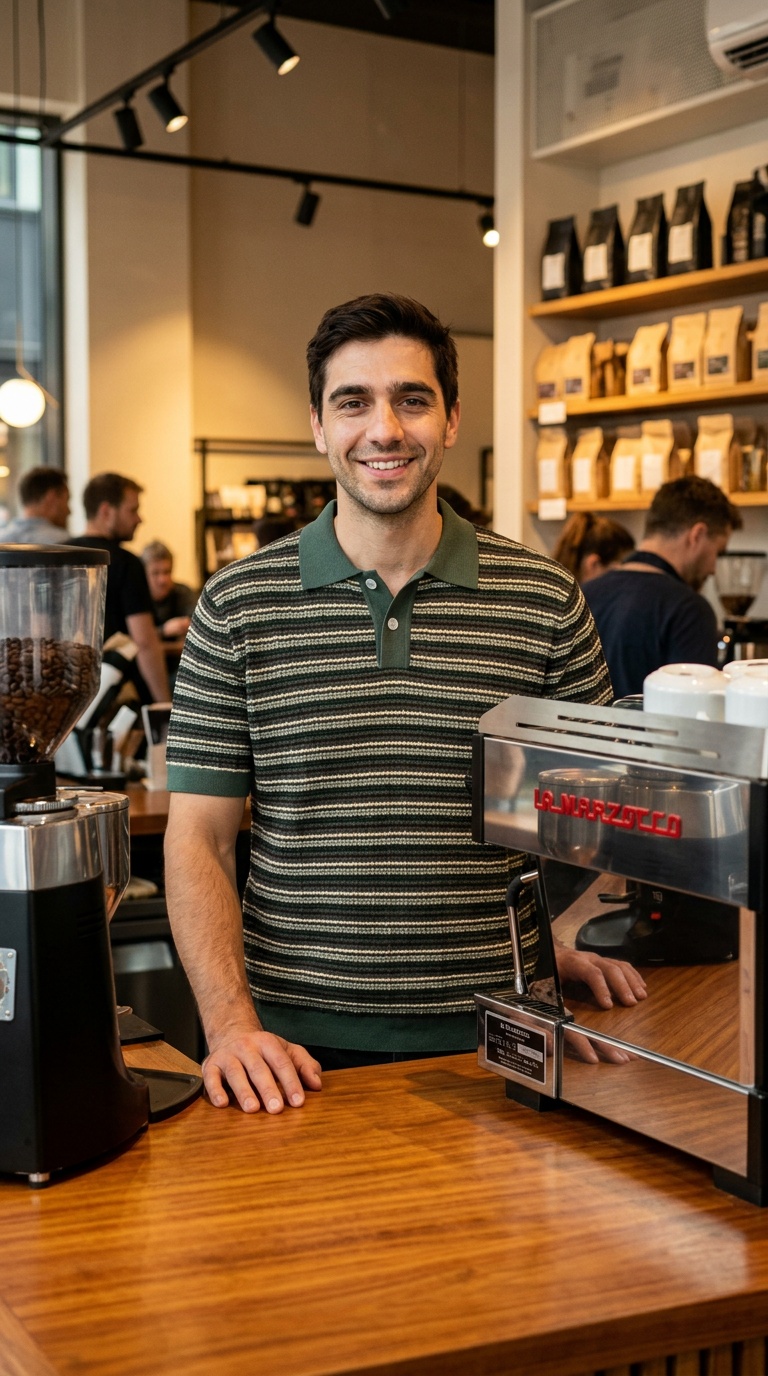
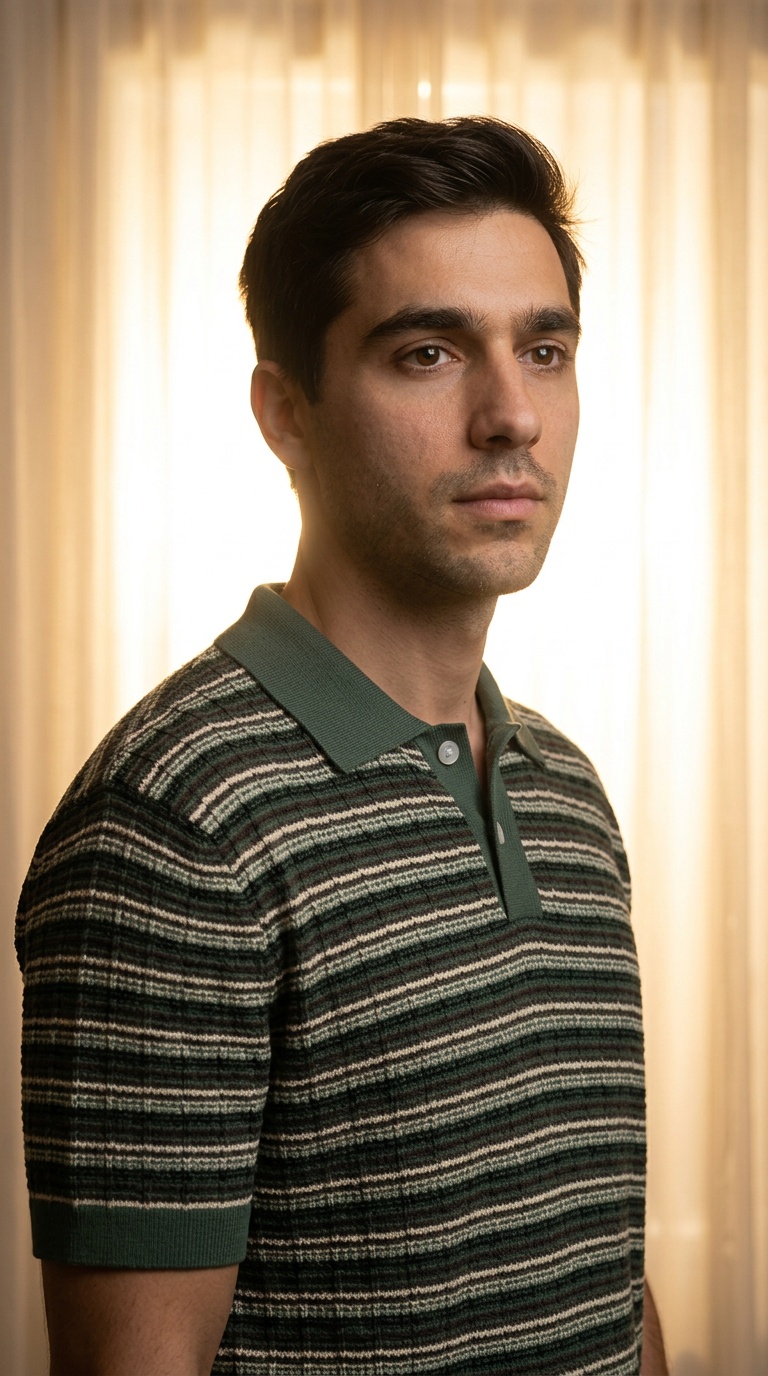
Everything you need for AI fashion photos and styling.
Import garments, manage people, and generate on-brand outfit images in a single workspace—no more juggling tools, tabs, or folders.
- Launch new collections faster with AI fashion photos instead of traditional studio shoots.
- Test more outfits with AI virtual try-on before booking models, locations or photographers.
- Centralize people, garments and prompts in one AI wardrobe tool that your team can share.

Nano Banana 2.1 + GPT Image 2.5
Create with two of the world's best AI models. Choose Nano Banana 2.1 for faster results or GPT Image 2.5 for superior resemblance. Style up to 7 garments together and refine your images with text.

Smart Wardrobe & Search
Import clothes from any URL or search the web directly within Vtry to build your digital closet instantly.
Team Workspace Sharing
Invite teammates with a link and share people, clothes, and generation history in one workspace.
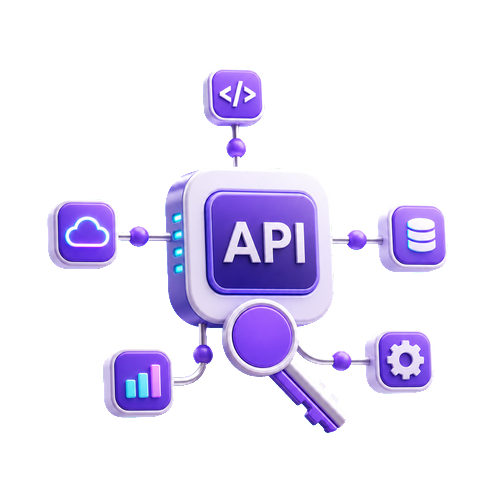
API Access & Automation
Connect Vtry to your backend, automations, and internal tools so image generation, garment import, and workflow actions can run programmatically.
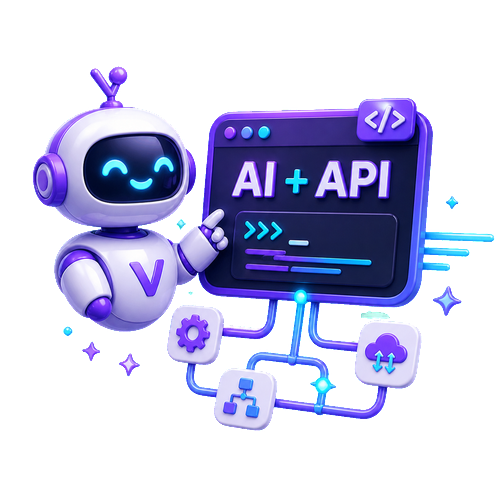
AI Agents + API
Give Claude, Codex, or your own AI agent a secure API key so it can trigger Vtry workflows, create assets, and keep production moving.
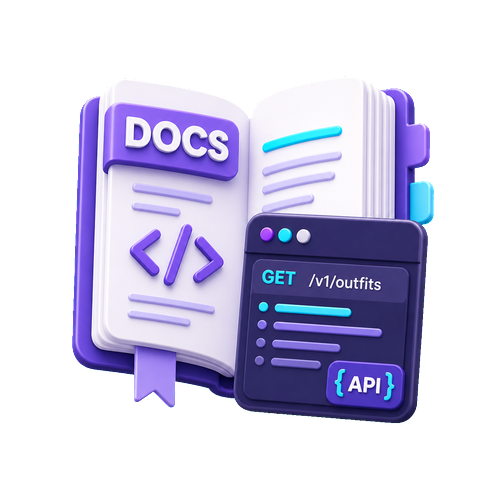
Docs & API Guides
Use clear documentation, examples, and API reference pages to connect Vtry with your app, scripts, or AI automation workflow faster.
Interactive 3D Camera
Adjust camera angles interactively in a 3D space to capture the perfect perspective for your apparel generation.
AI Prompt Assistant
Generate creative styling prompts with AI, or pick from our curated gallery to get professional results fast.
Advanced Editing
Refine images with text-based editing or generate professional headshots. Perfect for catalogs and social profiles.
Built-in Quick Edits
Fine-tune results with quick adjustments like brightness, contrast, color, rotate and flip before you download.
Professional Headshots
Create clean, studio-style portraits from everyday photos so your team and models always look campaign-ready.
Fast Person Onboarding
Add a person with a guided wizard, upload up to 3 photos, or capture from your camera for consistent try-on.
Social Media Ready
Generate feed-ready outfits and export in the right aspect ratios for Instagram, TikTok, and more.
Cleaner Garment Library
Vtry warns you when a garment image includes a face, so your wardrobe stays clean and results stay consistent.
4K Upscaling
Upscale your best looks up to 4K resolution while preserving sharp details and fabric texture.
Three simple steps to create AI fashion photos
See how easy it is to create professional AI fashion photos and virtual try-on looks with Vtry AI.

1. Add Person
Upload your own reference model to anchor your AI fashion photos. Use the guided wizard to add up to 3 photos or capture them from your camera for consistent virtual try-on results.
2. Add Clothes
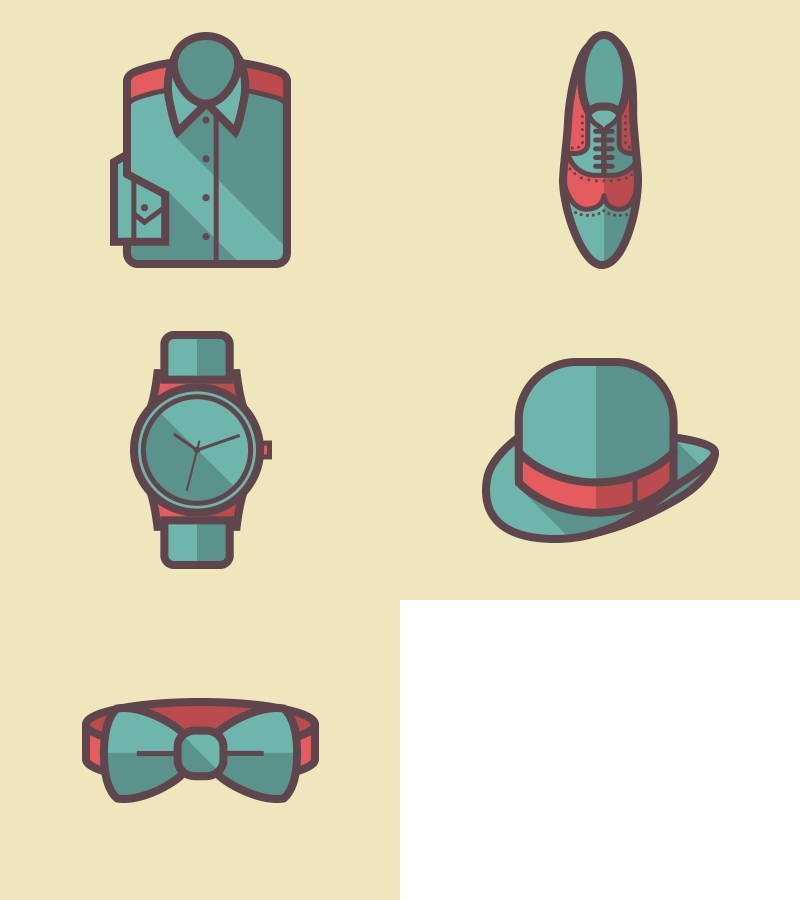
Paste any product URL or use our in-app search to instantly find and parse garments from the web into your AI wardrobe tool. Build a reusable digital closet that powers every virtual try-on session.
3. Generate & Edit
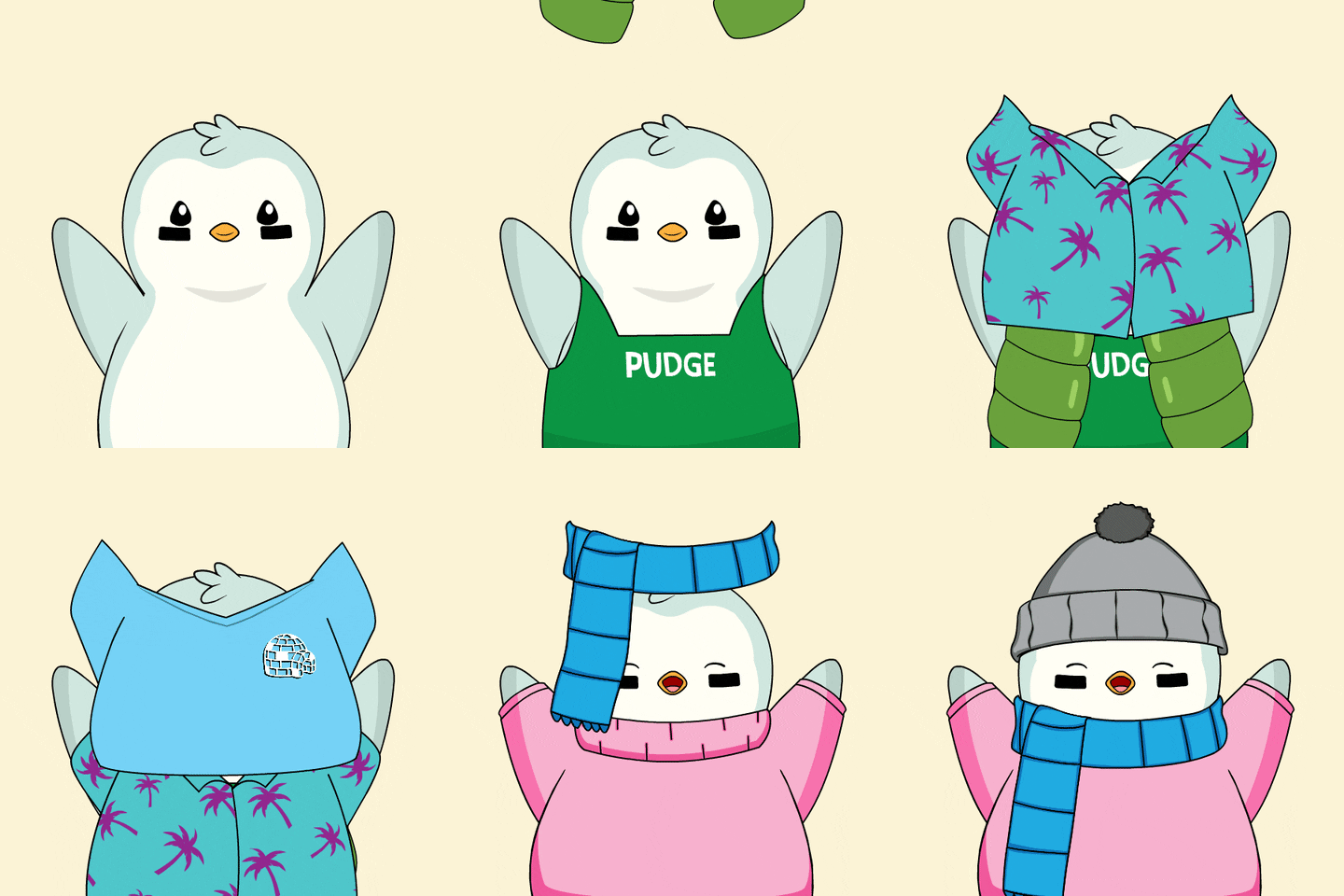
Combine a person with up to 7 garments and generate AI outfit images in a few seconds. Use AI prompts, the prompt gallery, text-based editing, and quick adjustments to get the perfect shot.
Flexible pricing for your AI fashion photo studio
Paid plans include credits for virtual try-on, AI outfit images, headshots, 4K upscaling, and API access on Pro, Team, and Ultimate.
Connect your backend, automation scripts, or AI agents like Claude and Codex to your Vtry workflow.
Team and Ultimate plans include invite links and member management for shared libraries.
Choose the best plan to fit your brand, marketplace or campaign needs.

Plus
€9.9
/mo
500 credits / month
Up to 100 NanoBanana image generations
Up to 60 Nano Banana 2.1 image generations
Garment from URL
Search Garment Online
Prompt Enhancement
4K upscale
Native 1K, 2K generation *
Edit image with prompt
Ready to go headshot generation

Pro
€29.9
/mo
1500 credits / month
Up to 300 NanoBanana image generations
Up to 180 Nano Banana 2.1 image generations
Garment from URL
Search Garment Online
Prompt Enhancement
API access
4K upscale
Native 1K, 2K generation *
Edit image with prompt
Ready to go headshot generation

Team
€59.9
/mo
2000 credits / month (shared pool)
Up to 400 NanoBanana image generations
Up to 240 Nano Banana 2.1 image generations
Up to 5 team members
Shared people & clothes library
Shared generations & edits history
API access
4K upscale
Native 1K, 2K generation *
Native 4K generation **
Camera Control
Edit image with prompt
Ready to go headshot generation
Ultimate
€119.9
/mo
5000 credits / month (shared pool)
Up to 1000 NanoBanana image generations
Up to 600 Nano Banana 2.1 image generations
Up to 5 team members
Shared people & clothes library
Shared generations & edits history
Garment from URL
Search Garment Online
Prompt Enhancement
API access
4K upscale
Native 1K, 2K generation *
Native 4K generation **
Camera Control
Edit image with prompt
Ready to go headshot generation
* Nano Banana 2.1: 1K costs 8 credits per image. 2K costs 13 credits per image.
** Native 4K costs 18 credits per image. Available on Team and Ultimate.
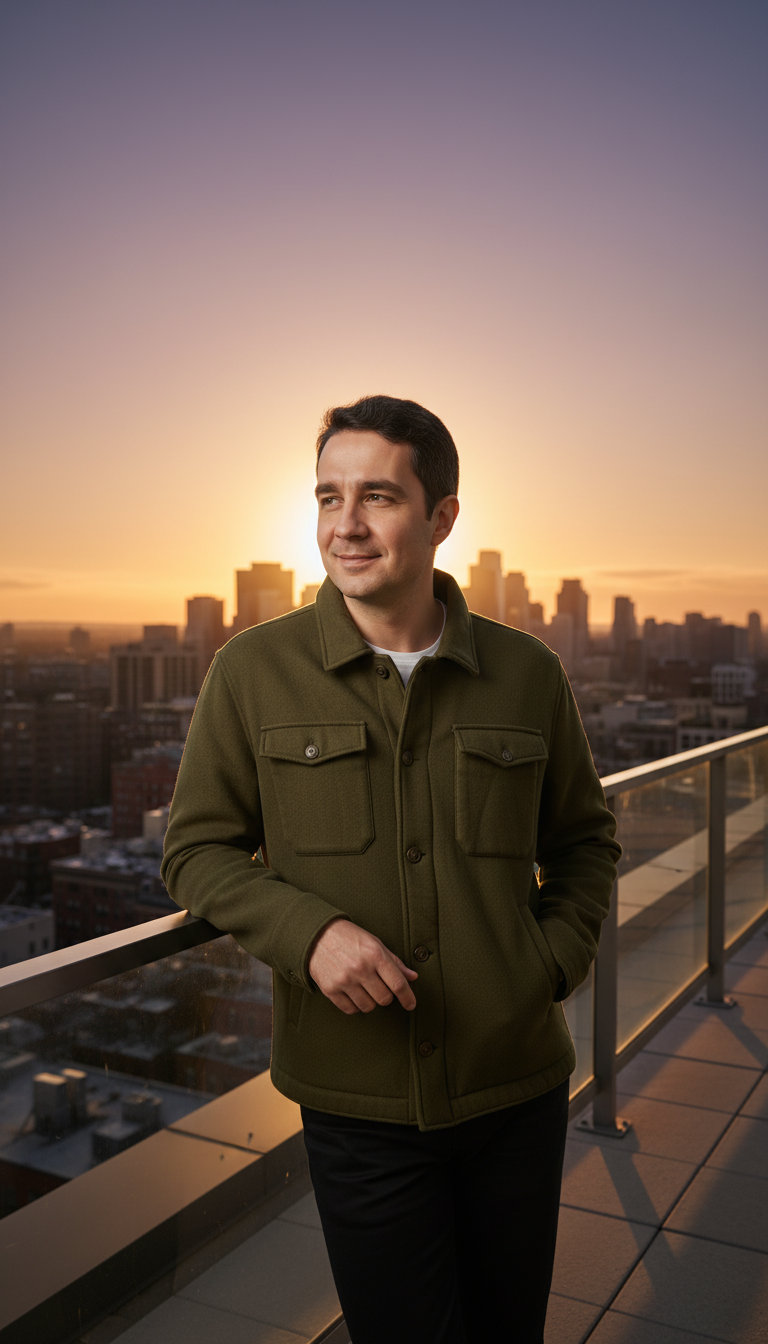
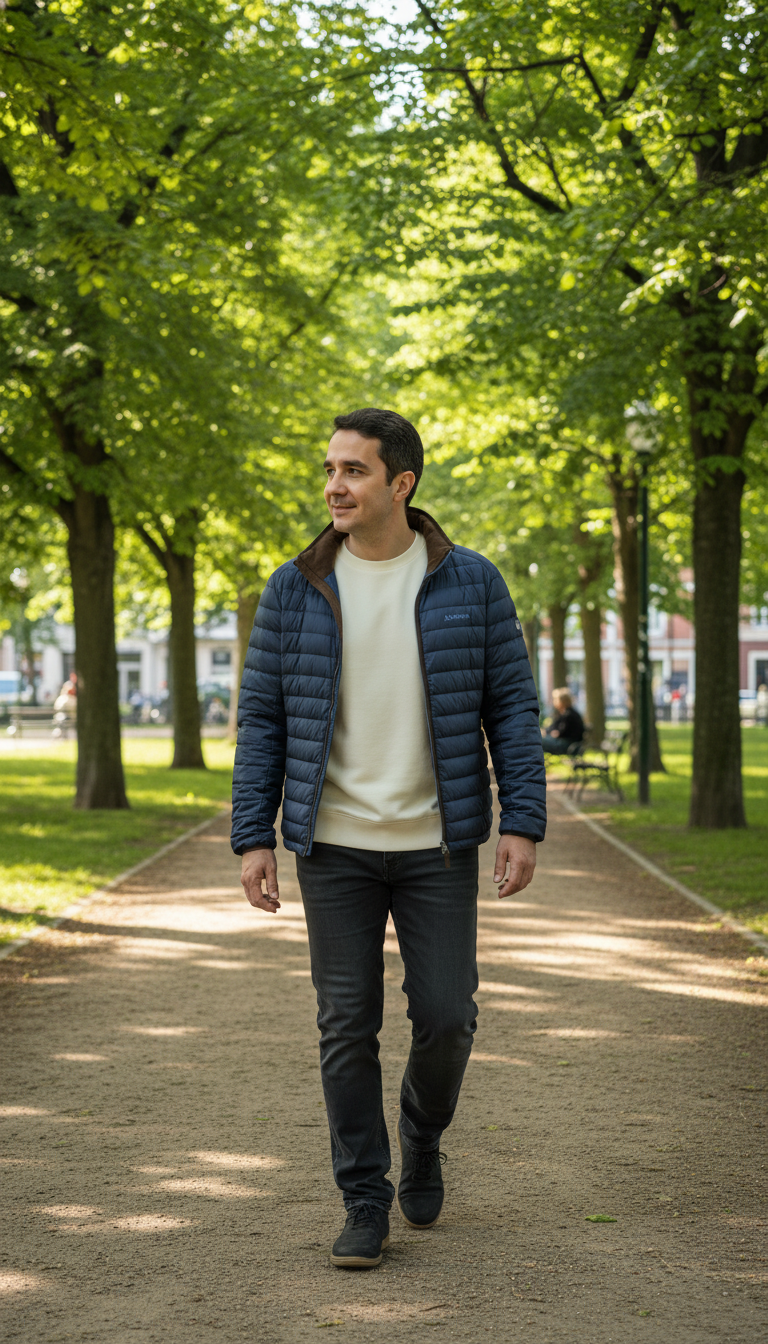
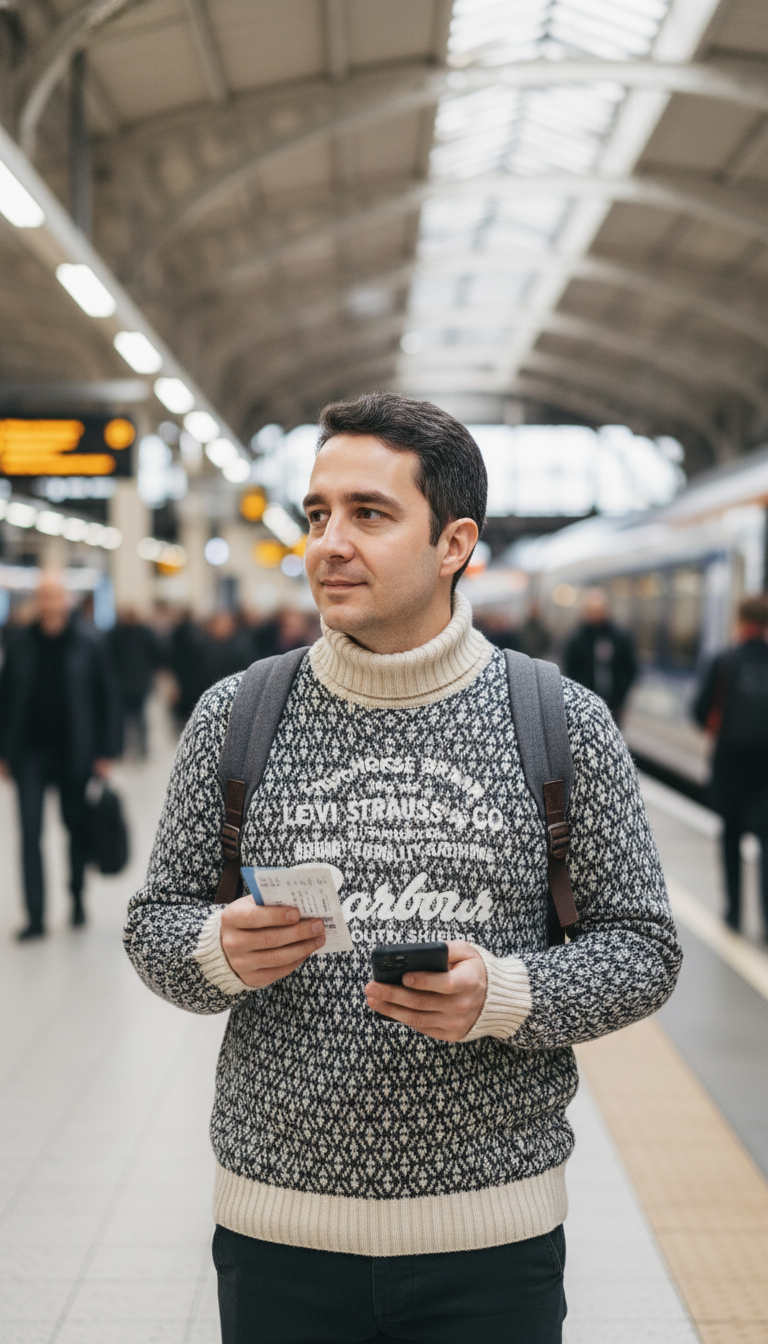
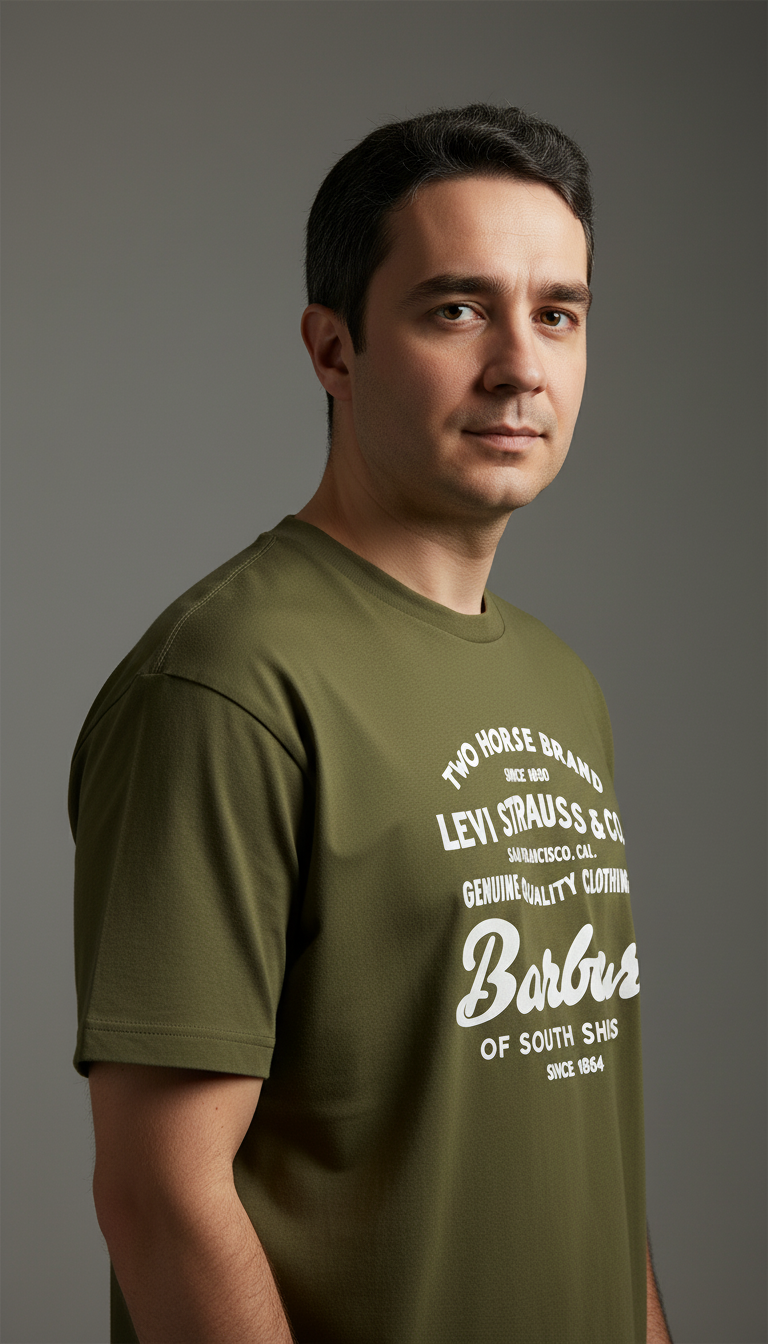
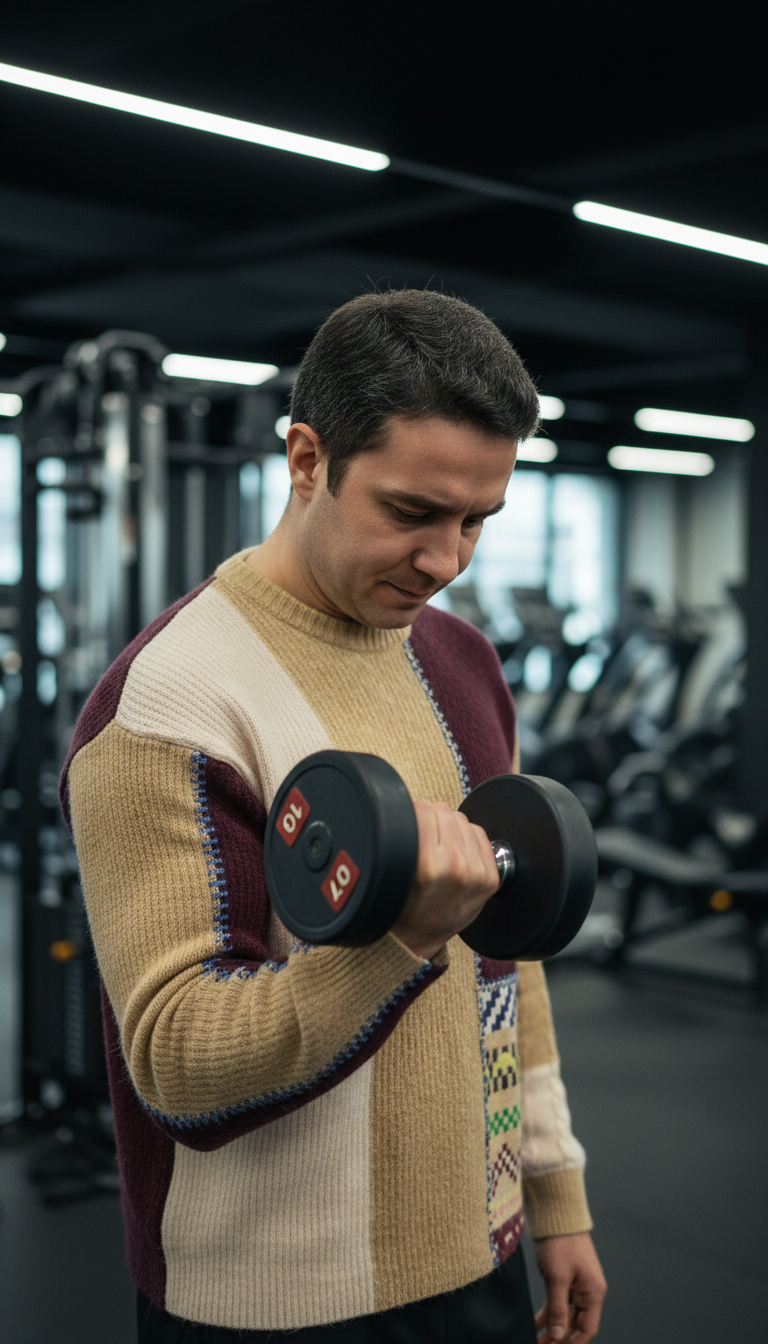
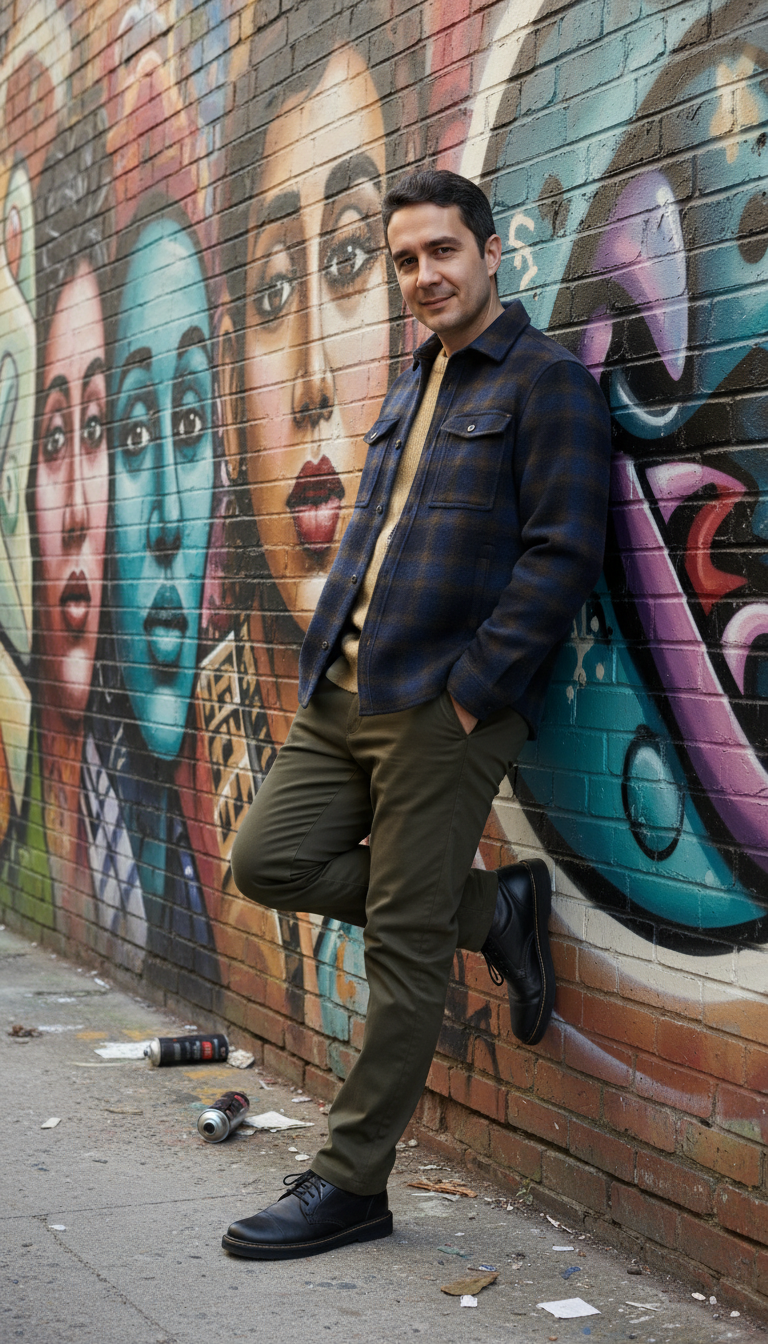
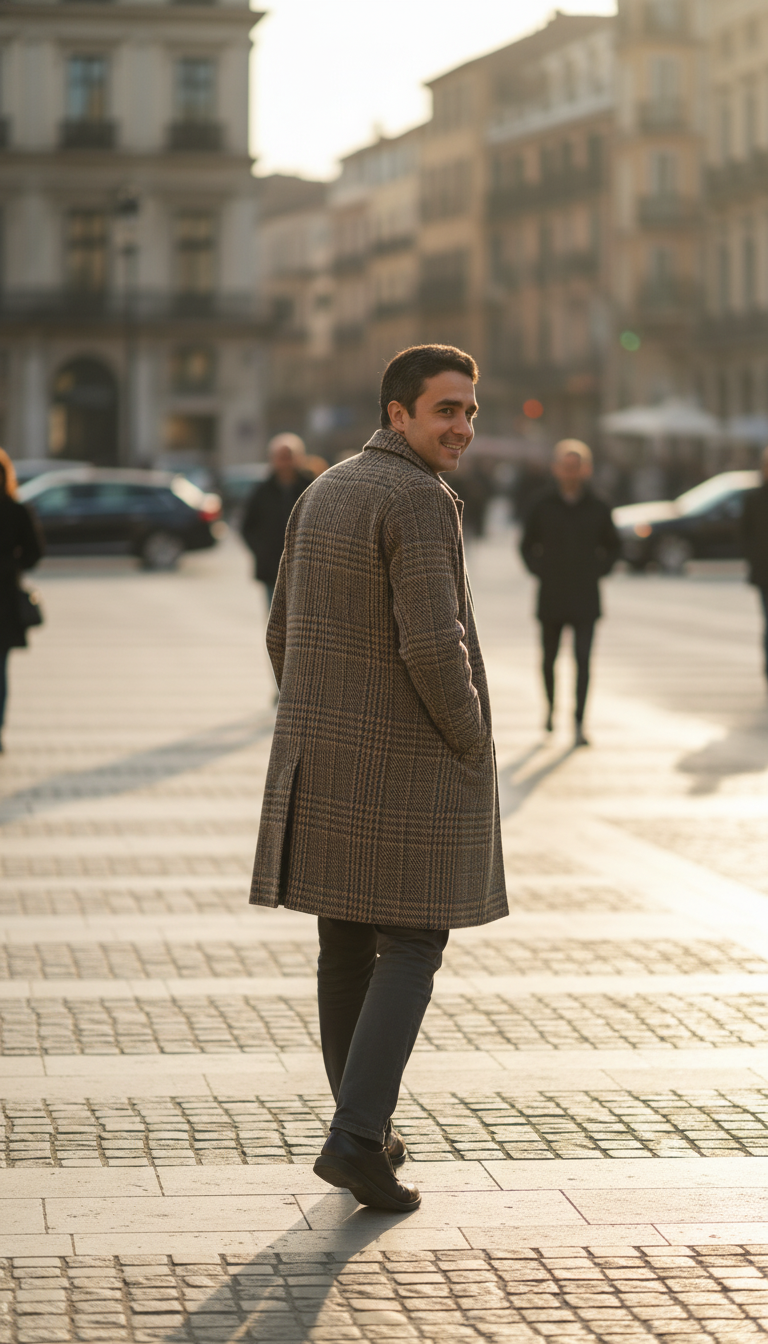
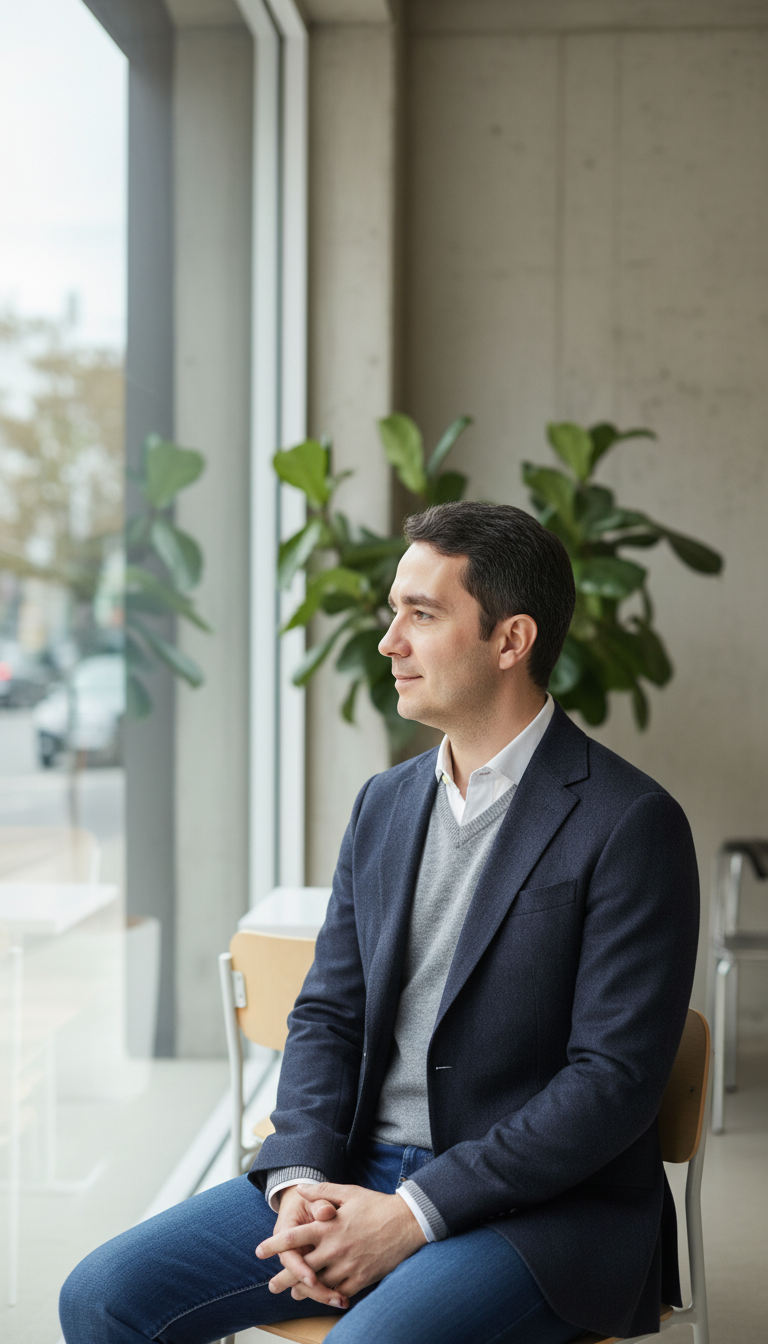
AI-generated outfit looks created with Vtry AI
Explore stunning garment combinations created with our AI virtual try-on and fashion photo studio.

Frequently asked questions
Browse through these FAQs to find answers to commonly asked questions.
1. Which AI models can I use in Vtry?
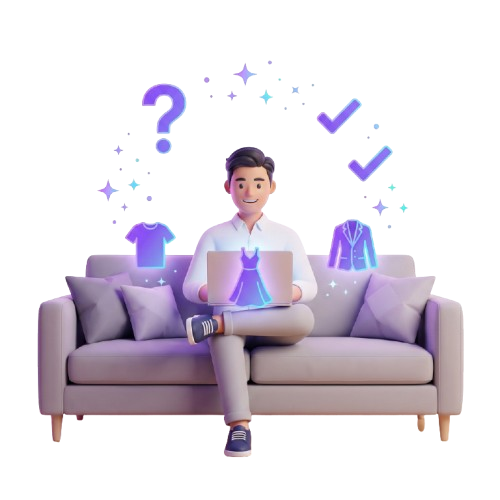
Vtry brings Nano Banana 2.1 and GPT Image 2.5 together in one studio. Choose Nano Banana 2.1 for faster results, or GPT Image 2.5 for superior resemblance with a longer generation time. Both are available for virtual try-on, image editing, and person creation.
3. Can I create full outfits, not just single-item try-ons?
Yes. Vtry AI is built for complete outfit creation. Combine tops, jackets, pants, dresses, shoes, and accessories with Nano Banana 2.1 or GPT Image 2.5, depending on your selected model and plan.
4. How many garments can I use in one virtual try-on?
With Nano Banana 2.1 or GPT Image 2.5, you can combine up to 7 garments in a single generation. For best results, use clear garment images with minimal background clutter and avoid images where a face or model dominates the product photo.
5. Can I import garments from any website?
Yes. With Smart Wardrobe, you can import clothing items directly from a URL. Paste the product link and Vtry will add it to your digital closet. You can also search the web directly inside the platform to build your garment library faster.
6. Why do you warn me about faces in garment images?
If a garment image includes a visible face, it can confuse virtual try-on and lead to inconsistent results. Vtry flags these images so you can pick a cleaner product photo or use Extract (AI) to find better options.
7. What are 1K, 2K, and 4K generations?
These control output resolution. 1K is faster and more credit-efficient for drafts. 2K is better for sharper catalog or social visuals. 4K is intended for high-quality final assets that need more detail.
8. Why do 2K and 4K generations cost more credits?
Higher resolutions require more processing because they generate more pixels and preserve more detail. Native 2K and 4K outputs use higher credit multipliers than standard 1K generations.
9. What is the difference between 4K upscaling and native 4K generation?
4K upscaling enhances an existing generated image after it is created. Native 4K generation creates the image at a higher resolution from the start. Native 4K is usually better when you need maximum detail in the final generation.
10. How do credits work in the Vtry AI fashion photo studio?
Each AI generation consumes credits. Plus includes 500 credits/month (up to 100 image generations), Pro includes 1500 credits/month (up to 300), Team includes 2000 shared credits/month (up to 400), and Ultimate includes 5000 credits/month (up to 1000). Credits reset monthly and can be used for virtual try-on, AI prompt enhancement, professional headshots, and 4K upscaling features.
11. Which plans include API access?
API access is included with Pro, Team, and Ultimate plans. You can create an API key from your profile and use it from your backend, automation scripts, or AI agents such as Claude and Codex.
12. Where can I find the API docs and integration examples?
Open Docs from the top menu or go directly to /docs?tab=api. The API docs include authentication, endpoint reference, request examples, and guidance for connecting Vtry to your own workflow.
13. Can I use Vtry AI images for my store or social media?
Vtry AI is designed for ecommerce, catalog, and social media workflows. You can use generated visuals for product pages, campaign tests, ads, and social posts, as long as you have the rights to the uploaded people, garments, brands, and source images.
14. Does Vtry AI store my people, clothing, and generated images?
Vtry keeps your uploaded people, garments, and generated results in your workspace so you can reuse them in future shoots. This makes it easier to build a persistent digital wardrobe and create consistent looks over time.
15. Can my team share the same people, garments, and generations?
Yes. Team and Ultimate plans include a shared workspace with up to 5 invited members. Invited teammates can use the same people library, clothing library, shared credit pool, and generation history.
16. Can I remove team members later?
Yes. Team owners can remove members and regenerate the invite link when needed. Removed members no longer have access to the shared workspace.
17. What should I do if a result does not look right?
You can open the generated image in the Edit section and describe exactly what you want to fix with a prompt, such as changing a jacket, correcting sleeves, keeping the face the same, or replacing the background. For bigger issues, use a clearer person photo, a cleaner garment image, or a more specific generation prompt.
18. Can I generate professional headshots too?
Yes. Vtry can generate clean, studio-style headshots from everyday photos, which is useful for team pages, profiles, model cards, and campaign assets.
19. How can I get early access or provide feedback?
For early access to new features, partnership opportunities, or suggestions, email us at [email protected]. Our team reviews user feedback and uses it to improve the product.
20. How can I reach you?
Email us anytime at [email protected] and we’ll get back to you as soon as possible.