
Clean up a garment photo
Start with a phone photo, product link or garment search. Extract the clothing from the person and background, or save a clean packshot as it is.
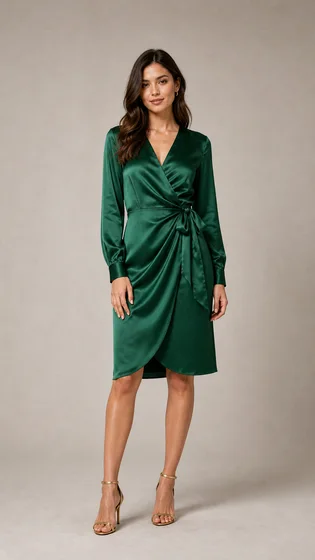
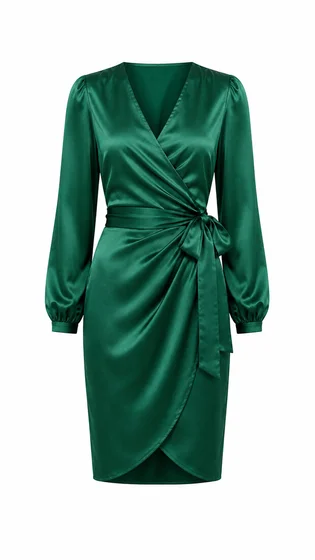
AI fashion studio
Dress your model in up to seven pieces with GPT Image 2.5 or Nano Banana 2.1. Carry the same outfit from a catalog shot to a new location in Shoot Chat.
First look uses our studio model. See plans from €9.90 / month
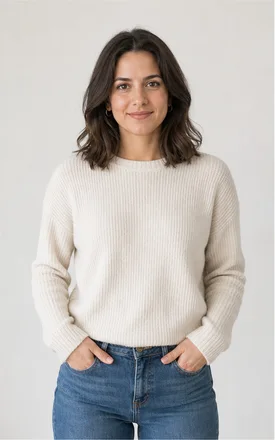
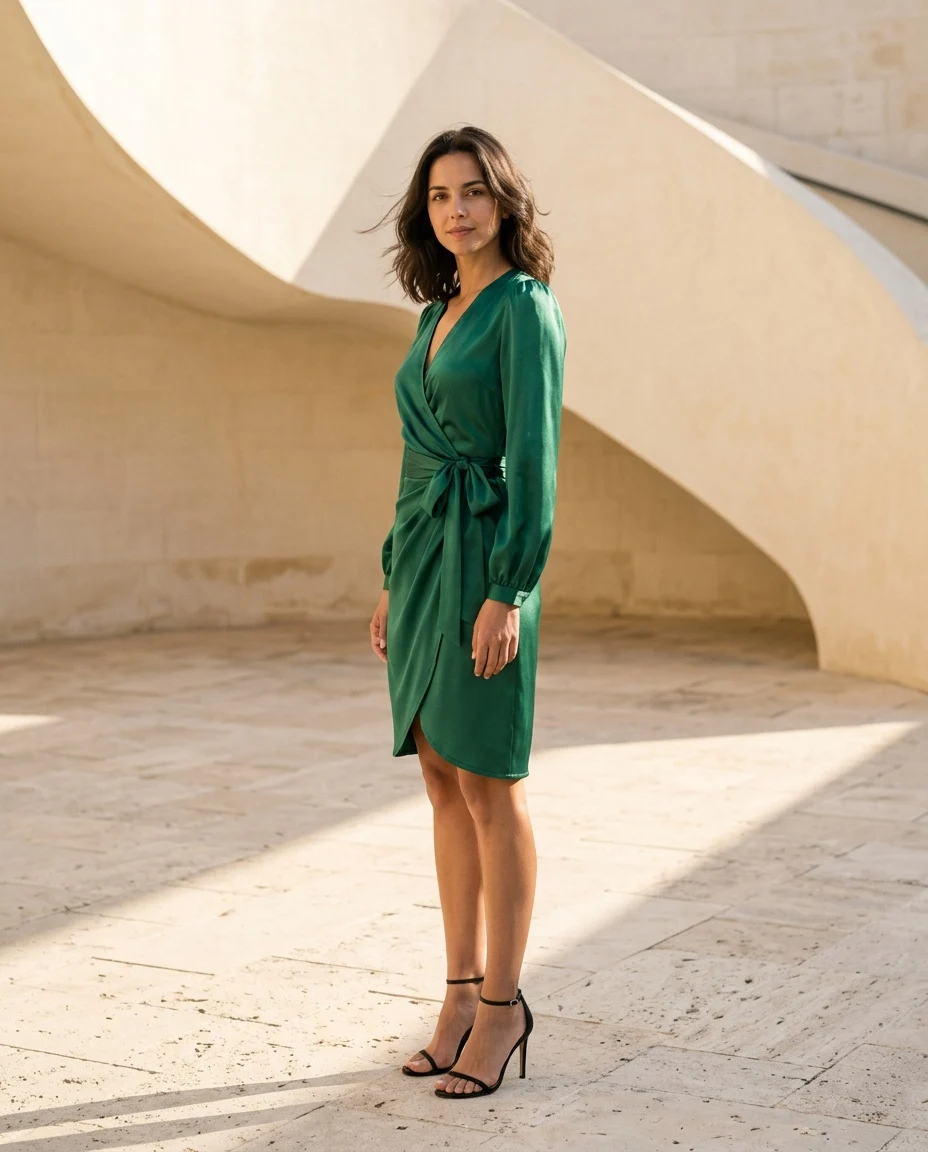
Build a reusable wardrobe and cast, direct a shoot, then prepare the image for your storefront.
Start with a phone photo, product link or garment search. Extract the clothing from the person and background, or save a clean packshot as it is.
Every paid plan includes three ready-to-shoot models. Open a photo to inspect the same jacket on Mara, Ellis or Imani. Choosing a model uses no credits.
Start with a saved image or clothing item. Describe a color or outfit change. Use the 3D camera control for a new angle, or make quick adjustments to brightness, contrast, rotation and framing.
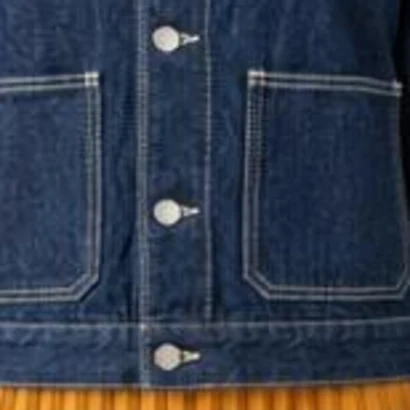
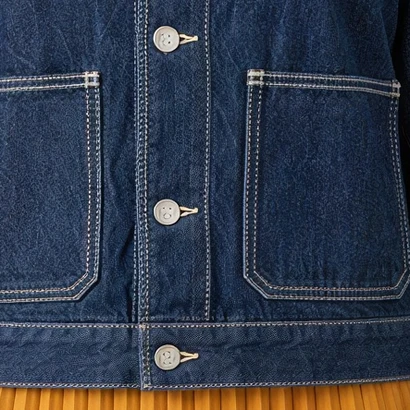
Choose a finished photo in the gallery and upscale it for a larger export. These crops show the same jacket detail from the original and the 2160p upscale.
Start with a ready-made prompt or save your own scene. These two products were shot with the same Daylight catalog setup. Open either photo to inspect it.
Use a workspace API key to list garments and people, submit a shoot and retrieve its image. Connect Claude Code or Codex over MCP to create and revise a Nano Banana 2.1 shoot. GPT Image 2.5 is available in Studio.
curl https://vtry.ai/api/v1/clothes \
-H "Authorization: Bearer ${VTRY_API_KEY}"Team and Ultimate share the cast, wardrobe, credits and finished images in one workspace.
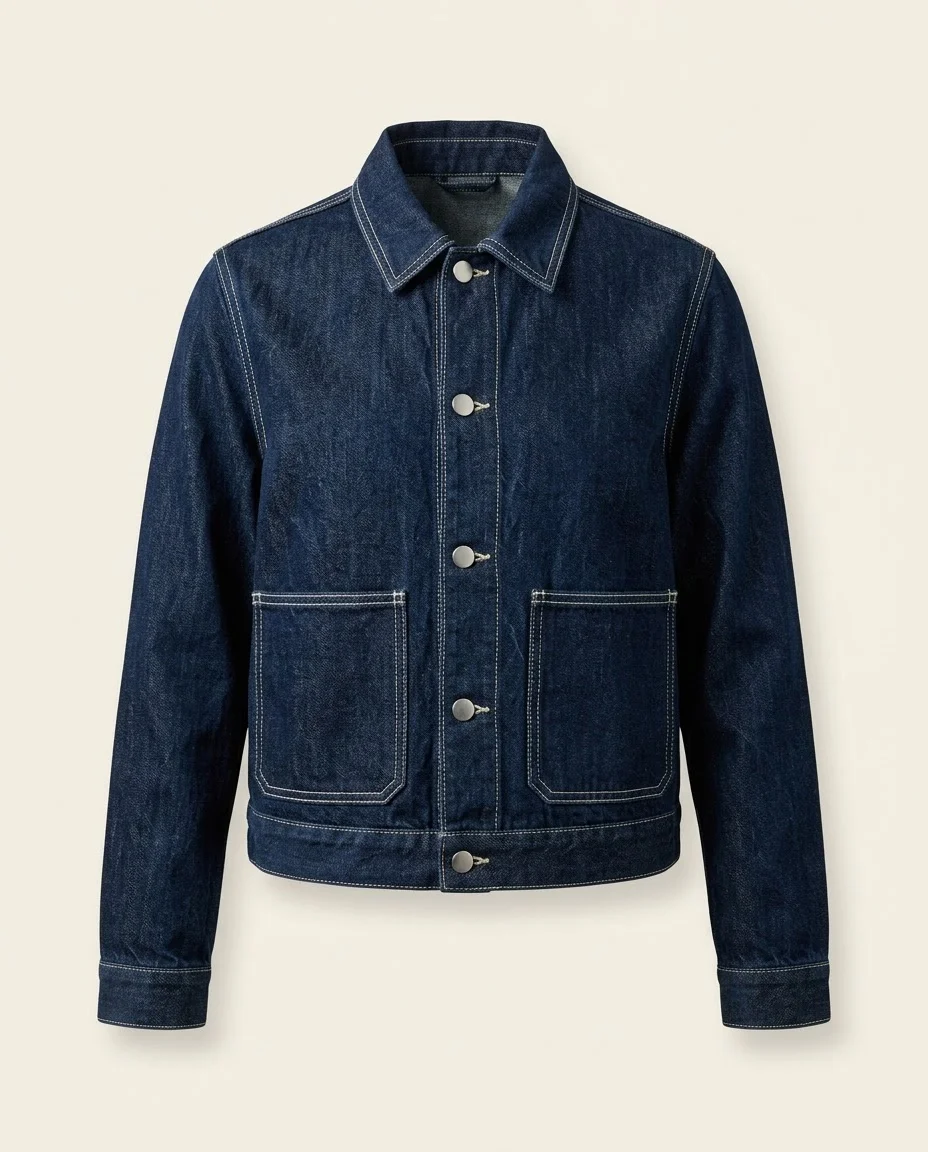
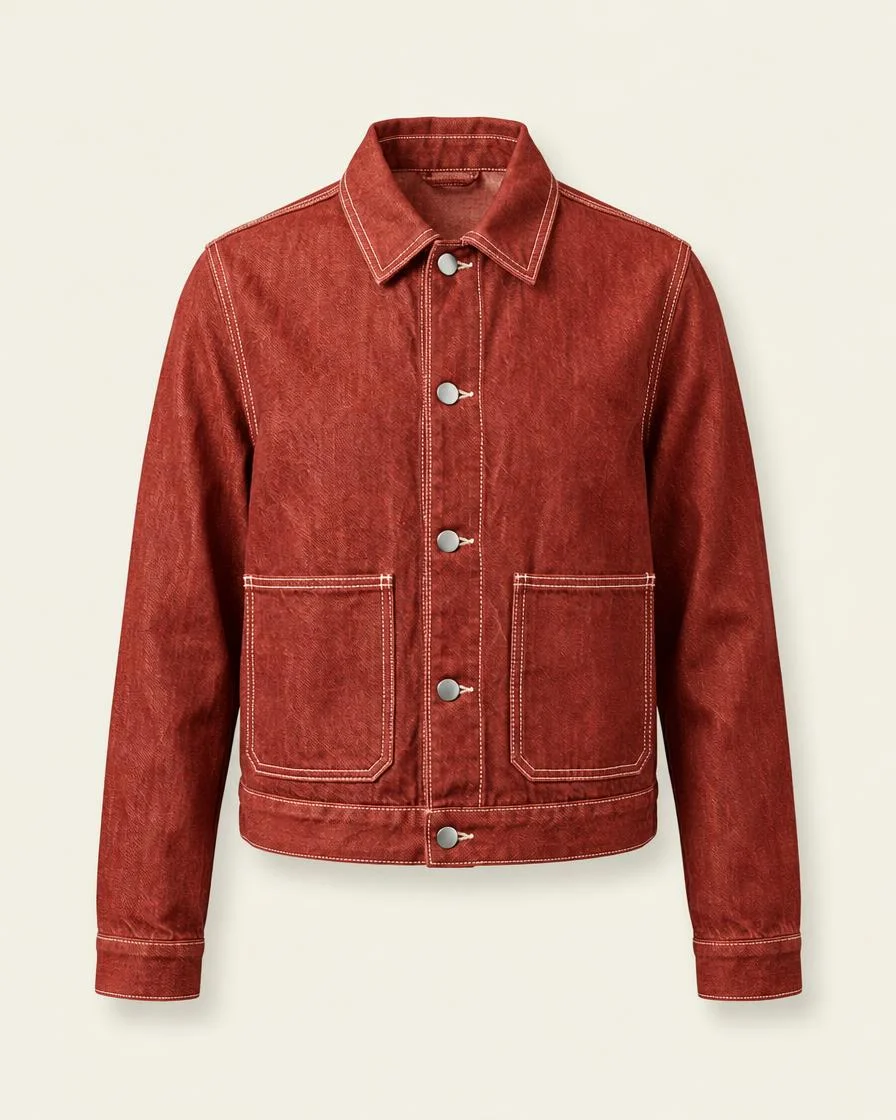
Same person, jacket, skirt and brief. Open either photo to compare the pockets and pleats with the original garments, then see how the outfit holds up on location.
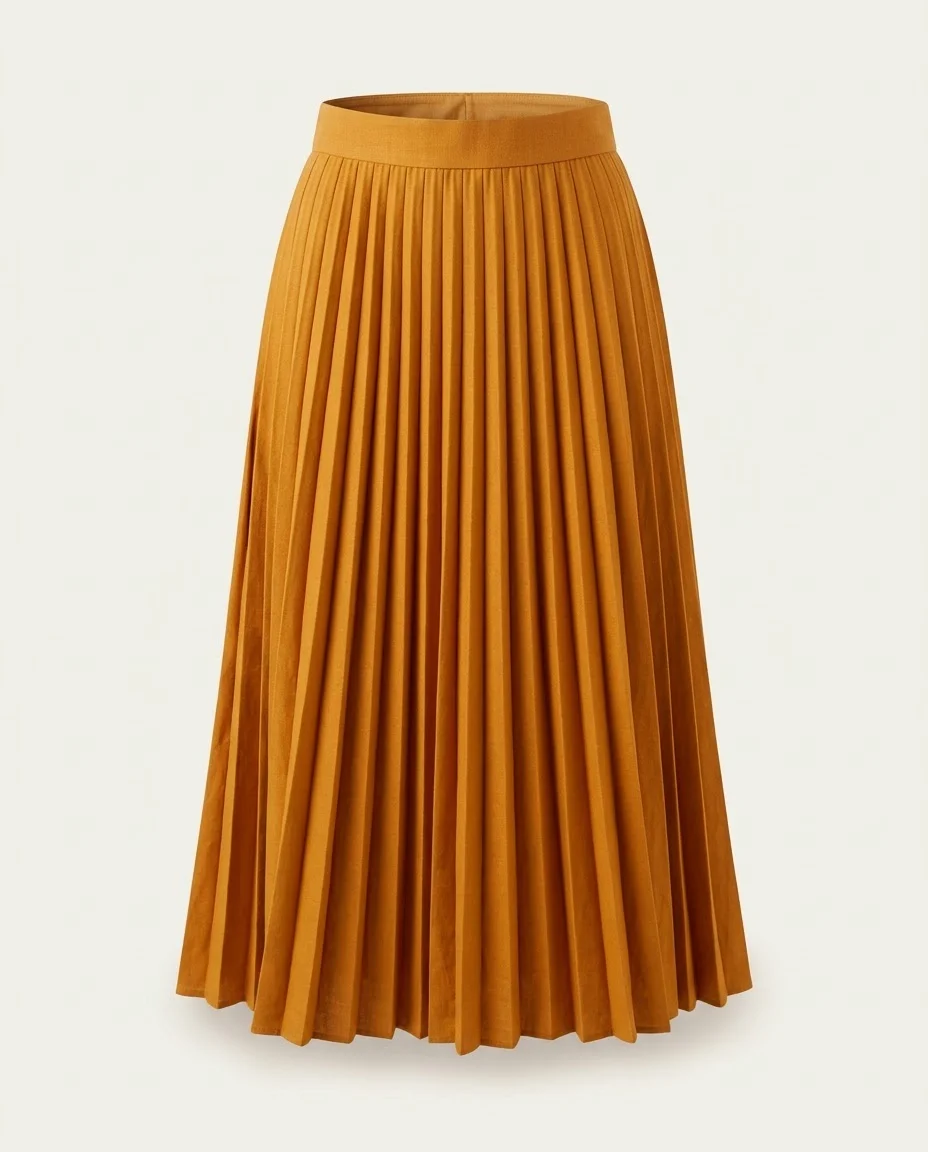
Dress the model in the indigo jacket and ochre skirt. Shoot the full outfit against an ivory backdrop in soft daylight.
Try your own garmentTake this denim shoot from Studio to your storefront. The ZIP contains the GPT Image catalog and location shots in two sizes, with the product code in every filename. Both formats keep the entire outfit in frame.
Download sample ZIP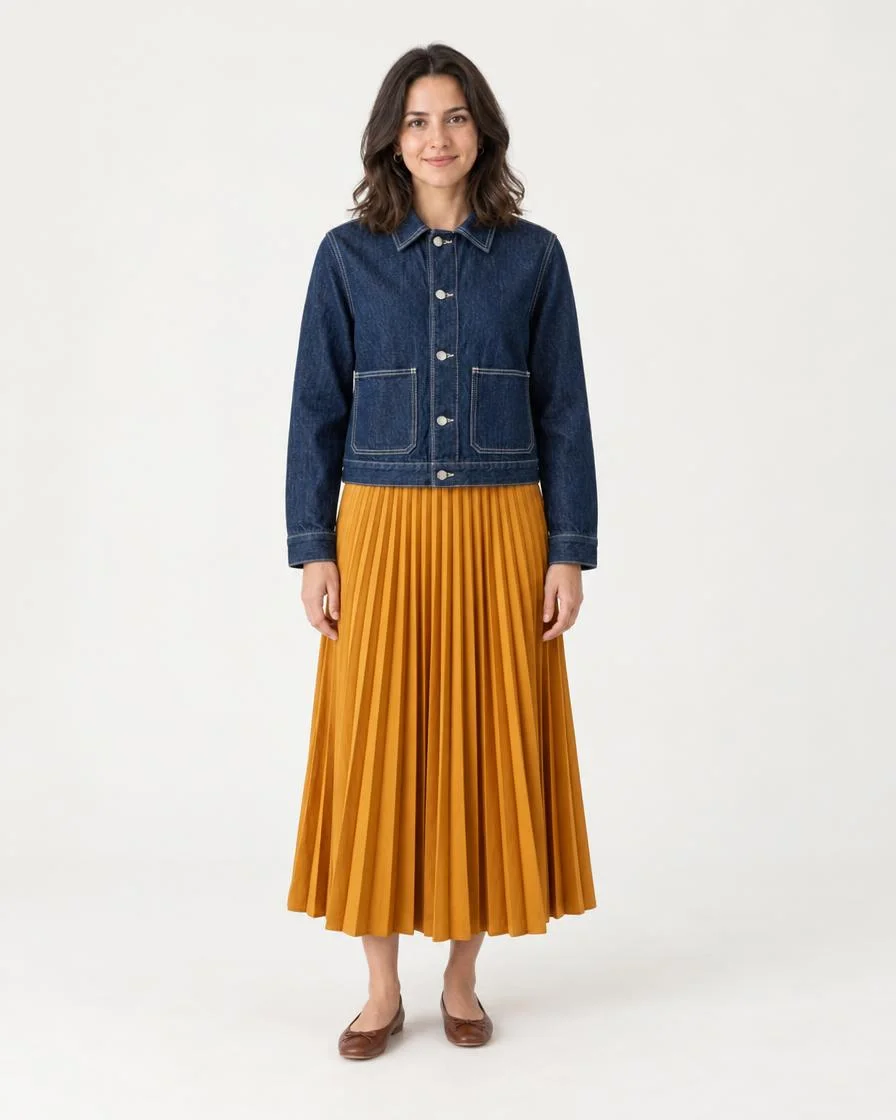
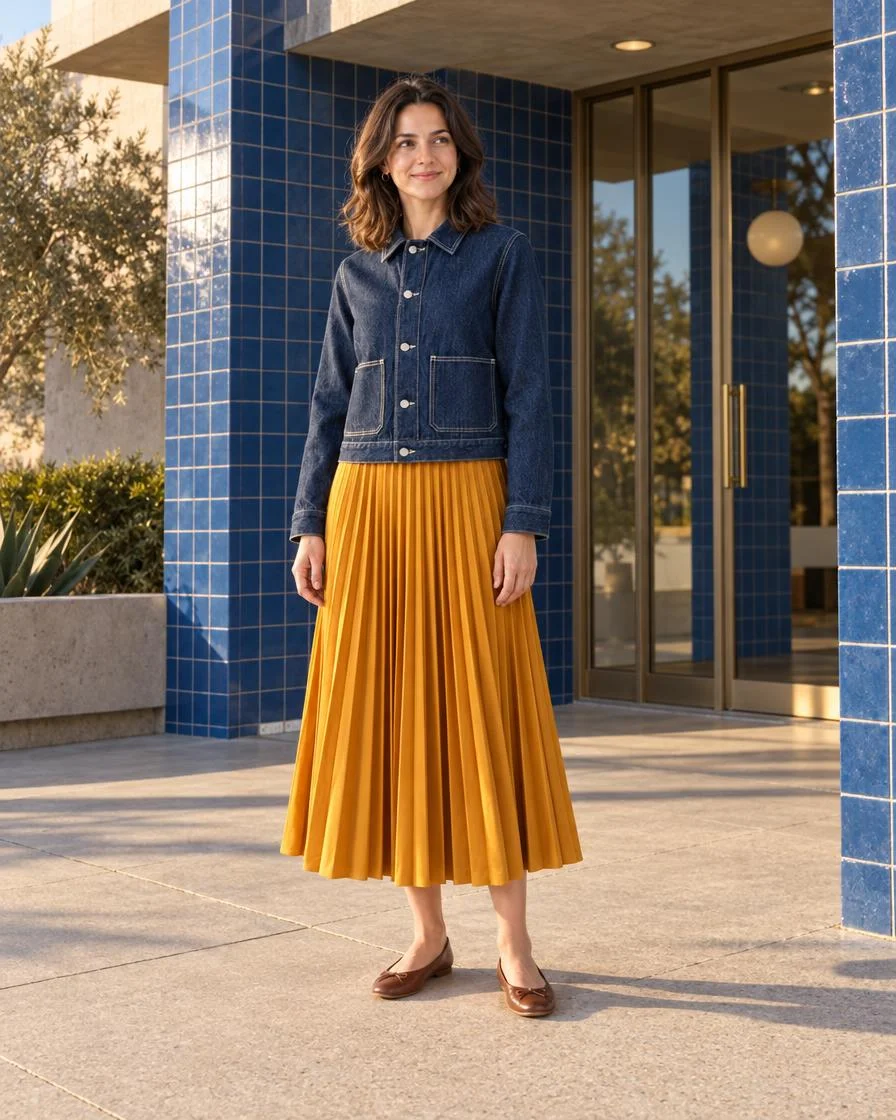
Open a shoot to compare the catalog photo and its variations.
Every paid plan includes both advanced image models, GPT Image 2.5 and Nano Banana 2.1, plus standard Nano Banana.

For your first collection and individual shoots.
€9.90/ month
500 credits / month
Up to 62 advanced 1K imagesor 100 standard Nano Banana images
For regular catalog and campaign shoots.
€29.90/ month
1,500 credits / month
Up to 187 advanced 1K imagesor 300 standard Nano Banana images
A shared studio for your creative team.
€59.90/ month
2,000 credits / month
Up to 250 advanced 1K imagesor 400 standard Nano Banana images
More capacity for high-volume collections.
€119.90/ month
5,000 credits / month
Up to 625 advanced 1K imagesor 1,000 standard Nano Banana imagesAdvanced models Nano Banana 2.1 and GPT Image 2.5 use 8 credits at 1K, 13 credits at 2K, 18 credits at 4K per image. Standard Nano Banana uses 5 credits. Image counts assume you spend all credits on one model and resolution. Choosing a person from the included Studio cast uses no credits. Creating a custom person, preparing garments and upscaling have separate credit costs.
Plans renew monthly. Checkout shows applicable tax and the total before payment. Cancel anytime to stop the next renewal. Access continues through the paid period.
See how easy it is to create professional AI fashion photos and virtual try-on looks with Vtry AI.

Upload your own reference model to anchor your AI fashion photos. Use the guided wizard to add up to 3 photos or capture them from your camera for consistent virtual try-on results.

Upload a garment photo, import a product link or search for a piece. Extract the clothing from the source photo, or keep an already clean product shot as it is.

Combine a saved person with up to seven garments using GPT Image 2.5 or Nano Banana 2.1. Use AI prompts, the prompt gallery, text-based editing, and quick adjustments to get the perfect shot.
 questions

A standard Nano Banana try-on or edit costs 5 credits per image. With Nano Banana 2.1 or GPT Image 2.5, the cost is 8 at 1K, 13 at 2K, 18 at 4K. The cards show the maximum if you spend all monthly credits on that image type. Creating a custom model reference in Studio uses 12 credits. Garment import and extraction can also draw from the balance.
Upload a photo, paste an image or product link, or search for a product image. Choose Use as is for a clean packshot. If the source shows a person or several items, choose Extract and name the garment you want on a white background. If a product page does not return usable images, upload the photo directly.
Choose a saved model or add a person using one to three clear reference photos you have permission to use. Create their model reference once and reuse it with new outfits. For a headshot, choose a portrait preset or describe the framing and lighting in Studio.
Choose a finished image or a saved garment in Edit, then describe a change such as a new backdrop or fabric color. Camera controls let you request another view. In Shoot Chat, a follow-up instruction creates a new version of the last image. The gallery also offers brightness, contrast and rotation adjustments before download.
All paid plans can generate at 1K or 2K with either advanced model and upscale eligible gallery images after generation. Team and Ultimate also generate at the highest native setting, labeled 4K for Nano Banana 2.1 and Maximum for GPT Image 2.5. Final dimensions depend on the aspect ratio and model.
Active Plus, Pro, Team and Ultimate subscriptions include API access. Use an eligible account’s API key from your profile. The API supports Nano Banana and Nano Banana 2.1 for try-ons and edits. The MCP tools let an AI assistant use Nano Banana 2.1 with saved people and clothes. GPT Image 2.5 is available in Studio.
On Team and Ultimate, the owner can invite up to 5 teammates. Members share saved people, garments, generated images and the monthly credit balance. The owner manages billing and invitations.
You can use generated images for your store, catalog, campaigns and social posts when you have the necessary rights to the people, garments, brands and source images you use. Check important product details against your original photos.
Email [email protected] for help with your workspace, billing or a shoot.