Fashion Photography
How to Create AI Fashion Product Photos: A Repeatable Workflow
Build a repeatable AI fashion photography workflow with clear references, consistent prompts, product review, and channel-ready exports in VTRY.
AI fashion product photography is most useful when your team can repeat a good result. A single striking image does not establish a catalog style. A clear brief, organized references, consistent settings, and a review process give you a better basis for creating a series of images that belongs to the same brand.
This workflow uses VTRY to move from garment references to reviewed on-person visuals. It is designed for fashion brands, ecommerce teams, and creators who need to explore studio and lifestyle imagery while keeping the actual product at the center of the work.
1. Write a brief for the image set
Decide where the images will appear before choosing a scene. A product gallery, collection banner, and vertical social post have different framing needs. Record the intended crop, product visibility, background, light, and pose. For a catalog series, pick a simple visual baseline that can work across the garments you plan to show.
- Purpose: product styling, collection storytelling, or campaign exploration.
- Framing: full body, waist up, or a closer view of a specific garment.
- Scene: neutral studio, understated interior, or an approved lifestyle setting.
- Review standard: the exact product details that must match before approval.
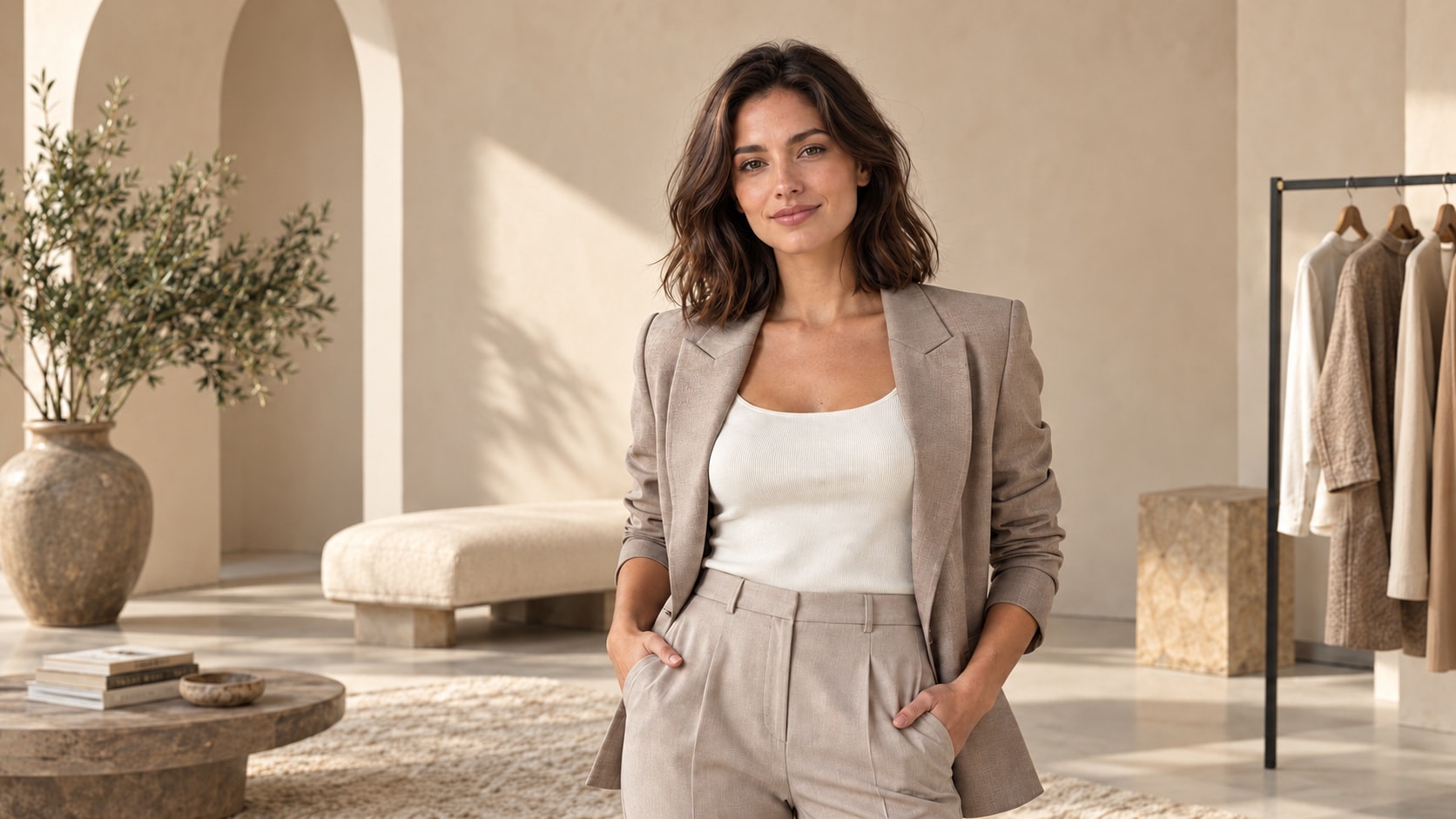
For example, a capsule collection brief might ask for a neutral background, soft light, a standing pose, and enough space around the person for several crops. This gives your team a shared target when choosing between generated images.
2. Organize your garment and person references
Choose the clearest available reference for each garment. Match the source to the actual colorway and keep the product identifier in your working notes. Use uncluttered images that show the silhouette and visible construction. If a reference omits a detail, do not expect a generated image to document that detail reliably.
In VTRY, build your garment library through uploads or product URL imports, then inspect what was added. Select a consistent person reference for the series and use images you have permission to process. Keep original photographs of fabric, fastenings, labels, and other purchase-relevant details outside the generated styling workflow.
3. Create a prompt template you can reuse
A useful prompt has a stable structure: subject, selected outfit, composition, background, lighting, and preservation instructions. Write concrete directions rather than stacking vague adjectives. Keep the scene simple while you establish how the garment behaves in your generated images.
Try this starting template: “Fashion catalog photograph of the selected person wearing the selected outfit. Full-body framing, relaxed standing pose, neutral pale gray studio background, soft balanced lighting. Keep the garment color, silhouette, seams, and fastenings faithful to the references. Keep the face consistent and leave clear space around the subject.”
VTRY offers a prompt gallery and prompt assistance for exploring directions. Treat the selected prompt as a starting point, then save the wording and settings that produced an approved image. Instructions help communicate your brief but do not guarantee identity or garment accuracy.
4. Generate drafts and change one variable at a time
Select the person and clothes in the studio, choose your output settings, and create an initial draft. Keep the same reference images and prompt while testing a change in pose, camera angle, or background. Controlled variations make it easier to understand which decision improved the result.
Compare candidates side by side with the brief and garment reference. Do not spend time polishing an image that already misrepresents the item. If the product is correct but the crop is awkward, refine the composition. If the product repeatedly changes, use a clearer source or a simpler outfit before exploring more elaborate scenes.
5. Refine the image with a specific edit request
VTRY supports text-based image edits as well as quick adjustments. Describe a specific change, such as replacing the background with a plain studio wall or reframing the image to keep both shoes visible. Include the details you want preserved, then review the full revised image because an edit can affect more than the requested area.
For example: “Use a plain light gray background. Preserve the person, pose, garment colors, seams, and closures.” Brightness and contrast adjustments can help presentation, but strong color edits may misrepresent a product. Keep reference colors visible while deciding whether an adjustment is appropriate.
6. Review, export, and prepare for the destination
- Check the garment against the reference, including pattern, construction, accessories, and visible branding.
- Inspect faces, hands, proportions, shadows, and any cropped product edges.
- Review the intended crop at its actual display size so the product remains easy to see.
- Choose the final output size after approval. Upscaling cannot establish whether a product detail is authentic.
- Save the approved file with its product identifier, scene, and version so teammates can find it.
Check destination rules before uploading generated images to a shopping feed or ad platform. Google Merchant Center, for example, requires generative AI images to carry the IPTC DigitalSourceType TrainedAlgorithmicMedia metadata tag and says embedded AI metadata should be retained. Review the current guidance for your channel and verify the final export; do not assume a downloaded image meets every feed requirement.
7. Keep a small production record
Record the person reference, garment source, prompt, selected settings, and approval notes for each published image. VTRY workspace sharing can help teams work with shared people, clothes, and generation history. Give one reviewer responsibility for product accuracy and another for the brand brief when your team size allows it.
A repeatable process keeps successful styling choices easy to reuse and rejected results easy to learn from. Expand the series only after the baseline works for your products. Continue using physical product photos and measurements wherever shoppers need evidence of exact details or real-world fit.
Frequently asked questions
What kind of garment photo is a good starting reference?
Choose a clear, well-lit image with the whole relevant garment visible and minimal distractions. Make sure it shows the correct product and colorway.
Can I reuse the same style for a collection?
Reuse the person reference, prompt template, scene, and output settings as a baseline. Review every new product because consistent settings do not guarantee identical or accurate results.
Should I upscale every draft?
Review product accuracy and composition first. Choose a final resolution for the destination after approving the image; a larger file does not correct invented garment details.