outfit photo editor
10 Outfit Photo Editor Tools for Better Fashion Images
Compare 10 outfit photo editor tools for virtual try-on, layered looks, on-model images, ecommerce workflows, and fashion content production.
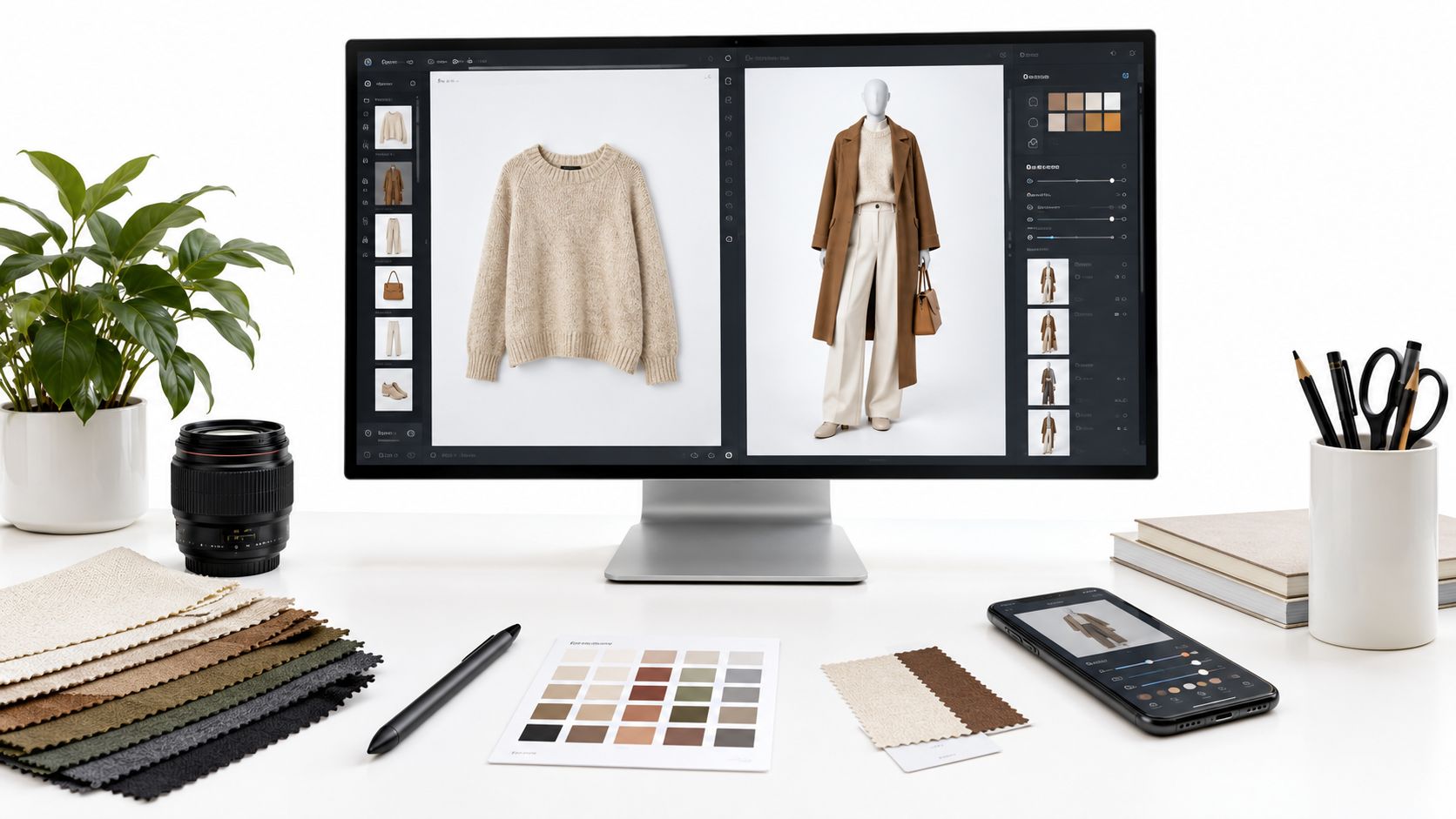
A fashion team can have clean garment images, approved model references, and a launch date, yet still lack the images shoppers need. The collection may require complete looks, on-model catalog assets, campaign variations, or a shopper-facing try-on experience. Those are related jobs, but they aren't the same production problem, and an outfit photo editor shouldn't automatically be judged against every virtual fashion tool on the market.
A single-garment overlay places one item on a person. An on-model generator turns flat-lay, ghost mannequin, or packshot assets into catalog imagery. An outfit photo editor combines several garments into a coordinated look, while an enterprise virtual try-on system usually adds storefront integration, shopper capture, body data, or real-time AR. The right choice depends on how much control your team needs over garment layering, model identity, input preparation, output quality, collaboration, integration, and review.
That distinction matters commercially. Coresight-based return benchmarks estimate the average U.S. online apparel return rate at 24.4% for the 12 months ending in March 2023, with 53% of respondents identifying size or fit as the leading reason. Complete outfit imagery can reduce visual uncertainty, but only when the generated result remains faithful to the garments.
This roundup starts with full-look composition and catalog creation, then moves toward experiential retail, shopper try-on, and body-aware fit. Vtry AI is especially relevant when a team needs to combine several garments in one generated outfit and move from references to edited, export-ready images in one workspace.
Table of Contents
- 1. Vtry AI
- 2. Reactive Reality PICTOFiT
- 3. ZERO10
- 4. PhotoRoom
- 5. Botika
- 6. ZMO.ai
- 7. On-Model by PiktID
- 8. Vue.ai VueModel
- 9. DRESSX B2B Virtual Try-On
- 10. 3DLOOK YourFit
- Top 10 Outfit Photo Editor Comparison
- Match the Tool to Your Production Stage
1. Vtry AI
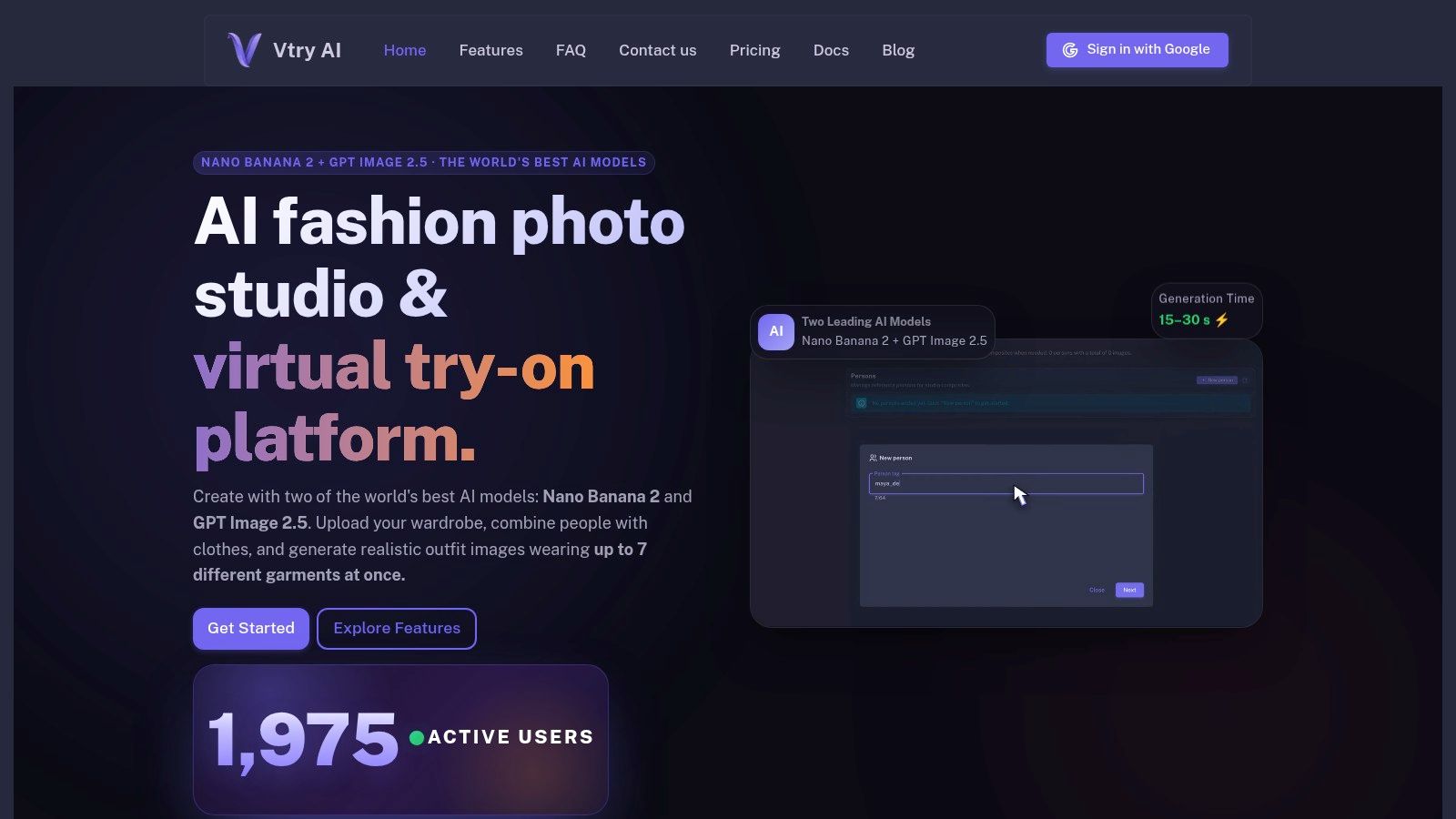
Vtry AI fits the brief when a team needs a coordinated outfit, not a single item pasted onto a model. Its Generate & Edit workflow combines a person with up to seven garments in one generation, so tops, bottoms, outerwear, footwear, and accessories can be built into one image instead of handled as separate overlays.
The workflow starts with a reusable people library and garment import. Teams can paste product URLs, search for items in the app, add reference images, select garments, and steer the result with prompts. The platform also includes an AI Prompt Assistant, a prompt gallery, quick adjustments, text-based editing, and an interactive 3D camera for changing perspective before rendering. Typical generations take 15 to 30 seconds, with Nano Banana 2 positioned for speed and GPT Image 2.5 for higher resemblance.
Where it fits best
Vtry AI suits DTC brands, marketplaces, creative teams, and developers that need many look combinations without arranging a physical shoot for every outfit. Shared people and garment libraries, generation history, pooled credits, and invite-based collaboration let merchandising and creative teams work from the same asset base. Pro+ plans add API access, agent-friendly keys, and backend automation, so the same workflow can move from manual testing to programmatic generation.
Resolution is another practical advantage. Native 1K, 2K, and 4K generation, plus 4K upscaling on supported plans, gives teams a path from quick concept previews to final catalog or campaign exports. Listed plans on Vtry AI pricing include Plus at €9.9 per month for 500 credits, Pro at €29.9 for 1,500 credits, Team at €59.9 for 2,000 shared credits, and Ultimate at €119.9 for 5,000 shared credits. Higher-resolution outputs use more credits, so high-volume teams should model cost per approved asset rather than cost per generation.
Practical rule: Keep clean garment references separate from model imagery. Vtry's face-detection warnings help flag product images that contain faces, but the team still needs to review logos, seams, drape, layering, color, and proportions before publishing.
The main trade-off is control versus input quality. A cluttered source image or an ambiguous prompt can still produce a visually attractive result that is commercially wrong, so the platform works best when a team has organized garment references, consistent people assets, and a defined approval process. For teams that prioritize complete looks, reusable assets, editing, and automation, it offers the broadest workflow in this list.
2. Reactive Reality PICTOFiT
Reactive Reality PICTOFiT is built for retailers that need virtual try-on and styling inside a more mature technical environment. It supports web, iOS, and Android SDKs, hosted web components, and a Shopify app, giving ecommerce teams several deployment routes instead of forcing them into a single custom build.
Its Content Service is important for implementation. Teams can turn standard 2D product photography or 3D scans into try-on assets, then use those assets in interactive mix-and-match styling and lookbook experiences. That makes PICTOFiT a stronger candidate for a retailer with structured product operations, mobile engineering resources, and a need to serve both web and app shoppers.
What the setup demands
The platform handles both 2D and 3D garment pipelines, which expands the available quality and integration options but also increases preparation decisions. Before selecting it, a retailer should determine which categories have suitable source assets, how garments will be tagged, who will validate conversions, and whether the storefront team prefers hosted components or SDK implementation.
PICTOFiT's advantage is depth. It can support a connected experience in which shoppers explore combinations rather than viewing one generated image in isolation. Its disadvantage is that the onboarding process and enterprise pricing may be difficult to justify for a small catalog or a team that only needs campaign-ready images.
A retailer shouldn't buy an enterprise try-on stack to solve a one-off catalog gap. PICTOFiT makes more sense when integration, reusable garment data, and shopper-facing styling are central requirements.
Expect collaboration between ecommerce, engineering, creative, and product-data teams. The output can be more operationally valuable than a standalone editor, but the business must be ready to maintain the underlying garment pipeline and QA process.
3. ZERO10
ZERO10 is aimed at experiential retail, where the objective is to make try-on part of a branded physical or digital moment. Its AR Mirrors and AR Stores can support in-store activations, pop-ups, launches, and other environments where interaction and spectacle matter as much as standard product-page imagery.
The platform also supports generative virtual try-on content and custom brand builds through its partner program. That makes it useful for a fashion house or retailer planning a campaign that needs a distinctive experience rather than a large batch of consistent on-model catalog images.
The right production brief
ZERO10 is a good match when the brief includes a mirror, event installation, mobile AR interaction, or a branded activation. Creative and production support can help a team translate a collection into an experience that feels native to the campaign. The retailer isn't only generating photographs. It's designing how shoppers encounter and manipulate the garments.
That focus creates a clear limitation. ZERO10 is less suited to replacing routine product-page production across a broad assortment. A catalog manager needing repeatable front, side, and detail images may get more value from a dedicated on-model generator or a full-look workspace.
The engagement is generally custom and enterprise-oriented, so the team should define the physical environment, supported devices, garment scope, content refresh process, and ownership of the resulting assets before starting. Review should include not only garment accuracy, but also latency, tracking stability, lighting conditions, and how easily staff can support the experience on site.
Use ZERO10 when the try-on itself is part of the campaign. Don't treat an AR mirror as a cheaper substitute for every catalog image your commerce team needs.
4. PhotoRoom
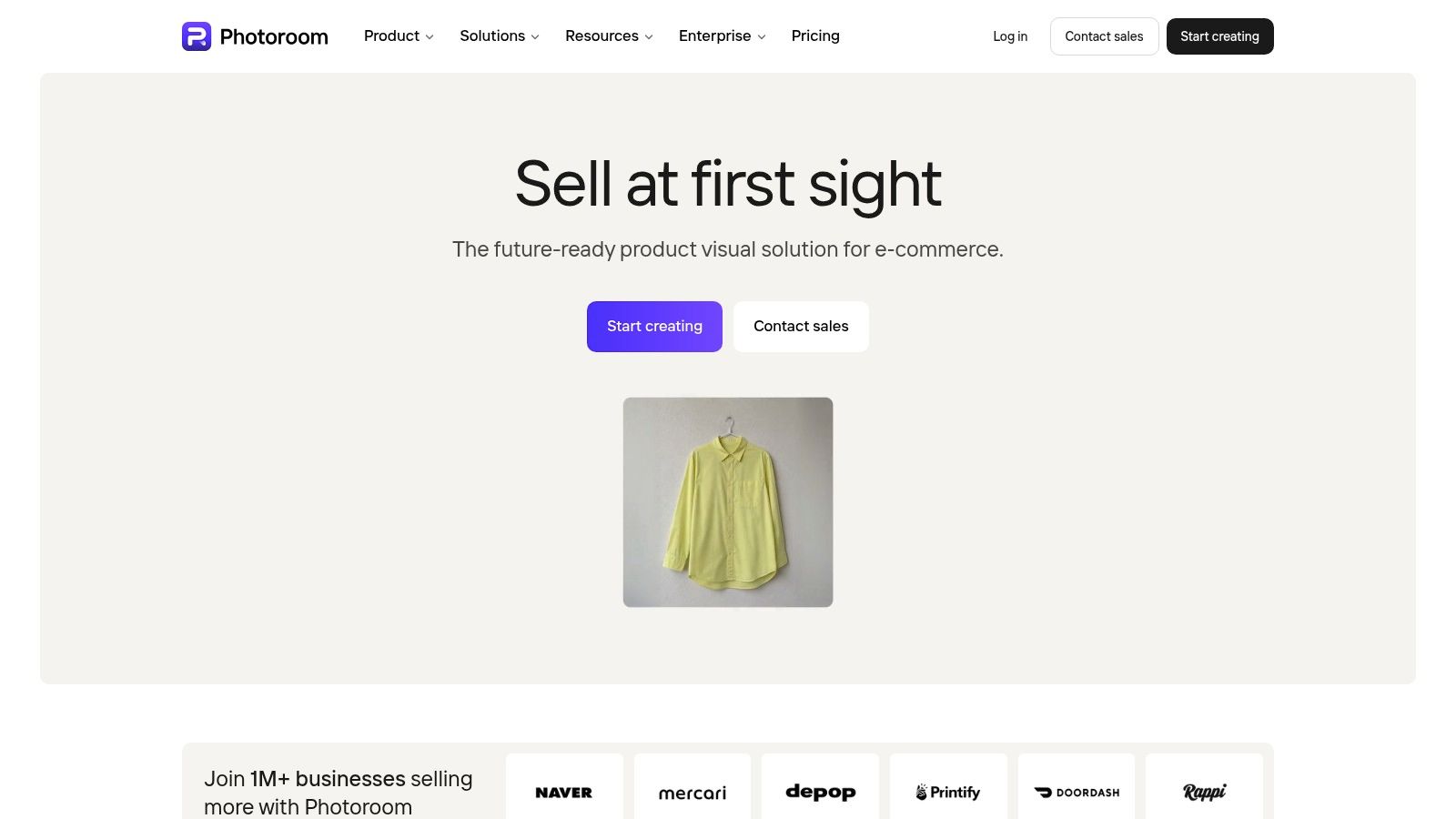
PhotoRoom is a practical choice for teams that already use a fast product-photo editing workflow and want to add AI Fashion Models or Virtual Try-On. Its app combines background removal, retouching, scene creation, and bulk editing with on-model generation from flat-lay or ghost mannequin references. The API extends that workflow to programmatic catalog production.
The appeal is accessibility. A small ecommerce team can start in the app, test model references, clean product images, and prepare social assets without assembling a complex production stack. A larger operation can investigate the API for batch generation and integration with its catalog systems. This combination gives PhotoRoom more range than a tool limited to one on-model transformation.
Where QA becomes essential
Fidelity varies by garment category and construction. Simple products with clear silhouettes may need little intervention, while structured tailoring, sheer materials, unusual closures, long hems, and layered garments require closer review. The model can look convincing while changing a detail that matters to the purchase decision.
PhotoRoom is strongest for teams that value speed and general-purpose editing. It isn't necessarily the ideal primary workspace for complex multi-garment styling, reusable people governance, or deep garment-to-product metadata relationships.
Teams comparing it with a full-look system should separate two jobs: catalog conversion and outfit composition. PhotoRoom can help with the first, while a specialist workflow may be better for the second. Its business and API pricing can be bespoke, and advanced AI features use credits, so cost testing should include rejected generations and retouch time.
For a more detailed production perspective, see this guide to AI fashion product photography workflows. The useful comparison is not which interface feels faster on day one, but which tool preserves garment truth after a team processes an entire collection.
5. Botika
Botika is designed around the catalog manager's recurring request: turn flat-lay, mannequin, or product imagery into finished on-model photos that can be used on product pages. Its model, pose, and background libraries help teams produce a visual system without booking models and locations for every SKU.
The catalog-oriented interface is its central strength. A team can work through product groups, select a presentation style, and create a set of on-model assets that feels more consistent than a collection of ad hoc image edits. Shopify connectivity also makes it relevant for merchants that want a closer relationship between image production and storefront publishing.
Automation with a review layer
Botika isn't only about pressing generate and downloading an image. Higher tiers include managed retouch rounds and faster service levels, which can be useful when a retailer has deadlines, internal approval requirements, or limited retouching capacity. That support comes with a commercial trade-off, since the full feature set isn't available at the lowest level.
Model and pose variety may also require iteration. A team with a very specific brand identity should test whether the available people, angles, lighting, and environments match its existing photography. Consistency matters across a collection, especially when shoppers compare several products on the same page.
Botika is a good fit for repeatable on-model catalog production, not necessarily for building complex looks from many independent garments. If the primary need is to style a jacket, trouser, shirt, and accessory together, a multi-garment editor offers more direct control. If the need is to convert a large set of product references into polished model images, Botika's focused workflow is easier to operationalize.
Ask for a small, difficult sample before committing. Easy T-shirts can make almost any image tool look good. The real test is a dark garment, a delicate texture, a structured silhouette, or a piece with important hardware.
6. ZMO.ai
ZMO.ai offers a lower-barrier route into AI fashion imagery. Its fashion tools can generate on-model visuals from product photos, while background removal, scene generation, and other editing features support social and ecommerce content from the same web interface.
That simplicity is useful for smaller brands, marketplace sellers, and marketing teams that need a usable image without building a formal production pipeline. A team can test several model or scene directions quickly, then choose the outputs that fit a campaign or listing. The credit-based plan structure also lets occasional users start without adopting an enterprise contract.
Where the tool is less suitable
ZMO.ai provides less control than an enterprise virtual try-on pipeline. Teams working with complex garments, precise fit requirements, or strict brand standards should expect to inspect every output closely. A generated model may improve presentation while still altering a hemline, print placement, sleeve shape, or fabric behavior.
The platform is better viewed as a flexible creative assistant than as a complete product-data system. It can help create social variations and straightforward on-model assets, but teams may need separate systems for asset governance, approvals, product metadata, and automated publishing. Documentation and support depth can also differ from larger enterprise vendors, so an API-heavy operation should validate implementation requirements early.
Use ZMO.ai when speed and accessibility outweigh highly deterministic control. Establish a fixed review sample covering colors, prints, layered looks, and accessories. If the team repeatedly needs to regenerate the same people, garments, and compositions, a shared workspace with stronger reusable libraries may produce a more consistent workflow.
7. On-Model by PiktID
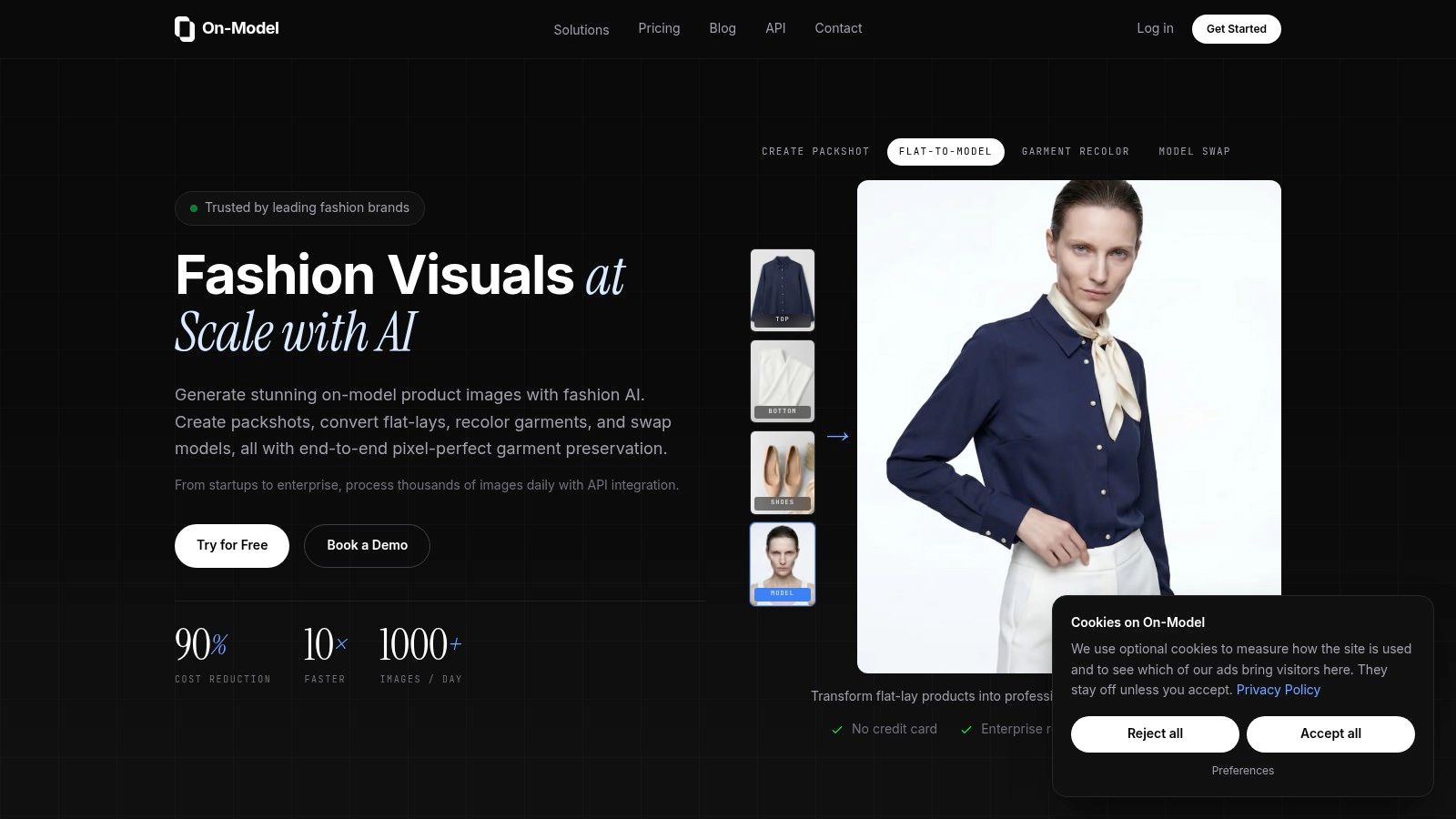
On-Model by PiktID takes a production-minded approach to ecommerce imagery. It supports flat-to-model conversion, model swaps that aim to preserve the garment, packshots, recoloring, detail repair, and 4K exports. Teams can also create reusable AI model identities, which helps maintain a recognizable visual direction across product groups.
The model identity feature is particularly useful for brands that don't want every product to appear on a different generic person. A reusable identity can support a consistent face, body context, styling direction, and pose language, although the team should still validate whether the generated person behaves consistently across garment categories.
A useful balance of self-serve and operations
PiktID includes team workspaces, credit top-ups, and API access for Pro and Enterprise customers. That creates a path from a designer testing a few products to an operations team processing a larger catalog. Higher plans add managed review and retouch support, which may reduce the burden on internal staff when a product needs repair rather than a complete regeneration.
The learning curve comes from credit accounting and resolution choices. A team should define which outputs require 4K, which are suitable for previews or social channels, and how much budget to reserve for revisions. Custom model identities may also require more preparation than selecting a ready-made model from a library.
PiktID is strongest for teams that need consistent on-model catalog imagery with production controls. It isn't the first choice for shoppers scanning their own bodies or for creative teams building elaborate, multi-garment editorial scenes. Its focus remains closer to ecommerce studio production, where repeatability and garment preservation matter more than interactive try-on.
8. Vue.ai VueModel
VueModel by Vue.ai serves retailers with substantial catalog and merchandising operations. It generates on-model imagery from standard product photos and sits within a broader retail AI platform that can also support catalog tagging and insights. That context matters for multi-brand retailers, where image generation is only one part of a larger product-information workflow.
The platform is suited to high-volume delivery, diverse model options, and pose variation. Rather than positioning itself as a lightweight creative app, VueModel is more relevant when a retailer wants a managed or integrated service that can fit established merchandising operations.
Enterprise control over convenience
The main advantage is scale within a broader retail technology relationship. A large retailer may value the ability to connect imagery with catalog processes, product data, and other AI services instead of managing another isolated application. Case-study material on the product page also gives enterprise buyers evidence to investigate, although teams should validate those results against their own categories and review standards.
The trade-off is implementation. VueModel is not presented as a simple plug-and-play self-serve editor, and custom engagement typically requires asset preparation, brand guardrails, and coordination with the vendor. That makes it less attractive for a small seller that needs a few images this week.
Quality control should cover model consistency, pose suitability, garment boundaries, color accuracy, and how outputs are delivered into existing content systems. VueModel makes the most sense when a retailer has enough catalog complexity to justify enterprise onboarding and wants on-model imagery connected to a larger retail AI program.
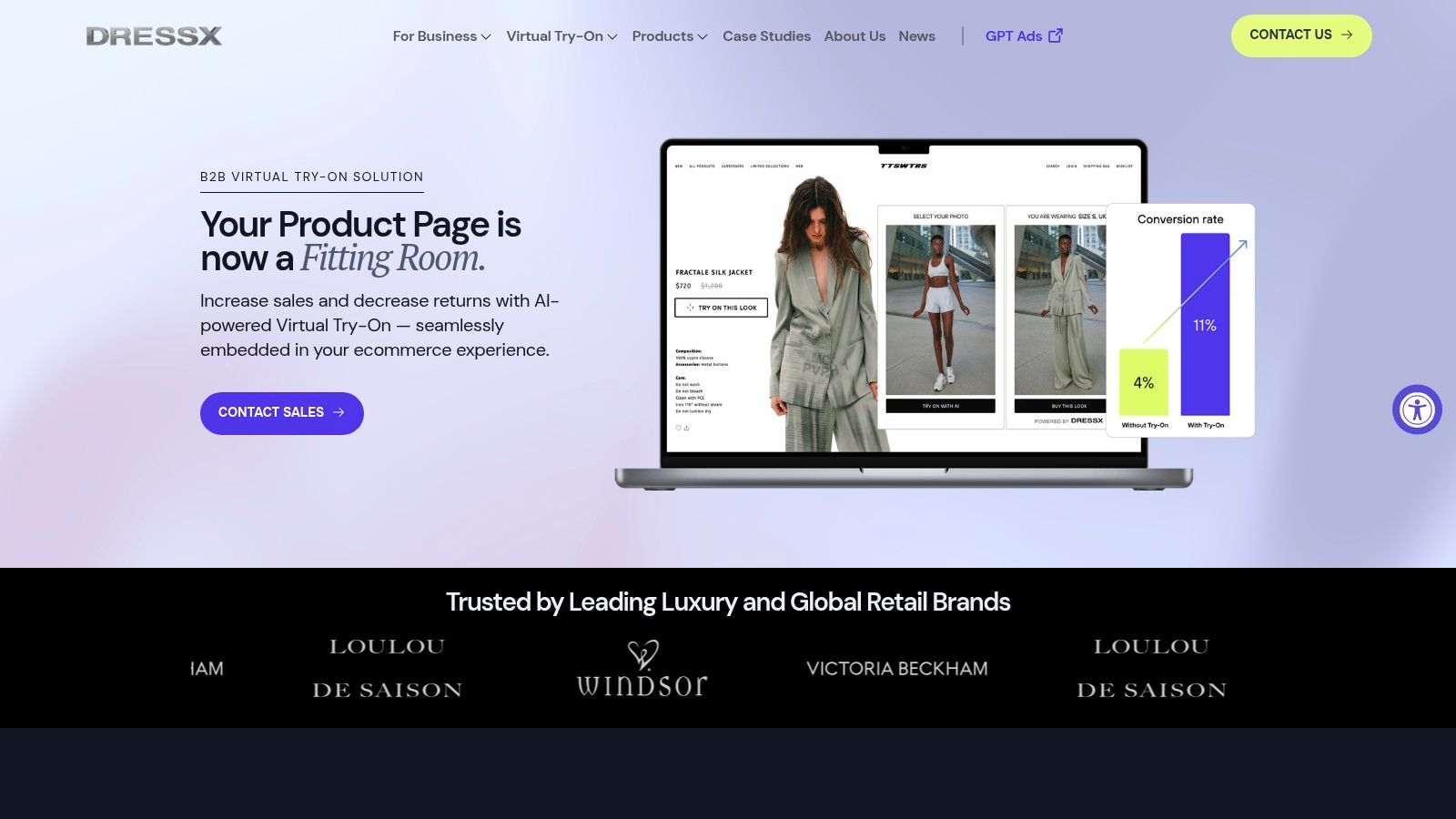
9. DRESSX B2B Virtual Try-On
DRESSX B2B Virtual Try-On is built around the shopper's own image and the fashion brand's digital product journey. Its offering includes ecommerce virtual try-on, AI styling, AR activations, AI Studio services, and APIs. The fashion-native positioning is useful for brands that care about realism, editorial presentation, and a direct connection between try-on and discovery.
The system is more than an outfit photo editor for internal content teams. It can place garments into shopper-facing experiences, making the core question whether a customer can understand the look on themselves rather than whether a creative team can produce another campaign variation.
Experience quality and integration
DRESSX emphasizes fashion-specific inputs and video-based possibilities for realism. That can support more engaging try-on experiences, but it also means a brand should plan for discovery, integration, testing, and quality assurance. The retailer needs to define how shoppers upload or capture images, what happens when a source image is unsuitable, how products are selected, and how generated results connect back to product pages.
The enterprise orientation is a strength for fashion houses and established retailers with campaign budgets and technical support. It can be a poor fit for a small merchant seeking transparent self-serve pricing or a quick batch of flat-lay conversions. Pricing is not public and projects are scoped per brand, so the buying process needs a clear technical and creative brief.
For background on the distinction between content creation and shopper-facing systems, this overview of AI virtual try-on for fashion ecommerce provides a useful frame. DRESSX belongs firmly in the latter category, especially when try-on, styling, and AR are part of the customer experience.
10. 3DLOOK YourFit
3DLOOK YourFit targets body-aware fit rather than image production alone. It combines photorealistic virtual try-on with size and fit recommendations, using front and side photos captured on a mobile device to create a body model and estimate measurements.
That combination suits retailers building a shopper-facing ecommerce experience where appearance and sizing questions need to work together. Online apparel returns are often reported at 15% to 40%, compared with roughly 5% to 10% for in-store purchases, according to one industry comparison from Fit Analytics. These figures do not establish that body scanning will reduce returns for every retailer. They do explain the commercial interest in fit-focused systems.
The implementation is part of the product
YourFit requires more than garment assets and a model library. The retailer must create a clear mobile capture flow, explain the value of providing body images, set privacy expectations, calibrate size recommendations, and test results across devices and product categories. Product information also needs enough structure for the recommendation logic to connect measurements with each garment's sizing system.
The platform fits a retailer whose main production need is body-aware fit confidence. A brand producing campaign imagery or general on-model photos may gain little from that added implementation. Compared with a self-serve creative editor, YourFit calls for more asset preparation, cross-functional collaboration, and technical integration. Its enterprise-leaning commercial model also suits teams with implementation resources better than small merchants seeking a quick batch workflow.
The decision hinges on shopper need: a visual styling preview, a fit recommendation, or both. Prettier output is not the criterion here. Teams building an automated imagery pipeline alongside a fit experience can review the Vtry AI API documentation for a separate integration path covering garment, person, generation, and export workflows.
Top 10 Outfit Photo Editor Comparison
| Product | Core features | Quality & UX (★) | Target audience (👥) | Unique selling points (✨) | Pricing/value (💰) |
|---|---|---|---|---|---|
| 🏆 Vtry AI | Up to 7-garment virtual try-on; 2 model options (Nano Banana 2 / GPT Image 2.5); Smart Wardrobe; API; interactive 3D camera; text-based edits; native 4K | ★★★★★, 15–30s renders; prompt assistant; 4K upscaling | 👥 Fashion brands, marketplaces, creative teams, developers | ✨ Full-outfit generation; API-first + agent-ready; shared workspace & pooled credits; 3D camera control | 💰 Credit-based: Plus €9.9/500c, Pro €29.9/1500c, Team €59.9/2000c, Ultimate €119.9/5000c; higher-res = extra credits |
| Reactive Reality PICTOFiT | Web/iOS/Android SDKs, Shopify app, 2D & 3D garment pipelines, hosted components | ★★★★, enterprise-grade, proven retail deployments | 👥 Retailers, enterprise dev teams, platform integrators | ✨ Robust 2D+3D processing; SDKs & production-ready integrations | 💰 Enterprise pricing; onboarding & asset prep required |
| ZERO10 | AR Mirrors, AR Stores, generative try-on content, partner program | ★★★★, real-time AR experiences, high visual impact | 👥 Brick-and-mortar brands, experiential agencies, pop-ups | ✨ In-store AR mirrors & immersive activations | 💰 Custom/enterprise engagements |
| PhotoRoom (AI Fashion Models) | AI fashion models, background remover, bulk editing, mobile app + API | ★★★★, fast mobile-first UX; scalable API | 👥 SMBs, creators, brands needing app + programmatic tooling | ✨ App + API combo; bulk/catalog workflows; mobile support | 💰 Credit-based; app plans + bespoke business/API pricing |
| Botika | Flat-lay → on-model, mannequin-to-model, model/pose selection, short videos, Shopify | ★★★, catalog-first outputs; managed retouch on higher tiers | 👥 Merchants, retailers focused on catalog scale | ✨ Batch catalog UI; managed retouch & video snippets | 💰 Tiered (advanced features / faster SLAs on higher plans) |
| ZMO.ai | On-model generation, background edits, scene gen; simple web UI | ★★★, budget-friendly, quick social assets | 👥 Small brands, social/content teams, startups | ✨ Low barrier to entry; simple web-based workflow | 💰 Credit-based, budget plans |
| On-Model by PiktID | Flat-to-model, model-swap preserving garment, packshots, recolor, 4K export, reusable model identities, API | ★★★★, production-minded, 4K outputs, team workspaces | 👥 Ecommerce ops, brands needing consistent on-model look | ✨ Reusable AI model "identities"; transparent plans; free tier available | 💰 Clear plans incl free tier; credits for higher-res / Pro & Enterprise tiers |
| Vue.ai (VueModel) | On-model imagery from product photos, diverse models/poses, high-volume delivery, part of retail AI suite | ★★★★, high-volume enterprise throughput | 👥 Large retailers, multi-brand catalogs, merch teams | ✨ Integrated retail AI (tagging, insights) + high-volume on-model generation | 💰 Enterprise engagements; custom pricing |
| DRESSX (B2B) | Shopper-photo virtual try-on, fashion-trained data, AR filters, AI Studio & APIs | ★★★★, fashion-native realism, brand collaborations | 👥 Fashion houses, retailers, brands seeking high realism | ✨ Deep fashion pedigree; video & shopper-photo inputs for realism | 💰 Project-based / enterprise pricing |
| 3DLOOK YourFit | Photorealistic try-on + size & fit recommendations, two-photo mobile body scan, embeddable experience | ★★★★, strong sizing accuracy & mobile capture UX | 👥 Retailers focused on sizing accuracy & returns reduction | ✨ Body-scan-driven fit recommendations + try-on in one solution | 💰 Enterprise / custom pricing (implementation effort) |
Match the Tool to Your Production Stage
There isn't one universal winner because these platforms solve different parts of fashion production. The first decision is whether the team needs content creation, catalog conversion, experiential retail, shopper try-on, or body-aware fit guidance.
Choose Vtry AI when the priority is composing complete looks from several garments. Its combination of people onboarding, garment import, multi-garment styling, prompt-based editing, quick adjustments, shared libraries, and export makes it a practical choice for teams that want one workspace rather than a chain of disconnected image tools. It also offers an API for backend integration, automation scripts, and AI-agent workflows. The useful distinction is that Vtry AI supports a complete outfit workflow, not only a single-item overlay.
Catalog teams should look first at tools designed around flat-lay-to-model production. PhotoRoom, Botika, On-Model by PiktID, and VueModel are more appropriate when the recurring task is converting product references into consistent on-model assets. Their trade-offs differ. PhotoRoom emphasizes accessible editing and API scale, Botika focuses on catalog workflows and managed review, PiktID adds reusable model identities and production controls, and VueModel fits larger retail operations that can support enterprise onboarding.
Retailers planning a physical or branded digital activation should consider ZERO10. Its AR Mirrors, AR Stores, and custom experiences are designed for interaction, not just for filling a product image grid. Reactive Reality PICTOFiT is better suited to organizations that need SDKs, hosted components, Shopify deployment, and a structured 2D or 3D garment pipeline. DRESSX belongs in the shopper-facing try-on category, particularly when fashion styling, AR, and brand-led virtual experiences are part of the brief.
For fit-sensitive commerce, 3DLOOK YourFit offers the most direct path toward body scanning, measurements, size recommendations, and virtual try-on in one experience. That benefit comes with more implementation, privacy, UX, and data responsibility than a standard outfit photo editor. ZMO.ai remains a useful entry point for teams that need accessible on-model and social imagery, but it requires careful manual review when garments are complex or product truth is commercially important.
Run a pilot before committing. Select representative garments rather than only easy basics. Include prints, dark colors, structured pieces, layered looks, accessories, and products with details that must remain exact. Compare output consistency across several people and angles, record rejected generations and retouch time, and verify that the platform preserves silhouette, color, construction, and proportions.
Then test the operational layer. Confirm image licensing, model and person permissions, review responsibilities, export resolution, metadata handling, API limits, storefront integration, and whether your team can reproduce an approved result later. Measure image engagement, product-detail-page conversion, add-to-cart behavior, customer-service contacts, exchange patterns, and return reasons, especially fit or misleading-presentation codes. A retailer survey has associated approximately 70% of apparel returns with poor fit or style, but that result is a prioritization signal rather than proof that generated imagery alone causes a reduction, as explained in this review of ecommerce return statistics.
The strongest tool is the one that matches your production stage and review capacity. Start with the visual problem your team can clearly define, then choose the platform that gives you enough control to solve it without creating a new accuracy or integration problem.
Vtry AI combines people, garments, multi-item styling, prompt-based editing, quick adjustments, shared workspaces, high-resolution exports, and API automation for fashion teams creating complete outfit imagery. Visit Vtry AI to test how it fits your catalog, campaign, or virtual try-on workflow.
Built with Outrank