ai fashion model
AI Fashion Model: A Brand’s Practical Guide
Learn how AI fashion models work, when to use them, and the ethical and technical realities of synthetic imagery for ecommerce in 2026.
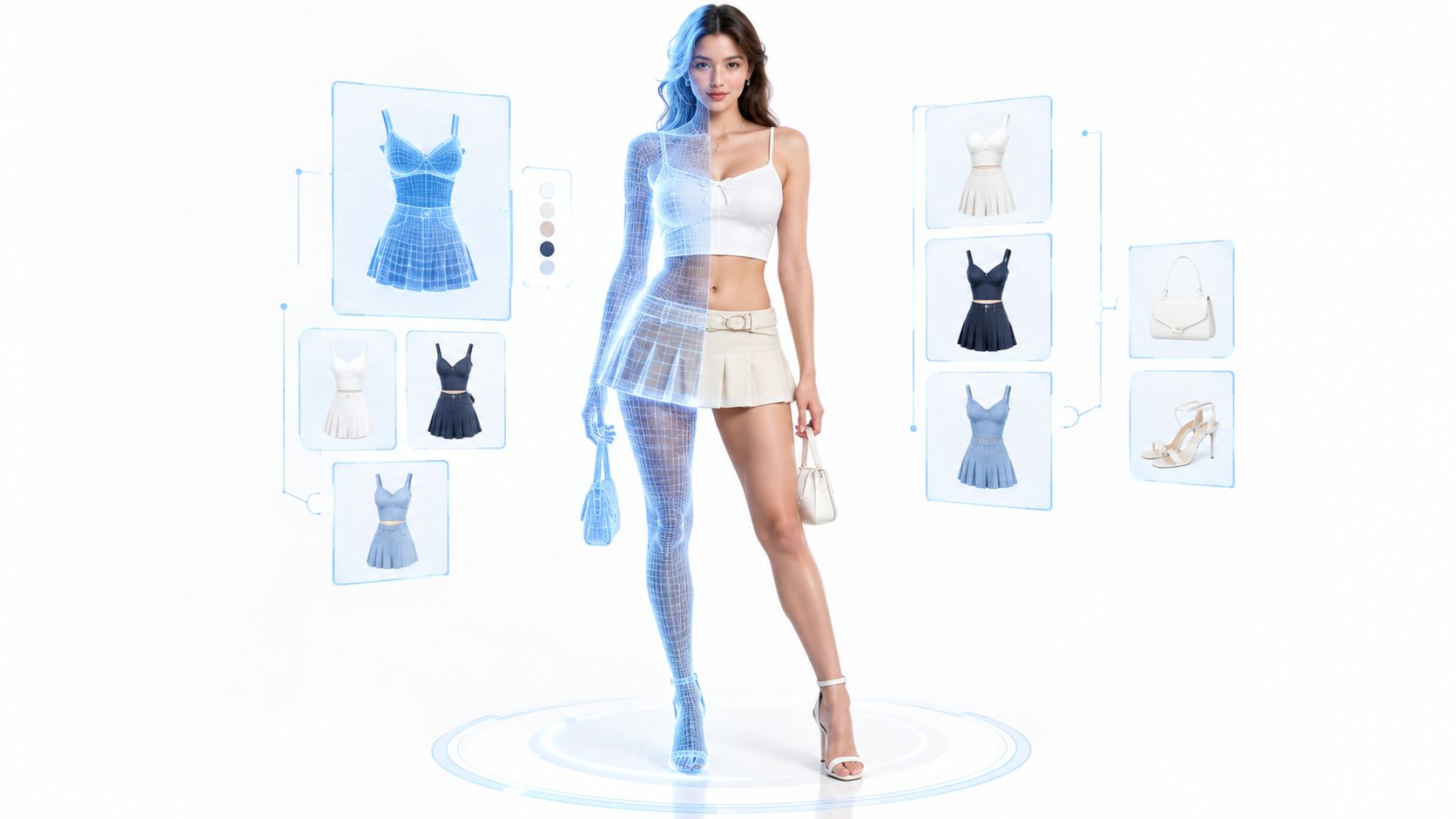
AI fashion models are now mainstream strategic tools for fashion ecommerce because a McKinsey and Business of Fashion survey found 62% of fashion leaders were already using generative AI, and the global online fashion market reached roughly $693.4 billion in 2024. That matters when a team needs fresh outfit imagery this week, not after a studio calendar, courier delays, and retouching rounds finally line up.
Table of Contents
- What an AI Fashion Model Actually Changes for Brands
- Understanding How Synthetic Fashion Images Are Built
- Comparing AI Fashion Models With Real Shoots and Single-Item Overlays
- Building a Repeatable AI Fashion Content Workflow in Vtry AI
- Ethical, Legal, and Representation Risks You Should Not Ignore
- Making Smart Decisions About AI Fashion Models in 2026
What an AI Fashion Model Actually Changes for Brands
A fashion team usually feels the pressure first on a Monday. Merchandising wants new looks for a collection drop, marketing needs variants for paid social, and ecommerce wants product pages that don't look like half-finished catalog placeholders. A traditional shoot can solve that, but it drags in casting, shipping, location setup, and every point of failure that comes with physical production.
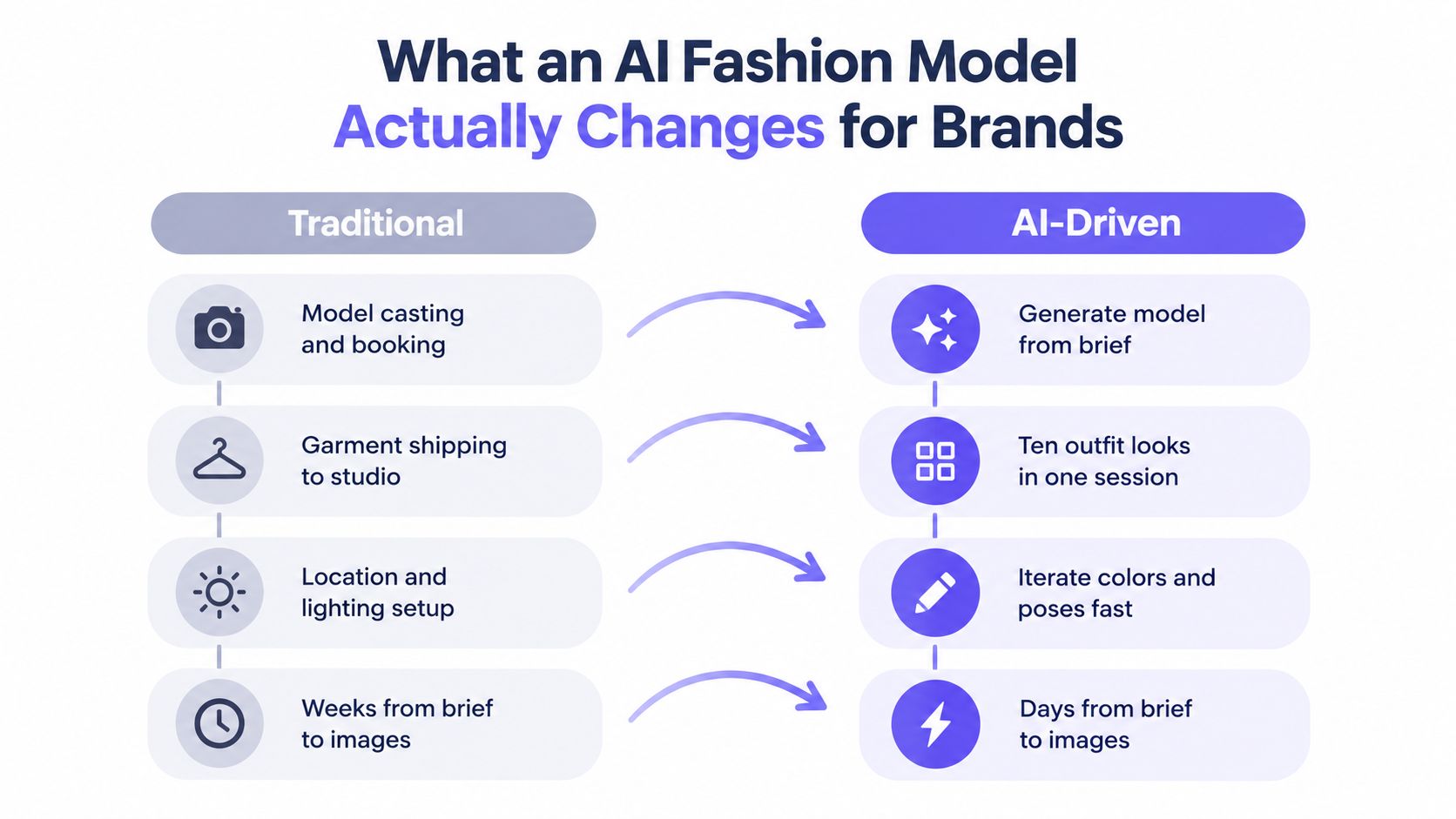
The real shift is workflow, not novelty
An AI fashion model changes the bottleneck. Instead of coordinating people, garments, weather, props, and studio time, the team directs a visual system and reviews outputs for accuracy and brand fit. That's why generative AI became part of broader operating change in fashion during 2023 and 2024, not just a visual trick for one-off assets, with the executive survey showing 62% already using it and 73% expecting it to become a key priority in the following year McKinsey's State of Fashion 2024 survey.
The practical gain isn't only speed. It's the ability to test multiple poses, backgrounds, crops, and styling directions without starting over each time. For ecommerce teams, that can mean more usable creative from the same garment data, as long as someone still checks whether the sleeve length, logo placement, and drape look believable.
Practical rule: if the output wouldn't survive a merchandising review next to a physical sample, it's not a finished asset yet.
Synthetic imagery sits inside a larger content system
Brands don't adopt synthetic model imagery in isolation. They use it alongside shopping assistance, product description generation, merchandising support, and campaign variation, which is exactly how fashion leaders described generative AI use in the survey above McKinsey. That matters because the value isn't “an AI photo.” The value is a repeatable system for creating, adapting, and reviewing visual commerce content.
In practice, the brands that get the most from an AI fashion model treat it like a merchandising asset. They use it to keep collections visually consistent, build more versions of a look, and move faster from brief to channel-ready assets. The brands that struggle usually chase volume first and quality second, then end up with content that looks polished but sells nothing because it doesn't match the product.
Understanding How Synthetic Fashion Images Are Built
The first thing to understand is that not every AI fashion image does the same job. Some systems try to create a consistent on-person model for catalog use. Others focus on showing the garment more accurately on a human form, even if the person itself isn't meant to be a recurring brand character.
Two useful categories
A synthetic model is a reusable identity that can appear across many products and campaigns. That matters when a brand wants the same face, pose logic, and visual tone across a collection. A garment visualization system is different. It prioritizes the clothing, the body position, and the scene, so the product stays central even if the model is less distinctive.
The building blocks are similar either way. Teams start with garment references, styling notes, pose direction, and scene cues, then generate a composite image that tries to preserve the product while fitting the brand's look. For ecommerce, the quality question isn't “Does it look AI-made?” The question is whether the output still reads as the right item, worn in a believable way, with the correct proportions and details.
Why workflow details matter before adoption
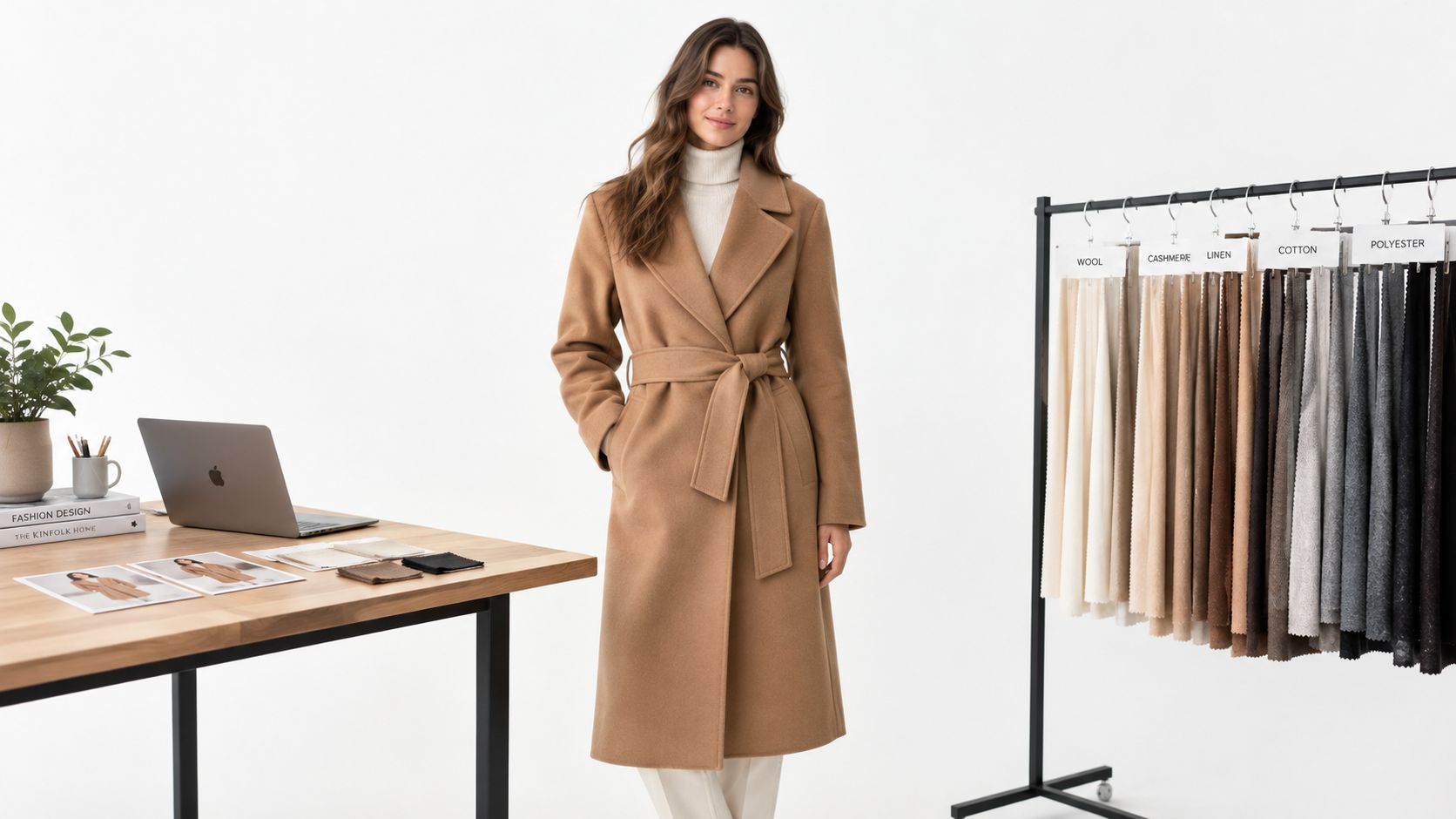
A useful way to think about these systems is as controlled variation engines. You can alter backgrounds, aspect ratios, poses, and styling combinations from the same garment input, which helps when different channels need different crops or moods. That's useful only if the tool preserves the things shoppers notice, like a print, a collar shape, or the way a jacket sits over another layer.
The public benchmark work on virtual try-on systems makes the point clearly. Higher-resolution systems are judged on datasets such as VITON-HD, and the harder test cases are the ones with occlusion, layered outfits, arms crossing the torso, handbags, open jackets, and hidden garment parts benchmark reference. Those are exactly the situations that can make a product page look convincing while still getting the garment wrong.
Read the related workflow notes in Vtry AI's virtual try-on guide if you want a more operational view of how on-person imagery is assembled.
What to look for in the output
A good production system doesn't just generate a pretty face. It keeps the garment legible across combinations and lets the team control the result enough to reuse it at scale. In practice, that means checking whether the output can support catalog consistency, not just a single hero image.
The best outputs are the ones the merchandiser can approve without mentally correcting the clothing.
Comparing AI Fashion Models With Real Shoots and Single-Item Overlays
Brands usually choose between three paths, even if they don't say it that way. They can shoot a real model, generate a full outfit with synthetic imagery, or use a simpler single-item overlay for one product at a time. Each one solves a different business problem, and each one fails in a different way.
Decision criteria that actually matter
Real photography still wins when the business needs physical proof. If the product's drape, movement, or texture is central to the sale, a real shoot gives the strongest evidence. Full AI outfit generation works better when the team needs speed, consistency, and enough variety to support merchandising, paid media, and market-specific creative. Single-item overlays are often the fastest option, but they can flatten the story when a buyer needs to see a complete look.
| Method | Best for | Key limitation |
|---|---|---|
| Real shoot | Fit credibility, fabric behavior, identity-sensitive campaigns | Slower to produce, harder to scale variations |
| AI full-outfit imagery | Fast merchandising, outfit storytelling, repeated styling tests | Needs strong review to protect garment fidelity |
| Single-item overlay | Simple product presentation, lightweight catalog updates | Weak full-look context, limited styling realism |
Where each method breaks down
Real shoots can become expensive in time, coordination, and revisions, especially when the brand wants many variations from the same collection. Single-item overlays often work for straightforward product pages, but they can leave buyers guessing about proportion, layering, or how pieces work together. Full AI outfit generation sits in the middle. It can create more complete merchandising visuals, but only if the team checks that the clothing hasn't been rewritten by the model.
That's the central trade-off. AI fashion models are strongest when the image is a merchandising asset, not a legal promise about fit. If a campaign needs style inspiration or fast creative testing, synthetic imagery can be the right move. If the page is meant to prove how a garment truly sits on a body, real photography still has a job to do.
Operational shortcut: choose the image type based on the claim you're making, not the tool you happen to have.
Building a Repeatable AI Fashion Content Workflow in Vtry AI
Teams usually fail here for a boring reason. They scatter people, garments, prompts, revisions, and exports across too many tools, then spend more time finding the latest version than making the asset. A repeatable workflow fixes that before it touches scale.
Start with the garment library, not the prompt
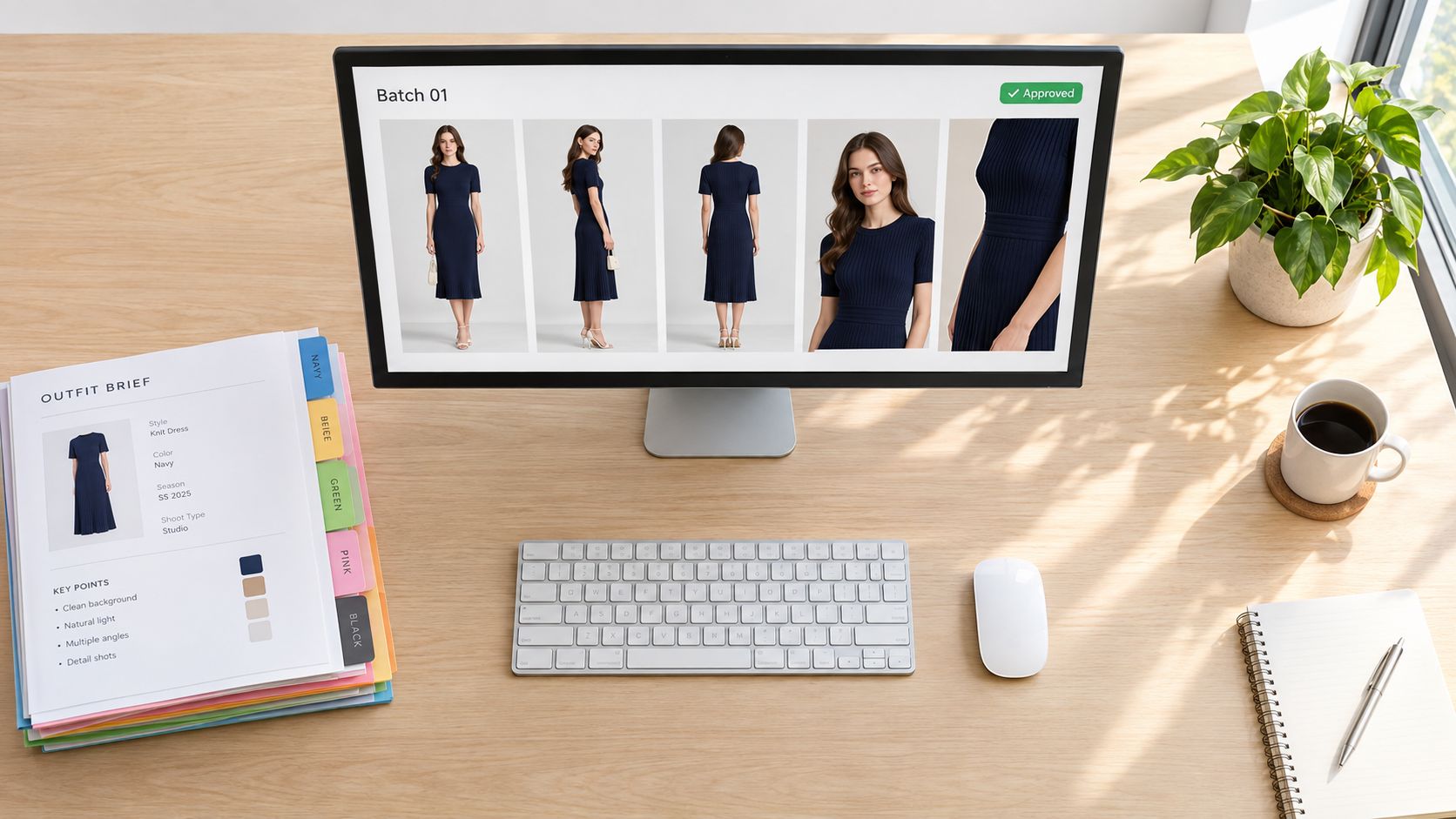
An effective workflow begins with the product itself. Vtry AI lets teams import garments from product URLs or in-app search, then keep them in a shared workspace with people, garments, prompt history, and exports in one place. That structure matters because the image review process gets much easier when everyone is looking at the same asset set instead of three disconnected versions.
The practical sequence looks like this:
- Build the garment set first. Add the core pieces for the outfit, then check that the item names and visuals match the collection.
- Choose a person reference. Reuse a person when brand consistency matters, or swap in a new one when the creative direction changes.
- Draft the output. Generate the first version with the intended styling mix and keep the garment visible enough to review.
- Check product fidelity. Look for neckline changes, texture drift, logo distortion, and awkward layering before approving.
- Export for the channel. Keep aspect ratio and resolution aligned with the destination.
Use editing controls to refine the image, not rescue it
Vtry AI also supports prompt assistance, a prompt gallery, quick edits, interactive camera adjustments, and up to seven garments in a single generation. That's useful, but the tool still works best when the first pass is directionally correct. If the clothing is wrong at draft stage, editing can't fully save it.
The built-in model choice also matters. Faster generation can help the team iterate, while stronger resemblance can help when the output needs to stay visually close to a reference. The point is not to generate endlessly. The point is to keep the asset usable after one or two tight passes instead of six messy ones.
For a more operational breakdown, see Vtry AI's ecommerce workflow guide.
What the best teams standardize
The teams that move fastest standardize the parts that don't need creativity. They set naming rules, reuse approved people, store garment references cleanly, and review every output against the physical product. That keeps the process from turning into a creative junk drawer.
Ethical, Legal, and Representation Risks You Should Not Ignore
A faster workflow can still hurt the business if shoppers feel misled. That's the part many teams miss when they treat synthetic imagery as a pure efficiency play. In fashion, image trust is tied to identity, fit, and whether the customer feels the brand is being straight with them.
Disclosure can change how people respond
Qualitative research has found that consumers often react negatively after learning that fashion models were AI-generated, and some participants said they felt emotionally detached from the images once they knew they were synthetic BBC reporting on consumer reaction and disclosure. That creates a real merchandising question. A beautiful synthetic image can still underperform if the shopper feels the brand hid something important.
The legal side is moving too. New York's Fashion Workers Act requires specific written consent for digital replicas of a model's face, body, or voice, and newer synthetic-performer rules require clear disclosure in applicable cases. The EU AI Act also has transparency obligations for certain generated or manipulated content scheduled to apply from August 2, 2026 BBC summary of legal developments.
Representation is not the same as realism
A diverse-looking image isn't automatically a reliable shopping asset. Research and reporting on AI fashion imagery have pointed to narrow beauty norms and simulated diversity that doesn't always improve real participation or control representation research. That matters because a campaign can look inclusive while still misleading shoppers about drape, mobility, or fit.
Practical rule: if the output changes a sleeve, waistline, hem, or body proportion in a way that affects buying, it needs review against the real garment.
What teams should validate
The useful checks are boring, and that's a good thing. Compare outputs against reference photography. Audit by body type and garment category. Separate inspiration visuals from product claims. Then keep the record of which images were approved for which use, especially if the same person or garment will be reused across campaigns.
The content that performs best is usually honest content. It shows enough realism to help people shop, and enough disclosure to keep trust intact. If an AI fashion model creates a prettier image but a weaker buying experience, the creative win is fake.
Making Smart Decisions About AI Fashion Models in 2026
The right strategy isn't “use AI everywhere” or “avoid it completely.” The better answer is to decide where synthetic imagery supports merchandising and where it would create risk. That decision gets easier when teams define the job of each image before they make it.
Use it where variation matters more than physical proof
AI fashion models make the most sense when the team needs rapid outfit exploration, consistent campaign visuals, or channel-specific versions of the same look. They also make sense when the creative task is to test presentation, not prove fit. That's where synthetic systems add real merchandising value instead of just volume.
The trouble starts when brands blur those lines. If the image is supposed to do the work of fit evidence, then the output needs a higher bar. If it's only supposed to support discovery, inspiration, or early-stage merchandising, the review standard can be different.
Build an approval system around the product, not the software
The most reliable teams use a simple validation routine. They compare against reference photography, check garment behavior on difficult poses, and inspect outputs by body type and category. They also separate the asset library into inspiration visuals, approved product images, and anything still under review.
A few controls keep that system from drifting:
- Keep a reference set: use one clean photo or sample view per garment so reviewers can compare output against the actual item.
- Flag difficult garments: track pieces with prints, logos, trims, or unusual layering because those are the ones most likely to break.
- Review by use case: a paid-social image can tolerate more creative freedom than a PDP image.
- Log every reuse: if the same person or garment returns in new content, keep the provenance clear.
For broader tooling and automation context, Vtry AI's ecommerce AI tools guide fits well with this kind of operating model.
Measure outcomes, not just image volume
The final test is commercial. Teams should track what happens after the asset goes live, including click-through, add-to-cart, sentiment, and returns where they can observe them. A prettier image that creates distrust or weakens purchase confidence isn't a win.
AI fashion models belong in a workflow when they help brands sell the right garment more clearly, faster, and with less production drag. They don't belong when they hide the product, distort fit, or create avoidable compliance headaches. That's the line worth defending.
If you're building fashion imagery at scale, Vtry AI gives you a way to combine people, garments, editing, and export in one workspace instead of stitching the process together across disconnected tools. It's a practical fit for teams that want to test AI fashion models without losing control over garment fidelity and review. Visit Vtry AI to see how the workflow maps to your catalog.