product images
Product Images for Amazon: A Complete 2026 Guide
Learn how product images for Amazon can boost conversions. Get expert tips on resolution, backgrounds, and compliance to stand out in 2026.
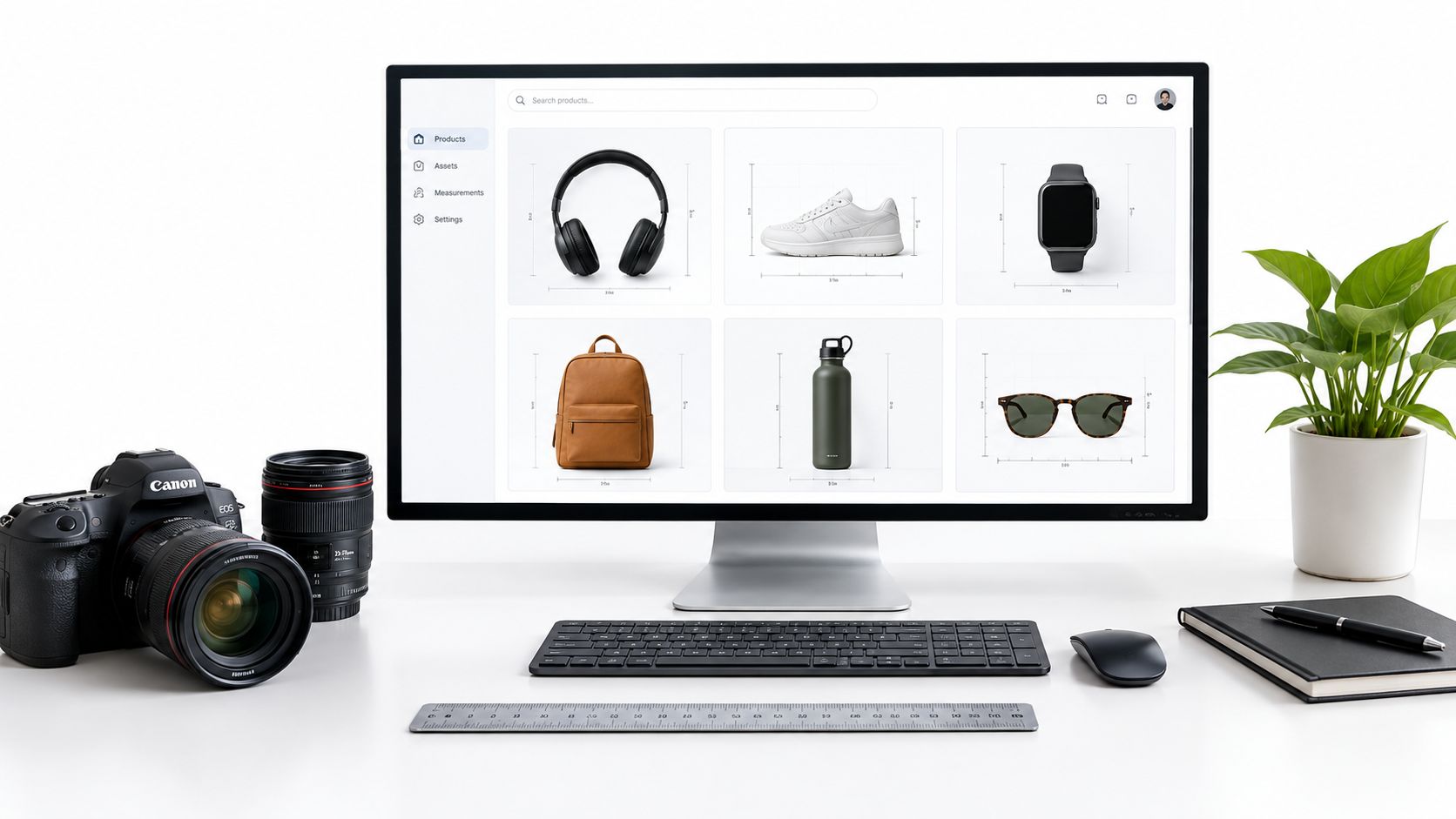
You've uploaded a polished set of fashion images to Amazon, then noticed the main image contains a styled outfit, the background isn't quite white, and an AI-generated model makes the garment look more structured than it is. The listing may look attractive, but it can still fail a marketplace review or create expectations the product can't meet.
That tension defines effective product images for Amazon. Your gallery must earn attention and help shoppers understand the item, while every image must remain accurate, identifiable, and suitable for Amazon's requirements. AI can accelerate production, but it also makes review, provenance, and truthfulness more important.
Table of Contents
- Why Product Images for Amazon Demand Strategic Planning
- Amazon Main Image Requirements and Technical Specifications
- Image Asset Types and Strategic Placement Guide
- Using AI Tools to Generate Compliant Product Imagery
- AI-Generated vs Traditional Photography for Amazon Sellers
- AI Disclosure Requirements and Authenticity Governance
- Practical Validation Checklist for Amazon Image Compliance
- Building a Repeatable Product Image Production Workflow
- Frequently Asked Questions About Amazon Product Images
Why Product Images for Amazon Demand Strategic Planning
A gallery can look polished and still create two expensive problems at once. Amazon can reject or suppress an image set that breaks its rules, and shoppers can return a product if the images suggested features, scale, or included items that were never part of the offer.
That risk is why product images for Amazon need planning before production, not after upload. The gallery has a job sequence. The first image helps the shopper recognize the item in search. The next images should remove uncertainty about shape, material, fit, included components, and real use. If a lifestyle scene adds atmosphere but makes the product harder to identify, it is working against both clarity and trust.
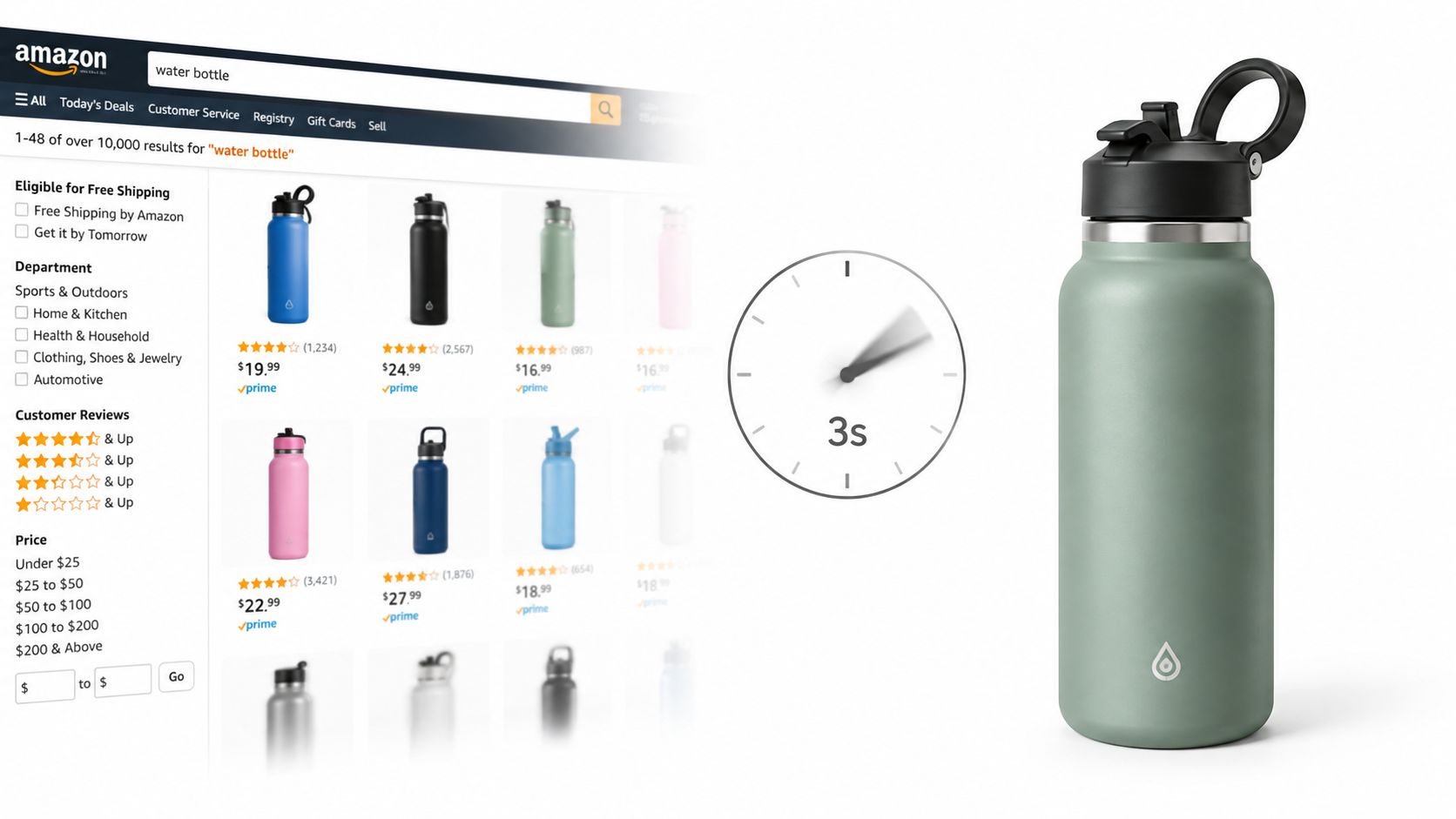
Take a sage green insulated bottle. A dramatic kitchen image may suggest a polished routine, but it can also blur the bottle's true proportions or imply that extra accessories come with it. A product-only image makes the bottle recognizable in search. Follow-on images can then answer the questions that drive purchase confidence, lid design, handle shape, base detail, size cues, and how the bottle looks in use.
Practical rule: Treat the gallery as a sequence of answers, not a collection of attractive pictures.
This is also where AI imagery needs tighter governance than many teams apply. Generating a clean scene is easy. Checking whether the render changed the cap shape, exaggerated the finish, removed seams, or invented accessories is harder. For Amazon listings, that truthfulness review matters because visual polish does not excuse inaccuracy.
Amazon explains that the first image becomes the main image shoppers see in search, and it encourages additional imagery and video to help customers evaluate the product. Amazon's product-image guidance also states that non-compliant images may be removed from search until corrected.
A compliant gallery earns the click with a clear MAIN image, then earns the purchase with detail and scale images that answer size and material questions before the shopper scrolls to reviews.
Amazon Main Image Requirements and Technical Specifications
A main image can fail in two ways at once. It can break Amazon policy, and it can weaken conversion by making the product harder to identify. That risk increases with AI-assisted production, where a polished render can still alter shape, finish, included components, or scale.
For the MAIN slot, keep the file product-only and technically clean. Amazon's official image requirements state that the product should be realistically represented, match the listing, appear only once, sit on a pure white background with RGB 255,255,255, and occupy about 85% of the image area. The main image also cannot include promotional text, pricing, badges, watermarks, Amazon marks, or unrelated props.
Those rules are not just formatting. They set the baseline for truthful presentation in search. If the title is for one shirt, the main image cannot imply a bundled outfit. If a bottle is sold alone, the hero image should not add a straw lid, sleeve, or carry pouch that is not part of the offer. With AI-generated imagery, this is the point where compliance and conversion meet. A cleaner image gets the click only if it still shows the exact item the shopper will receive.
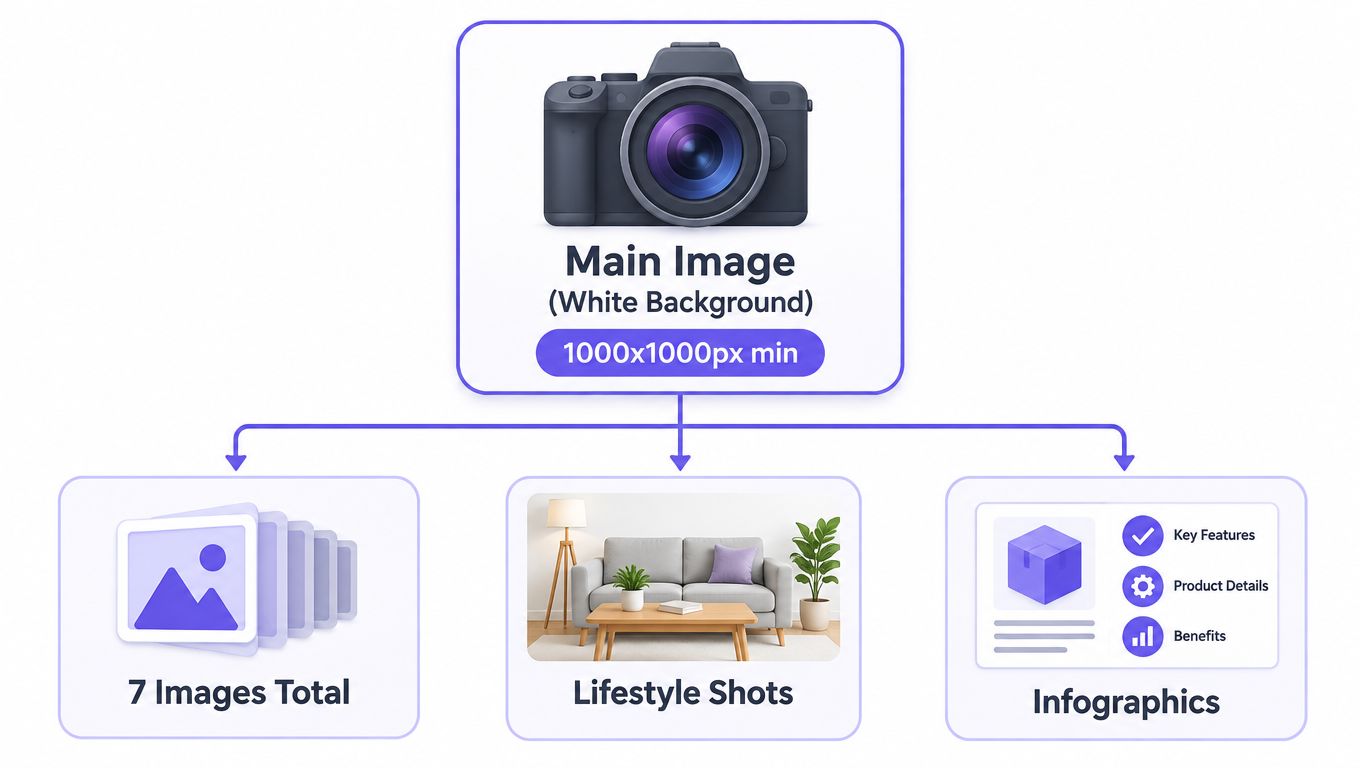
In practice, separate the compliant catalog asset from the rest of the gallery at the start of production. Label the approved product-only file as MAIN, then build secondary assets for angle coverage, material detail, fit context, and lifestyle use. That simple file governance prevents a common mistake: reusing one attractive image everywhere, even when it introduces ambiguity in search and leaves unanswered questions on the product page.
Truthfulness review belongs here too. Before publishing, compare the exported main image against the physical product or approved packaging reference. Check cap shape, seams, closures, finish, included parts, and color. Amazon can remove non-compliant images from search, so this review is part of listing governance, not visual polish.
Image Asset Types and Strategic Placement Guide
A shopper who cannot tell whether the belt is included will not convert. That is why each gallery file needs one clear job. Amazon recommends at least six additional images and one video alongside the main image so shoppers can assess the product more effectively, but what matters most is placement. The sequence should answer doubts in the order they arise, while keeping the offer truthful.
Start with the MAIN image as product identification. For apparel, that means a clean white-background view of the actual garment, with edges, color, and shape easy to inspect. If styling, props, or a model make the item harder to isolate, they belong elsewhere in the gallery.
The next slots should reduce uncertainty, not repeat the same shot. Use an alternate front or back view to clarify silhouette and coverage. Add a detail crop for stitching, buttons, collar shape, zipper construction, fabric texture, or another feature that helps a shopper verify quality. These images do more than decorate the listing. They give evidence.
Lifestyle images come later because context works best after identification is clear. Show how the garment is worn, how it fits into a routine, or how it moves on body. Keep the line between styling and inclusion obvious. If a scarf, belt, jacket, or second garment appears in the frame, the composition should still make it clear what the customer is buying.
This matters even more with AI-generated outfits.
A generated model can wear a full look that appears internally consistent while still misleading the listing. The shirt may be accurate, but the combined scene can suggest that trousers, shoes, or accessories are part of the offer. That is the governance gap many image guides miss. Conversion improves when the scene looks strong, but only if the gallery also proves what is and is not included.
Use captions, cropping, and gallery order to keep the purchased item unmistakable. Pair any styled image with a product-only view and close-ups of the listed garment. For fashion teams refining this balance, this guide to clothing product photos is useful on separating product clarity from styling. Video can then support the stills by showing movement, drape, scale, or use without introducing a different product appearance.
Using AI Tools to Generate Compliant Product Imagery
AI is most useful when it supports a planned asset system rather than replacing one. For a fashion seller, that may mean importing a garment, selecting a person, generating a complete look, adjusting camera position, and refining the scene. The production speed is valuable, but the output still needs to be assigned a marketplace role.
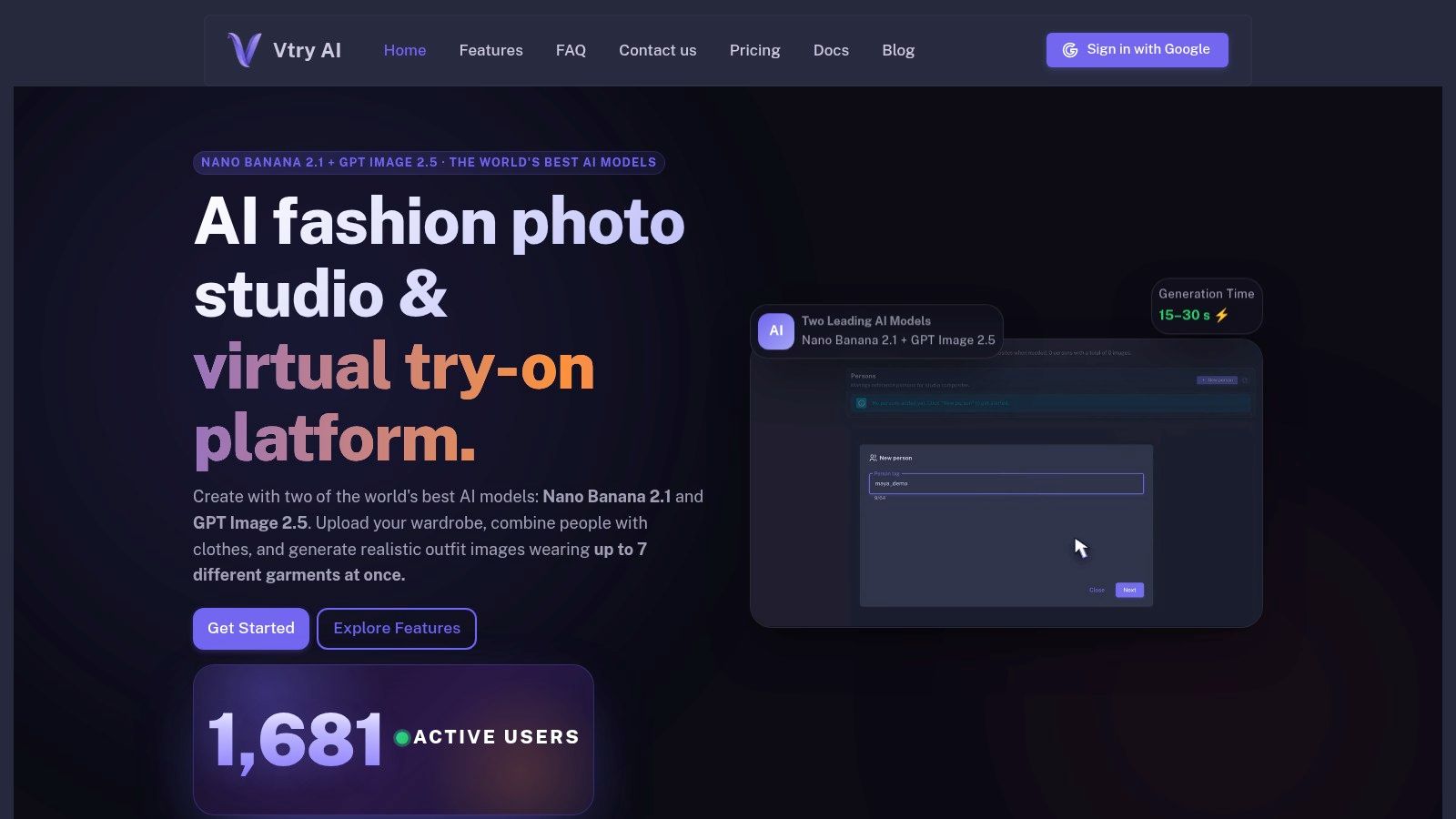
Vtry AI provides a workspace for combining people and garments, including virtual try-on with up to seven garments in one generation. It offers Nano Banana 2 for faster generation and GPT Image 2.5 for higher resemblance, plus Smart Wardrobe for importing garments from product URLs. Its workflow also includes interactive 3D camera control, text-based editing, and native 4K generation on supported plans. These capabilities are relevant when a team needs multiple secondary views from a consistent set of references, not when it wants to bypass product validation.
Separate generation from approval
Create the white-background MAIN asset independently from editorial or lifestyle scenes. A generated model image can be useful for fit context, but it's a poor substitute for a clear product-only file if the garment's edges, color, or construction become harder to inspect.
A practical pipeline looks like this:
- Import source references: Use clean garment images and record the exact color, components, and included pieces.
- Generate context assets: Create front, side, detail, and styled views for secondary placements.
- Review visual fidelity: Compare seams, pockets, closures, proportions, and color against the source.
- Export by placement: Name and store MAIN, alternate, detail, lifestyle, and video assets separately.
- Preserve the record: Keep the source, prompt, model choice, edit history, and approval decision together.
The principles in this overview of AI tools for ecommerce apply especially well here: centralized assets reduce the chance that an outdated garment reference or unapproved edit reaches the final listing. AI improves throughput only when the review layer scales with production.
AI-Generated vs Traditional Photography for Amazon Sellers
AI-generated imagery and traditional photography solve different operational problems. AI can help a small team create varied outfit contexts without arranging every model, location, garment change, and reshoot. Traditional photography gives you direct evidence of the physical item, which is especially valuable when texture, construction, finish, or exact fit carries purchase risk.
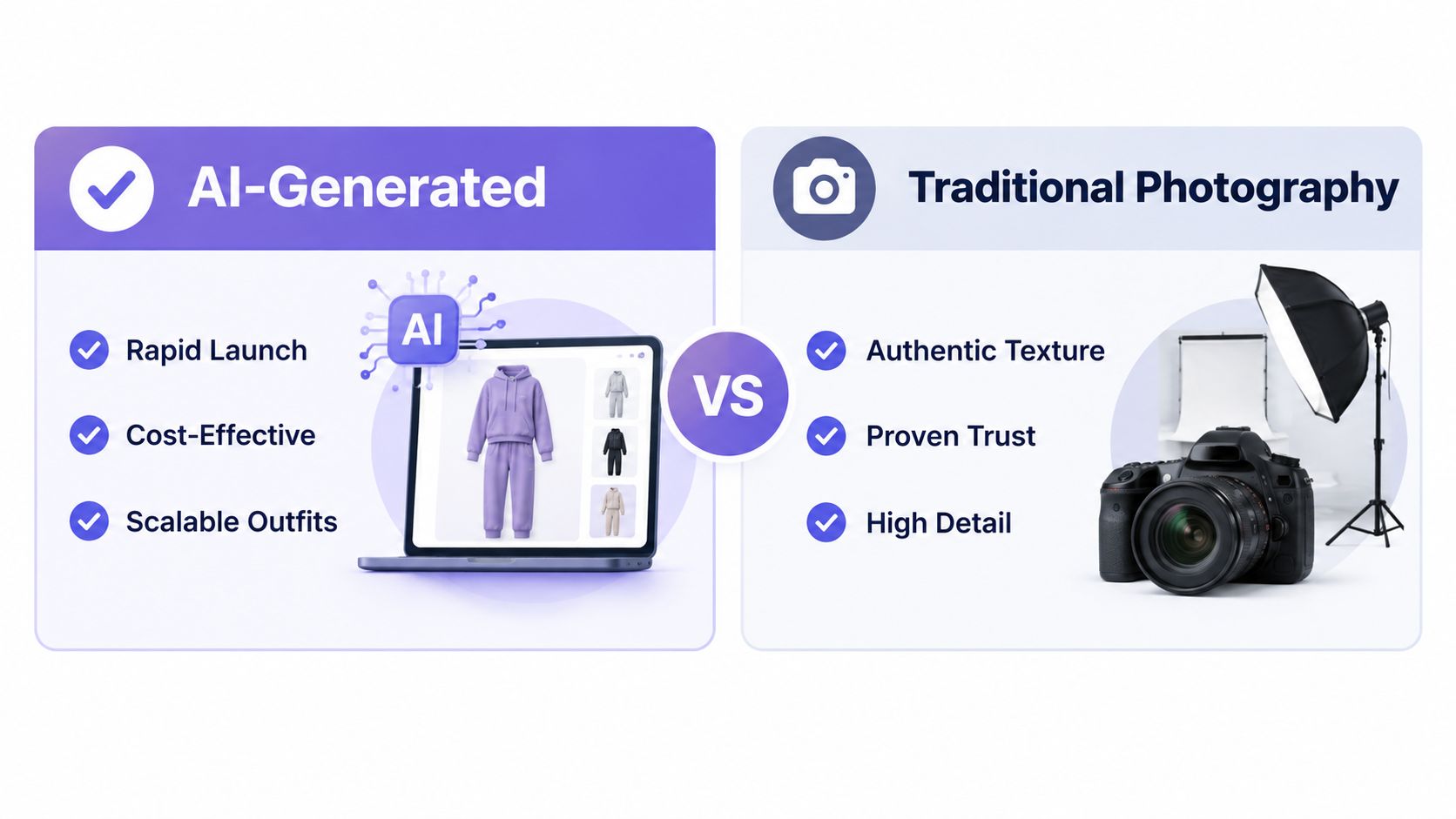
| Decision factor | AI-generated imagery | Traditional photography |
|---|---|---|
| Launch speed | Useful for rapid variations and styling tests | Dependent on scheduling, samples, and production |
| Product evidence | Requires comparison against source assets | Directly records the photographed item |
| Outfit scale | Efficient for coordinated looks | Requires physical styling and capture |
| Governance | Needs provenance, disclosure review, and fidelity checks | Still needs compliance review, but authenticity is easier to establish |
| Best role | Secondary lifestyle, fit context, and creative exploration | MAIN imagery, texture-sensitive products, and high-risk details |
The wrong choice is using AI for every asset because it's faster. A photorealistic model can make fabric appear smoother, a garment fit more closely, or a silhouette more flattering than the physical product. Those differences may help a shopper click while increasing disappointment after delivery.
Traditional photography isn't automatically safe either. A real photo can still show an unavailable accessory, crop the product badly, use a non-compliant background, or misrepresent color through lighting. Every asset needs a publishing decision.
The strongest hybrid workflow uses photography for evidence and AI for controlled context.
Choose based on product complexity, launch cadence, available samples, team capacity, and the cost of expectation mismatch. If a product depends on exact texture or construction, start with real product evidence. If the core item is well documented and the main need is varied styling, AI can extend the gallery without replacing the source of truth.
AI Disclosure Requirements and Authenticity Governance
Many teams treat disclosure as a checkbox added at upload. That's too narrow. The harder question is whether an AI-generated person or scene changes what the shopper believes about the actual product.
Amazon guidance distinguishes ordinary edits, such as background removal, color correction, and lighting adjustments, from photorealistic AI-generated people. New uploads containing such people may require disclosure metadata, while the underlying accuracy rules still apply. The Amazon seller-forum guidance on AI-generated people also emphasizes realistic representation of scale, quantity, and color and prohibits misleading or confusing presentation.
Build provenance into the asset record
For every AI-assisted image, record:
- Source identity: The SKU, variant, garment files, and person reference used.
- Generation history: The tool, model, prompt, and meaningful revisions.
- Product claims: The color, components, fit cues, and features the image communicates.
- Disclosure status: Whether the image includes a photorealistic generated person and what metadata or review it needs.
- Approval owner: The person who verified that the image matches the item customers will receive.
This record helps answer operational questions that policy summaries often leave open. Which gallery files contain synthetic people? Did a later edit change the garment? Was a body shape or fit implication introduced during generation? Can the team show why an image was approved?
Test persuasion against truth
Polished model imagery can make a product look more desirable, but attractiveness can also inflate expectations. Recent research referenced in Amazon's discussion suggests that attractive or exaggerated visual presentation can contribute to returns, while contextual cues from user-generated content can reduce them. The lesson isn't to avoid polished imagery. It's to balance it with detail, scale, and customer context.
A truthful gallery lets the shopper see the product without asking them to trust an illusion. Use AI where it clarifies use and fit, then anchor the listing with evidence that remains faithful to the physical item.
Practical Validation Checklist for Amazon Image Compliance
A review process should catch both obvious policy violations and subtle expectation gaps. Run each export through the same checklist, even when the image came from a familiar template.
Inspect the file and composition
- Background neutrality: Confirm that the MAIN background is pure white, RGB 255,255,255, rather than visually approximate white.
- Product completeness: Check that the entire item is visible and the framing supports the approximately 85% product-area guidance.
- Text and marks: Detect stray text, price badges, promotional claims, logos, watermarks, and unrelated branding.
- Title alignment: Compare the visible item with the listing title and selected variation.
- Accessory control: Remove props or additional garments that could look included.
- Isolation rules: Flag faces or models in assets intended to function as product-only shots.
Add a truthfulness review for AI outputs
Compare the generated image directly with the source garment. Check color under neutral viewing conditions, then inspect construction details such as seams, pockets, closures, straps, hems, and visible hardware. A convincing overall silhouette doesn't prove that the image is accurate.
Ask a reviewer who didn't create the image to answer one question: What would a shopper believe is included? If the answer differs from the offer, revise the composition or add a clearer supporting image.
Finally, label synthetic people where required, preserve the generation and approval history, and include detail or customer-context images that counterbalance an overly polished model shot. The purpose of this layer is not to make AI unusable. It's to ensure realism doesn't outrun the product.
Building a Repeatable Product Image Production Workflow
Start with a written brief before opening the image tool. Define the SKU, variant, included components, required MAIN view, secondary gallery roles, prohibited implications, and the evidence shoppers need. This prevents the first attractive generation from dictating the entire listing.
Organize references in a shared workspace. Keep garment source files, person references, approved colors, prompt templates, and previous decisions together. If a team changes one element, such as a sleeve length or neckline, the record should show which outputs need review.
Create in controlled passes
Generate the base image first, then change one variable at a time. Adjust the camera angle, setting, pose, or lighting separately so reviewers can identify what caused a problem. Text-based editing works best when the requested change is specific, such as removing a belt that isn't included or correcting a garment color.
Export files with placement names rather than vague labels. SKU123_MAIN, SKU123_BACK, SKU123_DETAIL_COLLAR, and SKU123_LIFESTYLE make errors easier to spot during upload. Keep the source and final versions linked in a small production record.
The workflow described in this AI fashion product photography guide is useful as a production reference, but Amazon approval still requires a separate compliance decision. A consistent brand style matters, yet consistency can't override accurate product representation.
Frequently Asked Questions About Amazon Product Images
Are AI-generated images allowed on Amazon?
AI assistance doesn't remove the usual accuracy requirements. Ordinary edits and photorealistic AI-generated people may be treated differently, and new uploads containing generated people may require disclosure metadata. Review the current Amazon guidance before publishing and retain provenance records for every affected asset.
Can a multi-garment outfit image represent one product?
Yes, as a secondary image, provided the composition doesn't make shoppers believe every visible garment is included. Pair the outfit with a product-only view and detail images that identify the purchased item clearly.
What should I do if Amazon flags an image?
Remove or correct the specific failure first. Check the background, product completeness, title match, overlays, logos, watermarks, and unrelated accessories, then resubmit the corrected asset through the applicable Seller Central workflow. Keep the rejected and revised files together so your team can avoid repeating the same issue.
Can a lifestyle image be the MAIN image?
The MAIN image needs to meet Amazon's product-only presentation requirements. Use a clean, white-background image for MAIN and reserve lifestyle photography for secondary placements where context helps without obscuring the offer.
How often should I update the gallery?
Update it when the product, packaging, included components, color, fit, or customer questions change. Don't replace accurate images merely to create novelty. Review the gallery after every product revision and whenever shoppers reveal a recurring misunderstanding.
Vtry AI can help fashion teams combine garments and people, generate styled secondary assets, edit scenes, and keep production references in one workspace. Use it alongside a separate compliance and truthfulness review, then create your next Amazon image set with a clear MAIN asset and purposeful supporting views. Visit Vtry AI to explore the workflow.