clothing model generator
AI Clothing Model Generator: 10 Tools Compared for 2026
Compare 10 AI clothing model generator tools for ecommerce, with features, pricing notes, use cases, and integration tips to choose the right fit in 2026.
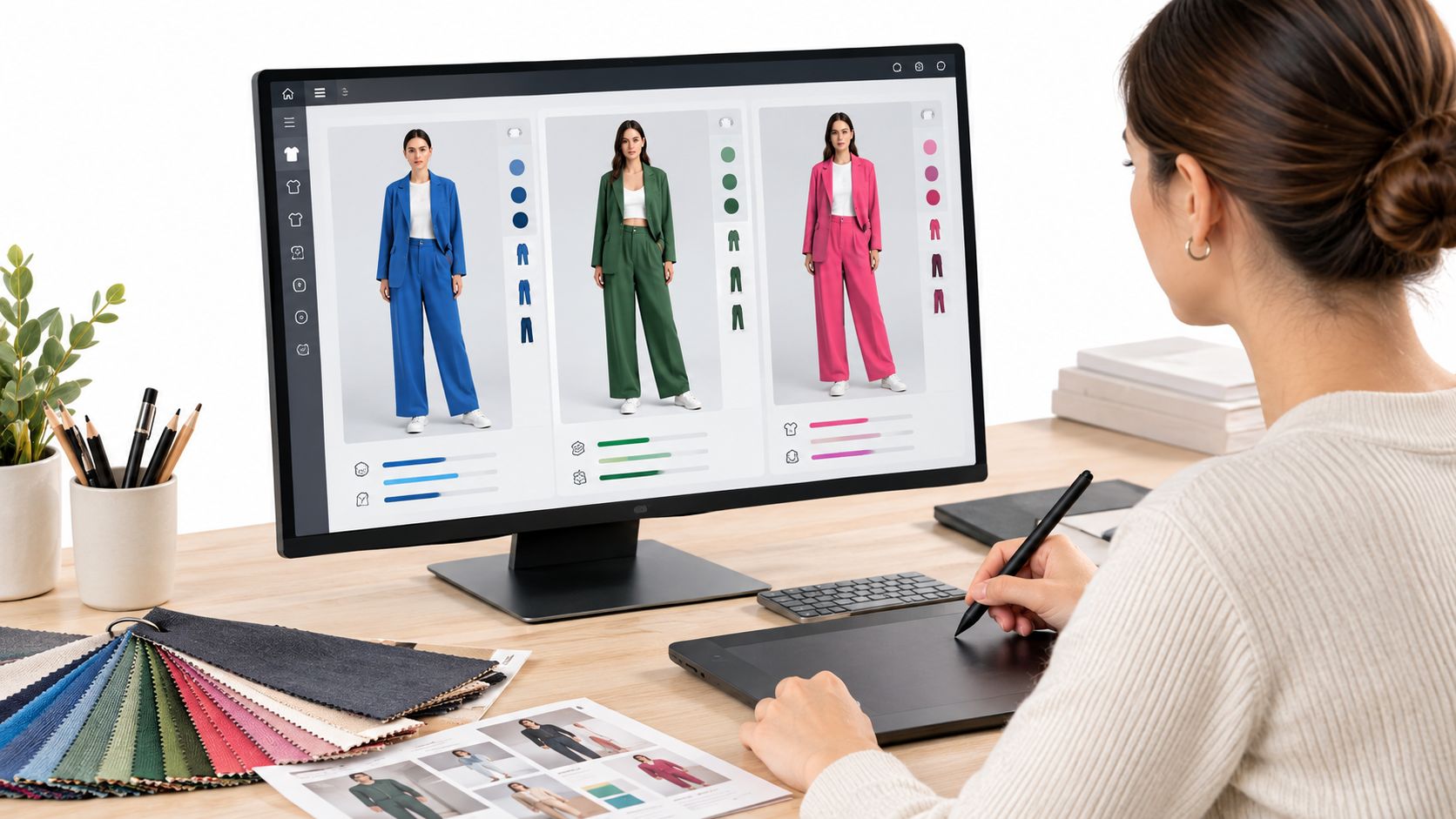
A launch date does not care that your sample rack is still half pinned, the budget is tight, and the campaign needs on-model images for every SKU. That is exactly the problem an ai clothing model generator is built to solve, but the tools do it in different ways. Some are better for catalog automation, some for shopper-facing try-on, some for small batches of social assets, and some for enterprise workflows with API access and shared libraries. The right pick depends on volume, control, pricing clarity, and how much of your existing pipeline you want to keep.
Table of Contents
- 1. Vtry AI
- 2. Photoroom, Virtual Model and Virtual Try-On
- 3. Botika, Fashion AI Models
- 4. Lalaland.ai
- 5. Vue.ai, VueModel On-Model Imagery
- 6. OnModel, AI On-Model Studio
- 7. Tryva, Virtual Try-On, Model Creator, and AI Studio
- 8. ModelCraft
- 9. Pixla AI
- 10. Fashono
- Top 10 AI Clothing Model Generators: Feature Comparison
- Matching the Generator to Your Catalog and Budget
1. Vtry AI
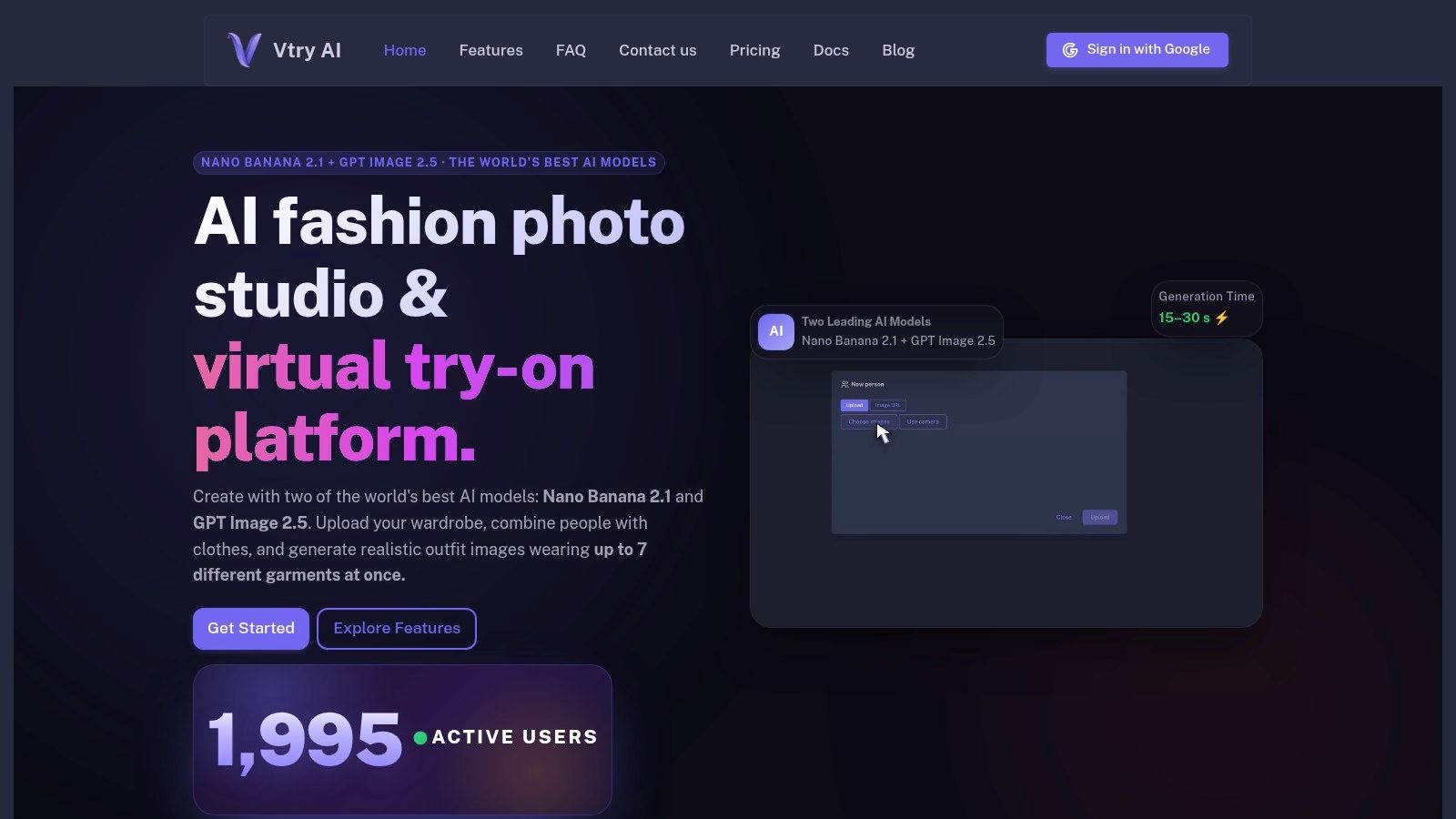
Vtry AI fits teams that need to produce complete outfit imagery without turning each SKU into a separate photo session. Users can add a person, import garments from product URLs or web search, combine up to seven garments in one generation, and export the result from the same workspace. That matters when the job is to ship a styled look that is ready for catalog, ads, and social, not just a single garment overlay.
Its production value comes from how much of the workflow it keeps in one place. Person libraries, garment libraries, text edits, quick adjustments, 3D camera control, and 4K output on supported plans make it useful for repeatable fashion work, especially when a team needs to keep a consistent visual style across campaigns. The site says generations usually take 15 to 30 seconds, with Nano Banana 2.1 positioned for speed and GPT Image 2.5 for stronger resemblance. The shared workspace and API access on Pro and higher matter most for teams that want repeatable output instead of one-off edits.
Use Vtry AI when speed and look consistency matter more than a narrow overlay tool. It is a practical fit for production teams that need to assemble complete looks quickly and keep those assets organized for later reuse.
Pricing is clearer than many enterprise tools, with monthly plans starting at €9.90 for Plus, then €29.90 for Pro, €59.90 for Team, and €119.90 for Ultimate. The trade-off is that it uses credits, so heavier usage and higher-resolution renders can move a team into higher tiers faster than expected. For a closer look at the workflow, the virtual try-on overview is the most useful starting point.
Best fit and limitations
- Best for: ecommerce teams that need multi-garment outfit creation, reusable assets, and a fuller fashion studio.
- Integration effort: moderate if you stay in the UI, lower if you connect through the API.
- Input requirement: clean person images and clear garment assets produce stronger results.
- Limitation: higher-end features, including native 4K and team libraries, sit on higher tiers.
2. Photoroom, Virtual Model and Virtual Try-On
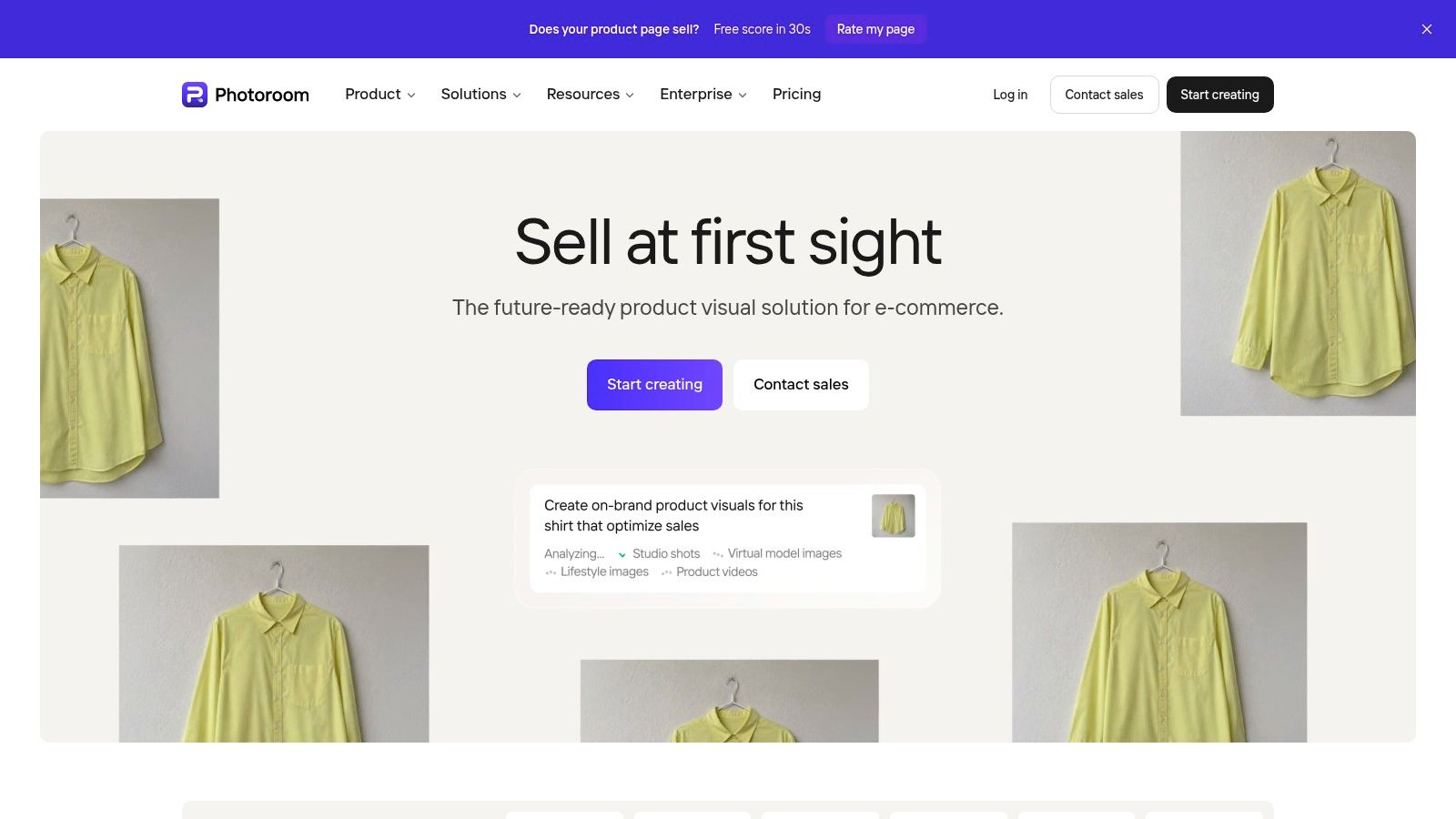
Photoroom makes sense for teams that already think in catalog ops and want model generation folded into a broader image-editing stack. Its Virtual Model API is the part that matters most for production, because it turns flat-lay or ghost-mannequin assets into on-model imagery at scale instead of leaving the team to click through one asset at a time. The custom brand model option also helps when the same model identity needs to stay consistent across a collection.
This is not a fashion-only platform, and that's both the appeal and the limitation. You get batch processing, background controls, and product-image tools in one system, which is useful if the same team also handles banners, marketplace imagery, and simple retouching. The downside is that the broader toolkit can feel like extra machinery for non-technical users, especially if the team only wants to generate on-model images and move on.
Pricing is tied to AI credits, so usage planning matters. That credit model is workable for a structured catalog workflow, but less comfortable for teams that want a predictable per-image cost without checking consumption. For developers and ecommerce managers who want an established platform with API options and a wider editing surface, it's a solid production choice.
A tool like this works best when the image team already has naming rules, input standards, and a repeatable upload pipeline.
The Photoroom website is worth checking if you need more than virtual try-on, because the platform's value is really in the combination, not in a single feature.
3. Botika, Fashion AI Models
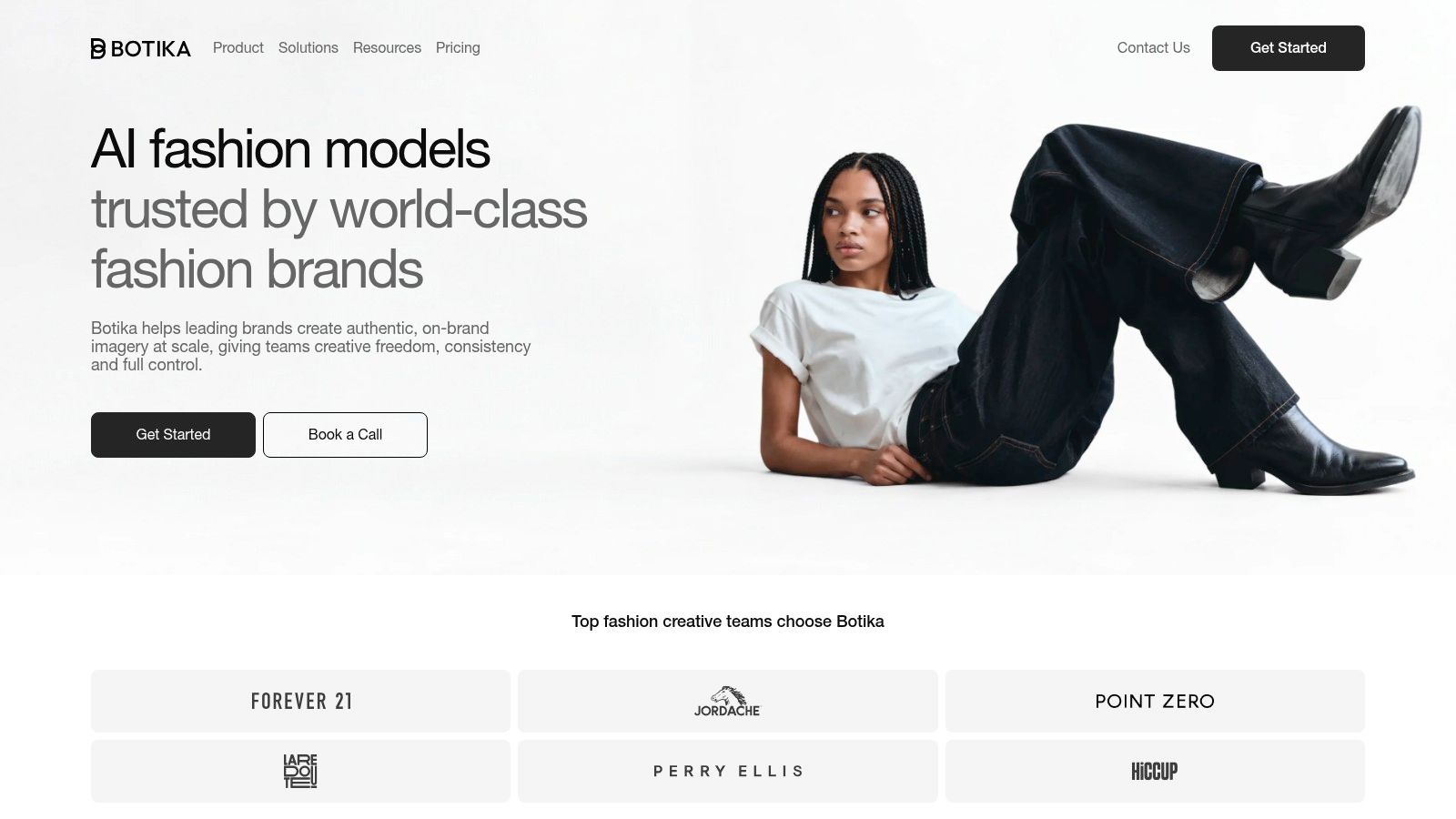
Botika is the clearest fit for fashion sellers who want a dedicated ecommerce imagery tool that starts from flat-lay or ghost-mannequin inputs and ends with on-model photos and short videos. It's purpose-built, which helps when your team doesn't want a general imaging suite and only needs fashion outputs that can be shipped into a product page or paid campaign. The library of more than 150 AI-generated models gives it enough variation for testing without forcing the team to build a custom pipeline first.
The platform's big advantage is speed of adoption. Shopify integration makes it easier to slot into existing store workflows, and the still-image plus short-video mix is useful for small teams that need motion assets but do not have the bandwidth for a separate video workflow. The trade-off is the credit-based pricing, which makes the effective cost less obvious if you're producing at volume or regenerating frequently.
What to watch before you commit
- Input quality: clean flat-lay or ghost-mannequin images matter a lot more than a slick dashboard.
- Budget planning: credit-based pricing can blur the cost per usable asset.
- Workflow fit: it's strong for fashion imagery, but not built as a broad studio replacement.
- Integration: Shopify support helps, but teams with more complex systems should test the handoff early.
If you need a quick operational reference on styling workflows, the Botika homepage is the place to start, and the AI fashion model guide is a useful internal read for teams comparing production-style model generation approaches.
4. Lalaland.ai
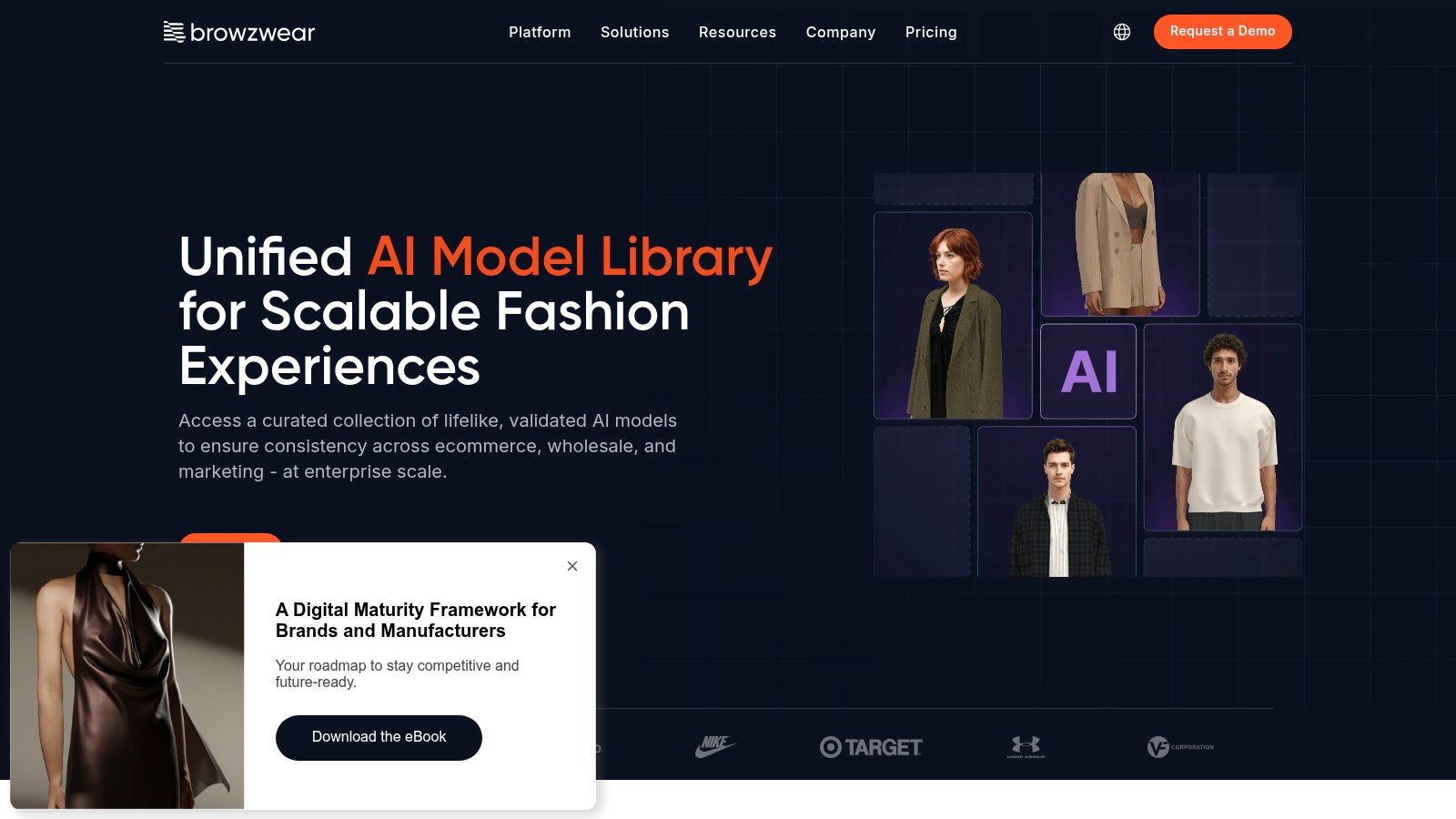
Lalaland.ai fits enterprise teams that care about consistent model availability and a stronger diversity story across a catalog. It's not the fastest route for a small brand that wants to click and ship, because this is an enterprise-oriented product with a sales-led buying motion. That extra friction can be worth it when a retailer wants brand consistency across large product ranges and expects procurement, onboarding, and governance to be part of the deal.
The main strength here is strategic rather than tactical. For bigger retailers, the issue is rarely whether an AI image can be made at all, it's whether the model identity, representation approach, and catalog consistency stay stable over time. Lalaland.ai is more aligned with that problem than with one-off social asset generation.
The limitation is obvious from the buying motion. There is no public self-serve pricing, so smaller teams can't do a quick price-to-output comparison before making contact. That means it is best evaluated by teams that already know they need an enterprise deployment and can tolerate a longer procurement path.
If your team is weighing inclusive representation against operational control, Lalaland.ai belongs on the shortlist. If you need fast experimentation on a lean budget, it's usually too much platform for the job. Visit the Lalaland.ai website if enterprise onboarding is part of your workflow.
5. Vue.ai, VueModel On-Model Imagery
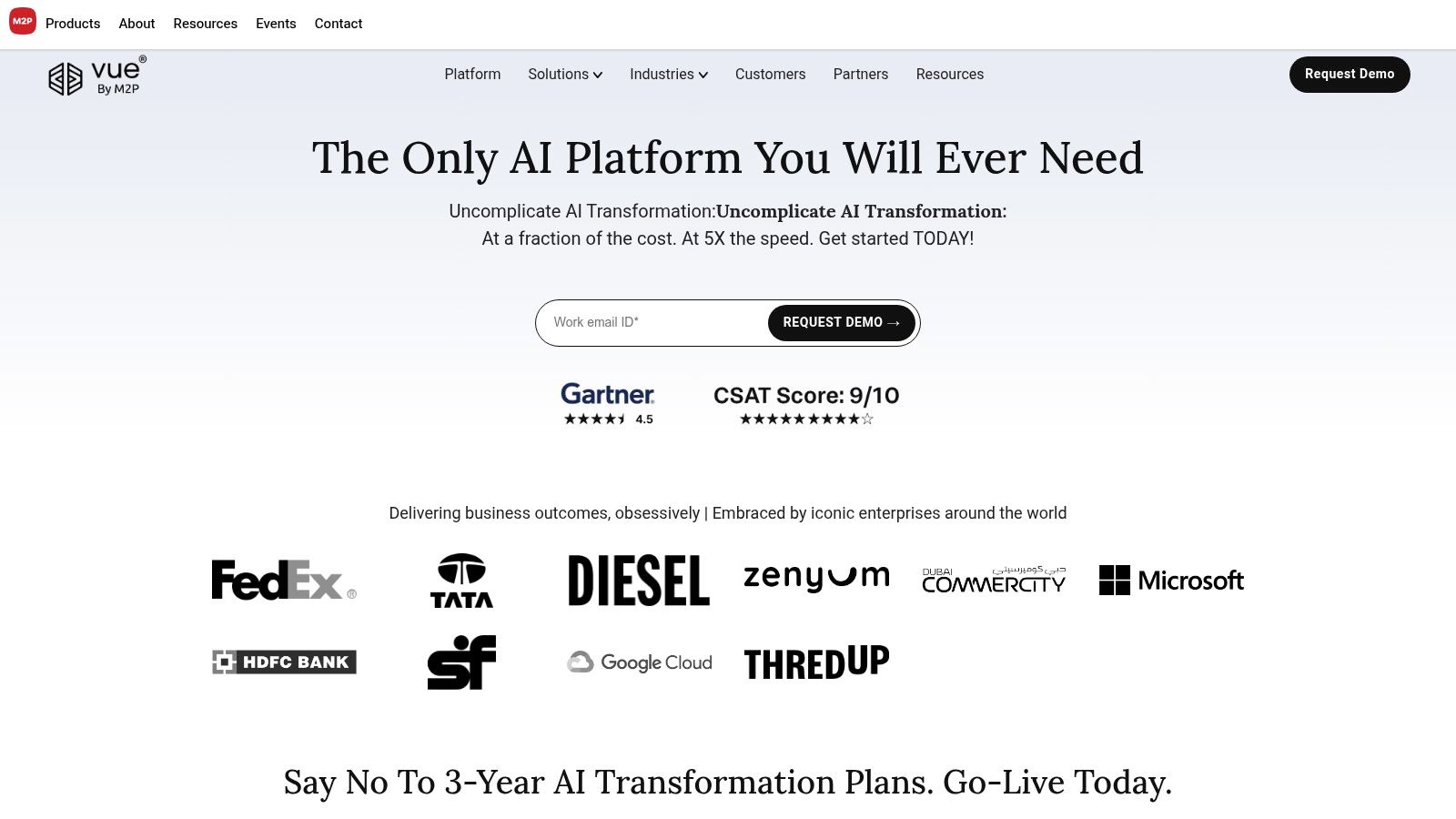
Vue.ai fits retailers that want on-model imagery inside a broader automation stack, where the image workflow connects to other retail operations. It turns basic product images into fashion photos with models, and it sits inside a larger retail AI platform. That matters when merchandising, catalog ops, and image production need to work from the same system.
The main fit is enterprise workflow, not quick experimentation. Sales-led pricing usually means the deal is shaped around implementation, integrations, and broader process design, which can work well for teams that need operational automation more than a lightweight self-serve tool. The trade-off is setup effort. Teams should expect more time in procurement and onboarding before they see output at scale.
Enterprise image automation makes sense when the image is one step in a larger retail workflow. A fast creative test calls for a lighter self-serve tool instead.
Vue.ai is worth a look if you need on-model generation tied to a wider retail stack and can handle a longer onboarding cycle. The Vue.ai homepage is the right place to start if the buyer is a merchandising or automation lead rather than a social content manager.
6. OnModel, AI On-Model Studio
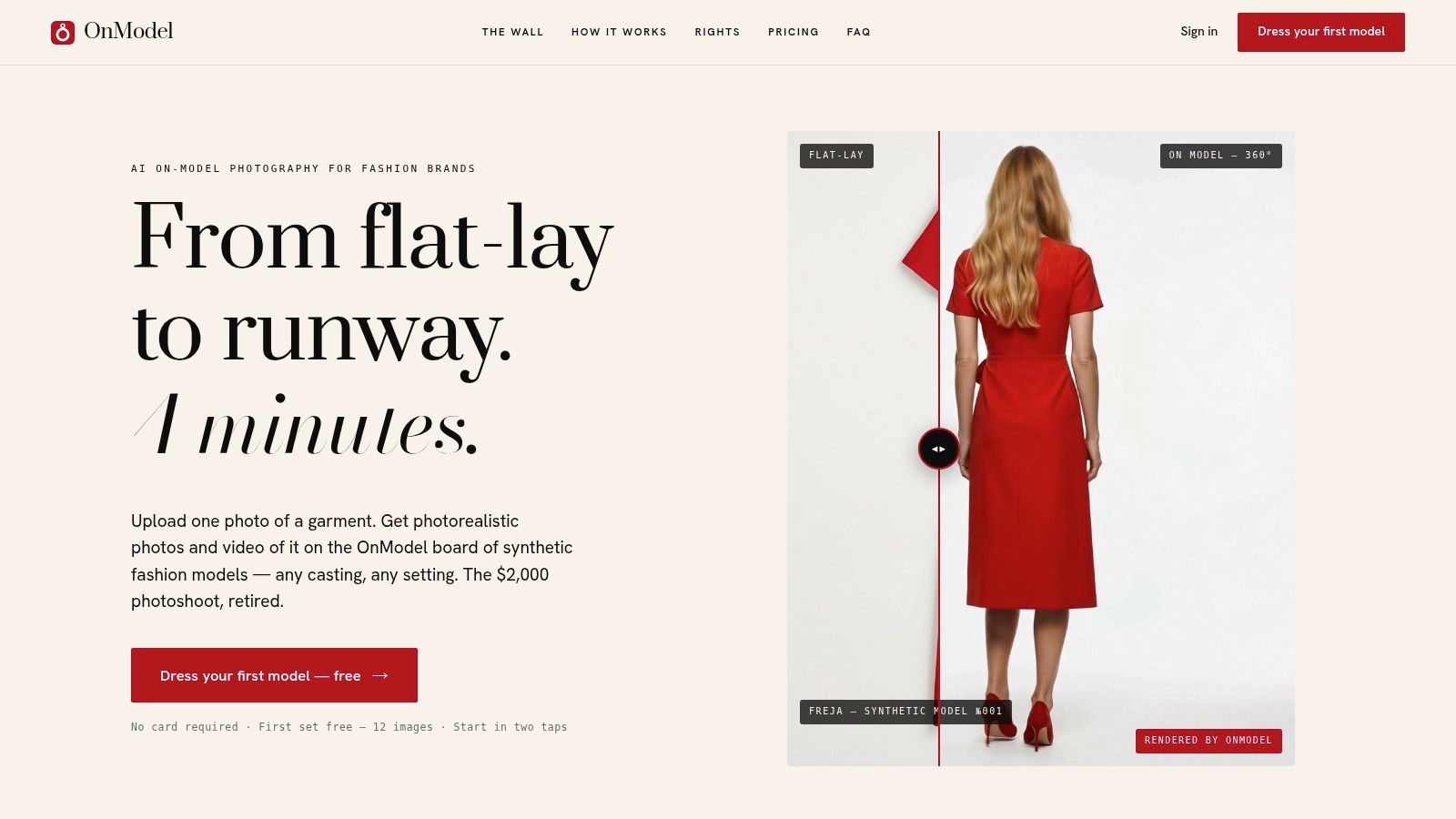
OnModel is the right choice when the job is controlled on-model output with a clean, focused workflow and fewer moving parts than a full studio suite. The platform is built around curated synthetic models, 360-degree views, short motion clips, fidelity checks, and export-time disclosure tagging. That combination is especially useful for teams that care about governance as much as image generation.
Its pricing is unusually transparent for this category. There's a free first set of 12 images, and the site reports a median turnaround of about four minutes per set, which gives teams a more realistic sense of output rhythm before they scale. That makes it a strong fit for small teams and operators who want to understand the production loop before they commit larger budgets.
The trade-off is style flexibility. The standard model board has a fixed aesthetic, and custom casting only appears on higher tiers. If you need a very specific visual identity across multiple campaigns, that can be a constraint. If you mainly want reliable on-model outputs with disclosure and fidelity checks built in, it's one of the cleaner options.
For teams comparing workflows, the OnModel website is the most direct source, and the clothing product photos guide is useful if you want a production view of input hygiene before you start generating.
Where OnModel fits best
- Catalog sets: good for repeatable product-page imagery.
- Governance needs: useful when disclosure tagging matters.
- Team size: practical for small to mid-sized teams that want a narrow tool.
- Limitation: less suited to highly customized creative direction.
7. Tryva, Virtual Try-On, Model Creator, and AI Studio
Tryva fits a different production problem, because it combines shopper-facing try-on with reusable brand models and catalog-ready imagery in one product. That makes it attractive for smaller businesses that want both conversion support on the storefront and content creation for the catalog without stitching together multiple vendors. The reported 12 to 18 second result time is a practical fit for an interactive shopper experience, not just backend image generation.
The implementation story is also straightforward. A one-line JavaScript widget, Shopify integration, and basic analytics lower the friction for teams that do not have a large engineering bench. The Model Creator adds reuse, which matters if a brand wants a consistent identity rather than random models each time. The AI Studio and up-to-4K output keep it relevant for marketing assets too.
The main limitation is maturity. Newer products often look attractive because the workflow is compact, but they haven't always hardened the controls and service expectations that larger teams need. That makes Tryva a strong candidate for small brands and a less obvious fit for enterprise buyers with formal SLAs and governance requirements.
The Tryva homepage is worth a look if you want both a storefront try-on and a reusable model system in one place.
8. ModelCraft
ModelCraft is for smaller teams that want a simple catalog workflow rather than a broad creative platform. You upload garments, pick or reuse models, and get a nine-image lookbook for a product or outfit. That's a practical shape for teams that need a fast set of ecommerce visuals and don't want to spend time learning a larger system.
The appeal is the workflow, not the feature sprawl. A reusable model library keeps output more consistent across products, and the ability to combine multiple garments helps when the look depends on a full outfit rather than a single SKU. Product copy drafting is a bonus for lean teams that want to move faster through catalog setup.
Its limits are just as clear. There's no shopper try-on widget, and it doesn't try to be a heavy-duty editing suite. If you want advanced retouching, elaborate art direction, or deep storefront integration, this is not the tool that will cover all of that. If you want affordable, straightforward on-model ecommerce imagery, it can be a sensible first test.
The ModelCraft site is the best place to judge whether the model-set workflow matches your product cadence.
9. Pixla AI
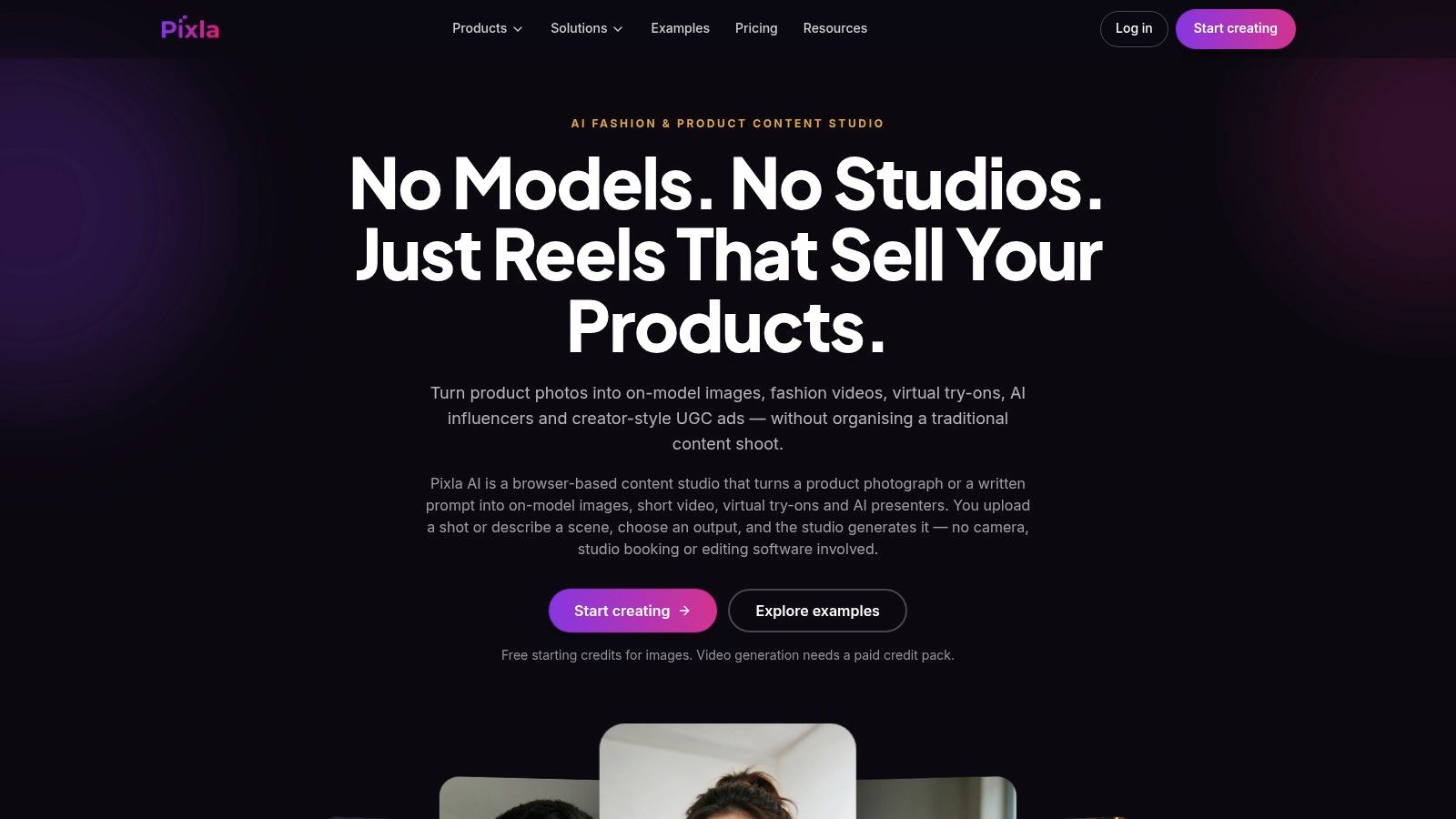
Pixla is a good match for sellers who do not want a subscription and only need occasional product or social assets. It generates on-model images from flat-lay or ghost-mannequin photos, and it can animate outputs into short fashion videos. The pay-as-you-go model makes more sense than a monthly plan when usage is uneven or seasonal.
The setup is friendly to lightweight teams, especially because it starts with 25 free credits and the credits do not expire. That makes it easier to test on your own garments without feeling rushed into a recurring fee. The flip side is obvious, free-plan outputs carry a watermark, and commercial rights are tied to paid packs.
Pixla also covers apparel, accessories, and jewelry, which gives it a broader merchandising range than clothing-only tools. That broadness is useful for small stores that sell mixed product types and need a single asset workflow. The quality still depends heavily on clean flat-lay inputs, so messy source photography will usually show up in the output.
For the self-serve buyer who wants occasional output without a contract, the Pixla AI homepage is the easiest way to evaluate whether the credit packs match the way you ship content.
10. Fashono
Fashono is the right choice when a team wants a developer-friendly try-on workflow with supplementary image tools, not just a front-end demo. It accepts flat-lay or mannequin inputs, supports model swap and AI pose generation, and includes background, enhancement, and video tools. The REST API with cURL, Node, and Python examples makes it a credible option for teams that want to wire generation into internal systems.
This makes the tool especially useful for merchants who already know they need programmatic access. If your production flow involves automating try-on, swapping models, or generating multiple asset types from the same source photos, Fashono gives you a more technical entry point than a purely visual editor. It also supports clothing, jewelry, and watches, which helps when the catalog is broader than apparel alone.
The limitation is that newer tools often need deeper quality testing before they are trusted with the hardest garments. Complex fabrics, tricky lighting, and strict brand standards are where these systems usually show their seams. High-volume governance is less explicit here than in enterprise suites, so large teams should test it before routing critical production through it.
The Fashono website is the place to start if your brief is automation first and UI convenience second.
Top 10 AI Clothing Model Generators: Feature Comparison
| Platform | Core workflow & standout features | Quality / UX | Best suited for | Pricing / value |
|---|---|---|---|---|
| 🏆 Vtry AI | Combines up to 7 garments; shared studio, URL imports, editing, 3D camera, API | ★ Typically 15–30 sec; two image models, 4K options | 👥 Ecommerce brands and creative teams needing complete-look workflows | 💰 From €9.90/month; team features on higher plans |
| Photoroom | On-model imagery, custom brand models, batch tools, Virtual Model API | ★ Broad image-editing toolkit; advanced workflows may take learning | 👥 Ecommerce teams scaling catalogs and integrations | 💰 Credit-based plans; API and enterprise access |
| Botika | Flat-lay and mannequin-to-model images; fashion videos; Shopify integration | ★ Focused fashion workflows; input quality affects results | 👥 Fashion sellers creating images and short videos | 💰 Credit-based; per-asset costs can vary |
| Lalaland.ai | Customizable synthetic models with diversity-focused options | ★ Consistent model availability for enterprise catalogs | 👥 Large retailers seeking brand-consistent model catalogs | 💰 Enterprise-oriented; contact sales |
| Vue.ai | Automated on-model imagery within a broader retail AI platform | ★ Built for large catalogs and retail automation | 👥 Retailers seeking enterprise integrations and scale | 💰 Contact sales; no public self-serve pricing |
| OnModel | Model presets, 360° views, motion clips, fidelity checks, C2PA tagging | ★ Reported median of about 4 minutes per set | 👥 Teams wanting a focused on-model workflow | 💰 Public plans; first 12 images free |
| Tryva | Shopper try-on widget, reusable brand models, AI Studio, Shopify integration | ★ Shopper try-on reported at 12–18 sec; outputs up to 4K | 👥 Smaller businesses wanting content creation and storefront try-on | 💰 Free plan with 6 credits; self-serve plans |
| ModelCraft | Multi-garment lookbooks, reusable models, 9-image sets, product copy | ★ Straightforward catalog image workflow | 👥 Small teams testing on-model product imagery | 💰 Free plan with 20 credits; affordable plans |
| Pixla AI | On-model images and short videos for apparel, accessories, and jewelry | ★ Multiple aspect ratios; free outputs are watermarked | 👥 Sellers creating occasional product or social assets | 💰 25 free credits; pay-as-you-go packs, no subscription |
| Fashono | Try-on, model swapping, pose, background, video tools, REST API | ★ Developer examples; test complex fabrics for fit | 👥 Sellers needing creative tools and programmatic workflows | 💰 Self-serve tiers; API available |
Matching the Generator to Your Catalog and Budget
The fastest way to choose an ai clothing model generator is to start with the production job, not the marketing promise. A team with a large catalog and integration needs should shortlist the tools with API access, shared libraries, or enterprise deployment paths first. A smaller seller should test a free tier or pay-as-you-go plan on one real garment set before making any commitment, because the first usable image says more than a polished demo gallery ever will.
For catalog automation, focus on tools that can hold model identity steady, preserve garment detail, and export at the resolution your marketplace expects. For shopper-facing try-on, check whether the tool is built for a storefront widget or just for creating marketing images. For social assets, look for speed, aspect ratios, and low-friction editing, because those teams usually lose time in postproduction rather than generation.
Pricing transparency matters more than it looks at first. Credit systems can be perfectly usable, but they make sense only when you know how many regenerations a typical garment takes and whether higher-resolution output burns through credits faster. If a vendor hides pricing behind sales, that may still be fine for enterprise procurement, but it's a poor fit for a lean team that needs to forecast spend next week, not next quarter.
Input requirements deserve the same attention. Some tools need flat-lays, some tolerate ghost-mannequin images, and some work better when you feed them clean person photos plus garment assets. If your source photography is inconsistent, the generator won't save you. It will usually surface the inconsistency faster.
Before scaling, run a pilot against your brand standards. Check resemblance, garment fidelity, commercial rights, credit consumption, and how the output behaves on your actual product mix, including difficult fabrics and multi-item looks. Then compare the result to your real workflow, not the demo version, and keep only the tool that your team can ship with every week.
If you need complete outfit generation, reusable people and garment libraries, and an API-ready workflow in one place, Vtry AI is built for that production job. Visit Vtry AI to see how its virtual try-on studio fits ecommerce catalog work, team workflows, and fast turnaround on deadline-driven launches.