ai product photography
How to Use AI Product Photography for Catalog Images
Learn how to use AI product photography for catalog images: choose shot types, prep assets, generate variations, run quality checks and export.
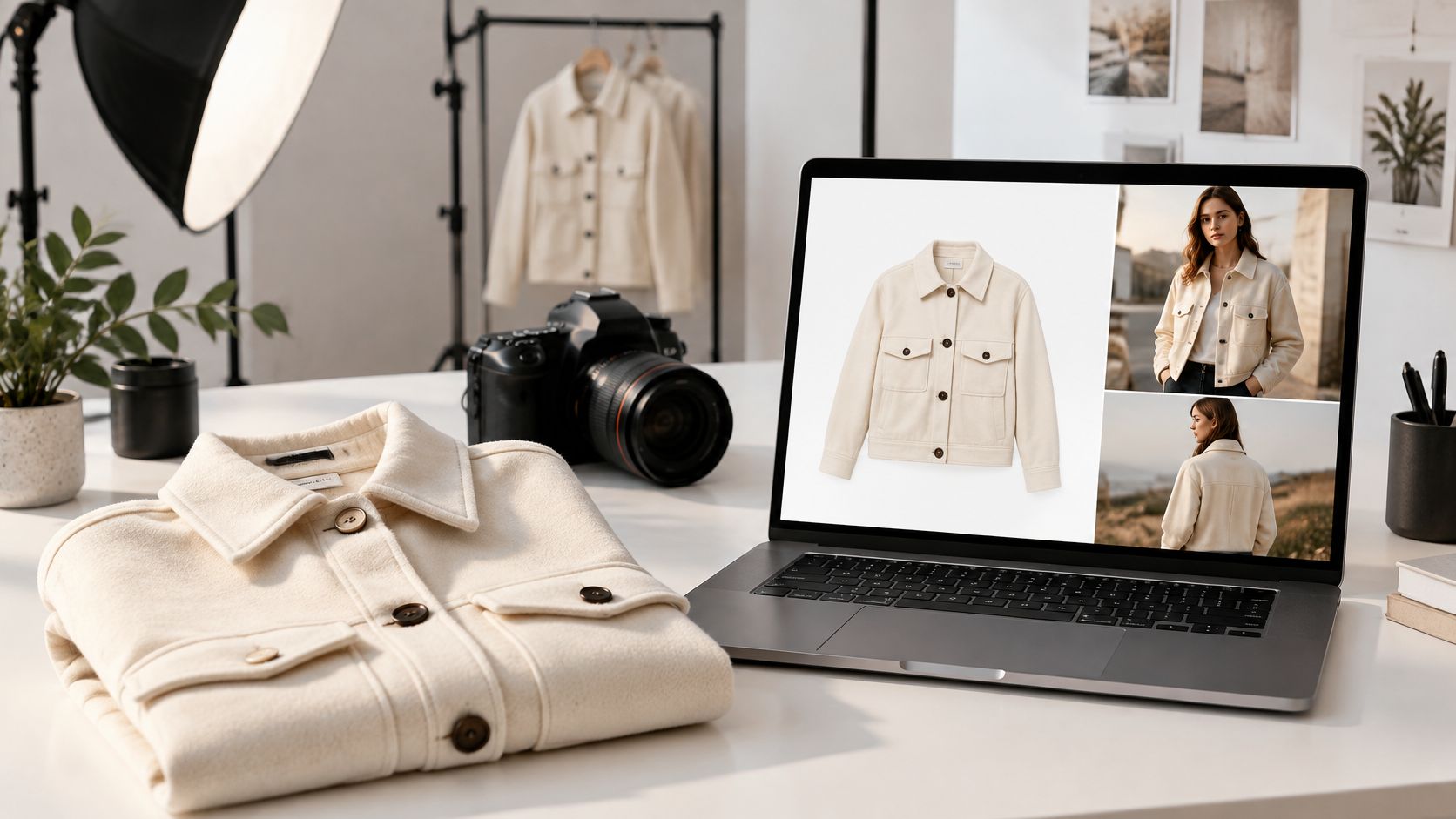
You've got a new collection, a product page that needs five views per SKU, and no realistic way to book another shoot for every colorway, model, and background. So you generate a few images, one looks great, and then you zoom in. The hem's moved, the print sits in the wrong place, and the model in image three isn't the model from image one. That's the normal starting point for AI product photography, not a sign you've chosen the wrong tool. Treat every output as a candidate to audit against the physical product, generate in controlled batches, and export for the channel where it'll live, and the workflow becomes usable.
Table of Contents
- Which Product Shots AI Handles Well Today
- Prepare Source Images and Garment References
- The Six-Step Workflow from Brief to Export
- Generate Controlled Variations, Not One Hero Image
- Quality Checks and Fixes for Common Failures
- Export and Disclose AI Images for Each Channel
- Run a Pilot Before Replacing Your Shoots
Which Product Shots AI Handles Well Today
| Shot type | AI suitability | Typical use | Check before publishing |
|---|---|---|---|
| Flat lay or packshot on white | High | Marketplace main image, product page gallery | Edges and color match the physical sample |
| Lifestyle background swap | High | Catalog pages, social posts | Product proportions unchanged |
| On-model try-on | Medium | Fashion product pages, lookbooks | Garment identity, fit and print placement |
| Multi-item outfit | Medium | Styling pages, bundles | Seams, layering and hem length |
| Close-up of texture or hardware | Low | Detail views | Keep photographed |
| Jewelry or small hardware | Low | Detail views | Keep photographed |
| Visible certification or performance claim | Low | Spec sections | Keep photographed |
The decision that saves the most time is which shots you'll generate and which you'll still photograph. In the 2026 survey of 411 shoppers conducted by Stylitics and Aha Studio, 71% said an AI-generated fashion image looked identical to, or differed only slightly from, a real image of the same product. That tells you shoppers can accept synthetic imagery when shape, buttons, texture, and fit hold up. It doesn't tell you your output is accurate.
Acceptance has limits in that same survey. 76% identified model photography as the most helpful visual format for purchase decisions, and only 55% said they felt very or somewhat comfortable purchasing from AI-generated imagery when returns were allowed. So use AI to widen your shot set, more poses, more outfits, more backgrounds, rather than replacing all photography at once. Keep return safeguards visible on higher-risk items.
Start Low, Keep Detail Photographed
Packshots and background swaps carry the least risk because the product itself barely changes. A clean garment on white, or the same garment placed into a new setting, is easy to check against your sample. On-model and multi-item work sits in the middle. It's valuable because buyers judge fit and drape from it, but every added garment gives the generator another chance to shift a seam or bury a closure.
Close-ups of hardware, jewelry, certifications, and performance claims should stay photographed. Fine engraving, clasp construction, and printed labels are exactly where generation invents detail. A convincing fake label is worse than a plain real one.
Practical rule: Start with simple SKUs where buyers need context, not hero items with the most fine detail.
Prepare Source Images and Garment References
Most bad outputs start with weak inputs. Fix the references first and you'll stop fighting the prompt later.
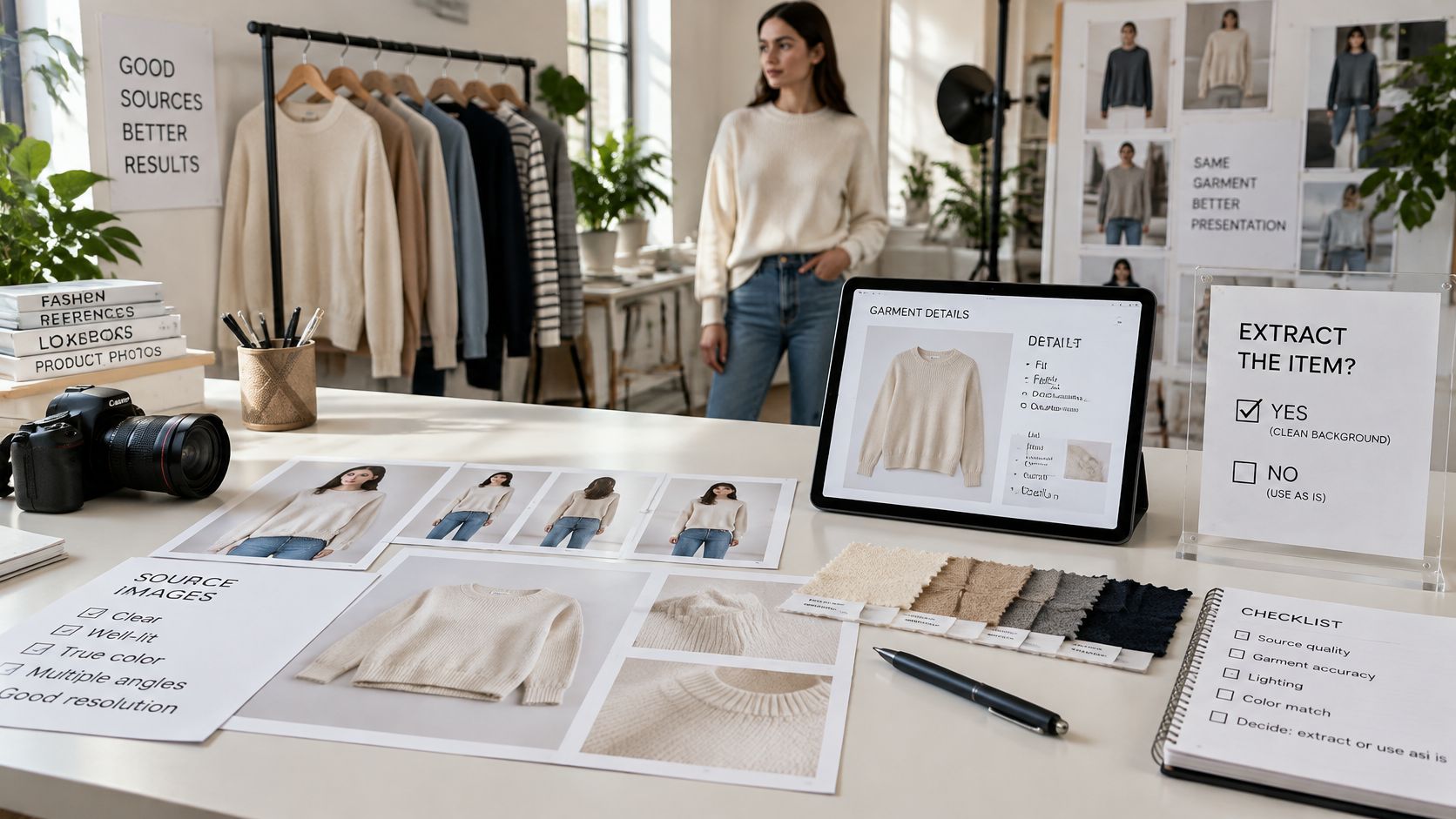
Choose Extract or Use as Is Per Garment
Decide for each garment before you generate anything. Use Extract mode when the item is worn by a model in the source photo, because the tool needs to separate the garment from the person. Use Use as is when the image is already a clean product shot. Sending a worn garment through as a finished packshot is how stray hands, hair, and skin end up baked into your reference.
Faces need their own check. If a garment image includes a visible face, Vtry flags it because it can confuse virtual try-on and lead to inconsistent results, and you can use Extract (AI) to find better options. Don't override that warning and hope. A face in the source is a common reason model identity drifts across a set.
Shoot the Views You're Missing
Collect or shoot three views for each garment, front, back, and one detail, lit evenly with no heavy shadow. One front photo can't verify back construction, so the generator will invent it. Even lighting matters because the reference is your color evidence. A warm, shaded phone snap makes every color check downstream a guess.
For the person reference, use a few sharp, well-lit photos with consistent framing. Tag the person clearly in the workspace so everyone on the team reuses the same one rather than uploading near-duplicates. That single habit prevents a lot of catalog drift.
Sort Rights Before Anything Leaves the Workspace
Confirm you've got the right to use the people, garments, brands, and source images you're uploading. Vtry AI images can be used for ecommerce, catalog, and social media workflows, including product pages, campaign tests, ads, and social posts, as long as you hold those rights. Write down what you hold and for which channels, because a supplier photo cleared for your store may not be cleared for paid ads.
Run this checklist before the first generation:
- One clean image per garment: front, back, and detail where construction matters.
- One face-free source: extract or reshoot anything flagged.
- One saved person: named once and reused by the whole team.
- A written rights note: who, what, and which channels.
The Six-Step Workflow from Brief to Export
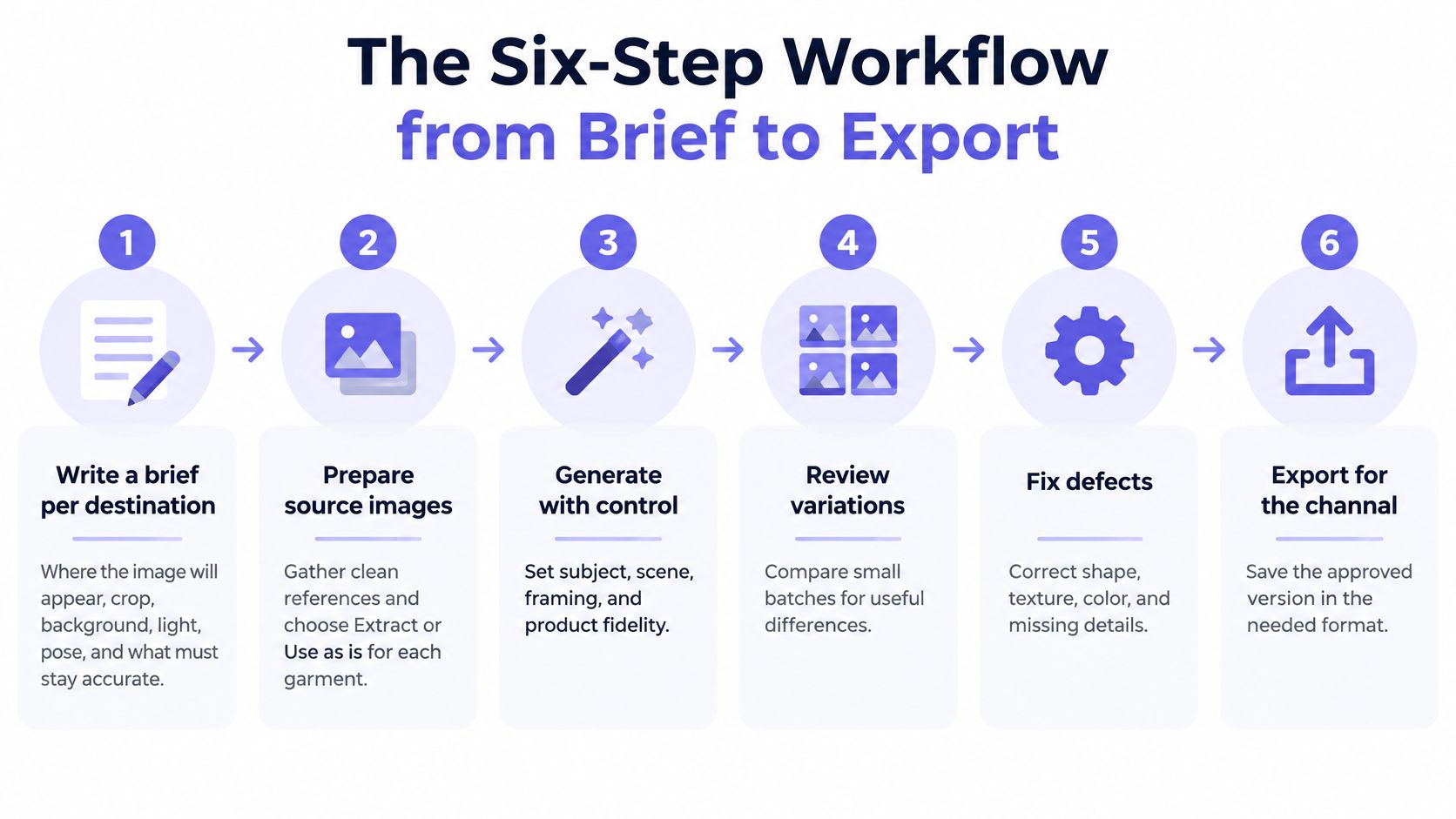
Write a brief per destination. Note where the image will appear, plus crop, background, light, pose, and what must never change, such as color, print placement, or hem length. The brief is what your audit checks against, so it has to exist before generation.
Set up references. Vtry AI's virtual try-on works in three steps, add a person by uploading up to 3 photos or capturing from camera, add clothes by pasting a product URL or using in-app search, and generate and edit by combining a person with up to 7 garments. Prepare those references before you prompt, not during.
Generate a batch, not a single image. Produce four to six variations and change one variable at a time. If you change pose, crop, and background together, you can't tell which choice fixed or broke the result.
Audit at 100% zoom. Compare each keeper against the physical sample or source photo and reject anything with altered construction, shifted seams, or invented hardware. An image that looks fine as a thumbnail can fail badly at full size, which is where your customer zooms. Teams scaling this step often pair it with broader product photography automation, but automation only helps if the audit stays in the loop.
Edit narrowly, then audit again. Use targeted text edits where composition needs a fix, changing one color or adjusting a crop. Don't use edits to rescue a garment that's structurally wrong. Regenerate those. Every edit can move something else, so the audit runs again after it.
Export per channel and save the setup. Export the approved image for its destination, then save it with its prompt and references in the shared library. Your next collection should start from proven material, not from someone reconstructing a prompt from memory.
Skip the brief and the whole sequence wobbles. Steps 3 to 5 produce candidates, but only the brief tells a reviewer what a correct image looks like.
Generate Controlled Variations, Not One Hero Image
Publishing the first image that looks good is how inaccurate shots reach a live page. A batch gives you something to compare, and comparison is where errors show up.
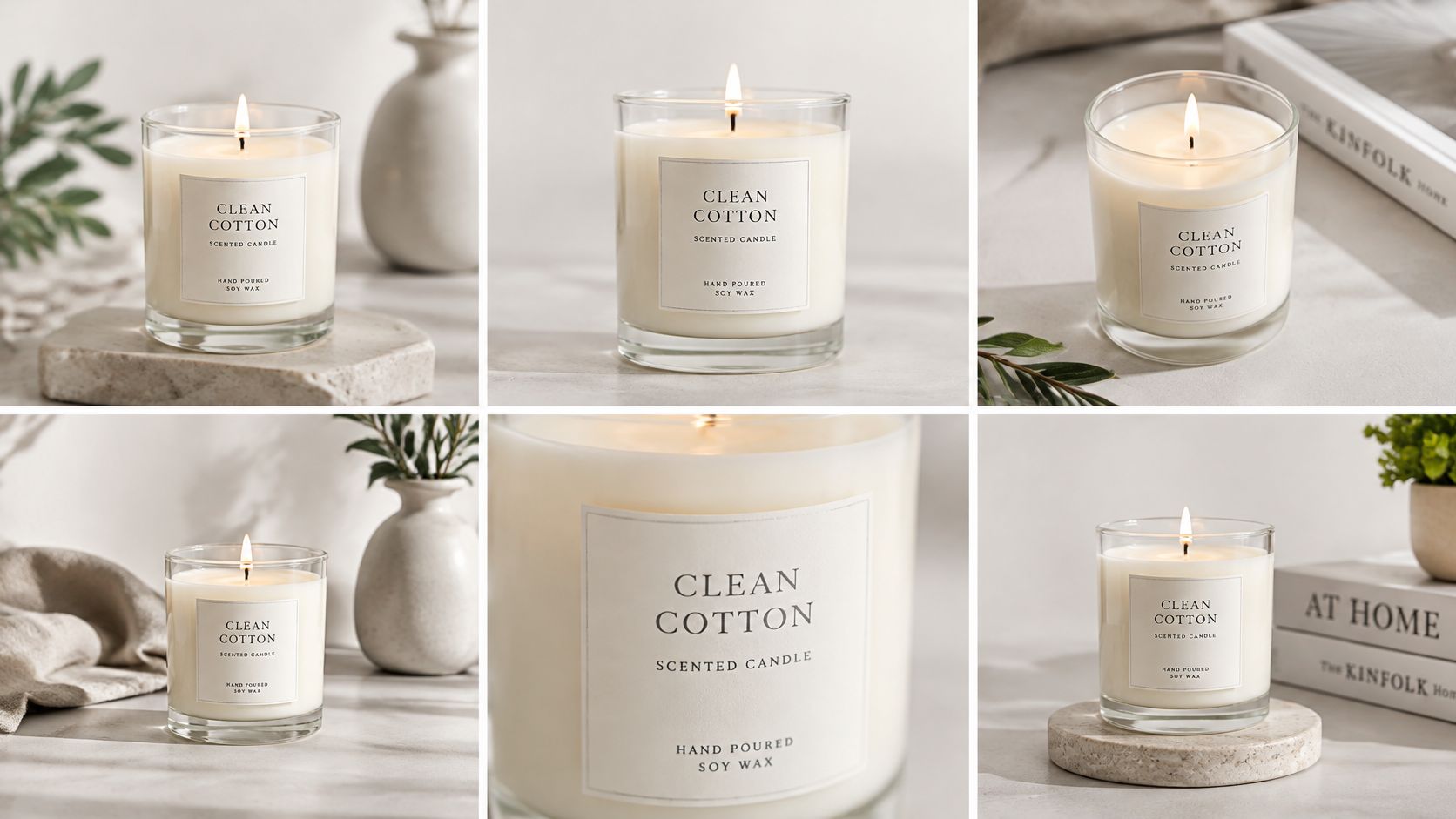
Generate three to six compositions that differ in materially useful ways, camera angle, crop, background, pose, and whether the product appears alone or on a model. Keep the garment, saved person, and brief constant so each difference traces back to one variable. Then keep only outputs that preserve fit, drape, color, construction, and branding. Reject the rest outright rather than editing them into shape.
Variety of view does commercial work too. As summarized in Fotogenic's ecommerce product imagery statistics, alternative product photos have been shown in a randomized fashion-retailer study to increase purchase likelihood, while zoom alone did not produce the same effect. So a bigger version of one angle isn't a substitute for a second angle. Include at least one product-only view and one on-model or contextual view whenever the decision depends on fit, scale, or drape.
Watch the batch for the usual failure modes, inconsistent model identity, incorrect garment layering, occluded details, and generated text or logos. If the same fault appears twice, your reference or brief is the problem, not your luck. Fix that upstream instead of generating twenty more.
This short walkthrough shows what a controlled generation pass looks like in practice:
Record the prompt, reference, and brief for each approved image. A winning composition you can't reproduce is only useful once.
Quality Checks and Fixes for Common Failures
Judge every output against the physical product, not against the other outputs. A set can be consistently wrong.
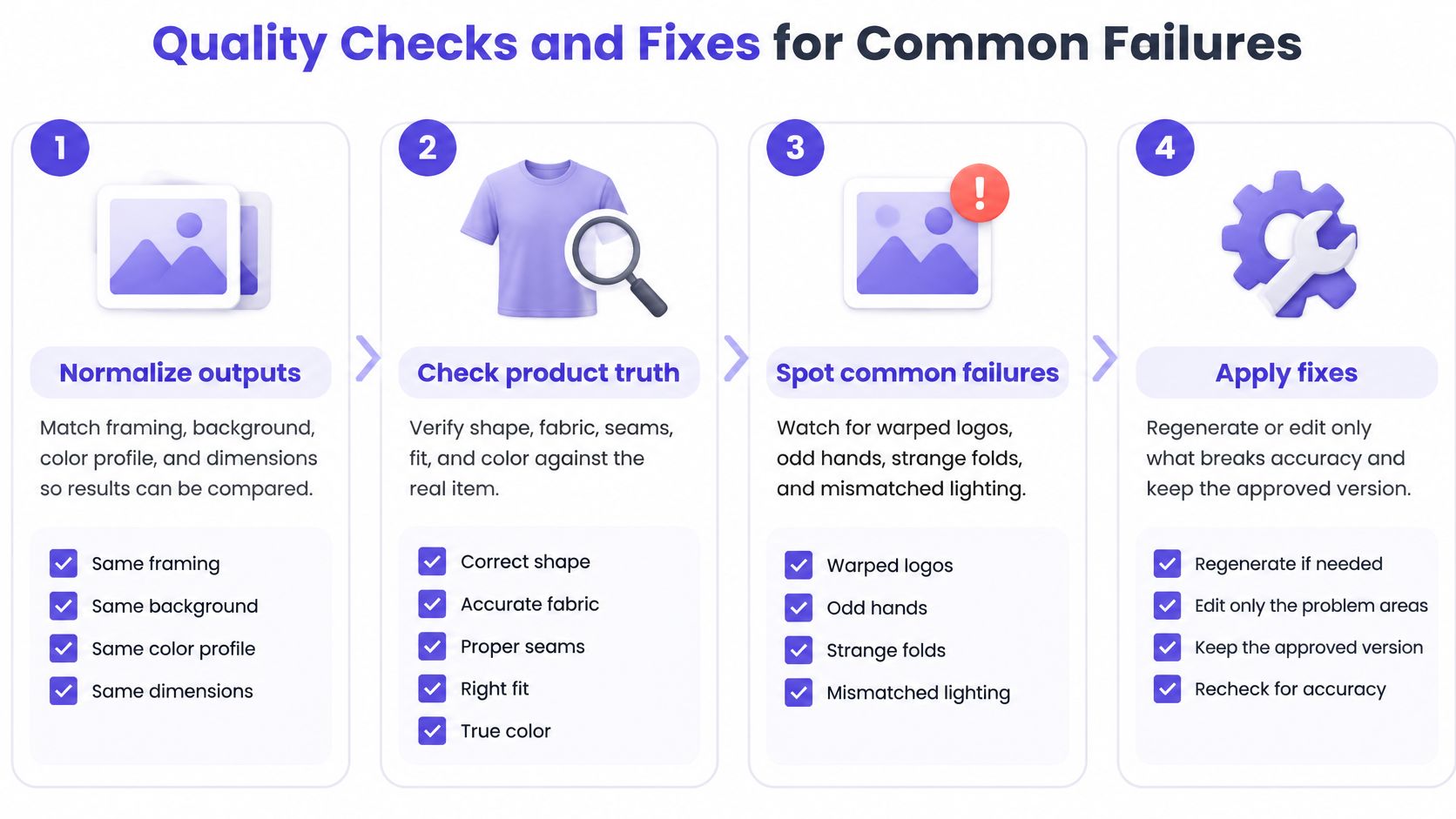
Use a four-stage gate. First, normalize outputs to the same framing, background, color profile, and dimensions so they're comparable side by side. Second, check structural fidelity against the source, silhouette, seams, logos, labels, textures, and hardware. Third, score presentation for sharpness, lighting, composition, and background defects. Fourth, send low-confidence images to a human reviewer before publishing.
That gate can be measured rather than eyeballed. A 2025 e-commerce-image study published through Springer trained a custom convolutional neural network on thousands of product images labeled across five quality levels, and its reported accuracy was 94.93%, compared with 76.60% for MobileNetV2 and 92.77% for EfficientNetB0 under identical conditions. You don't need that model. You do need written thresholds that two reviewers would apply the same way, which is the same principle behind disciplined product photo editing online.
Set stricter thresholds for logos, patterned garments, jewelry, and footwear than for general lifestyle imagery, and keep separate acceptance criteria for campaign and catalog use. A campaign shot can hide a pocket. A catalog shot can't.
| Symptom | Likely cause | Fix |
|---|---|---|
| Model identity shifts between images | Prompt does not lock the person | Reuse the saved person reference and regenerate |
| Garment layering wrong | Too many items in one generation | Split into fewer items per generation and regenerate |
| Generated text or logo | Model invents labels on the garment | Remove typography from the prompt and overlay the real logo |
| Hem, length or color drift | Model reinterprets the fabric | Compare to the swatch, reject or tighten the prompt |
| Key detail hidden | Pose or crop covers the feature | Add a product-only view to the batch |
| Page slows on mobile | Oversized, uncompressed export | Resize and compress as set out in the export section |
A beautiful image with altered color or print placement isn't a quality problem you can style away. It's a returns problem you haven't shipped yet.
Export and Disclose AI Images for Each Channel
| Channel | Size | Background and framing | File note |
|---|---|---|---|
| Marketplace main image | 2000 px longest side recommended, 1000 px minimum | Pure white background, product fills at least 85% of the frame | JPEG or PNG, compress after export |
| Product page gallery | 2048 x 2048 px master | Same background across the gallery | Compress for mobile speed |
| Instagram feed | 1080 x 1350 px | Product visible in the first frame | Export at full resolution |
| Paid social square | 1080 x 1080 px | Keep product clear of crop edges | Check the safe area for each platform |
| Collection banner | 2048 x 1024 px | Brand background with product offset | JPEG or WebP, keep text inside the safe area |
Create one master at the largest size you'll need, then export smaller versions from it. Never upscale a small file to meet a marketplace spec, because you'll magnify soft edges and invented detail. Compress for mobile, since oversized files slow product pages and worsen image-load time. Channel-specific rules matter here, especially for product images for Amazon, where the main image carries strict background and framing requirements.
Label by Transformation Level
Disclosure works better when it's specific. Label each image by how much changed: background or styling enhancement, AI-generated model, or virtual try-on with product details unchanged. Those three levels tell a shopper something real, where a generic AI badge doesn't.
Specific disclosure is a trust signal rather than a penalty. In the 2026 survey of 502 U.S. consumers reported by Retail Brew, 75% wanted AI use disclosed and 79% would trust the brand that disclosed AI when comparing two otherwise similar brands. Shoppers in that survey were also more comfortable with background removal, lighting, and staging than with changes to fit, color, or performance, which is exactly why the levels matter.
Pair each label with an unedited swatch or photo, real measurements, and your return policy. That's the evidence a cautious buyer wants.
Run a Pilot Before Replacing Your Shoots
Don't switch a whole catalog over on the strength of a good demo. Pick two or three SKUs in one category, produce AI variations under the workflow above, and keep your conventional photos as the control.
Run controlled A/B tests split by device, traffic source, category, and image position, comparing like with like rather than unrelated products. Track click-through rate, add-to-cart rate, conversion, returns, and image-load time for each variant. A win on clicks with a loss on returns isn't a win.
Returns are the number that shows whether generated fit imagery works. According to industry coverage of DHL's 2025 survey of 24,000 online shoppers across 24 countries, more than half had returned an item because it was the wrong size. Size, fit, and the gap between what a shopper expected and what arrived drive the bulk of apparel returns, and generated imagery can widen that gap when proportions, drape, garment length, or color shift.
Audit each test output against the original product using color, seam, hem, print, and silhouette checks before it enters the test. Segment results by garment category and body profile too, because a loose knit and a fitted trouser fail in different places. Multi-garment outfits need extra care, since a coherent look can still obscure item-level fit information. If one pose hides how a waistband sits, that variant can convert well and still come back.
Set your go or no-go rule before the test starts:
- Extend it: the AI variant matches the control on conversion and doesn't raise size-related returns.
- Hold it: conversion rises but size exchanges rise with it, so keep physical photography for fit-sensitive items.
- Stop it: returns climb or audits keep failing on the same construction detail.
Save the references and approved outputs to your shared workspace when you finish. Vtry stores uploaded people, garments, and generated results in your workspace for reuse in future shoots, so a proven pilot becomes the starting point for the next collection instead of a folder nobody can find.
Ready to run your first controlled pilot instead of another reshoot? Vtry AI lets you combine saved people with up to seven garments in one generation, edit the result with text prompts, and export catalog, campaign, and social versions from one workspace. Start with two or three simple SKUs, audit them against your samples, and let your returns data decide what scales next.