product photo editing online
Product Photo Editing Online: 10 Tools for Product Images
Compare 10 product photo editing online tools for background removal, batch edits, upscaling, AI product scenes, and faster ecommerce image workflows.
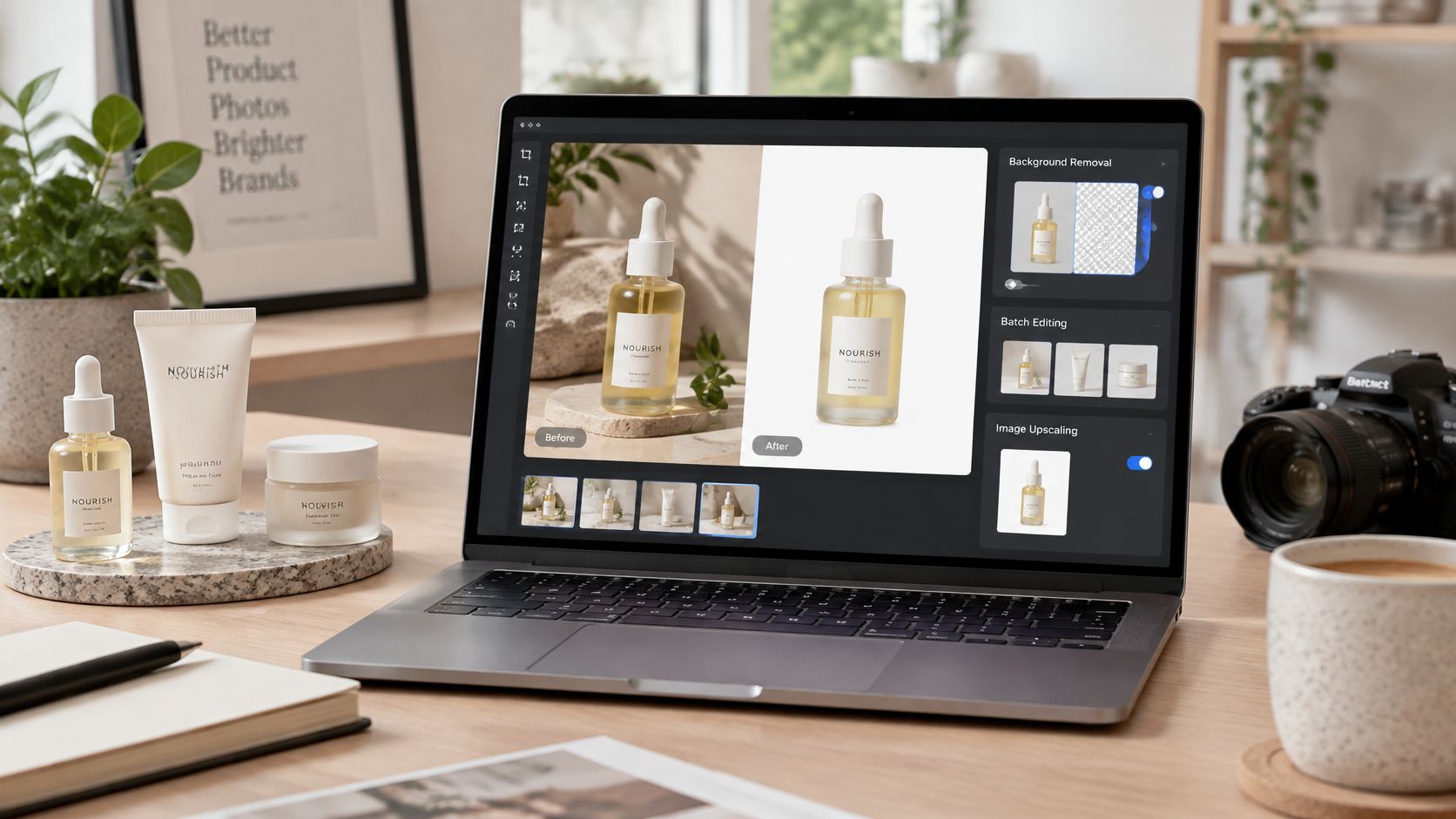
A product image often starts as a straightforward listing photo, then acquires a growing to-do list: remove the background, correct the color, create a lifestyle version, prepare a sharper export, and resize the asset for a different channel. If you're managing a catalog, those jobs can quickly turn one edit into several handoffs between tools.
That's why the best choice for product photo editing online depends less on which editor has the most features and more on what's holding up your workflow. Clean listing photos, batch processing, fashion try-ons, generated scenes, image enhancement, and finished campaign designs are different jobs, and each calls for a different balance of speed, control, and product fidelity.
Product images do more than make a listing look polished. In Baymard Institute usability testing, 56% of users immediately began exploring product images after arriving on a product-details page, and 42% tried to judge product size from photographs. Shoppers use images to assess details they can't handle in person, so an edit that makes a product look better but less accurate can work against the customer experience. (Baymard Institute's research on image resolution and zoom)
The tools below cover the practical jobs in an ecommerce image workflow, from quick cleanup to complete outfit imagery and detailed finishing. Choose for the deliverable you need, the editing depth the product requires, and the number of files your team has to prepare.
Table of Contents
- 1. Vtry AI
- 2. Photoroom
- 3. Pixelcut
- 4. Pebblely
- 5. Claid.ai
- 6. Flair.ai
- 7. Mokker AI
- 8. Canva
- 9. Adobe Express
- 10. Adobe Photoshop on the web
- Top 10 Online Product Photo Editing Tools Compared
- Build a Product Image Workflow That Scales
1. Vtry AI
A separate shoot for every outfit drains a catalog budget fast, and fashion teams still need complete looks between productions. Vtry AI is an AI fashion photo studio built for that job: bring people and garments into one workspace, assemble full outfits, and refine the generated images.
The workflow covers garment imports from product URLs or an in-app web search, person onboarding, and virtual try-ons that combine up to seven garments in a single generation. Two models handle different priorities: Nano Banana 2 for faster generations, GPT Image 2.5 for stronger resemblance. Output can be refined with prompts and quick adjustments, and the site reports typical generation times of 15–30 seconds. (Vtry AI's overview of its AI photo studio)
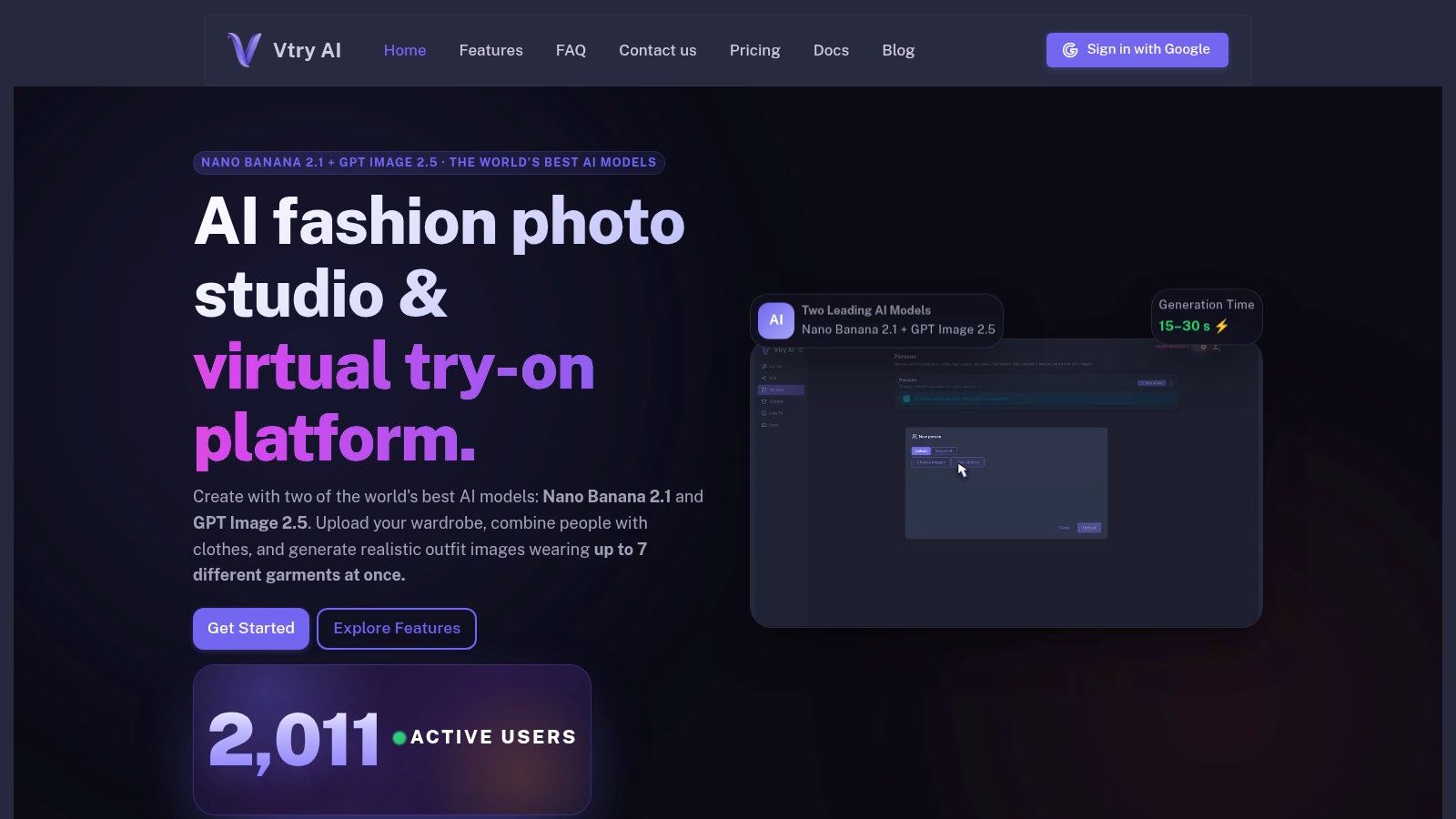
Best for outfit production, not a plain retouch
Reusable people and garment libraries let teams build on prepared assets rather than starting from zero. The toolkit also includes an interactive 3D camera for changing perspective, 4K upscaling, social-ready exports, and professional headshot generation. Team and Ultimate plans add shared workspaces for up to five members, with shared libraries, generation history, and pooled credits, while API access on Pro and higher can connect the image workflow to backends, scripts, and AI agents.
Plans start under €10 per month, with collaboration features, native 4K generation, and larger credit allowances reserved for higher tiers. Generations, edits, and high-resolution outputs all spend credits, so volume needs planning. Clear garment and person references still matter, and every generated image needs a human check before it represents a product a shopper can buy.
Pros: Multi-garment try-ons, reusable libraries, two model options, and API access on eligible plans.
Cons: Credit usage requires planning, and AI imagery needs review for accurate garment details.
When the job is outfit imagery at catalog scale, visit Vtry AI.
2. Photoroom
For a seller who needs to remove a background, tidy an image, and prepare a listing without opening a full professional editing suite, Photoroom is a practical ecommerce-focused option. Its tools include background removal, retouching, AI shadows, image enhancement, resizing, and AI-generated backgrounds, with fashion-model features for apparel workflows.
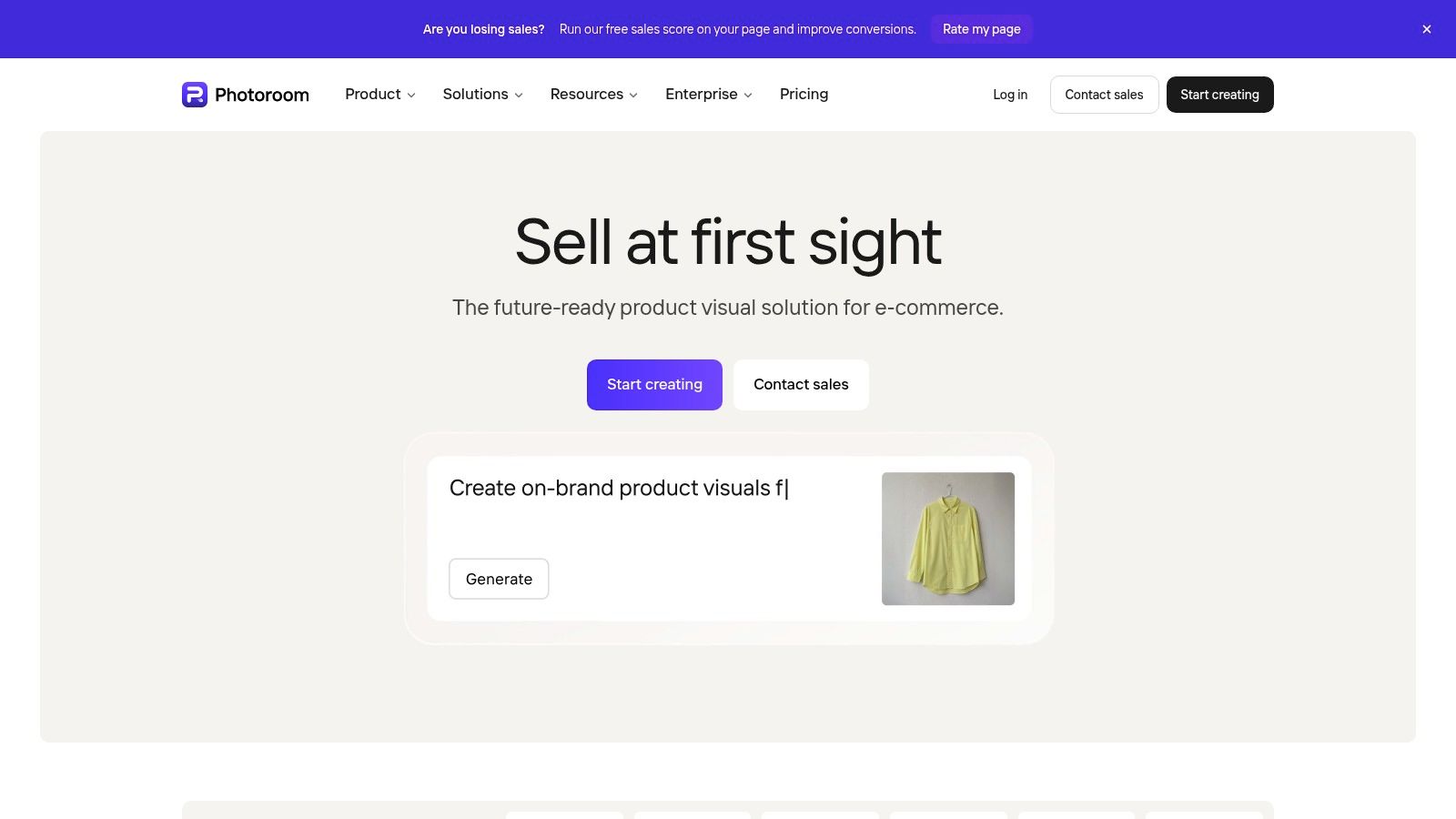
Where it fits in the listing workflow
Photoroom works well for repetitive listing preparation, especially when the task is consistent cleanup rather than a complex composite. Batch editing and Shopify workflows are available on supported plans, and web and mobile apps make it easier to handle edits across devices. A free plan gives new users a way to try the workflow; paid plans expand allowances and features.
The main trade-off is control. AI scenes can be useful for promotional imagery, but review shadows, product edges, colors, and details before publishing. For intricate retouching that needs careful, layer-by-layer adjustment, a professional image editor gives more precise control.
Pros: Straightforward product cleanup, AI scenes, and supported batch workflows.
Cons: Plan allowances vary, generated backgrounds need checking, and detailed retouching isn't its strength.
3. Pixelcut
Pixelcut puts fast AI-assisted editing tools in one interface for sellers and creators who want to move quickly from a source image to usable listing or promotional assets. Pixelcut offers background removal, generated backgrounds, Magic Eraser, image upscaling, product templates, and AI image and video tools.
Fashion sellers can also explore ghost-mannequin imagery and virtual try-on features. That makes Pixelcut relevant when a product image needs more than cleanup, but the generated output still needs to be checked against the actual garment. Prints, seams, logos, and fit can't be treated as decorative details when the image is meant to show a purchasable item.
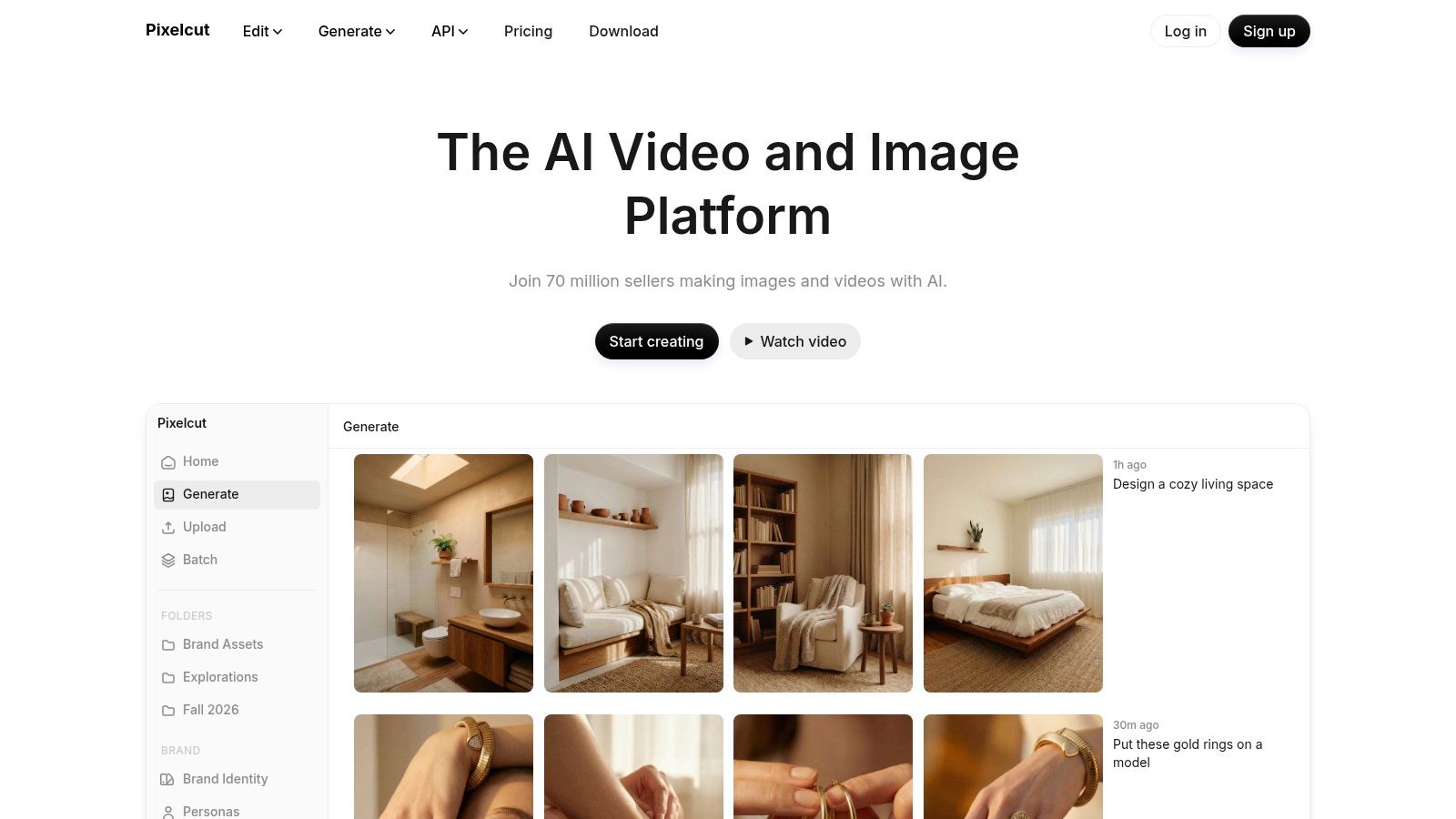
Quick edits with a clear boundary
Free access lets users try basic editing, while premium features and batch workflows require a paid plan. That split makes it sensible to test the exact tasks you need before building a larger production process around the tool. It's more suited to quick AI edits and creative variations than precise manual retouching.
For apparel listings, compare the output with the source image before export. (This guide to choosing an outfit photo editor) can help clarify the difference between generating a styled visual and preserving an accurate product view.
Pros: Broad AI editing range, templates for marketing assets, and basic editing to try before upgrading.
Cons: Batch and premium features require a paid plan, and generated apparel details need inspection.
4. Pebblely
Pebblely is aimed at a specific creative task: turning an existing product photo into styled marketing imagery. Upload the product, choose a template or write a prompt, then generate a scene with options such as shadows and reflections. Pebblely also supports reference images, social-channel size presets, and bulk generation.
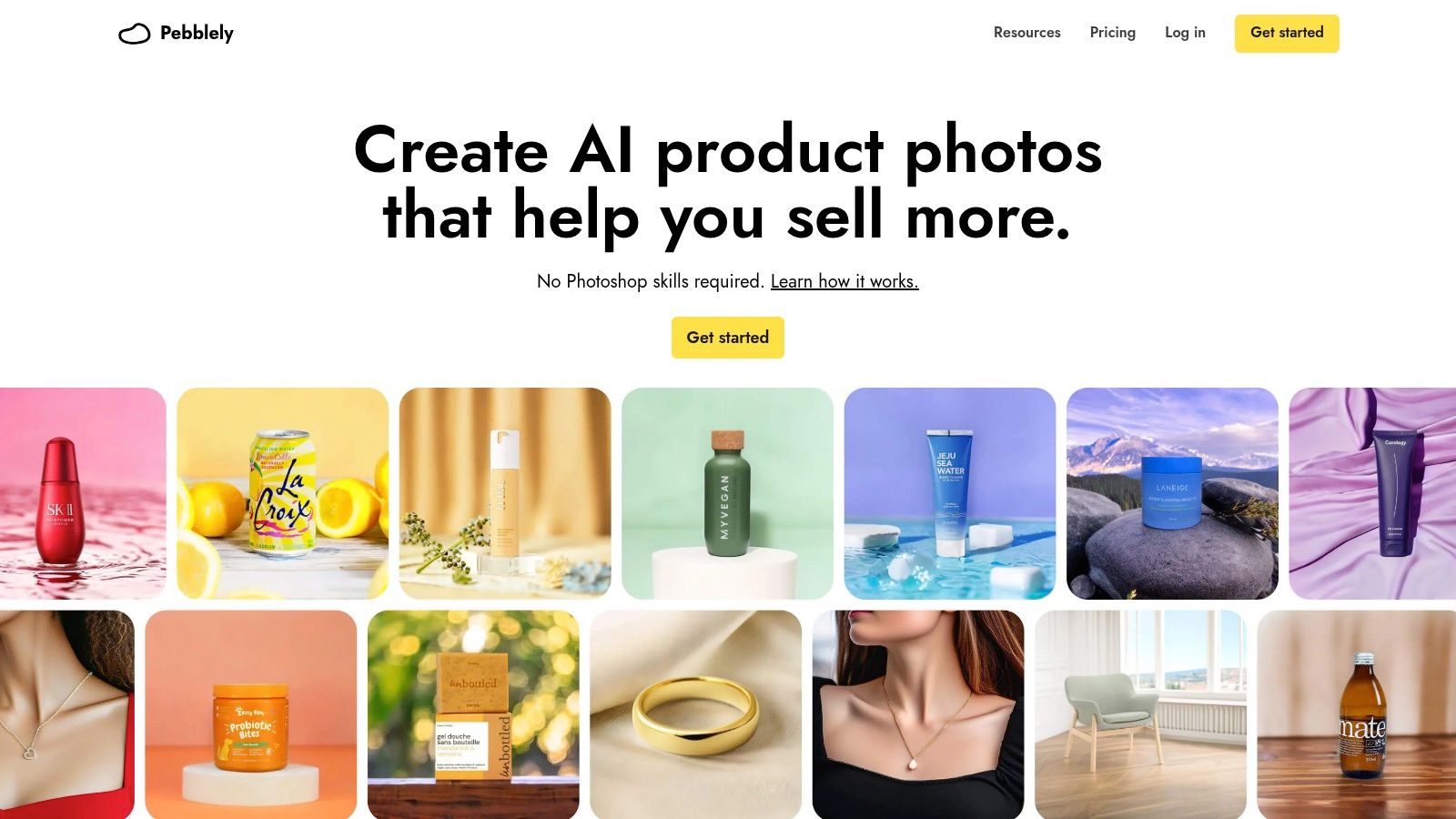
A scene maker, not a detailed retoucher
The focused workflow is useful when you want to explore several promotional settings without building each composition manually. Bulk generation can help prepare options across multiple products, but the generated scene should be judged as marketing imagery, not automatically assumed to meet a marketplace's main-image requirements.
Plans include monthly image allowances. Estimate likely usage before committing, especially if you plan to produce scenes across a large catalog, and review subscription renewal terms. Credits are capped, so a workflow that relies on repeated variations may need careful budgeting.
Pros: Simple scene generation, reference-image guidance, and bulk options.
Cons: Generated backgrounds may not suit strict marketplace rules, and subscription allowances can limit high-volume use.
5. Claid.ai
Claid.ai combines AI product photoshoots with conventional image processing, making it a candidate for teams that need both creative scenes and repeatable operations. Its tools include generated backgrounds, background removal, and image enhancement. Claid.ai also offers API options for automating image workflows.
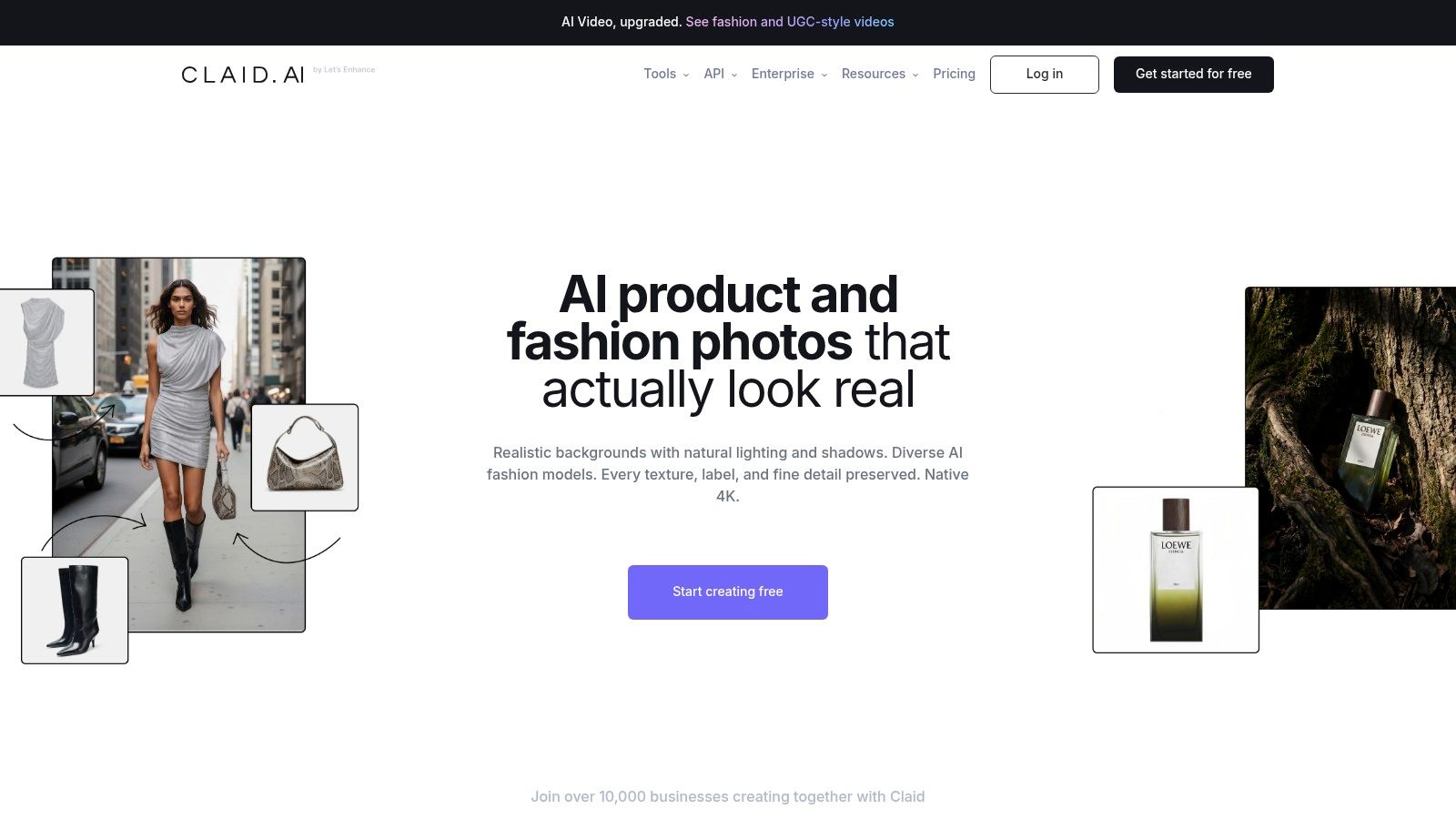
A free option with 50 credits and a free trial are listed, while business and API pricing should be checked on the current pricing page. Credit-based pricing can make usage less intuitive than a simple per-seat subscription, and some business or API implementations may require setup or custom pricing.
Useful when processing needs to grow
Claid.ai is worth exploring when product imagery is part of a larger automated process, rather than an occasional one-off edit. Before routing large volumes through an API, test representative product types and review the output for shape, material, and color fidelity. AI-generated scenes can speed up production, but they don't remove the need for product-level quality checks.
Pros: Mixes image generation with image processing, and offers API access for automation.
Cons: Credit costs can be harder to forecast, and business workflows may need extra setup.
6. Flair.ai
Flair.ai gives users a visual canvas for arranging products and props before using AI to render or refine the composition. That extra art direction makes it different from a basic background swap. Flair.ai supports reusable templates and scene generation, with fashion photoshoot features and API access on qualifying plans.
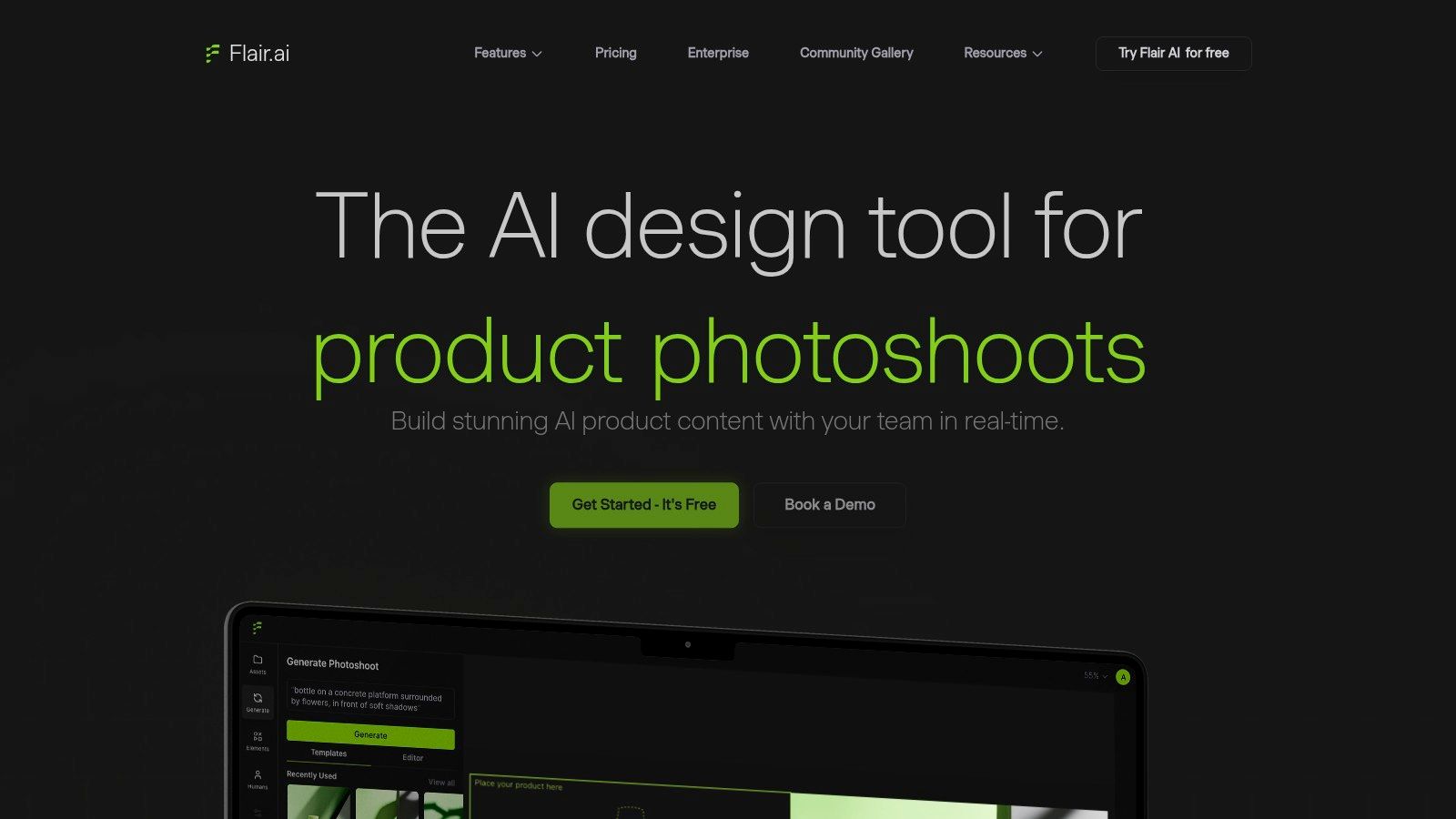
When composition matters more than speed
The canvas helps a creative team establish where the product sits relative to props and the scene. Templates can help repeat a visual direction, and paid plans add image variations and upscaling. A free tier offers a way to test the workflow before adopting it for regular production.
Flair is a better fit for teams that want to direct a scene than for sellers who only need a clean white background. Desktop use is recommended, mobile support is limited, and generation allowances differ by plan. Expect to experiment before the results feel consistent enough for a brand's recurring campaign style.
Pros: Canvas-based art direction and templates for repeatable concepts.
Cons: Mobile support is limited, plan allowances vary, and consistent output may take iteration.
7. Mokker AI
Mokker AI uses uploaded product photos as the starting point for generated backgrounds and marketing scenes. Users can select from templates, write custom prompts, and provide reference images to guide a visual style. Mokker AI offers plans for individuals and teams, with a free trial allowance.
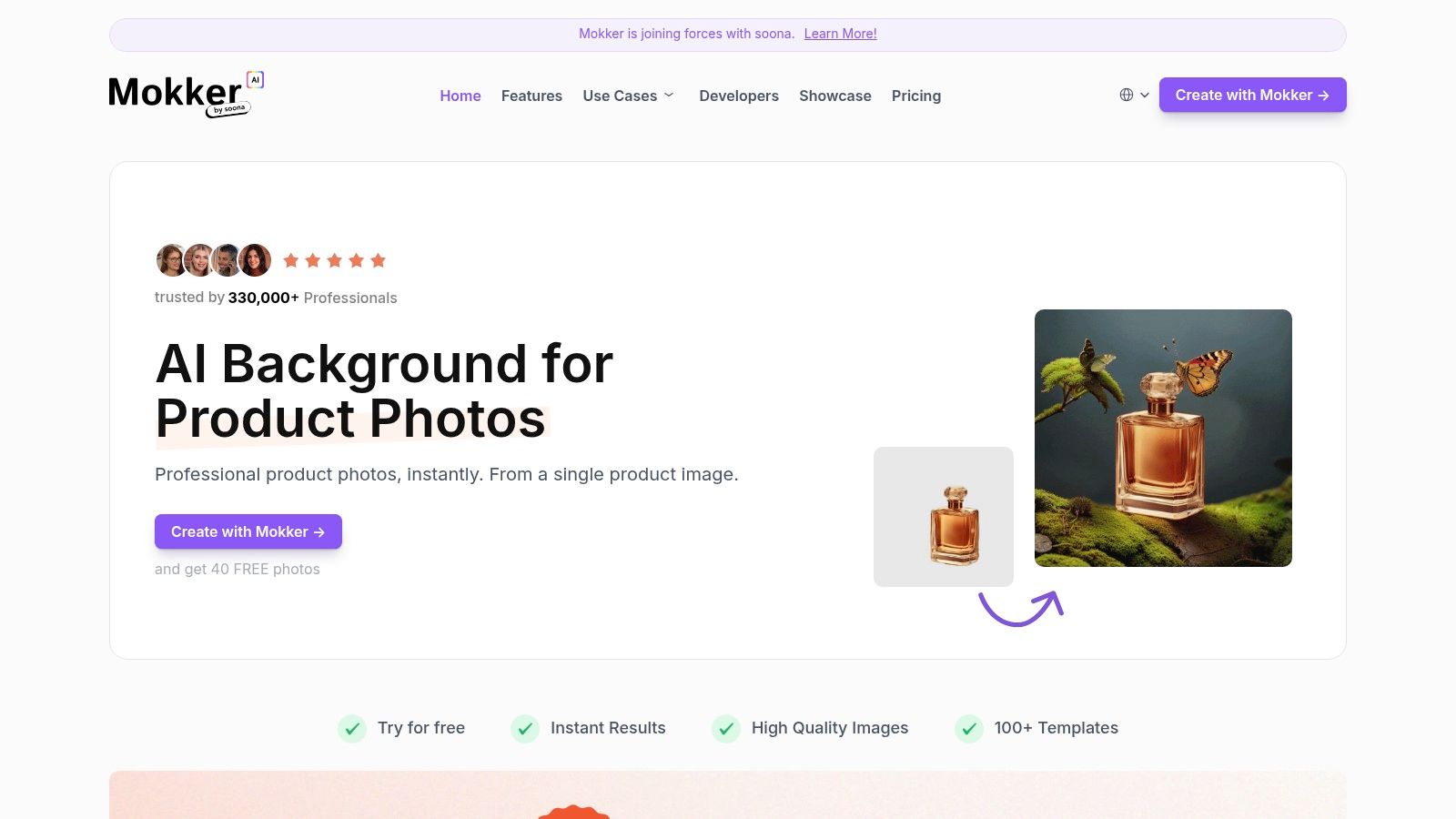
Check continuity before committing
The upload-to-template workflow is easy to grasp, and published plans include monthly image limits. But Mokker's website says it's joining forces with soona, so check the current product and account status before building a long-term production dependency around it.
As with other AI scene tools, review the product itself, not just the overall composition. A background can look polished while the item's details have shifted in the process. Team and organization options may also cost more than an individual plan, so match the workflow to the people who will use it.
Pros: Direct scene-generation workflow, template library, and reference-image support.
Cons: Product continuity should be checked, generated outputs need review, and team plans may not suit solo users.
8. Canva
Canva is a general-purpose design editor, not a dedicated product-photo retouching suite. It's useful when the deliverable is a finished listing graphic, advertisement, or social post that combines product imagery with typography and branded layout. Canva brings editing features together with templates, brand kits, resizing, and shared team workflows.
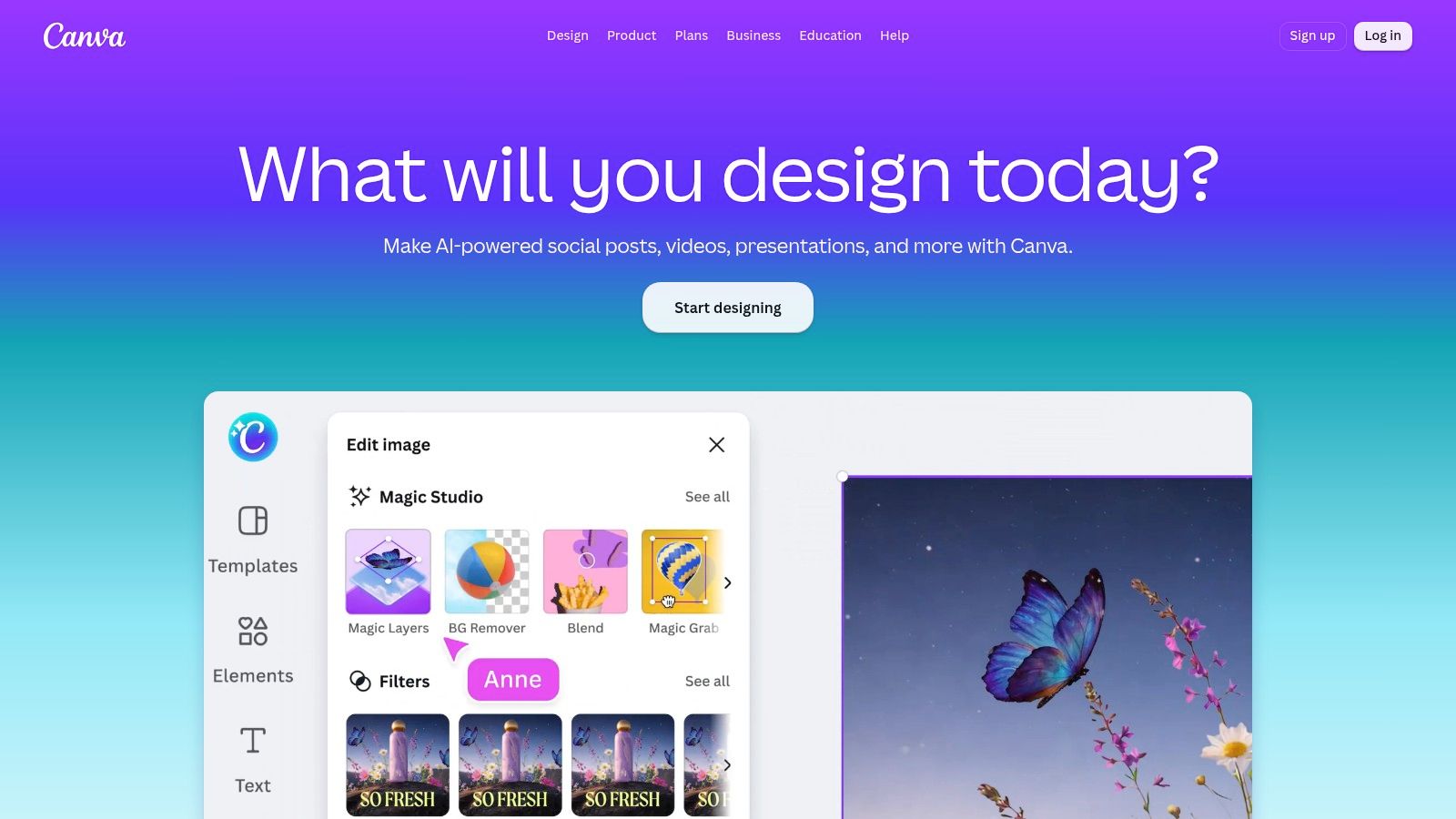
Use it to finish the asset
Background removal and AI-assisted editing are available on eligible plans, while bulk design features are offered on paid plans. The free plan supports basic design work, but some editing and AI functions have plan limits. Canva's range is an advantage when the same product image needs to appear in several campaign layouts. It can be unnecessary overhead when all you need is routine background cleanup.
For apparel listings, keep the difference between an accurate product image and an editorial composition clear. (These clothing product photography tips) can help teams plan imagery around the product details shoppers need to see, rather than treating every image as an ad.
Pros: Combines editing, branding, templates, and campaign layout in a browser-based workspace.
Cons: Not specialized for product-detail fidelity, and some editing tools require paid access.
9. Adobe Express
Adobe Express suits marketers who need to make quick edits and then place a product image into a finished branded asset. Its browser and mobile workflows include photo adjustments, background removal, templates, brand kits, and one-click resizing. Adobe Express also offers Adobe Stock assets and Firefly generative features on applicable plans.
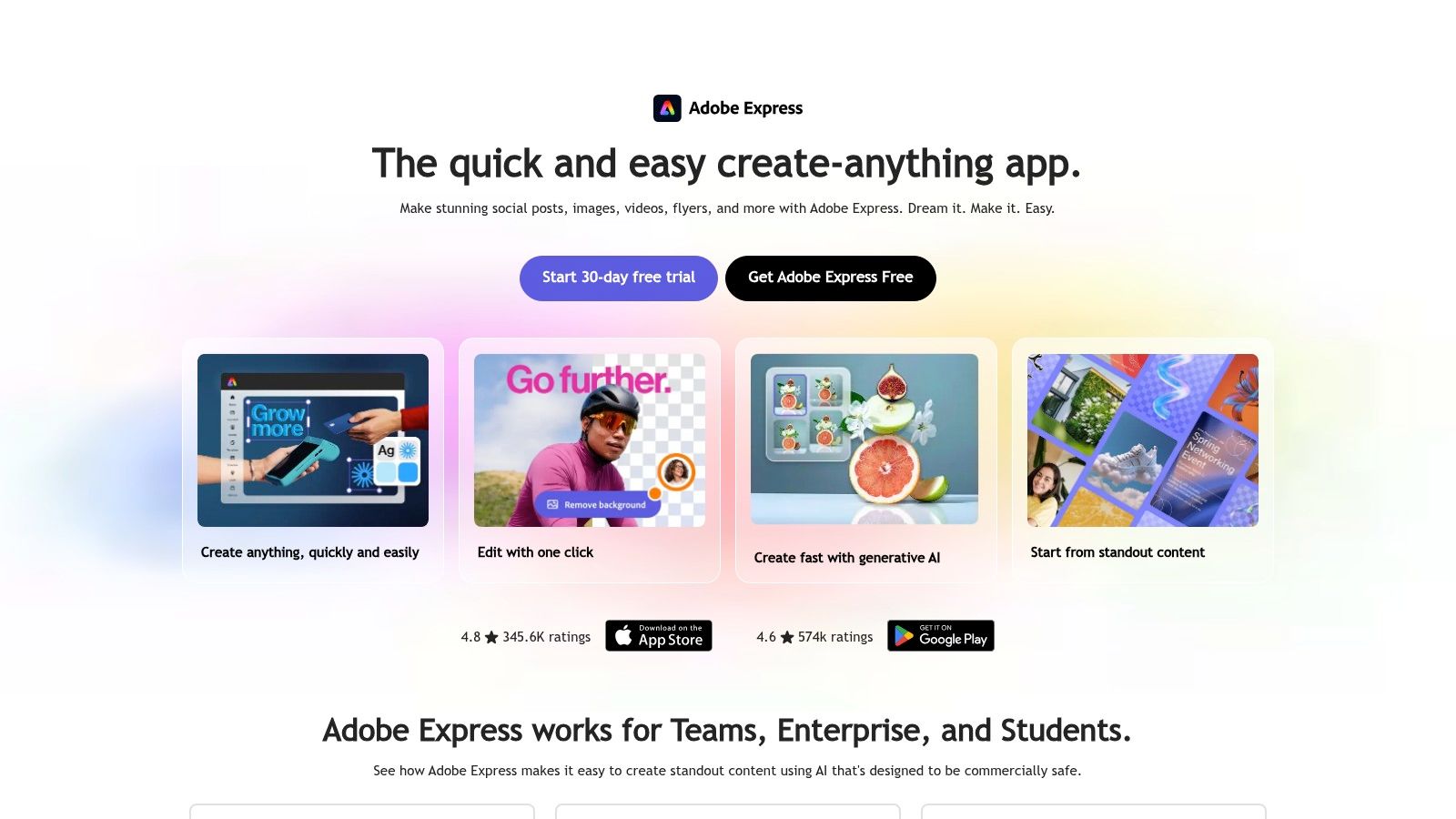
A campaign tool with basic photo edits
The free plan provides basic editing and templates, while paid plans add premium assets, brand tools, and additional generative credits. That makes Express useful when a product photo is one part of a promotional graphic, rather than the only deliverable.
It doesn't offer specialized ecommerce catalog editing with product-specific batch workflows. Some content and AI features depend on plan allowances, and users who need extensive retouching may prefer a more advanced editor. Use it to assemble and adapt campaign assets, not as a substitute for careful product-image correction.
Pros: Connects basic image edits with campaign design, branding, and resizing.
Cons: Catalog batch workflows are limited, and some features depend on the plan.
10. Adobe Photoshop on the web
Photoshop on the web is the choice for detailed manual work when a quick AI editor doesn't offer enough control. It supports retouching, masking, layers, compositing, color adjustment, and background work. Adobe Photoshop is suited to setting careful visual standards or correcting a difficult image where small details matter.
Choose control when the product demands it
Web access is available through eligible Adobe plans, with features depending on the subscription. Generative editing is also subject to plan and credit limits, and any generated changes should be inspected when exact product appearance matters.
Photoshop provides more fine-grained control than template-led tools, but that control comes with a learning curve. It can be excessive for routine, high-volume listing edits, and a subscription may not make sense for occasional users. A practical division is to use a dedicated ecommerce editor for repetitive cleanup, then bring only difficult or high-visibility images into Photoshop for careful finishing.
Pros: Detailed manual control, layers, and masking for repeatable visual standards.
Cons: More complex for routine edits, and generative changes still need product-accuracy review.
Top 10 Online Product Photo Editing Tools Compared
| Platform | Best for 👥 | Core capabilities | Standout point ✨ | Price / value 💰 |
|---|---|---|---|---|
| 🏆 Vtry AI | Fashion brands, retailers, and creative teams | Virtual try-on, outfit styling, editing, shared libraries, API | ★ Combines up to 7 garments; offers two image models, 3D camera control, and 4K options | From €9.90/month; higher plans add team features and native 4K |
| Photoroom | Ecommerce sellers and catalog teams | Background removal, retouching, AI scenes, batch editing | Product-focused cleanup plus fashion-model features | Free plan; paid plans expand features and allowances |
| Pixelcut | Sellers and social-content creators | Background tools, upscaling, templates, virtual try-on | Broad set of quick AI editing tools | Free basic access; paid plans add premium and batch features |
| Pebblely | Brands creating lifestyle product imagery | AI scenes, templates, prompts, bulk generation | Simple workflow for creating product-scene variations | Plans include capped monthly image allowances |
| Claid.ai | Businesses automating image workflows | AI photoshoots, enhancement, background removal, API | Generation and image processing with API options | Free credits; business/API pricing may require checking |
| Flair.ai | Teams seeking art-directed product scenes | Visual canvas, props, templates, AI generation | Canvas-based composition offers more scene control | Free tier; allowances vary by plan |
| Mokker AI | Users making template-led product visuals | AI backgrounds, templates, prompts, reference images | Fast upload-to-scene workflow | Free trial allowance; check product continuity and current plans |
| Canva | Teams creating complete marketing assets | Photo editing, templates, brand kits, layouts | Combines image work with campaign design and exports | Free plan; some AI and editing features require paid access |
| Adobe Express | Users creating branded social and ad content | Background removal, templates, resizing, generative features | Connects quick image edits to Adobe assets and design tools | Free plan; paid plans add assets and generative credits |
| Adobe Photoshop on the web | Users needing precise manual edits | Layers, masking, retouching, compositing, color correction | ★ Detailed control for careful, repeatable image standards | Subscription through eligible Adobe plans |
Build a Product Image Workflow That Scales
Choose the editor that matches the bottleneck, not the one with the longest feature list. Use a dedicated platform such as Photoroom or Pixelcut for routine cleanup and listing preparation, and turn to Pebblely or Claid.ai when you need product scenes. Flair.ai adds more art direction to scene creation, while Mokker AI offers a template-led route worth evaluating alongside its product-continuity plans.
For apparel, Vtry AI addresses a different need: creating outfit imagery with multiple garments and reusable people and garment libraries. Canva and Adobe Express are useful when the deliverable is a finished marketing design. Reserve Photoshop for detailed retouching, complex compositing, or edits that demand more manual control.
Keep the underlying asset system simple and documented. Retain an unedited master, preserve the source files, record the edits that matter to consistency, and prepare channel-specific exports from the approved image. A gallery should also answer the shopper's practical questions. One reported survey found that 33.16% of consumers preferred multiple product photos, while about 60% preferred imagery that enables a 360-degree view; treat those survey preferences as directional, since they may vary by category and market. (The Good's discussion of product-image conversions)
Before publishing, compare the edited image with the actual product. Check shape, color, texture, logos, and any details that a generated scene or retouch might have changed. That safeguard matters because a 2025 consumer study cited by Salsify found that 71% of shoppers had returned an item because it didn't match the online listing. (Snappr's coverage of returns and product photos)
Finally, review the full gallery, not only the hero image. Standardize framing and backgrounds where consistency helps shoppers compare products, but include useful alternate views and details where they clarify the item. For marketplace and mobile delivery, preserve an accurate master, create appropriate derivatives, and write meaningful alt text instead of embedding essential information only in an image. A workflow that combines fast tools with human review is more dependable than asking one editor to solve every image problem.
Vtry AI brings garment importing, person setup, multi-garment virtual try-ons, editing, and exports into a shared AI fashion studio, with API access for teams that want to automate image workflows. If apparel imagery is slowing down your product-photo pipeline, visit Vtry AI to explore a workflow for creating and refining outfit images.