fashion photography
Fashion Photography for Beginners: A First Shoot Guide
Learn fashion photography for beginners with practical tips on lighting, posing, and gear. Start shooting stunning editorial-style photos today.
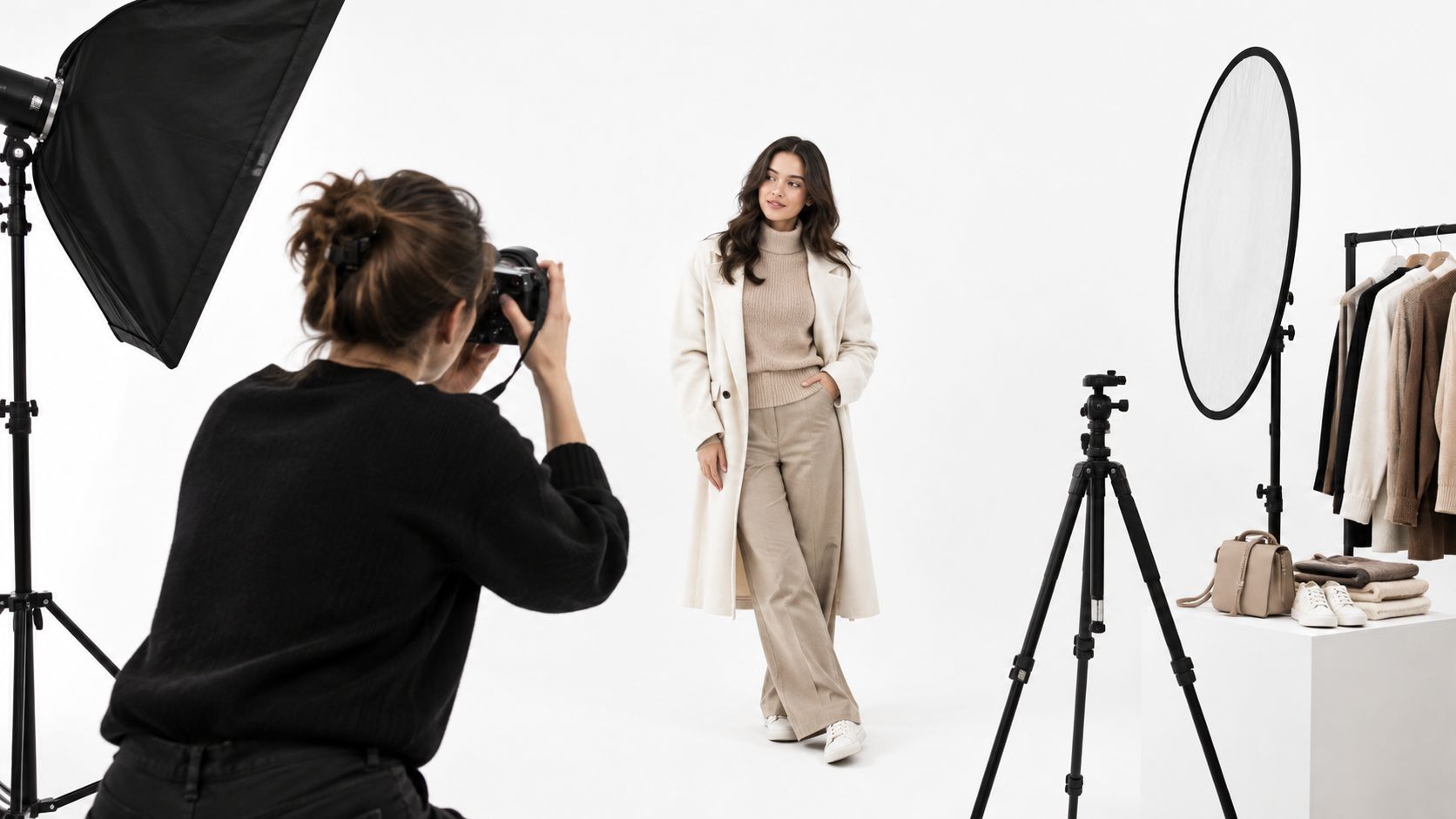
You've borrowed a backdrop, convinced a friend to model, and laid out three outfits on the bed. Now the camera's in your hand and every decision feels open, from lens choice to where the model should put her hands. That freeze is normal, and it's rarely a talent problem. It's a system problem.
Fashion photography for beginners gets easier when you stop treating a shoot as inspiration hunting and start treating it as a repeatable sequence. Write a brief, lock baseline settings, light clearly, direct for fit, style carefully, and edit faithfully. Do those things in order and your first shoot will produce usable images, not just lucky frames.
Table of Contents
- Planning Your First Fashion Shoot With a Simple Brief
- Choosing Gear That Actually Matters on Day One
- Lighting From One Light to Two
- Posing and Framing That Show Fit
- Styling and Set Choices That Quietly Make or Break the Image
- A Simple Editing Workflow That Stays Honest
- Putting It Together and Avoiding First-Shoot Mistakes
Planning Your First Fashion Shoot With a Simple Brief
The model is dressed, the lights are still off, and you're turning dials hoping something clicks. I've watched first shoots stall exactly there, not because the photographer lacked skill, but because nobody had decided what the pictures were for. A short brief removes most of that dithering before anyone arrives.
The context matters historically, too. Fashion images have communicated cultural meaning alongside garment information since the Victoria and Albert Museum's account of debutantes, actresses, and dancers posing in the 1840s, and that dual job still applies to a listing photo or a social post. Your brief decides how much weight each job gets.
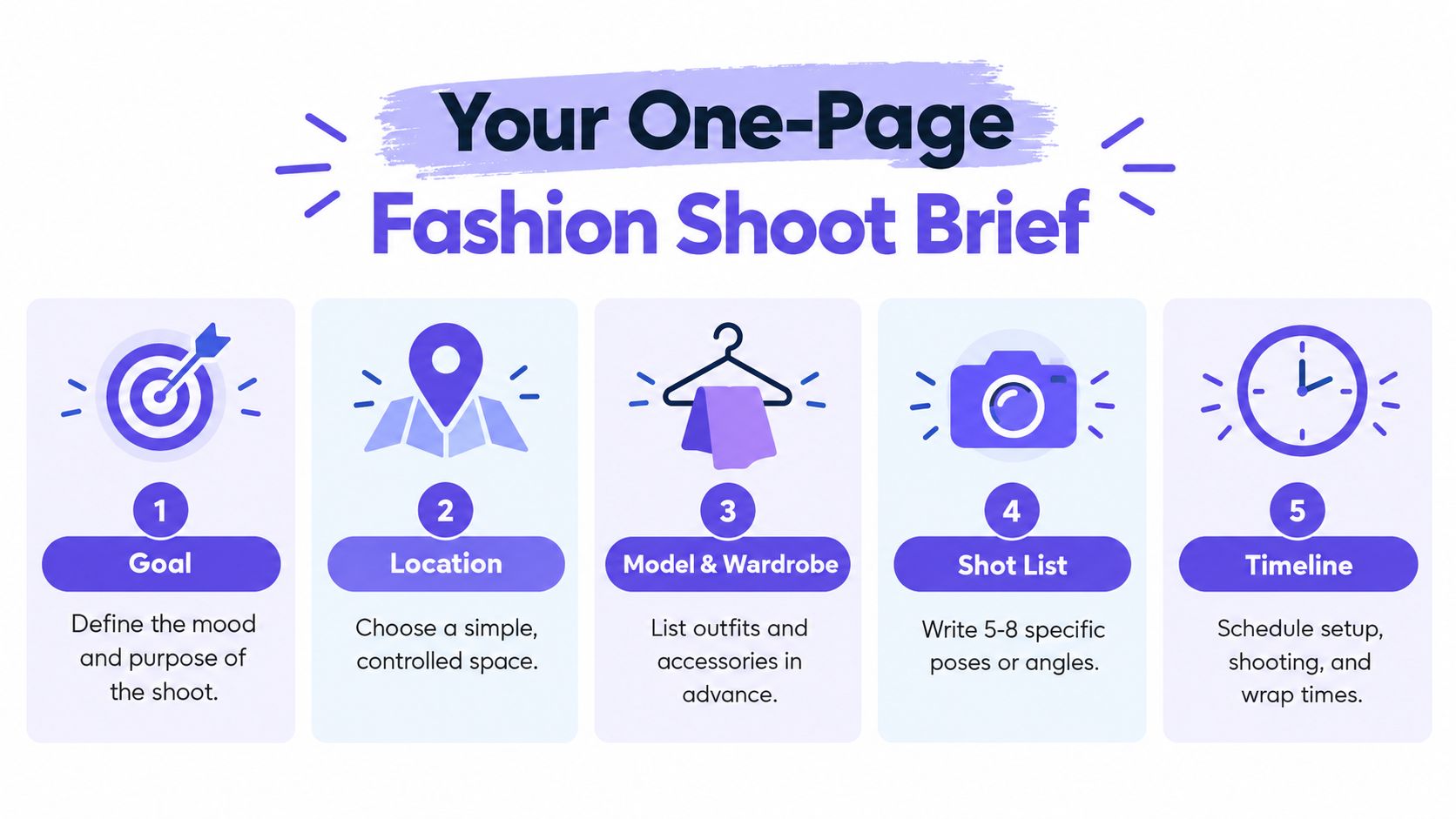
Five Questions to Answer on One Page
- Intended use: Is this an ecommerce listing, a lookbook, or social content, and what crop does each destination need?
- Garment visibility: Which details must stay readable, such as waist construction, sleeve length, fabric texture, or a back closure?
- Background and light: Are you shooting clean studio, plain wall, or location, and is the light soft and even or directional?
- Model direction: What poses, expressions, and crops do you want for each outfit, written as specific actions?
- Must-keep shots: Which five to eight frames define success if time runs short?
Turn vague language into testable choices. "Editorial vibe" tells a model nothing. "Plain gray background, full body, front and three-quarter views, one seated frame, hands away from the waist" gives everyone the same target.
Here's a workable mini-brief. Goal, ecommerce images for a knit dress. Location, living room corner with background paper. Wardrobe, dress in two colors, same shoes throughout. Shot list, front, three-quarter, back, seated, close texture detail. Timeline, setup, shooting, and review blocks with time reserved for steaming.
Practical rule: If the brief needs gear you don't own, rewrite the brief, not your shopping list.
Do a final sanity check against budget, space, and available help. If you're also testing digital workflows, noting them now prevents confusion later, and a guide to setting up an AI photo studio workflow can sit in the brief as a production note. Print the page and tape it to the wall. When energy dips mid-shoot, the paper remembers the plan so you don't have to improvise it.
Choosing Gear That Actually Matters on Day One
Most beginners spend on the camera body and starve everything that touches consistency. That's backwards. A modest body with repeatable framing, controlled color, and decent light will beat an expensive body used handheld under mixed household bulbs every time.
Start with a body you're comfortable operating in manual mode at low ISO. You don't need the newest sensor for a controlled first shoot. You need predictable autofocus on the eye or face, a hot shoe or trigger option if you're using flash, and settings you can change without menu hunting.
Lens and Baseline Settings
A 50mm or 35mm prime is the safest default for many small spaces, with 50mm usually kinder to proportions for full-body work when you have room to step back. Lock in ISO 100 to 200, aperture around f/4 to f/8, and shutter speed near but not above your flash-sync limit, commonly about 1/200 s, following the studio baseline for commercially usable fashion images. For full-body apparel, stay near f/5.6 to f/8 so the whole garment stays sharp.
Wide apertures like f/1.8 look attractive in portraits, but they can leave a hem, shoe, or far shoulder soft. Reserve them for close beauty or texture frames where selective focus is intentional. Fashion photography for beginners improves faster when you change one variable at a time, and fixed baseline settings let you judge posing and styling instead of chasing exposure.
A tripod matters more than many lens upgrades because it keeps framing identical across outfits. A gray card gives you a color reference under your actual light. A large reflector becomes your cheapest second light source, lifting shadows without another power setting to manage.
| Priority | Item | Why it matters | Budget-tier note |
|---|---|---|---|
| 1 | Diffused key light | Controls exposure, texture, and mood | Splurge here before a second lens |
| 2 | Tripod | Keeps framing repeatable across looks | Save with a basic sturdy model |
| 3 | Gray card | Anchors white balance and garment color | Very low cost, buy early |
| 4 | 50mm or 35mm prime | Sharp, simple, forces deliberate distance | Save by buying one focal length only |
| 5 | Reflector | Softens shadow side without extra power | Save, foam board works at first |
Spend the next dollar where it shows up in the file. Light control, stable framing, and accurate color show up. A marginally newer body usually doesn't.
Lighting From One Light to Two
One good setup, repeated, teaches you more than five setups guessed at. Start with a single large, diffused key light and learn what it does to faces, seams, and fabric before you add anything else.
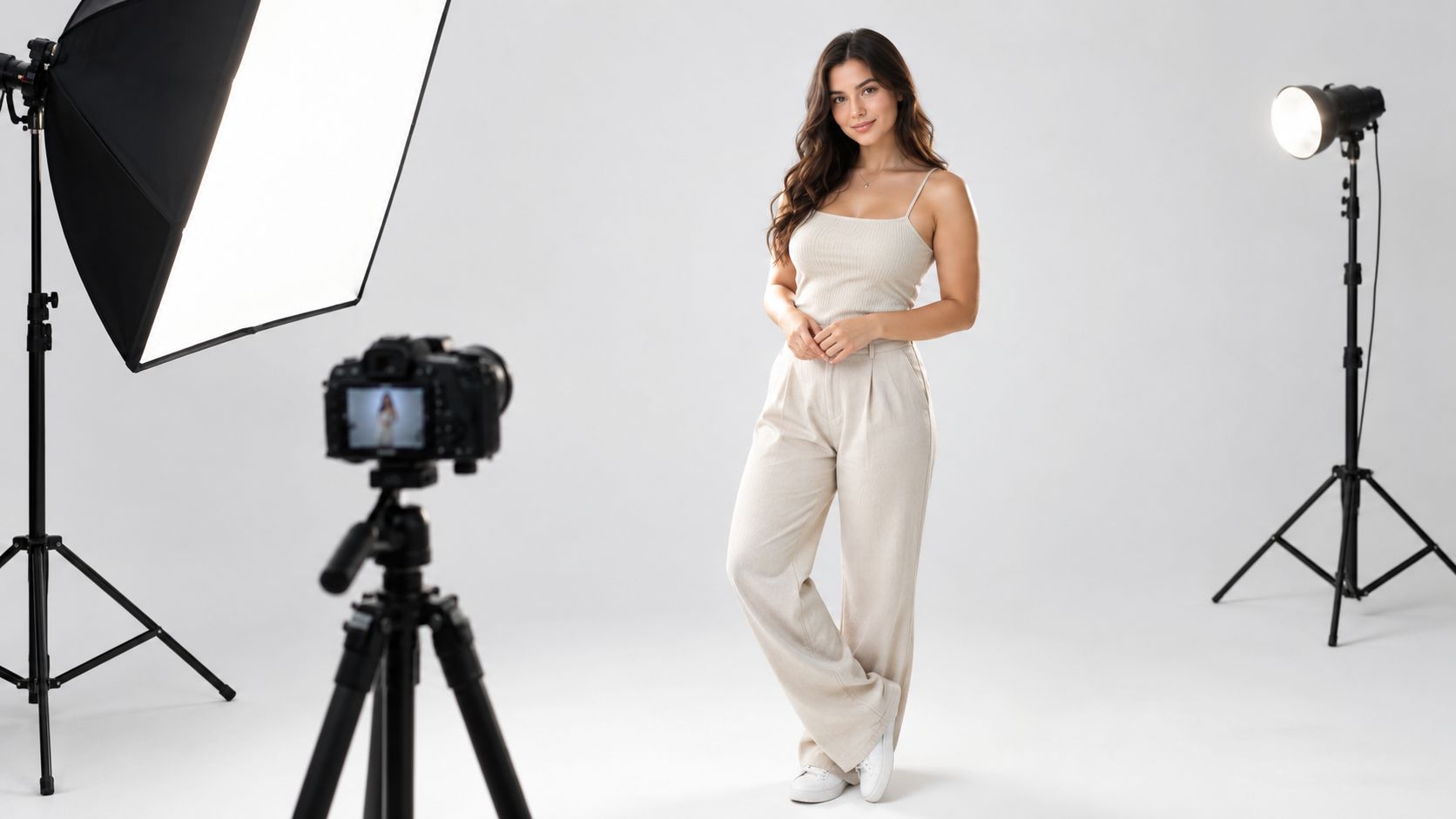
This studio frame shows the basic relationship you're building between model, light, and camera position.
The One-Light Setup
Place the key light roughly 45 degrees from the subject, slightly above eye level, and close enough that the diffusion stays soft. Put a white reflector or foam board opposite it to lift shadow density. Meter at the model's position if you can, lock exposure, and shoot a gray-card reference before the outfit frames begin.
Take one test frame and zoom in. Check the near eye, the edge of the garment, and whether white fabric still holds texture. If the shadow side goes muddy, move the reflector closer before you raise ISO or add power. Small distance changes do more than menu changes.
For head-and-shoulders frames, the same placement logic applies, and these headshot framing and lighting recommendations are useful when you tighten the crop. Keep the background dimmer than the subject so the eye lands on the person first.
Adding the Second Light
Add a rim or hair light from behind and to the side only after the key works alone. Start it one to two stops lower than the key, aim it at the hair and shoulder edge, and flag it so it doesn't flare into the lens or burn a hot stripe across the shoulder. Its job is separation, not a second key.
Watch a controlled demonstration before you practice, then copy the placement rather than the exact power numbers.
Continuous light shows you the result live, which helps beginners, but it often needs higher ISO or slower shutter speeds indoors. Flash gives more power and freezes small movement, though you judge it through test frames. Either works if you avoid four quiet failures, mixed color temperatures, auto white balance shifting between frames, a background brighter than the subject, and clipped highlights on white garments. Turn off competing room lights, set white balance manually, and check highlights on the brightest fabric first.
Posing and Framing That Show Fit
A flattering portrait and a useful fashion image aren't the same deliverable. The portrait sells expression. The fashion image has to tell a shopper or editor how a garment sits, moves, closes, and proportionates on a body. If a pose hides the waist, twists the torso so the front construction disappears, or buries hands over key seams, it fails even when it looks pretty.
That distinction has deep roots. Fashion photography professionalized through magazines after Vogue was founded in 1892 and purchased by Condé Nast in 1909, with staff photographers building repeatable visual standards. Your small shoot needs the same discipline at a smaller scale.
The Four Frames Every Garment Needs
- Front view: Shows neckline, closure, front seams, hem level, and overall proportion without a twist hiding construction.
- Three-quarter view: Reveals depth at the bust, waist, and hip, and shows how fabric falls away from the body.
- Back view: Confirms back seams, closures, vents, straps, and whether the fit pulls or collapses behind.
- Movement or seated frame: Tests tension across thighs, shoulders, and midsection, and shows whether the garment rides, creases, or restricts.
Shoot them in the same order for every outfit. Consistency lets a viewer compare colors and styles without relearning your angles each time. It also protects you on set, because you'll notice a missing back view before the model changes.
Direct with small, specific cues. "Chin down a fraction, shoulders square to me, shift weight to your back foot" works better than "look confident." A slightly turned hip with a square shoulder line usually reads relaxed but intentional, while micro-adjustments at the neck, jaw, and hands remove stiffness without rebuilding the whole pose. Show the model a reference frame on the screen when words aren't landing.
Direct the garment first, then the expression. Move hands that cover pockets, closures, or waist seams, and reset the pose when fabric tension is telling the wrong story.
Hold f/5.6 to f/8 for full-body fit frames. Drop wider only for close beauty or texture work where softness elsewhere is acceptable. Check fabric edges and facial focus at 100% before changing pose or lighting, because a soft hem discovered at home can't be fixed credibly.
Fit communication also depends on who models the garment. A peer-reviewed study on body-size dissimilarity and perceived online fit risk found that thin-model imagery can discourage consumers who wear larger sizes, while models closer to consumers' own size improved purchase decisions across eight experiments. Plan multiple body presentations when the garment serves multiple sizes. Preserve authentic proportions, show mobility and tension, and don't use poses that conceal fit problems. Representation only helps when it carries usable fit information.
Accessible planning belongs in that same conversation. Confirm consent and direction preferences, make room for mobility aids, photograph adaptive features clearly, and light varied skin tones for accurate color rather than one default exposure. Fashion photography for beginners should teach respect as a production skill, not an afterthought.
Styling and Set Choices That Quietly Make or Break the Image
You can nail exposure and still produce an amateur-looking image with a creased hem and a lamp cord behind the model's ankle. Styling errors are quiet because nobody names them on set. Viewers just feel that something looks off and move on.
Start with the garment itself. Steam or iron on set, clip loose threads, check buttons and zips, and inspect hems at close range. If you pin a sample for fit, pin where the camera can't see and note that you've done it, so the final image doesn't promise tailoring the product doesn't have.
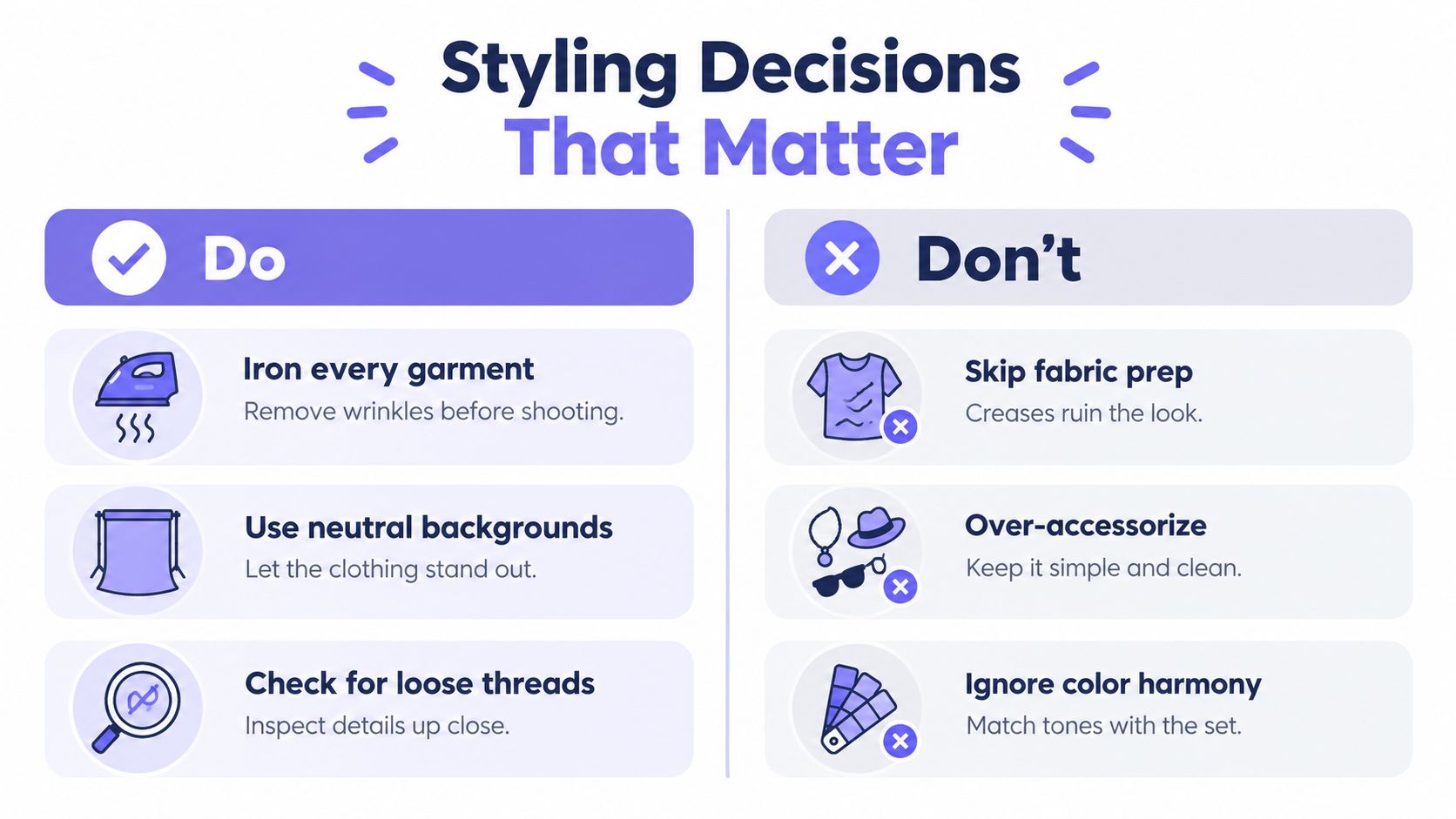
The One-Minute Pre-Click Scan
Squint at the LCD or step back from the monitor. Squinting strips detail and exposes bright distractions, crooked verticals, random shadows, mug handles, cords, and props competing with the garment. Remove anything that doesn't belong to the product story, including visible logos from other brands.
Choose a background that stays clearly darker or cleaner than the subject, and keep it consistent across the series. A single roll of background paper is often the cheapest way to control color, brightness, and floor transition in a small room. Keep shoe styling consistent too, because changing heel height mid-series changes posture and garment proportions.
Color harmony deserves the same discipline. A warm tungsten practical in the corner plus a daylight-balanced key light will split skin and fabric into different color worlds. Pick one dominant light temperature, dress the set in tones that don't fight the garment, and verify against your gray-card frame.
Accurate styling is a commercial decision, not decoration. Directional retail guidance cited in the verified research for this guide reports that 90% of surveyed Etsy buyers considered product-photo quality very or extremely important. That doesn't guarantee any single listing's result, but it underlines why shoppers punish muddy color and careless presentation. If you're building listing sets, these principles for clear clothing product photos align with the same goal, garments that read accurately at thumbnail size and at full zoom.
Texture needs protection as well. Rake light too hard across satin and you'll invent shine that isn't in the product. Flatten knitwear with overly frontal light and you'll erase the stitch. Adjust angle in small moves and compare the screen to the garment in your hand.
A Simple Editing Workflow That Stays Honest
Editing should make the photograph match the product you held on set. Presets that push color, crush shadows, or smooth everything into plastic may look dramatic, but they change what you're selling. Build a short pass you can repeat in Lightroom, Capture One, Affinity Photo, or any capable editor.
This editing setup shows the reference-based approach, image on screen with a color checker close at hand.
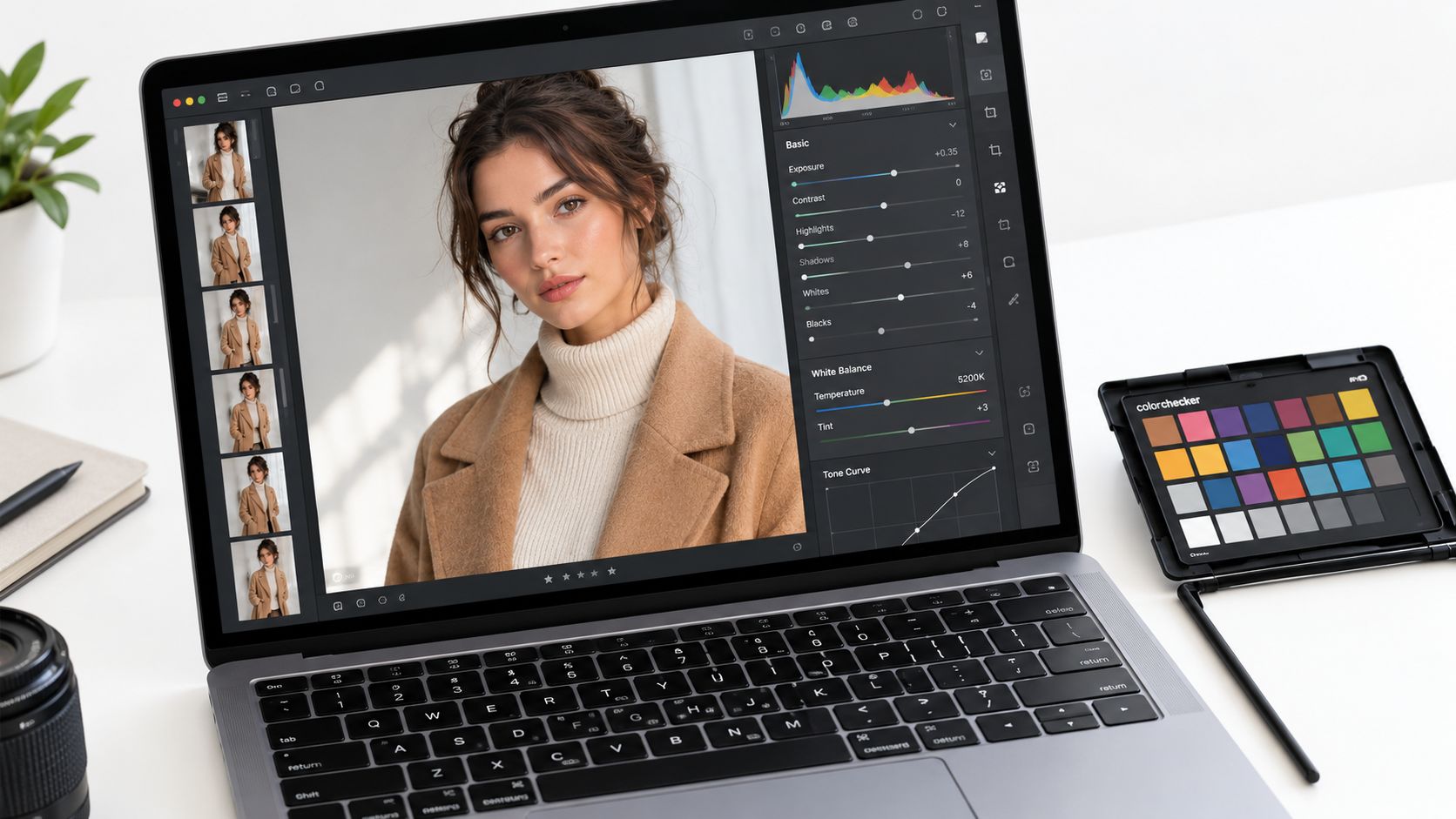
A Repeatable Five-Step Pass
- White balance from the gray card: Apply the reference frame's settings across the set before judging color.
- Exposure and contrast: Protect white fabric detail first, then set overall brightness so skin and garment separate cleanly.
- Crop and lens correction: Return to the framing promised in your brief and correct obvious distortion at the edges.
- Local garment adjustments: Lift a shadowed seam or texture locally instead of brightening the whole frame.
- Sharpness and noise: Apply modest capture sharpening and check at 100%, especially at fabric edges and eyes.
Two retouching moves misrepresent products regularly. Over-smoothing skin can make the model look unlike the person who wore the garment, and heavy background blur added in post can hide poor fit or messy construction. Clean temporary distractions if your brief allows it, but preserve skin texture, body proportions, seams, logos, and fabric behavior.
Honesty check: Put the edited image beside the physical garment under neutral light. If color, length, or construction reads differently, the edit isn't finished.
AI-assisted production fits here as an extension of editing, not a replacement for review. Industry reporting cited in the verified research notes that 30% of fashion professionals already use AI for visual-content production, according to Photoroom's clothing industry trends report. Tools such as Vtry AI can combine person and garment references to generate outfit variations, but the workflow still needs authoritative source images, prompt versioning, and a human comparing seams, texture, color, and fit against the original product. Label synthetic imagery where your client or platform requires it, and keep an edit history so a teammate can reproduce the result.
Putting It Together and Avoiding First-Shoot Mistakes
Your system is now small enough to fit on one page. Brief on the wall, baseline settings locked, key light at 45 degrees, four fit frames per garment, styling scan before each look, gray-card edit pass, final comparison against the product. That's the whole engine for fashion photography for beginners.
Pre-Shoot and Post-Shoot Checklist
- Before: Charge batteries, format cards, steam garments, tape the brief up, set manual white balance, shoot the gray card.
- During: Change one variable at a time, check focus at 100%, confirm front, three-quarter, back, and movement frames.
- After: Back up files, apply the reference edit, compare color against the garment, export only after review.
The common failures are boring, which is good news. Auto white balance drifts between frames. The background becomes the brightest thing in the picture. You change light position and aperture together, then can't tell what fixed the problem. Retouching removes the very tension lines a shopper needs to judge fit. Each one has a dull, reliable countermeasure in the checklist above.
Speed and polish can increase commercial risk when an image misrepresents fit, color, or construction. Review is the skill, not the preset.
For your next shoot, test one variable only. Move the key light closer, or try a seated frame earlier, or shoot the same garment on a second body type. Document settings, distances, and decisions in a personal reference library so a good result can be repeated by you, or by someone helping you, without guesswork. That record is what turns a first shoot into a practice.
When you're ready to extend this system beyond the studio corner, Vtry AI lets you combine person and garment references to generate outfit images, test multiple garments together, and keep people, prompts, and edits in one shared workspace. Use it the same disciplined way you'd use a camera, with authoritative garment references and a human review against the product before anything ships.