headshot recommendations
8 Headshot Recommendations for Every Professional Profile
Discover 8 practical headshot recommendations for lighting, styling, retouching, backgrounds, AI generation, and platform-ready exports.
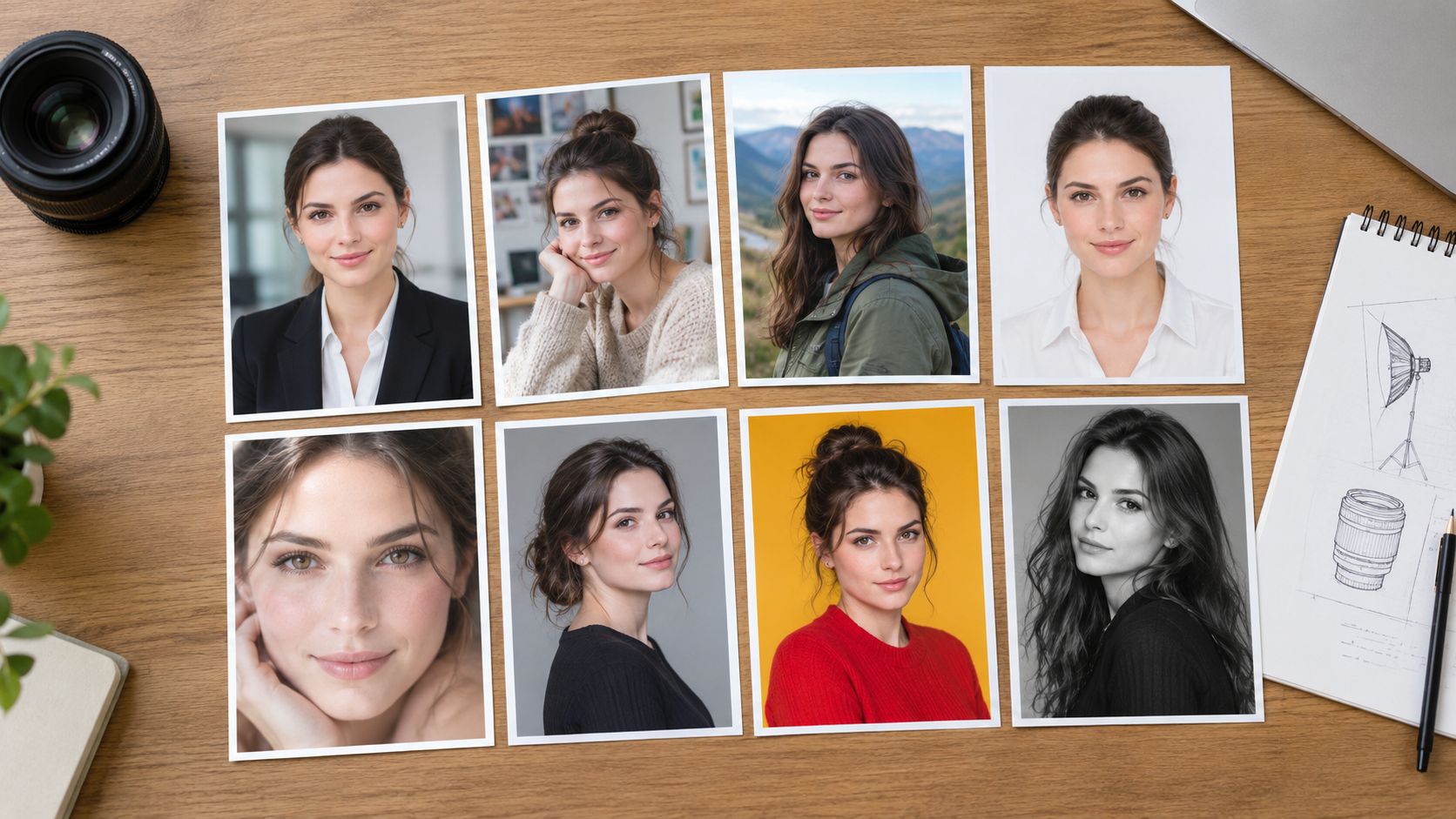
A polished headshot can be harder to get than it looks. You might have a good outfit, a capable phone, and a few minutes before a profile update, but overhead light casts shadows, the camera sits too low, or a tight crop makes the image feel awkward. The answer isn't one perfect pose or preset. It's a set of choices that work together and still look like you.
Start by deciding where the photo will appear and who needs to recognize you in it. A profile photo for a client-facing role may call for a different background or wardrobe than a creative portfolio, while both should show your face clearly and feel credible. These headshot recommendations connect the whole production process, from lighting and camera position to retouching, file delivery, and AI-generated options.
Choose the image's purpose first, then build around it. A clear, recent head-and-shoulders portrait with natural-looking light and an uncluttered background gives you a useful starting point. Make the choices below consistent with the person's profession, audience, and brand.
Table of Contents
- 1. Soft, Flattering Lighting
- 2. Choose the Right Lens Focal Length and Camera Height
- 3. Wardrobe Selection With Solid Colors and Clean Lines
- 4. Expression, Posture, and Eye Contact
- 5. Background Selection That Keeps the Focus on the Face
- 6. Subtle, Natural-Looking Retouching
- 7. Resolution, Cropping, and Platform-Specific Exports
- 8. Authenticity-First AI Headshot Generation From Reference Photos
- 8-Point Headshot Recommendations Comparison
- Choose One Direction and Deliver Consistently
1. Soft, Flattering Lighting
Light shapes the face before the camera records it. Use soft, diffused light to reduce harsh shadows and keep skin tone looking even. For a simple home setup, place the subject facing a large window. Turn the subject slightly toward the window rather than positioning the window directly behind them, which can leave the face too dark.
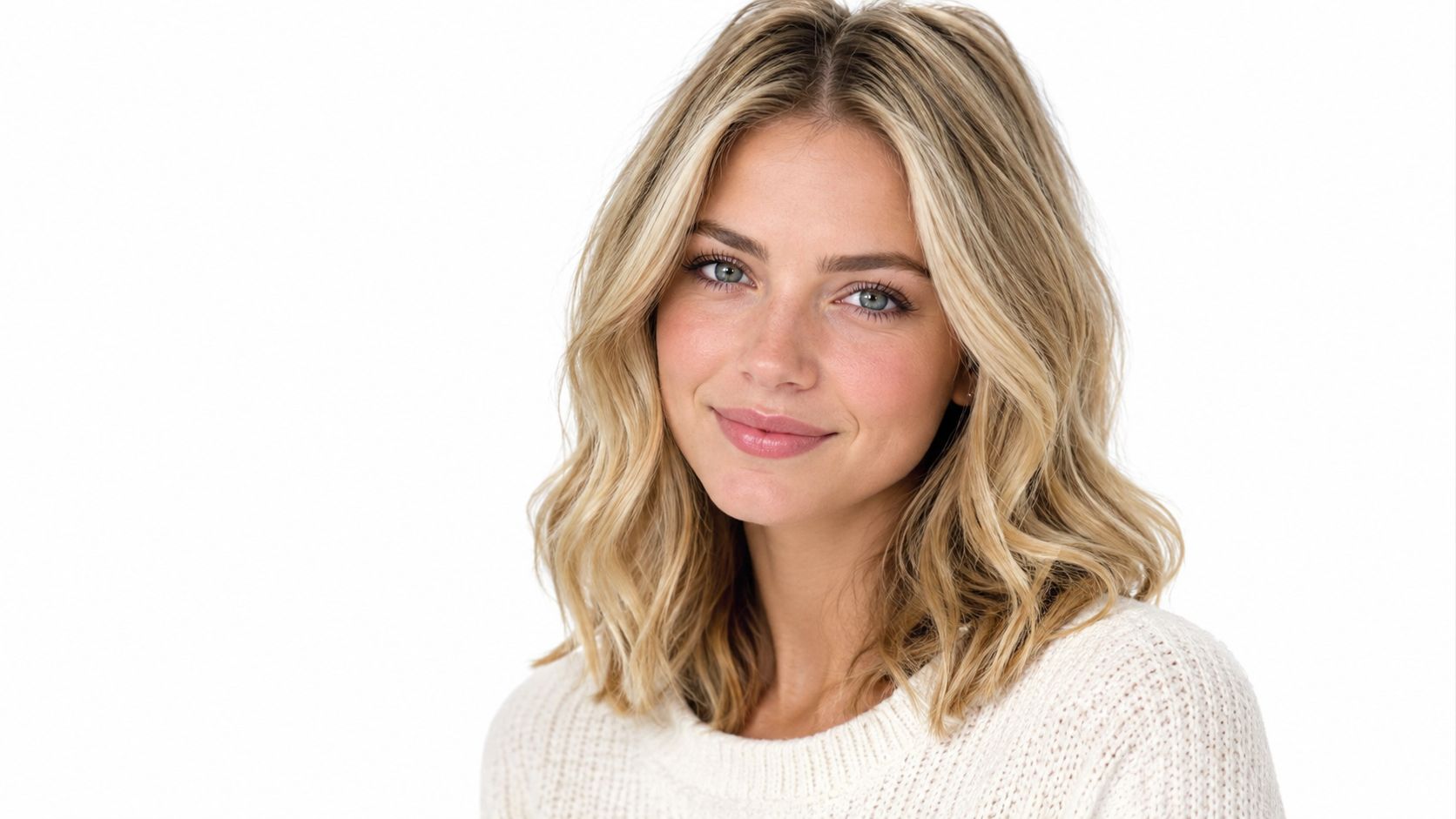
A photographer using a softbox can create a similar result with more control. Set the light slightly above eye level and to one side. A loop setup makes a small nose shadow fall toward the cheek; a Rembrandt setup creates a small triangle of light on the shadow-side cheek. Both add dimension without making the portrait look dramatic. Use a white foam board on the opposite side to soften deep shadows.
Keep the light consistent
For an individual portrait, move the subject until the face is evenly lit and the eyes have a clear catchlight. For a company directory, keep the light direction and softness consistent across people so the page feels cohesive. A team member photographed beside a window and another under hard ceiling lights will look like they belong to different visual systems.
Practical rule: If you can see a hard-edged shadow across the face, diffuse or reposition the light before changing the camera settings.
This guide to clothing for photography can help you coordinate wardrobe with the lighting and visual style of the shoot.
For a visual demonstration of portrait-lighting setups, watch the video below after considering how the light falls across the face.
2. Choose the Right Lens Focal Length and Camera Height
A camera can make familiar features look unfamiliar if it's too close or pointed from an awkward angle. Wide-angle lenses exaggerate whatever sits nearest to them, so a close phone selfie may enlarge the nose and make the sides of the face recede. Step back and use a portrait-friendly focal length, or use your phone's telephoto option when available.
For a dedicated camera, a portrait lens in the 85mm to 135mm range can render facial proportions naturally when the photographer has room to step back. The exact choice depends on the space and the framing you want. Don't chase a lens number at the expense of a natural-looking image. Keep enough distance to frame the head and shoulders comfortably, then adjust the lens or crop as needed.
Set the camera at eye level
Place the camera at eye height or a touch above it, and keep it level. A camera set too low can emphasize the chin and neck; one held too high can make the head look out of proportion. If you're using a phone, prop it securely on a tripod or stable surface instead of holding it at arm's length.
Ask the subject to lean forward just slightly from the waist. That small movement can add presence without forcing a pose. For a team shoot, use the same camera distance and lens for each person so one colleague doesn't appear noticeably larger or more compressed than another.
A straightforward test: take a frame at eye level, then shift the camera a little higher. Keep the angle that still looks like the person you'd recognize in a conversation.
3. Wardrobe Selection With Solid Colors and Clean Lines
Clothing frames the face, so choose pieces that support the person rather than compete for attention. Solid colors and simple textures are dependable choices for both individual portraits and team directories. Pick a shade that contrasts with the background and suits the intended brand. A navy jacket against a pale neutral wall, for example, gives the face a clear visual frame without relying on a loud pattern.
Avoid garments that create distractions in the final crop. Busy stripes, tiny repeating prints, large logos, and highly reflective jewelry can pull attention away from the face. Very bright white or deep black can also lose fabric detail under some lighting conditions, so check how the actual garment looks through the camera rather than assuming it will translate well.
Test the outfit in the frame
Bring a few options and take a quick test photo before the session. A jacket that looks crisp in a mirror may bunch at the shoulders when seated, while a textured fabric can look uneven under direct light. Check collars, lint, wrinkles, and fit at the shoulders, where small problems often become prominent in a tight crop.
For a company team, set a flexible palette rather than requiring identical outfits. Ask employees to choose from brand-aligned colors and similar levels of formality. If you're comparing clothing ideas before booking a shoot, a virtual try-on preview can help you assess how a garment frames the face. Keep the final choice grounded in the person's real role and everyday appearance.
4. Expression, Posture, and Eye Contact
A headshot should look confident without making the subject appear tense. Turn the shoulders slightly away from the camera, then bring the face back toward the lens. Keep the head level or use a gentle tilt, and relax the shoulders so the posture looks open rather than rigid.
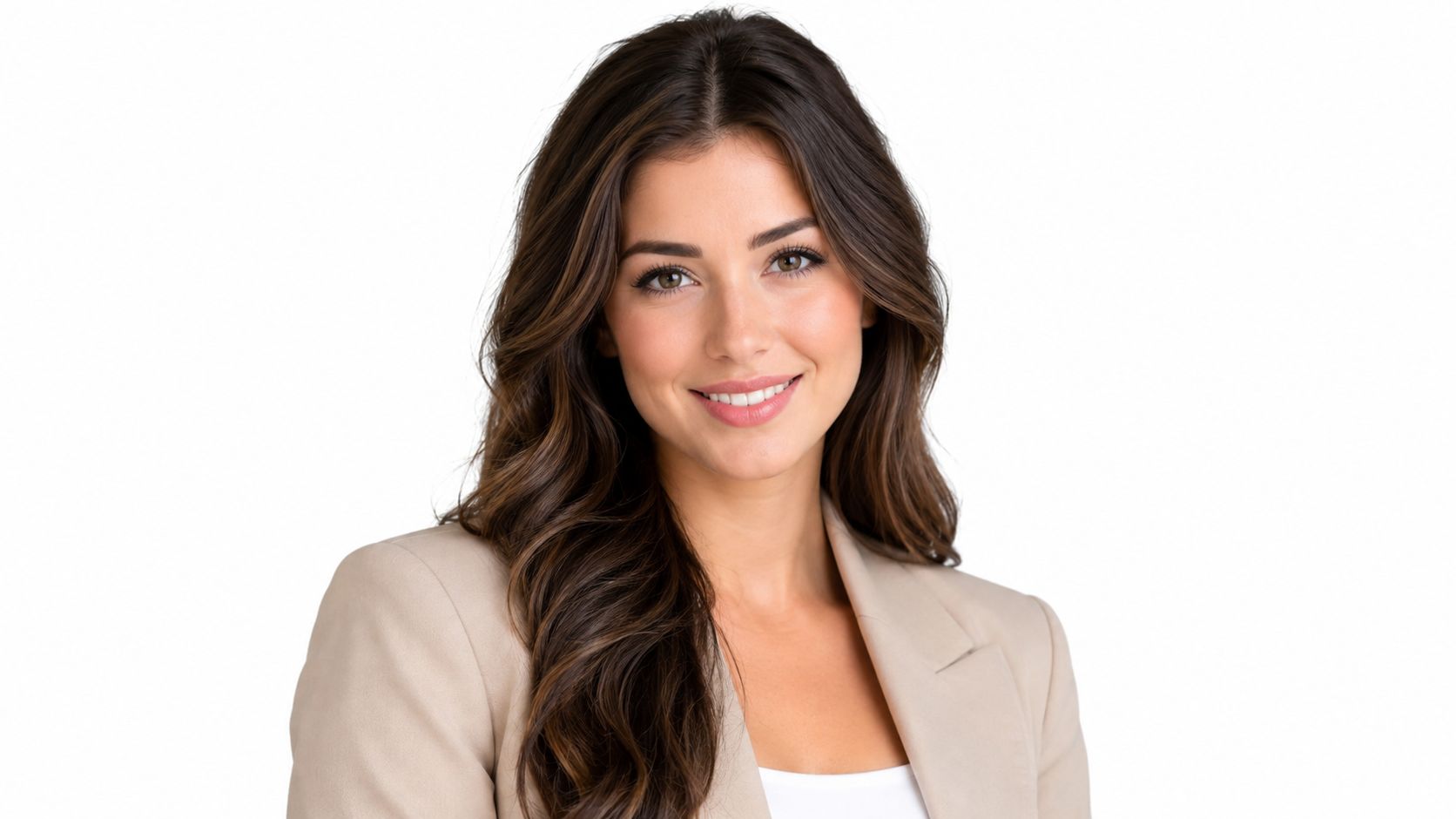
Direct eye contact helps the portrait feel engaged. A soft smile can make a formal image more approachable, but the subject doesn't need to force a wide grin. Ask them to pause, breathe, and think about a pleasant conversation or a person they enjoy speaking with. The expression often becomes more natural when they stop trying to “look professional” and respond to a real thought.
For the photographer: Give one adjustment at a time. Ask the subject to loosen their shoulders, then check the chin and expression, rather than delivering a long list of pose instructions at once.
Take several frames while making small changes to posture and expression. Review the options with the subject or a trusted colleague, and choose the one that feels most like them in a professional setting. If the image will sit beside product or campaign visuals, review the overall styling in context. Guidance on clothing for product photos can help teams think about wardrobe as part of a wider visual presentation.
5. Background Selection That Keeps the Focus on the Face
The background should make the subject easy to see, not become the subject itself. A plain wall, plain backdrop, or softly blurred workplace can all work. Choose a neutral or brand-appropriate color, then check that it contrasts with the person's clothing. A dark jacket against a dark wall may blend into one shape, while a pale outfit against a bright wall can lose its outline.
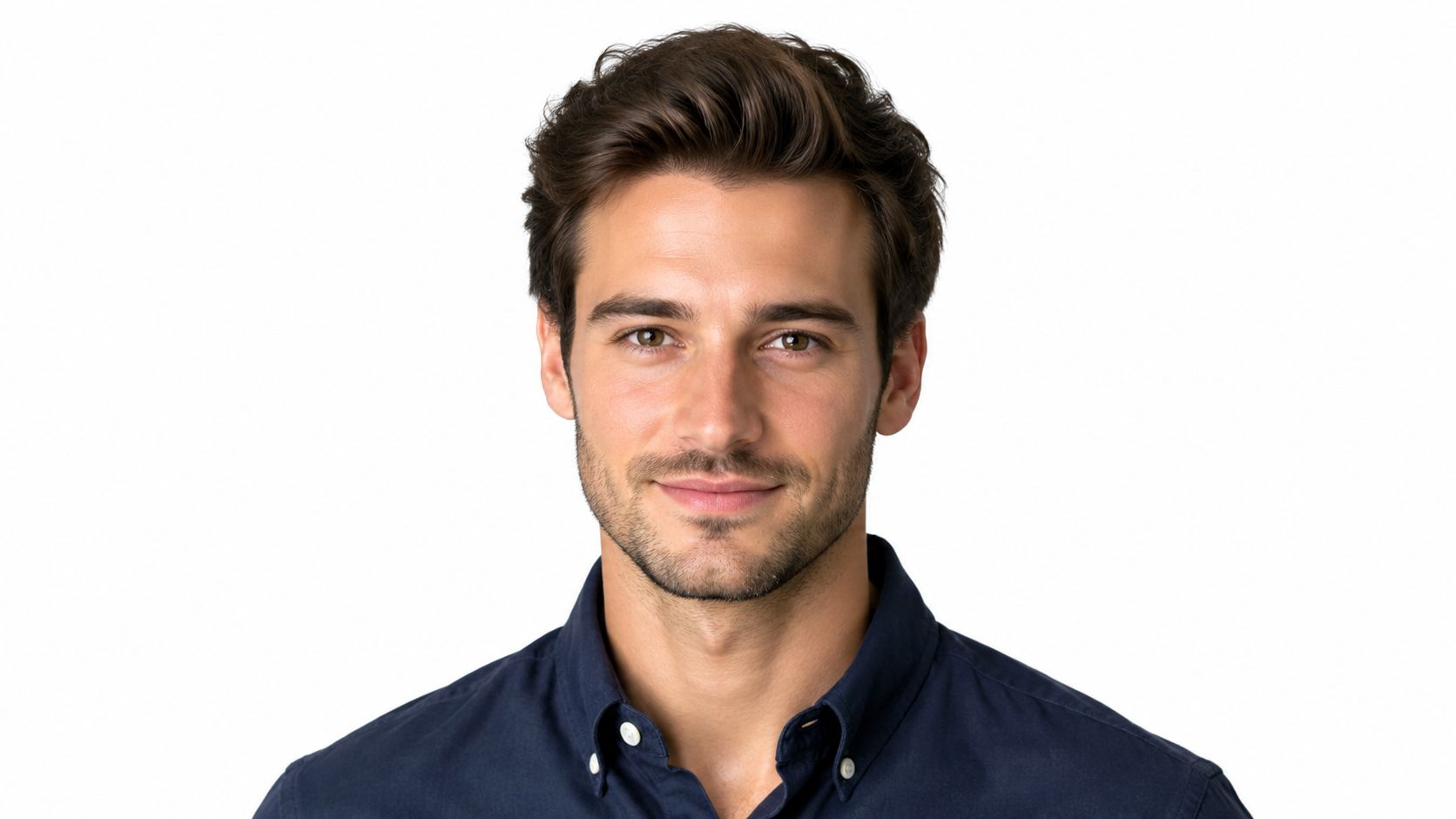
A home office can suit a consultant or founder if the setting is tidy and gently out of focus. Remove visual distractions such as bright objects, tangled cables, and busy wall art. For a more formal corporate portrait, a simple gray, soft-blue, or warm-beige background keeps attention on the face while leaving room for brand use.
Create separation from the backdrop
Move the subject away from the background when space allows. This helps separate the person from the wall and can soften background detail. In a studio, a separate background light can create a restrained gradient; at home, natural window light and distance may be enough.
For a company directory, use one backdrop or a controlled set of options. Consistency matters more than making every portrait identical. Give each person enough room to look natural, but keep the colors and visual weight aligned across the page.
6. Subtle, Natural-Looking Retouching
Retouching should polish the photograph without changing the person's identity. Correct a color cast, balance brightness, and reduce a temporary blemish if it distracts from the portrait. Keep skin texture visible and preserve facial proportions, age, and recognizable features. The aim is a cleaner version of the person, not a different person.
Compare the edit with the original
Keep an unedited copy beside the retouched version while you work. If smoothing removes natural skin detail or eye edits make the gaze look artificial, dial the change back. Avoid reshaping the jaw, slimming the face, changing hairlines, or applying a heavy filter. Those edits can create a mismatch when colleagues or clients meet the person in real life.
Start with built-in adjustments for brightness, contrast, and color before using detailed retouching tools. Make changes gradually, and review the finished portrait at its intended display size. A subtle correction that looks natural on a full screen can become too strong in a small profile thumbnail.
The best retouching is easy to miss. Viewers should notice the person, not the editing.
AI-assisted portraits need the same restraint. A polished finish doesn't justify altering facial structure or creating skin that looks implausibly smooth. Compare any generated or edited image with a recent, unaltered photo before publishing it.
7. Resolution, Cropping, and Platform-Specific Exports
A headshot can look excellent in a large preview and fail when a platform crops it into a small circle. Compose the original with room around the head and shoulders, keep the face near the center, and make sure the eyes remain visible after a circular crop. Don't crop so tightly that the hair or chin sits against the edge.
LinkedIn guidance recommends profile images of at least 400 × 400 pixels, and larger source files leave more room for cropping and recompression (LinkedIn photo guidance reported by Snappr). Keep a high-resolution master, then export versions for each destination rather than repeatedly cropping the same small file.
Make one master, then create derivatives
Prepare a square profile version, along with wider crops for team pages, press materials, or corporate directories. Check the image at its actual display size before approval. If the face looks too small in a circle, revise the crop from the master rather than stretching a finished export.
Use clear filenames so staff can find the right asset later, such as firstname-lastname-headshot-square.jpg. Keep the master and approved derivatives together, and label them by intended use. Teams handling product and campaign assets can also refer to these image preparation tips for Amazon when organizing image exports for different placements.
Technical checks should include sharp eyes, natural skin tones, an uncluttered crop, and enough resolution for the destination. Keep a separate copy of the original so future platform requirements don't force you to rebuild the image from a compressed file.
8. Authenticity-First AI Headshot Generation From Reference Photos
AI headshot generation can turn everyday photos into studio-style portraits without arranging a conventional shoot. The result still needs to resemble the person in real life. Start with clear reference photos that show one face, sharp features, and realistic lighting. Provide different views when possible so the system has useful visual information rather than relying on a single image or an obscured face.
Choose the model based on the task. Vtry AI offers Nano Banana 2 for faster generation and GPT Image 2.5 for higher resemblance. Use a quick draft to explore a background or lighting direction, then review the stronger likeness option when identity accuracy matters. A prompt gallery can help you set a visual direction, but specific instructions should still describe the person's actual appearance and intended professional context.
Review every image against the person
Compare generated results with a recent unedited photo before publishing. Check facial structure, hair, age, skin texture, and wardrobe. Reject an image if colleagues might hesitate to recognize the subject or if the styling suggests a role the person doesn't hold.
Professional polish isn't automatically better when it misrepresents someone. Guidance about profile photos and recruiter screening emphasizes that a credible, recognizable image matters, while not establishing that AI headshots guarantee hiring results (reporting on profile screening). Check relevant platform and employer policies, and disclose synthetic generation when the image could materially mislead viewers. For a sensitive or public-facing use, a real photographer may be the safer choice.
8-Point Headshot Recommendations Comparison
| Headshot Factor | 🔄 Implementation Complexity | Resources Required | 📊 Expected Outcome | Ideal Use Case | ⭐ Key Advantage |
|---|---|---|---|---|---|
| Soft, Flattering Lighting | Low–moderate; position a diffused source and adjust fill | Window light or softbox; optional reflector | Even exposure with gentle facial shadows | Most professional portraits and consistent team headshots | 💡 Flatters a wide range of faces while reducing retouching |
| Lens Focal Length and Camera Height | Low; choose a suitable lens and set camera near eye level | 85–135 mm lens, or phone telephoto mode; enough working space | Natural facial proportions and a flattering perspective | Individual portraits and cohesive team sets | ⚡ Simple adjustments can reduce distortion |
| Wardrobe Selection | Low; select and test suitable outfits | Solid-color clothing; optional outfit preview | Clean, professional appearance aligned with brand colors | Corporate profiles, directories, and team pages | ⭐ Keeps attention on the subject and supports visual consistency |
| Expression, Posture, and Eye Contact | Moderate; practice posing and review multiple frames | Camera and time for practice or coaching | Confident, approachable appearance | Profiles across professional industries | 💡 Small pose and expression changes can improve the impression |
| Background Selection | Low–moderate; choose a backdrop and create subject separation | Neutral backdrop or uncluttered space; optional background light | Clean composition with focus on the face | Studio portraits and standardized company headshots | ⚡ Simplifies cropping and supports team consistency |
| Natural-Looking Retouching | Moderate; make restrained edits and check likeness | Editing software or quick-edit tools | Polished image that retains realistic texture | Correcting minor blemishes, color, or exposure issues | ⭐ Refines the image without substantially changing appearance |
| Resolution, Cropping, and Exports | Moderate; prepare and manage multiple formats | High-resolution master image and export tools | Sharp, correctly framed images for different platforms | LinkedIn, websites, press kits, and print | 📊 One master image can support multiple platform-specific versions |
| Authenticity-First AI Generation | Low–moderate; provide good references and review outputs | Several clear reference photos and an AI generation tool | Studio-style portraits that aim to preserve likeness | Fast, scalable headshots for individuals or teams | ⚡ Can reduce session time and cost; verify outputs before publishing |
Choose One Direction and Deliver Consistently
The best headshot isn't necessarily the most polished or heavily edited. It's the image that fits the person's role, audience, brand, and destination while remaining recognizable. A founder's warm, softly lit portrait may suit a company profile, while a creative professional may choose a more environmental setting. Both can work when the lighting, wardrobe, expression, and background support the same impression.
Choose the visual direction before the final shoot or generation. Decide whether the image should feel formal or approachable, select a lighting style, set the camera position, and choose a wardrobe palette and backdrop. Then agree on the retouching standard and the export formats. This prevents teams from making disconnected decisions that produce portraits with inconsistent lighting, crops, or levels of editing.
For individual use, keep a recent, unedited reference photo alongside the approved headshot. Review the image at the size and crop where people will see it, especially on profile pages. If the face becomes too small or the expression looks different in a circular crop, return to the master image and adjust the export rather than applying a heavy edit.
For teams, save the approved choices as a shared reference. Document the backdrop, camera height, lighting direction, wardrobe guidance, and file naming convention. A team can use different outfits and expressions without losing consistency when these production decisions stay aligned. Generate a high-resolution master and create destination-specific versions from it.
AI can fit into that workflow when it preserves identity and receives careful human review. Vtry AI offers professional headshot generation from everyday photos, with options for creating profile, team-page, and campaign assets. Review every output for resemblance, natural lighting, credible wardrobe, and a suitable crop before you publish it.
- For a self-shot portrait: Use soft window light, place the camera at eye level, and test the crop before taking the final frame.
- For a photographer-led session: Agree on the lighting direction, background, and wardrobe palette before the subject arrives.
- For an AI-assisted workflow: Use clear references, check every result against the actual person, and keep an unedited reference for review.
Use Vtry AI to generate studio-style headshots from everyday photos, then review the likeness, lighting, expression, and crop before publishing. Set a consistent visual direction for your profile or team assets and create versions suited to their intended placements.