virtual fitting room software
Virtual Fitting Room Software: A 2026 Guide
Compare virtual fitting room software for styling versus true fit, then score speed, integrations, team sharing, and throughput.
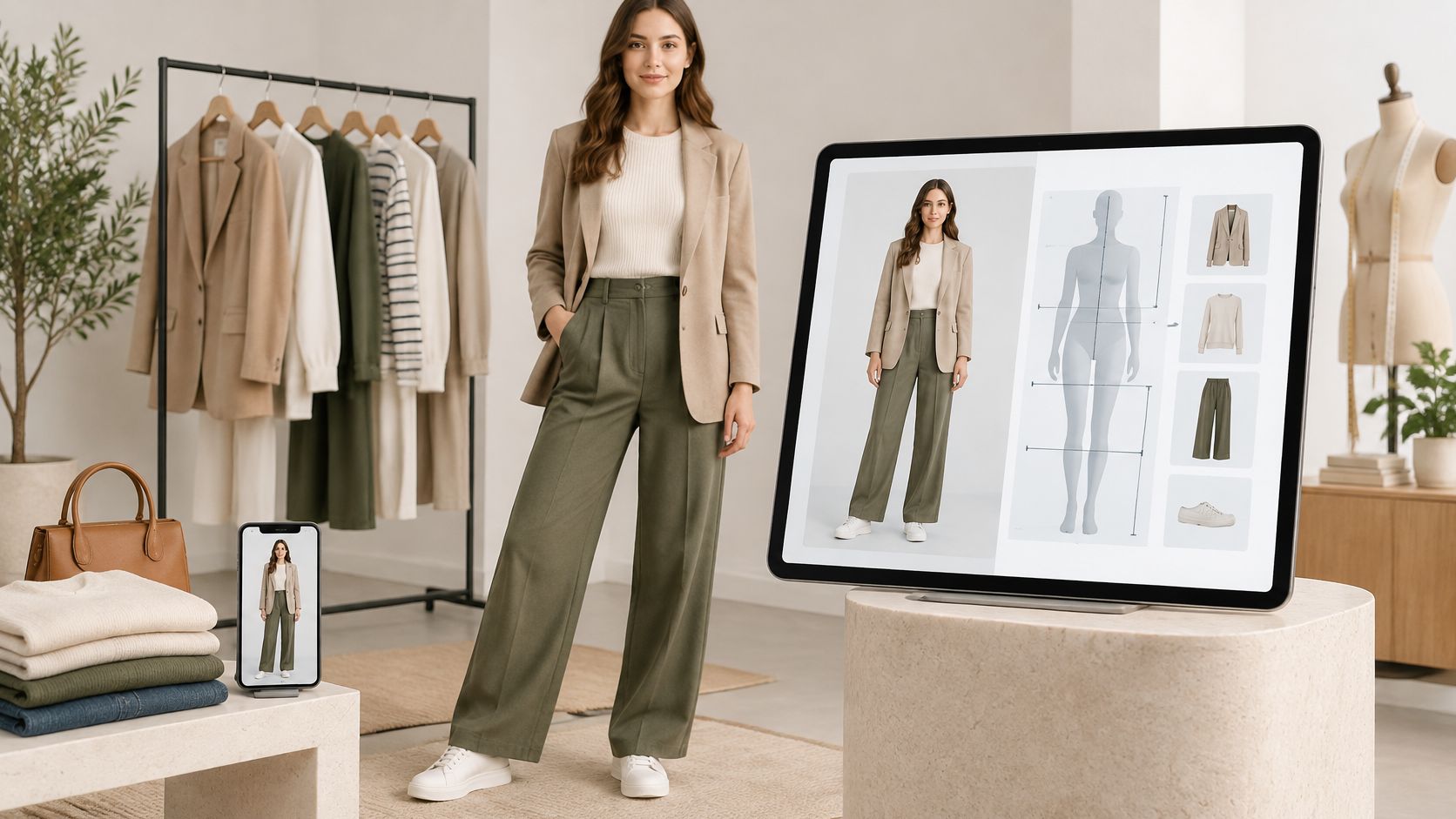
The most popular advice about virtual fitting room software is also the least useful: add virtual try-on to reduce returns. That skips the buying decision that matters. Do you need shoppers to visualize an outfit, or do you need to recommend a size from measurements? Those are different purchases, with different inputs, evidence, and operating costs.
A merchandising team can obtain useful outfit imagery without building a measurement system. A fit team can recommend sizes without generating campaign photography. Buy based on the problem in front of you, then judge the software on accepted outputs, review effort, and the claims you can confidently make.
Table of Contents
- Virtual Fitting Room Software Types Compared
- Fit Data Inputs a Size Engine Needs
- Performance Integrations Collaboration and Throughput
- Image Quality Tests That Actually Matter
- Production Workflows for Catalogs Campaigns and APIs
- How to Run a Reviewed Pilot
- Pick the Software for the Job in Front of You
Virtual Fitting Room Software Types Compared
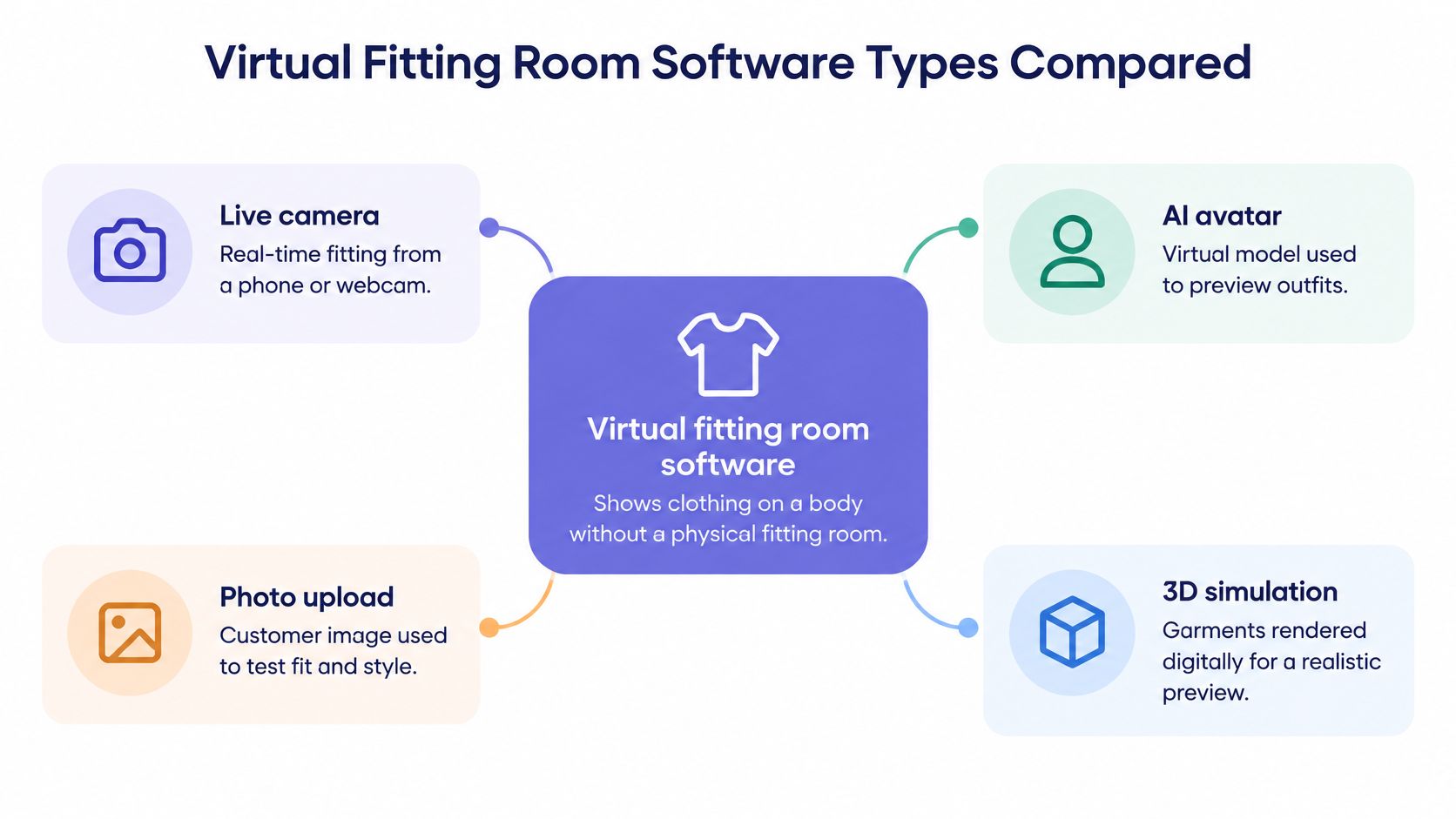
Virtual fitting room software shows clothing on a body without a physical fitting room. The category includes interactive camera experiences, generated photographs, measurement-based recommendations, and custom applications. Sharing a category name doesn't make those systems interchangeable.
The first distinction is appearance visualization versus measurement-based fit. An image can help someone judge color combinations, silhouette, and styling. It doesn't establish whether a waistband will pinch or a shoulder seam will restrict movement.
Compare the job before the demo
Virtual fitting room software types and the job each can do
| Type | Primary job | Fit claim | Throughput | Team and integration |
|---|---|---|---|---|
| Live AR overlay | See an item on a camera in real time | Appearance unless validated body and garment data are added | Poor match for catalog production | App or web SDK; check shared-library support |
| Single-item AI try-on | Place a garment on a photo | Styling image, not measurements | Item-by-item production | Check account sharing and upload API support |
| Multi-garment AI studio | Build full outfits for pages, ads, and social | Generated styling and merchandising visual | High potential; our studio generates a look in seconds | Our workflow includes shared people and garment libraries plus API access |
| Size and fit engine | Recommend a size from measurements and charts | Can address size and ease when suitable data exists | Not an image factory | PIM, size charts, measurement capture, and category rules |
| Custom-built fitting room | Own a branded fitting experience | Only what the build measures and validates | Requires development before production | Dedicated engineering, maintenance, and data ownership |
Treat the throughput column as a workflow comparison, not a universal vendor benchmark. A camera overlay may respond immediately while producing nothing your catalog manager can publish. A photo studio may take longer per interaction but leave an approved, reusable asset.
The interface categories below are useful for understanding how shoppers interact with a system. They aren't evidence that the underlying software measures fit.
What counts as fit evidence
The Fynd retailer guide distinguishes visual previews from dependable fit guidance, explaining that accurate body measurements and garment sizing data are necessary before a try-on can support a fit guarantee. A polished preview can otherwise create expectations the delivered garment won't meet.
Even a measurement-based engine needs a bounded claim. Matching body dimensions to a chart is different from predicting stretch, fabric behavior, or comfort during movement. Don't let a vendor use a convincing image to skip that distinction.
There is evidence that virtual dressing rooms can improve information quality: a controlled comparison summarized in Springer proceedings found that, among 75 participants, the virtual dressing room communicated garment shape and fit better than a standard web shop, with p = 0.003, although participants preferred a physical fitting room overall. That supports evaluating the information a tool provides, not assuming it eliminates returns.
Buying rule: Ask what evidence makes the output a fit prediction rather than a styling illustration.
A studio wins when the bottleneck is assembling publishable looks. A size engine wins when the unresolved question is which labelled size matches a shopper's body and preferences. A custom build makes sense when the branded interaction or integration requires control that a ready-made workflow can't provide, and engineering can maintain it.
Write the primary job in plain language before shortlisting software: fewer size-related mistakes, or faster on-model imagery. If both matter, budget and evaluate them separately.
Fit Data Inputs a Size Engine Needs
Start with the shopper's chest, waist, hip, inseam, and height, plus posture information where your collection process supports it. Each field needs a defined measurement method. A waist measured at the natural waist can't be matched to a trouser waistband positioned lower on the body.
Then separate body-size charts from finished-garment measurements. A chart describing the intended wearer isn't the same as a specification sheet describing the item. Store the chart type, units, measurement landmarks, and product association so the engine doesn't compare unlike fields.
Build an input inventory
Fit data inputs and the fit question each answers
| Input | Typical fields | Fit question it answers | Gap if missing |
|---|---|---|---|
| Body measurements | Chest, waist, hip, inseam, height, posture notes | Which size band the shopper fits | A photo alone doesn't establish these dimensions |
| Garment size chart | Labelled measurements per size, chart type, units | How the size specification relates to the body | Blocks a defensible measurement-based fit statement |
| Garment construction | Fabric weight, stretch, drape, lining | How the item may sit and move | Material behavior remains unsupported |
| Garment ease | Designed ease per category and measurement point | Whether the cut is intended to feel fitted or loose | Intended looseness can't be distinguished from a size mismatch |
| Category rules | Tops, trousers, dresses, outerwear | Which measurements matter for the item | Mixing categories skews recommendations |
Ease deserves its own field. A loose outer layer shouldn't be rejected because its chest measurement exceeds the wearer's chest, while a fitted garment shouldn't inherit the same allowance. Construction information also needs context: stretch direction and recovery are more useful than a generic stretch label.
Our full-body scanning guide is a useful starting point when assessing measurement capture. Whatever capture method you choose, validate the resulting dimensions before using them in customer-facing recommendations.
Let missing inputs limit the claim
Audit the first collection in your PIM or product spreadsheet. Mark unavailable fields explicitly rather than filling them with category-wide assumptions. Assign an owner to resolve discrepancies between supplier charts, technical specifications, and published product pages.
A missing measurement is a reason to narrow the recommendation, not a reason to infer it from an attractive photograph.
If your team has reliable specifications, a size-engine pilot is practical. If it has supplier photographs and little else, start with a styling library while technical design prepares the fit inputs. Don't publish a size recommendation just because the imagery is ready.
Performance Integrations Collaboration and Throughput
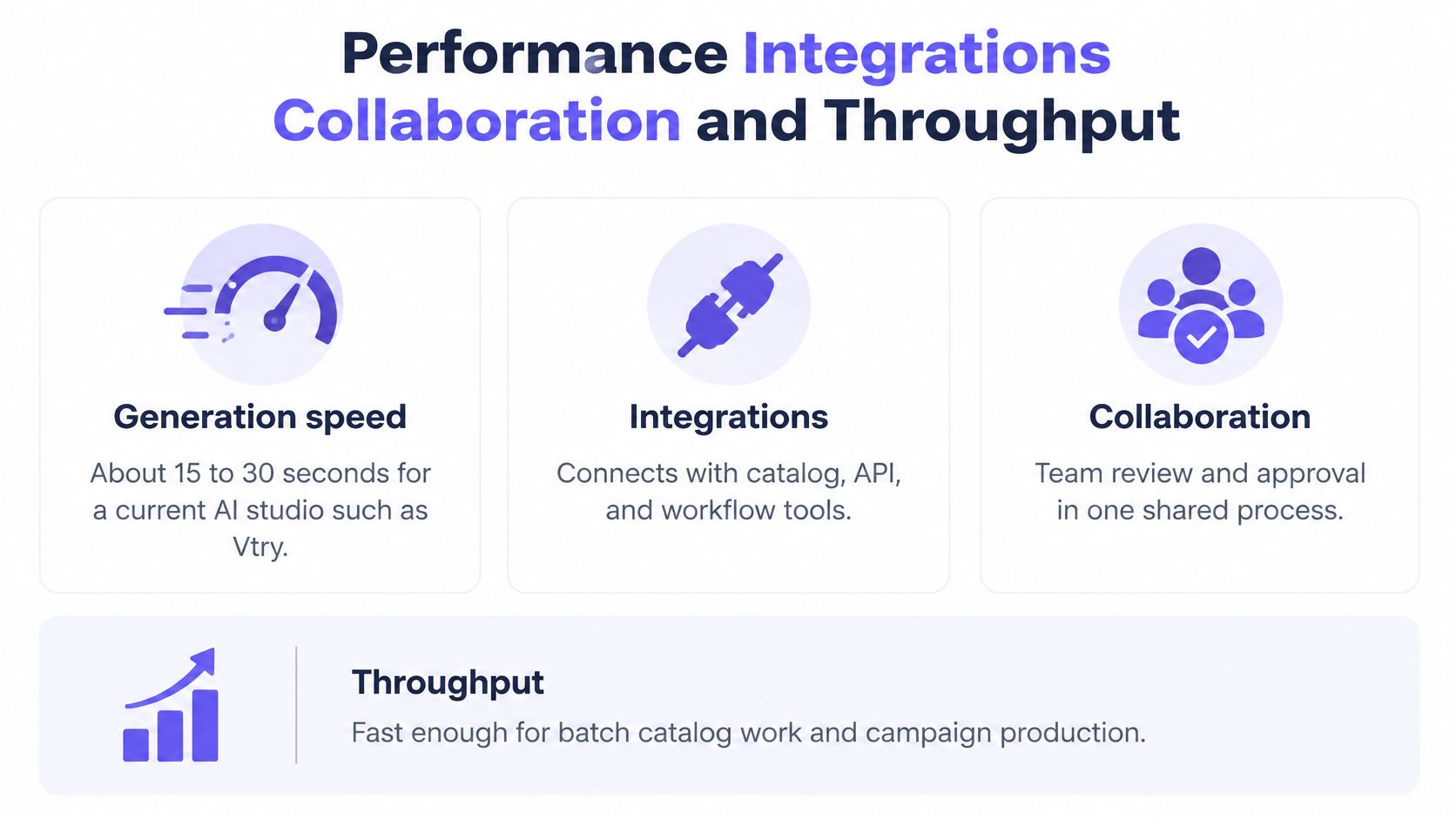
A generation timer isn't a production forecast. The useful measure is time from intake to an approved export, including queueing, rejected images, corrections, and review. At Vtry AI, generation takes 15 to 30 seconds, but your merchandising team still has to decide whether the result represents the product accurately.
Use a timed batch rather than a hand-picked demo. Keep the person, garment references, output requirements, and review criteria fixed so speed doesn't improve merely because the operator chose easier clothes.
Score the operating workflow
Operations scorecard for virtual fitting room software
| Criterion | What to test | A good 2026 result | Watch-out |
|---|---|---|---|
| Generation speed | Queue to finished image, then approval | Our generation window stated above, with review measured separately | Review and retries can dominate a batch |
| Model choice | Speed versus resemblance | Our studio offers Nano Banana 2.1 and GPT Image 2.5 | Neither model predicts size |
| Outfit depth | Garments retained in the output | Our studio supports up to 7 items, including shoes and accessories | Score each layer, not only the composite |
| Integrations | API and garment intake | Create people, upload clothes, queue jobs, poll results; URL or search import | Faces in garment photos can confuse generation |
| Team collaboration | Shared assets, history, and credits | Invite links and pooled credits; Team and Ultimate support up to 5 invited members | Shared access still needs consent and retention controls |
| Resolution and credits | Cost of the accepted final asset | Native 4K costs 18 credits per image on Team and Ultimate; credits reset monthly | High-resolution drafts consume the shared pool |
For model choice, run identical references through both options. Nano Banana 2.1 is the faster option; GPT Image 2.5 is the higher-resemblance option. Choose based on the failure you can't tolerate, whether that's a slow exploration loop or identity drift in a final asset.
For outfit depth, don't count only how many files the interface accepts. Verify that the output retains the requested top, jacket, trousers, footwear, and accessories without substituting details. More garments also mean more interactions for reviewers to inspect.
Test the handoff, not just the endpoint
Our public API supports creating people, uploading clothes, queueing try-on jobs, and polling the final image from your backend. Use the virtual try-on API guide when planning that connection. An internal tool or agent can trigger the workflow using a secure API key, but your integration should also handle job failures, source identifiers, and approval status.
Collaboration should preserve the relationship between inputs and outputs. Our shared workspace keeps the people library, clothing library, generation history, and credit pool together. Assign approval responsibility so another teammate doesn't mistake an unreviewed generation for a finished asset.
Treat resolution as a budget decision. Explore composition before committing to native high-resolution finals, and record total credits spent per accepted image, including discarded attempts. Fail procurement if the software can't state its generation window, outfit limit, invited-member cap, and final-image credit cost.
Image Quality Tests That Actually Matter
Don't accept a single realism score as proof of production readiness. A vendor can produce an attractive image while changing the garment, reshaping the person, or losing an accessory. Your acceptance process needs both technical evaluation and product-aware human review.
Separate paired and unpaired evaluation
In a paired test, the person and garment correspond to a known ground-truth photograph. In an unpaired test, the person is combined with a garment they aren't wearing in the reference. The Springer evaluation paper supports using SSIM and LPIPS for paired structural and perceptual comparison, and FID and KID for unpaired distributional evaluation; its DressCode context commonly uses 512 × 384 images, so scores shouldn't be compared across mismatched resolutions or datasets.
Use paired results to investigate reconstruction, pose, and identity drift. Use unpaired results to assess realism across an output set. Neither protocol establishes that a generated waistband has the correct physical ease.
Quality checks for virtual try-on acceptance
| Check | Use when | What it catches | Do not do |
|---|---|---|---|
| SSIM and LPIPS | Paired test with a ground-truth photo | Signals of identity, pose, and reconstruction drift | Compare scores across different resolutions |
| FID and KID | Unpaired person photo plus unworn garment | Distributional realism across images | Treat the score as fit accuracy |
| Garment-by-garment review | Every multi-item output | Missing, swapped, or partly worn pieces | Score only the finished composition |
| Occlusion review | Hands, sleeves, hems, and layers | Alignment errors and collisions | Hide defects in a cropped hero image |
| Disclosure label | Output built from photos alone | Risk of confusing styling with size advice | Claim lower returns without return-reason evidence |
Review the commercially important errors
A virtual try-on quality-assessment preprint evaluates clothing fit, body compatibility, and overall quality separately, finding that perceptual-distance metrics are less effective at judging whether clothing is correctly and completely worn. That makes garment-level review necessary, especially for layered looks.
Give reviewers source images beside the output. Check closures, print placement, neckline, pocket positions, sleeve length, hem alignment, and whether hands pass plausibly in front of or behind fabric. Ask for results grouped by garment category and occlusion condition, not just an average.
Keep visual confidence and fit accuracy on separate scorecards. Mark fit accuracy as not assessed when measurements and size data weren't inputs. Our ecommerce model photography guide provides context for defining publishable imagery rather than accepting technically impressive but commercially inaccurate pictures.
Your minimum acceptance package should include a paired reconstruction test, an unpaired realism test, and a human review sheet for garments, hands, hems, and layers. Retain rejected outputs so the team can identify recurring failures.
Production Workflows for Catalogs Campaigns and APIs
Say a retailer is preparing a collection launch. The catalog manager needs consistent product imagery, the campaign lead wants outfit options, and operations needs approved files attached to the correct products. Those are related jobs, but each needs a different handoff.
Our studio is designed for ecommerce, catalog, and social workflows, including product pages, campaign tests, ads, and social posts. The practical question is where generated imagery belongs in that production chain.
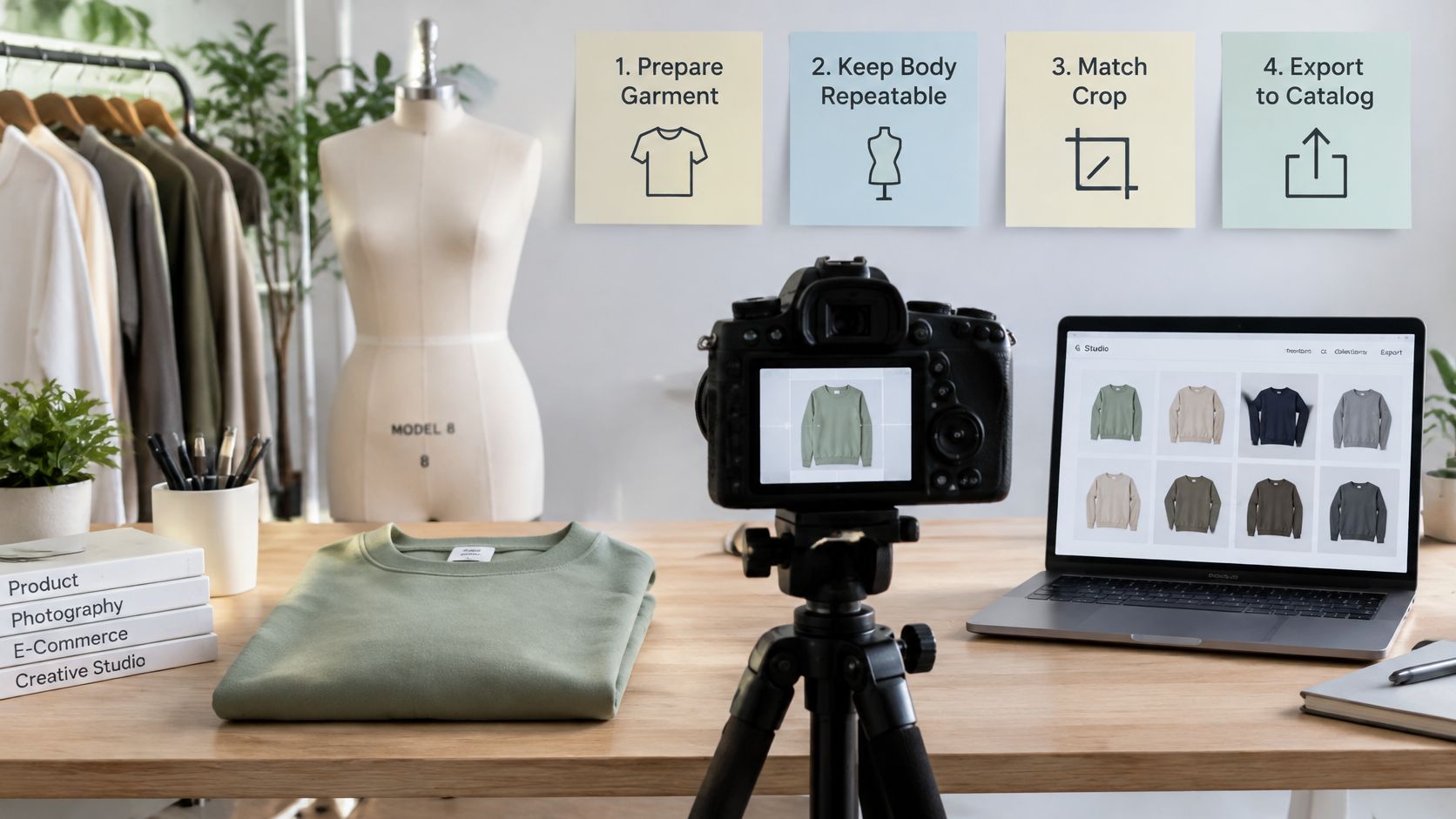
A collection moving through production
For the product gallery, the operator selects a reusable person reference, consistent background, and fixed crop. Each approved image must still preserve the product's distinguishing details. Keep physical photography where texture, translucency, construction, or exact color reproduction requires direct capture.
For a campaign test, the stylist changes outfits or scenes while retaining the person reference. This works for deciding which combinations deserve further creative investment. Don't treat a promising concept image as an automatically approved product depiction.
- Marketplace and DTC intake: Our Smart Wardrobe imports clothes from product URLs or in-app web search, helping an operator build a digital closet without starting with a custom application. Confirm that the imported asset corresponds to the intended product variant.
- Developer and operations handoff: Our automation tools connect image generation, garment import, and workflow actions to backends and internal tools. Attach product identifiers, channel requirements, and approval status before filing exports for publication.
Optimize for usefulness, not novelty
A qualitative consumer study published through Wiley identified perceived usefulness, ease of use, enjoyment, trust, privacy, and perceived risk as factors in how consumers evaluated virtual fitting rooms. Those findings support a practical requirement: the output should help a shopper understand the product, not merely decorate the page.
For the catalog manager, that means consistent presentation without concealed garment changes. For the campaign lead, it means testing styling directions without confusing exploratory images with final deliverables. For operations, it means traceable assets rather than an unlabelled downloads folder.
These workflows don't replace a size chart, a fit-model session, or a physical fitting room. Keep technical fit decisions with the team and systems equipped to make them. Use the image workflow where repeatable people, outfit composition, and channel-ready exports solve the actual production problem.
How to Run a Reviewed Pilot
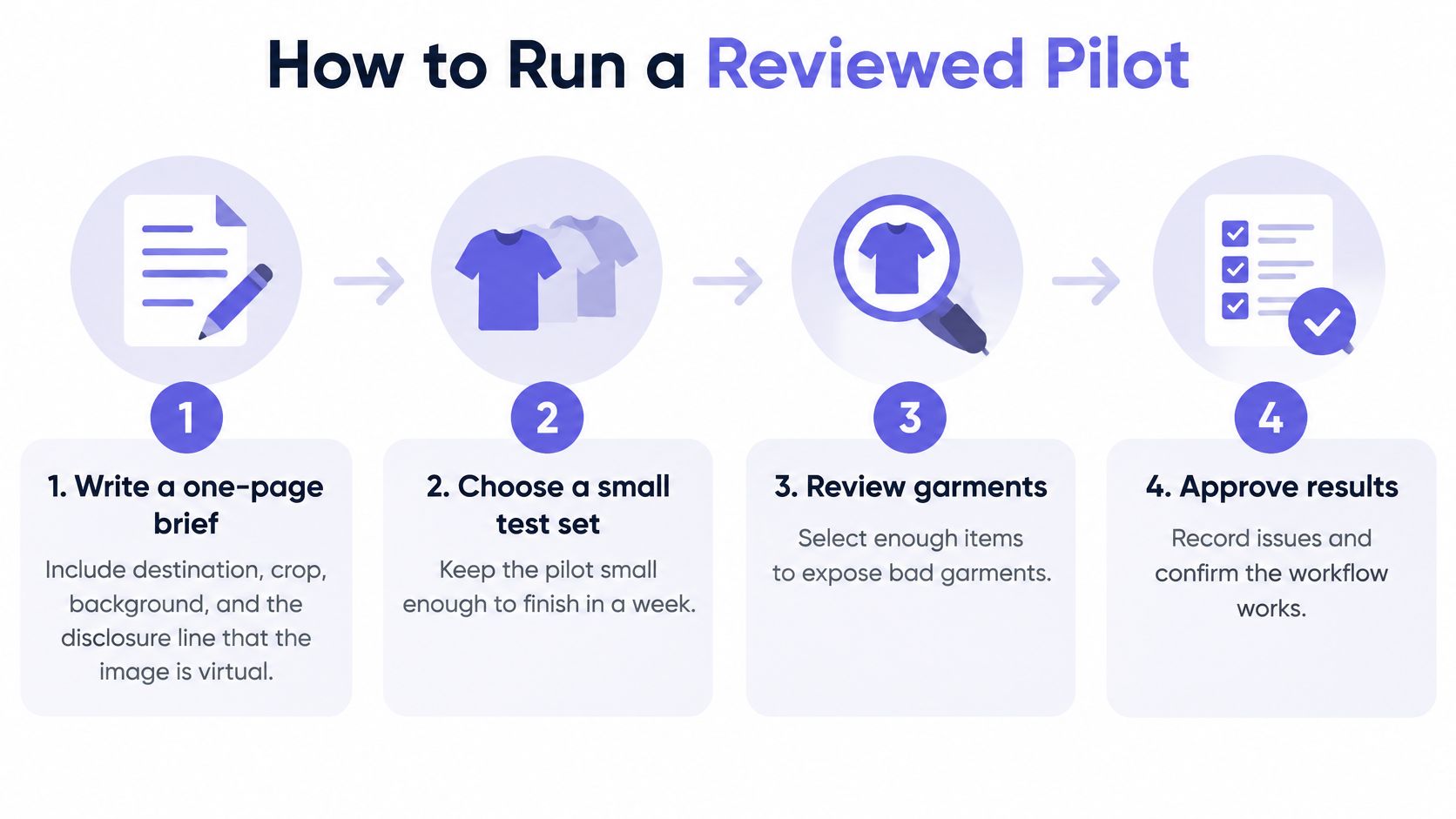
Keep the pilot narrow enough to complete within your working week, but include difficult garments rather than only clean, front-facing basics. Select references that expose the risks your assortment contains: overlapping sleeves, long hems, patterned fabric, layered outerwear, or accessories near hands.
A user study on virtual try-on found that participants valued the technology for confirming an imagined fit rather than objectively measuring fit, reinforcing the need for transparent feedback. Your pilot should test whether people understand the output's limitations as well as whether they like the picture.
Run the pilot with an approval trail
Write the production brief. Specify destination, crop, background, and acceptance criteria. Include a disclosure stating that the image is synthetic and isn't a size recommendation.
Add a person with permission. Our guided onboarding accepts up to 3 photos or camera capture and stores the person for reuse. Establish who may upload the reference, who can access it, and when it should be deleted.
Build a deliberately mixed garment set. Use product URLs or in-app search, then verify the imported variants. Our face warnings flag garment images containing a visible face because they can confuse try-on; use Extract (AI) to find cleaner options before proceeding.
Generate controlled comparisons. Change a single variable at a time, such as the jacket or pose. Keep the outputs in the shared workspace so reviewers assess the same history rather than disconnected exports.
Apply the acceptance sheet. Review identity, product details, hands, hems, and layer interactions against the references. Record visual-confidence findings separately from any measurement-based fit evaluation.
Export approved assets only. Choose the aspect ratios required by each channel and carry the disclosure into publication. Record credits consumed by accepted and rejected attempts so production cost includes rework.
Make a category-level decision. Group failures by garment type and body representation, then approve, restrict, or reject each use case. A successful jacket image shouldn't authorize an untested dress workflow.
Make privacy part of acceptance
Keep person references separate from product assets, document consent and retention, and preserve the connection between source files and generated results. These are operating requirements your team must establish, not policies to assume the software has supplied.
Release gate: A beautiful output fails if the team can't identify its source person, source garments, reviewer, and permitted use.
Include the bodies, skin tones, poses, mobility needs, and clothing requirements relevant to your audience. Record where the system fails instead of using an overall average to conceal uneven performance.
Pick the Software for the Job in Front of You
Choose virtual fitting room software by the unresolved decision, not by the most impressive demonstration. A convincing demo proves that a system can produce that example. It doesn't establish that your team can run the collection through it with acceptable review effort.
Match the purchase to the bottleneck
- If size mistakes drive the problem, buy or build a measurement and size-chart engine, and require evidence tied to size-related outcomes rather than generated imagery.
- If collection launches stall on image production, choose a multi-garment studio and evaluate accepted-output time, outfit preservation, review workload, and final-asset cost.
- If a merchant needs to fill a marketplace closet, prioritize product-URL intake and reusable people over a custom shopper-facing application.
- If engineering already owns the catalog pipeline, require backend job handling, secure API access, and a workable approval handoff before approving the visual demo.
- If colleagues share models and garments, require invite-based workspace access and traceable history rather than relying on exported folders.
Vtry AI is an example of the multi-garment studio purchase: it combines people and clothes to generate outfit imagery within a reusable production workspace. It's a merchandising tool, not a substitute for technical size data.
Expand only what reviewers can approve
The best procurement result isn't the longest feature list. It's a clear agreement about which assets the team can produce, who approves them, and which claims remain unsupported. Keep ownership explicit across merchandising, technical design, creative, and engineering.
A physical studio still earns its place when exact product depiction or movement needs direct capture. A size engine earns its place when the customer needs a defensible recommendation. An image studio earns its place when operators need to compose and assess looks without organizing a shoot for every creative variation.
Start with a collection and a defined publication destination. Run the reviewed pilot, preserve the rejected outputs, and authorize only the garment categories that meet your acceptance criteria. Expand because the workflow works repeatedly, not because a hero image impressed the team.
Vtry AI brings person onboarding, garment import, multi-garment styling, editing, and export into a shared studio with API access for automation. Visit Vtry AI to build a pilot collection, review the generated looks against your product references, and decide whether an appearance-visualization workflow solves your production bottleneck.